Layouts not syncing from Cloud to Wordpress

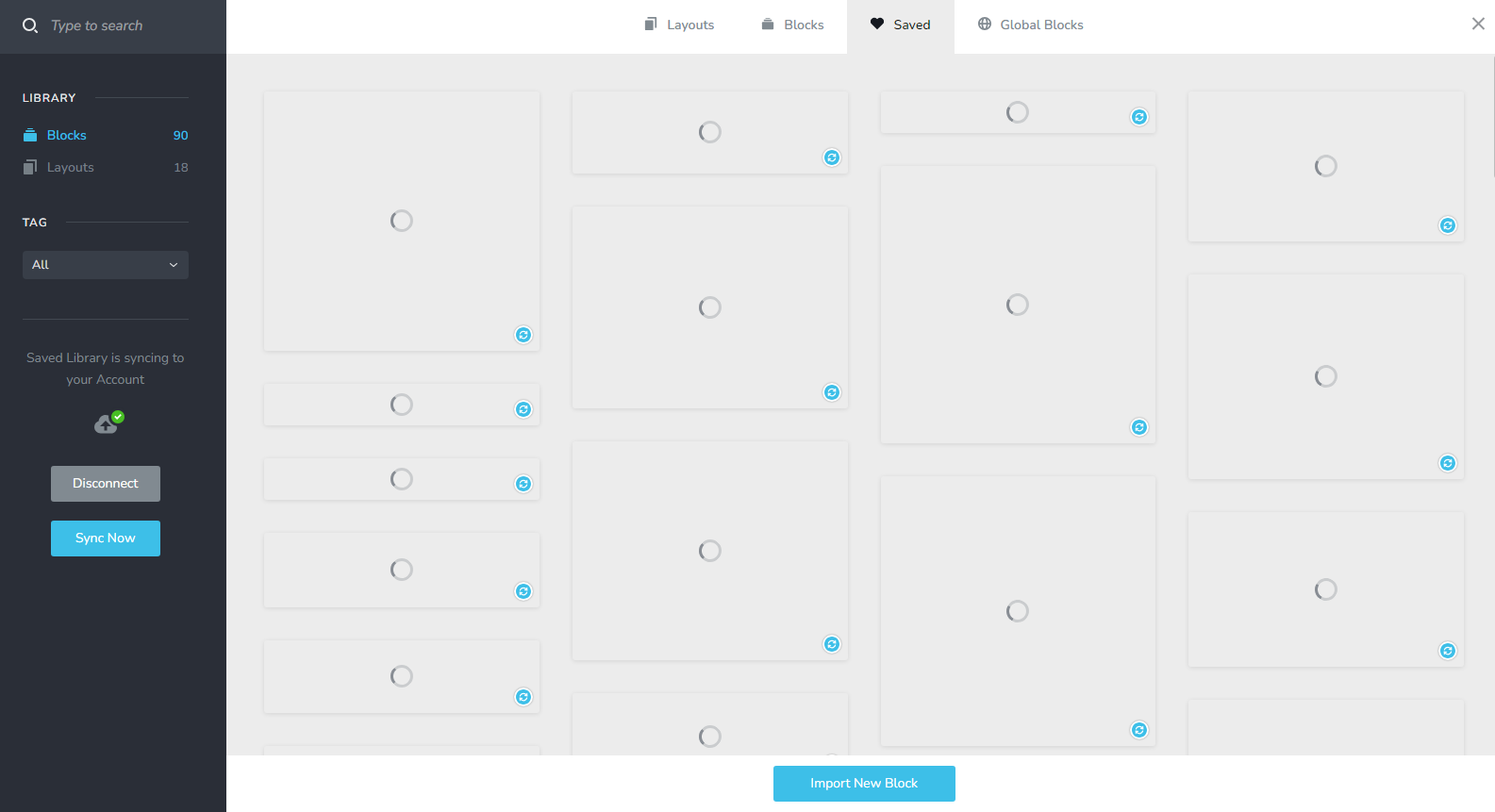
I'm trying to sync a saved layout on Cloud to my Brizy Pro account on Wordpress, but seeing the following constantly - just freezes at this point. I have the latest Brizy Pro (Version 2.4.26) and Brizy (Version 2.4.29) installed, as well as PHP 8.2. Please advise?
-

Hi David,
Please try changing your theme to Blocksy and check if you are able to sync your blocks and layouts library.
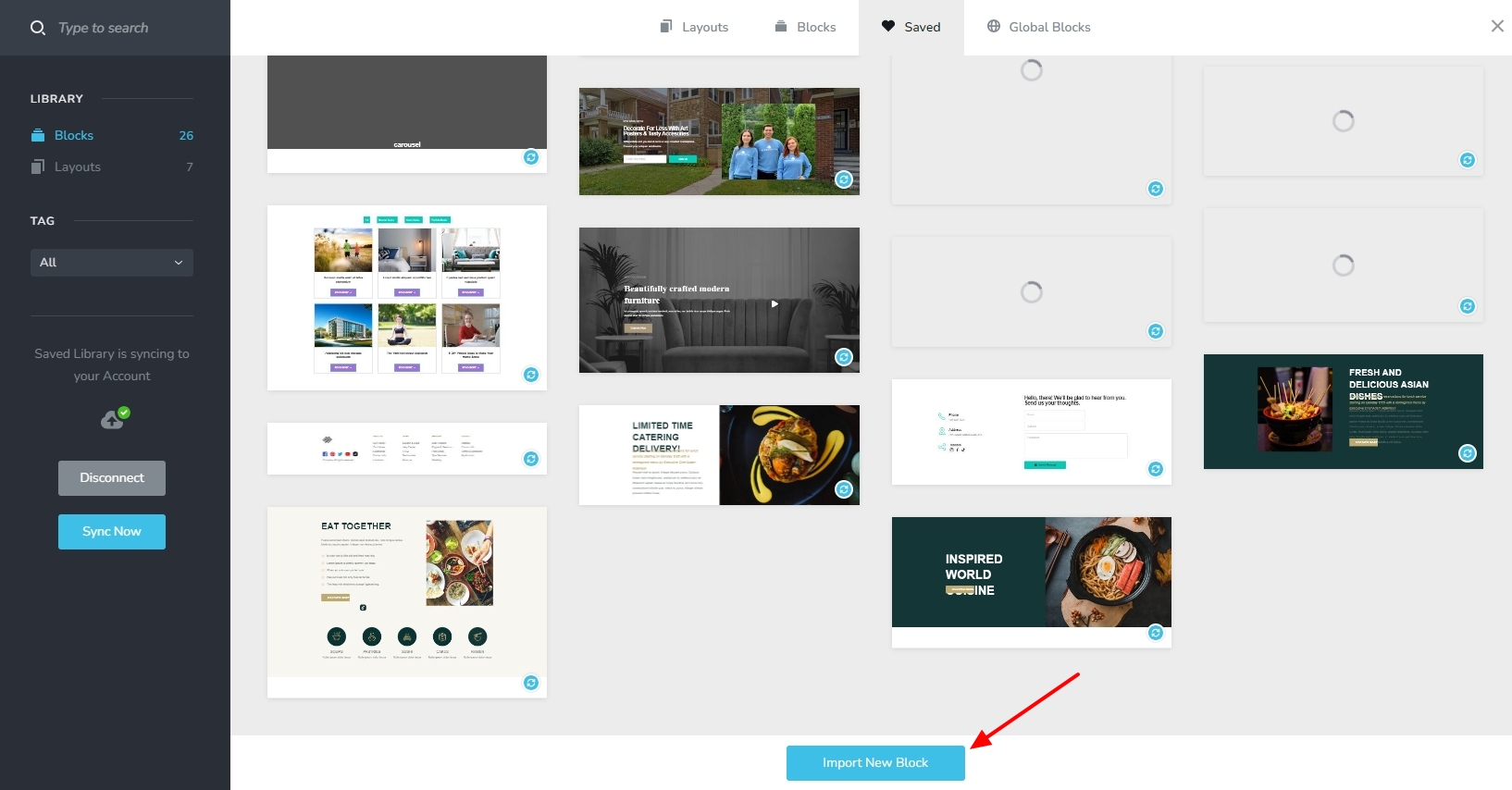
You could also consider the option of downloading the saved block from Brizy Cloud and importing it to your Brizy WordPress. Hover over the block you want to download and click on the 'Download' icon.

In your Brizy WP, you can import the downloaded block by clicking on the 'Import New Block' button
 0
0 -
Hi KC, thanks for the reply.
I installed Blocksy & activated it. But I'm still getting the same freezing / loading circles on ALL the layouts.
Since I don't see what the layouts look like, I don't know which one to download and thereby import.
So I'm basically still stuck?
Would appreciate any further guidance!
0 -
Hi David,
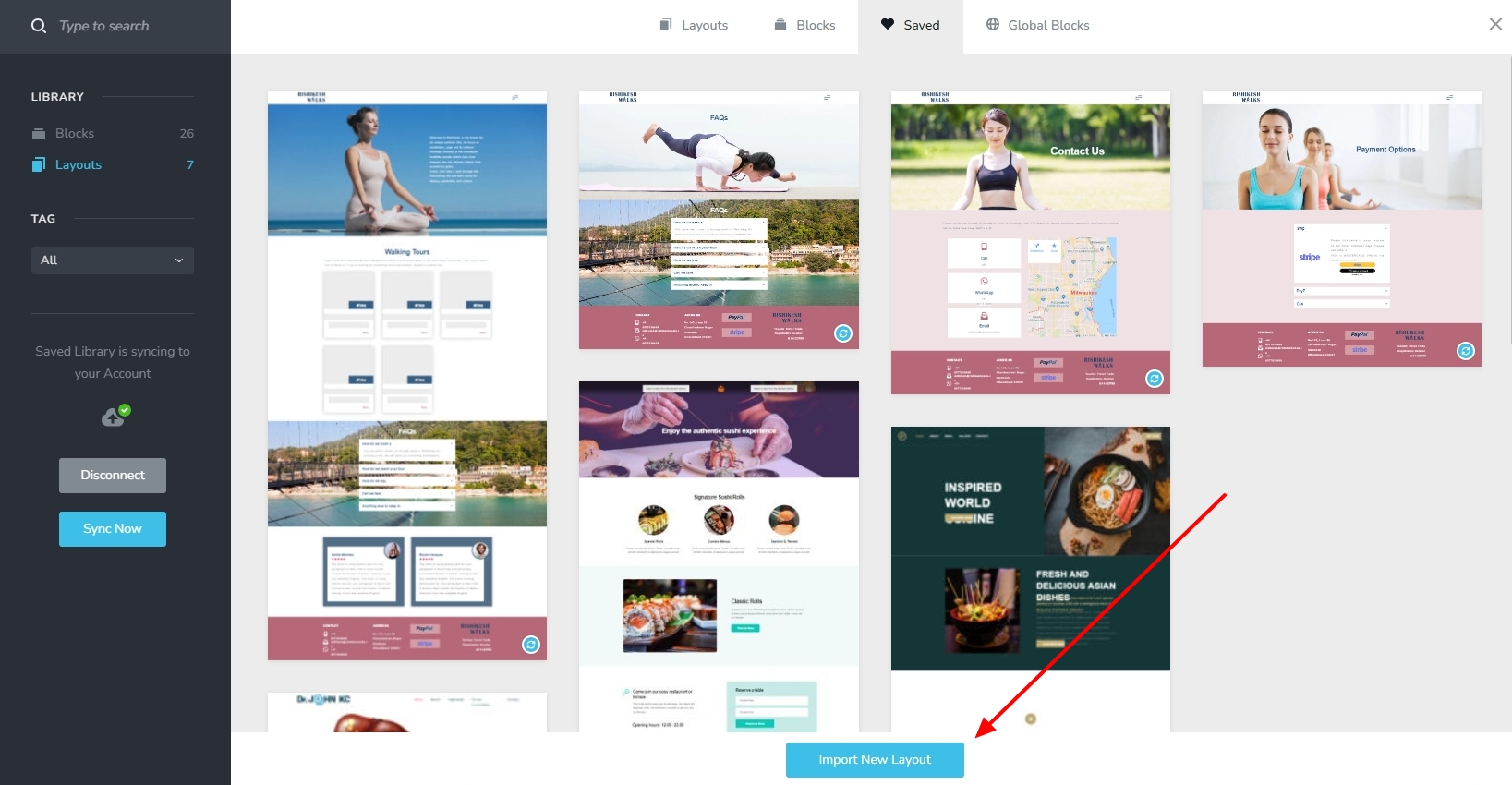
While the saved layouts in your WordPress have this issue, saved layouts in your Brizy Cloud projects are accessible. Please sign into your Brizy Cloud Dashboard, open a project and access the saved blocks and layouts library and download the layout you want to import to WordPress. Hover over any layout and click on the download icon (the middle icon among the three)

In your WordPress project, in the Saved blocks and layouts library please try importing the downloaded layout by clicking on 'Import New Layout' button
 0
0 -
Thanks KC. This worked - with difficulty - because the imported layout also didn't show up properly in the list. However, I kind of guessed which one it was, and imported it. Now I have another issue which is that the imported layout didn't bring in any background images, styles etc. Please advise? See below an example section on the imported layout:
 0
0 -

Hi David,
Thank you for the update.
Please check if you have any optimization plugins enabled on your site such as JetPack, or something similar, temporarily disable it and see if this resolves the issue.
Otherwise, this is something we would like to investigate from your dashboard. Kindly share the WordPress credentials with us, so we can take a closer look into this issue. Please add us as a user to your WordPress Dashboard and send the following details to: communitysupport@brizy.io
Community Post link: https://support.brizy.io/hc/en-us/community/posts/14810988801938
WordPress Admin URL:
Username
PasswordPlease make a full backup of your site as a precaution before providing us access.
Best regards,
Ariel H.0 -
Thank you! I deactivated all plugins except Brizy, and the same issues are occurring. I'll go ahead and email support. Appreciated!
0 -
Hi David,
The Imagick PHP extension allows users to create and edit images using the ImageMagick API. Brizy need this PHP extension to work well. In your WordPress instance, this PHP Extension is missing. Please see this screenshot. https://jmp.sh/ODUOxKYY
Please request your hosting company to add the Imagick PHP Extension to your WordPress instance and check if this issue resolves.
0 -
Thanks for the reply. My host, WPX.net said the following:

What should I do?
0 -
Hi David,
Thank you for the update.
Would it be possible for you to grant us temporary access to cPanel or your Hosting Control Panel? This access will allow us to investigate the issue further.
I am looking forward to your response.
Best regards,
Ariel H.0 -
Thanks Ariel, credentials emailed to the Brizy support addresses.
0 -
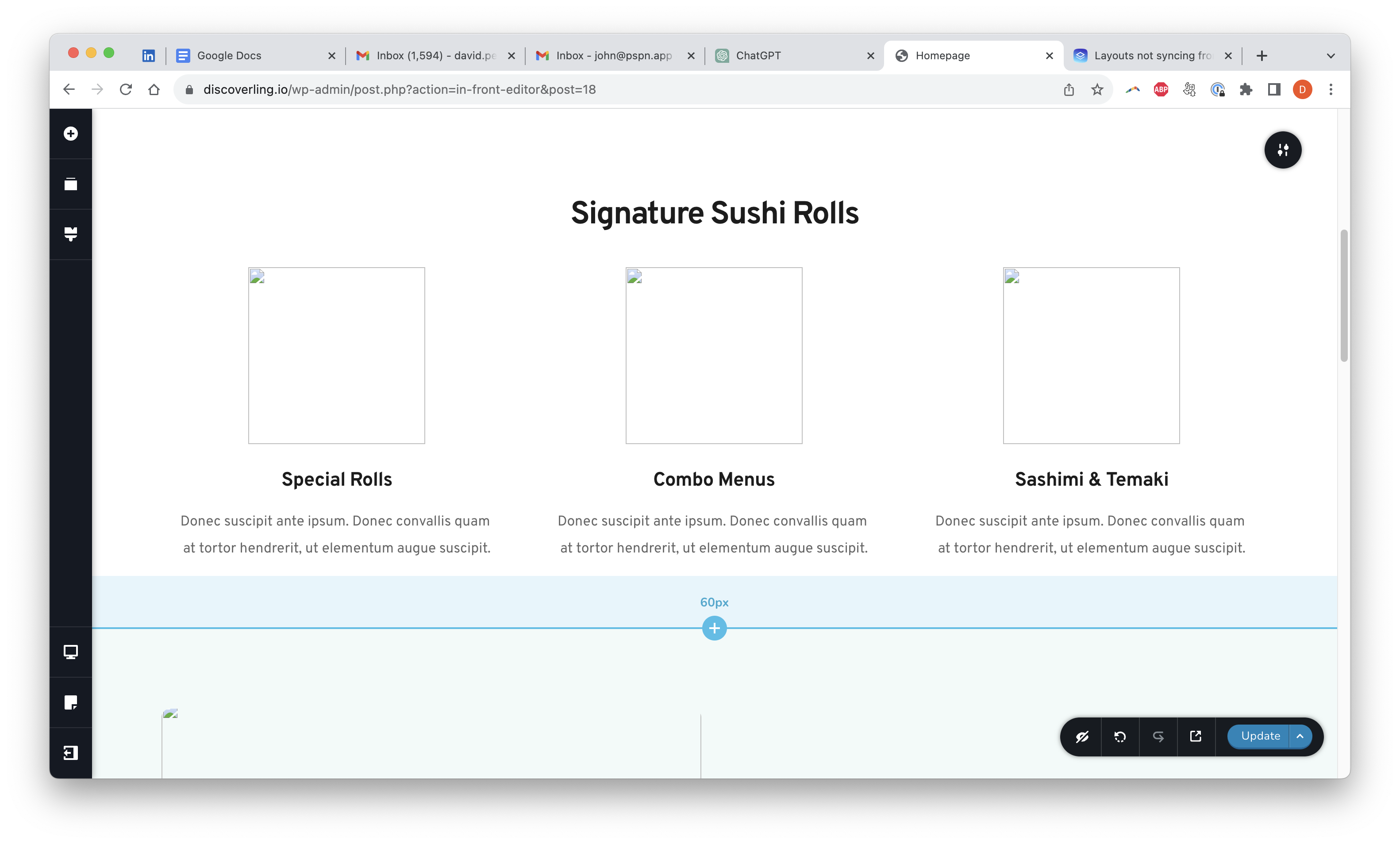
Hey guys, I'm assuming this is all part of the same issue - but it appears that even when I try to import a regular layout from the global layout library (in Brizy WP), I still get the images failing to load as indicated below. Hoping your investigation can fix this as well. Thanks guys!
 0
0 -
Hi David,
Thank you for your cooperation. We're currently looking into this issue, we will get back to you as soon as we have an update.
Best regards,
Ariel H.0
Please sign in to leave a comment.
Comments
12 comments