Blog posts not working

Hi,
I am setting up a website with Wordpress Brizy pro. I set up the 'group events' page as blog/dynamic content. But I experience an issue still, after watching several tutorial videos and reading forum posts.
I set up 2 brizy templates, blog archive and single post.
The display condition for Blog archive -
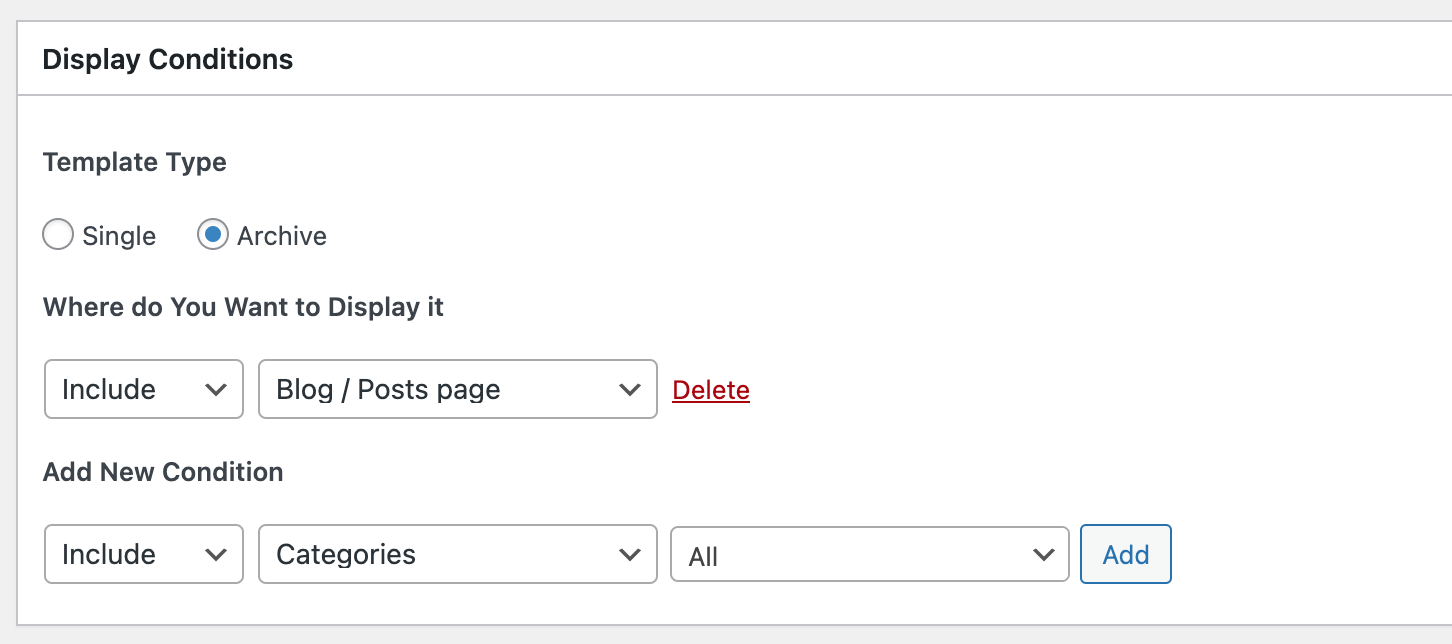
and the display condition for single post -
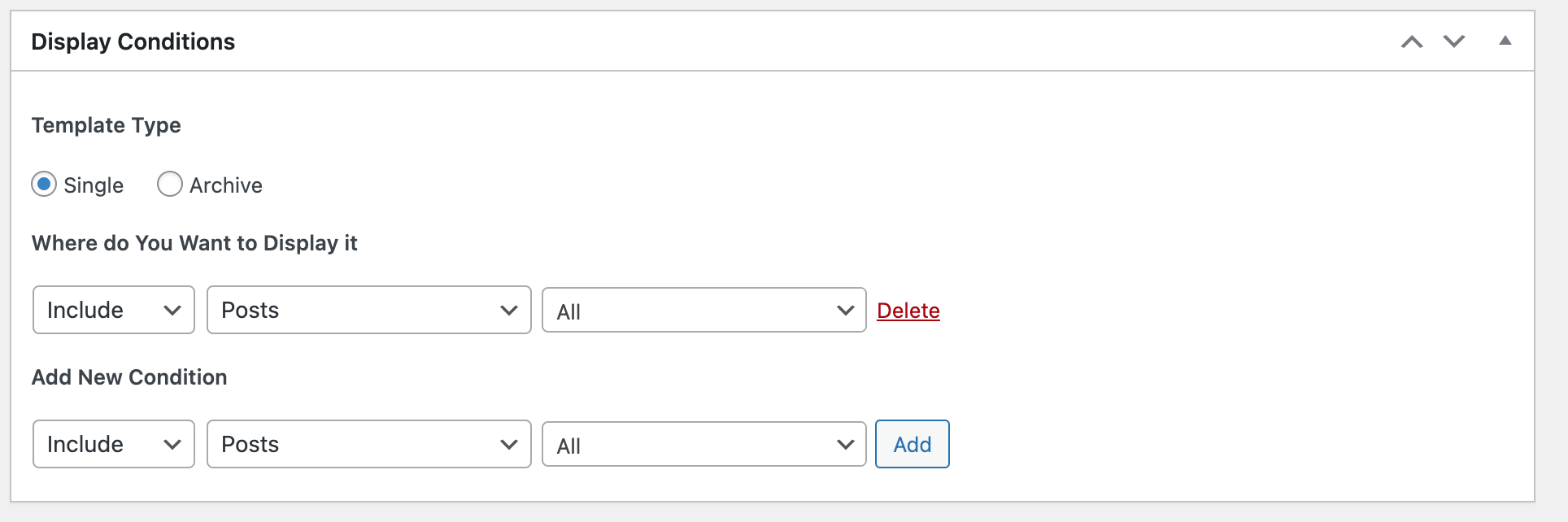
I have set up both templates with Brizy. I set up my 'Group events' page as post page and deactivate the Brizy editing -

I have 2 test posts now but they are not displayed like what I set up in the template page. When I click on 'view' in one post, it shows:
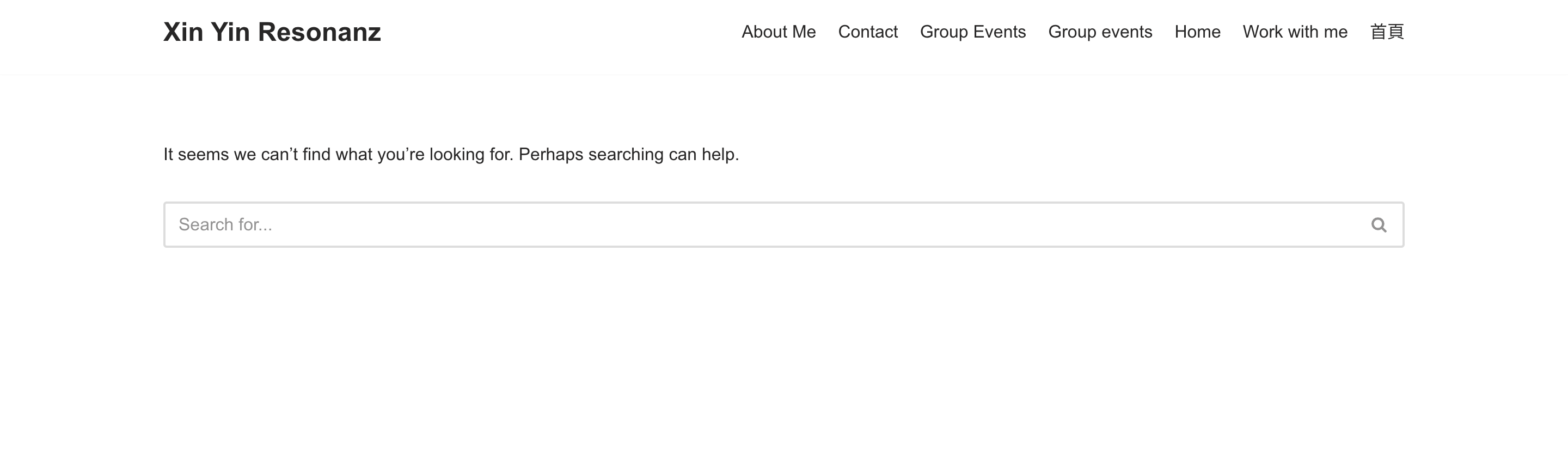
and now my group event page looks like this -
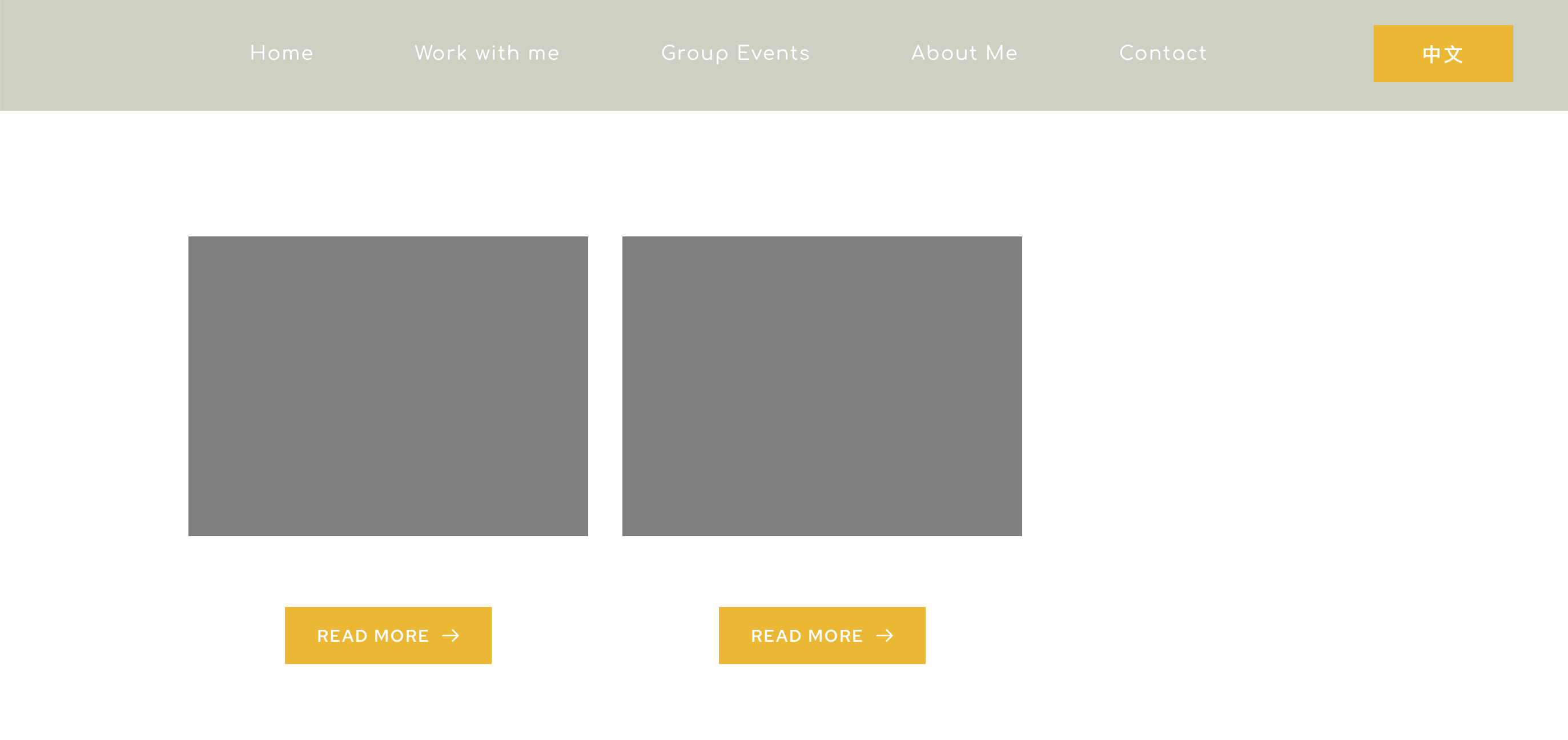
so it is also not showing the photo and content of the 2 test posts.
Please advice on how to solve this, thank you for your help!!
-

Hi Frank,
Thank you for reaching out to us.
Please check if temporarily switching to another theme fixes this issue.
I suggest using one of the themes on this list - https://www.brizy.io/theme-partnersIf this made no difference, could you also please provide us temporary access to your WP Admin credentials, so we can inspect your site? Add us as a user to your WordPress Dashboard and send the following details to: communitysupport@brizy.io
Community Post link: https://support.brizy.io/hc/en-us/community/posts/14757152417426
WordPress Admin URL:
Username
PasswordI am looking forward to your response.
Best regards,
Ariel H.0 -
Hi Ariel,
I switched the theme, the issue persists.
I have added you as user and sent an email as well.
Big thanks!!
Warm regards,
Hsi-Yin (and Frank)
0 -
Hi Hsi-Yin and Frank,
Thank you for your cooperation.
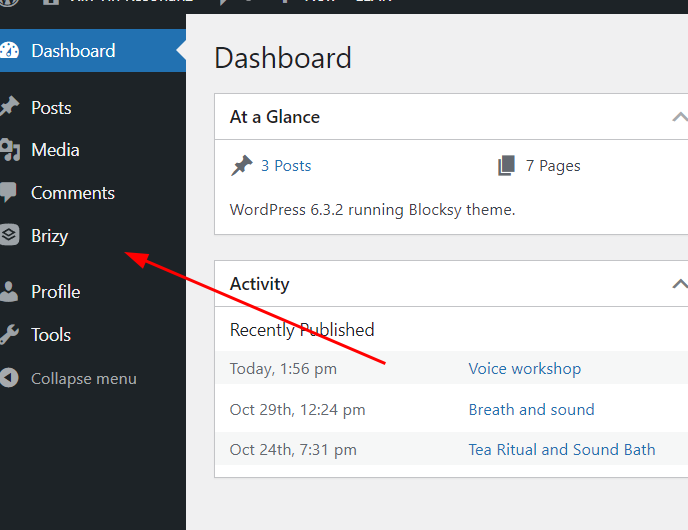
Please also update the user account to an Administrator, so I will have access to the Templates.
Best regards,
Ariel H.0 -
Hi Ariel,
Ok, done now, thanks!
Warm regards
Hsi-Yin
0 -
Hi Hsi-Yin,
Thank you for the update.
It appears that the issue you were experiencing was related to the Permalinks structure being set to a custom format - https://i.imgur.com/bx2q00J.png
You can resolve this by changing the Permalinks setting to use the "Post name" option instead - https://i.imgur.com/CVHtlXS.png
After making this change, the archive page and the single page template should display correctly.
Screenshots:- https://i.imgur.com/fndJTkW.png
- https://i.imgur.com/VOwOkwz.jpgIf you have any further questions, please let us know.
Best regards,
Ariel H.0 -
Hi Ariel,
Oh, thank you so much for finding out the root cause and resolving it.
Got it, and big thanks!! I am glad now they are displaying properly.
Warm regards
Hsi-Yin
0


Please sign in to leave a comment.
Comments
6 comments