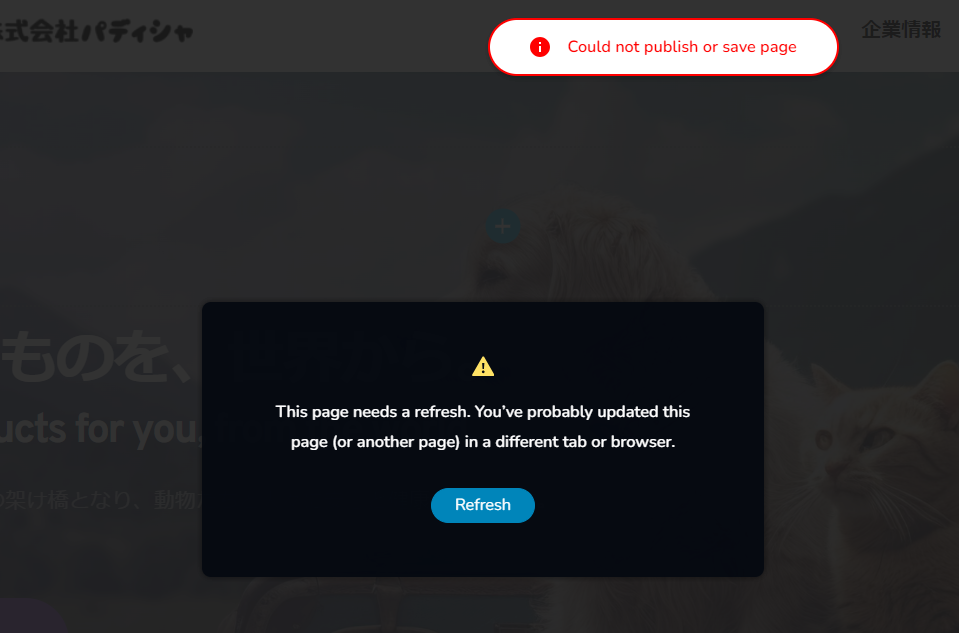
I can't save

No matter how many times I log out & log in, it looks like the image and I can't save it.
-

Hi Sara,
Thank you for contacting us.
Does it occur on all pages or on specific pages only?
It appears that the problem you're encountering is probably a result of a conflict. We kindly request you to attempt the following steps to see if they can provide a resolution.
- Deactivate one plugin at a time and check if the issue is resolved after each deactivation. This will help identify if the problem is caused by a specific plugin.
- Temporarily switch to a different theme and observe if the issue persists. This will help determine if the theme is causing the problem.
If the above steps do not resolve the issue, we kindly request temporary access to your WordPress Admin credentials. Please add us as a user to your WordPress Dashboard and send the following details to communitysupport@brizy.io:
Community Post link: https://support.brizy.io/hc/en-us/community/posts/14612786235410
WordPress Admin URL:
Username:
Password:Please ensure that you have a full backup of your website before granting access, as a precaution.
Best regards,
Ariel H.0 -
Hi Sara,
Thank you for your cooperation.
Our attempt to log in to your website encountered an Error 403.
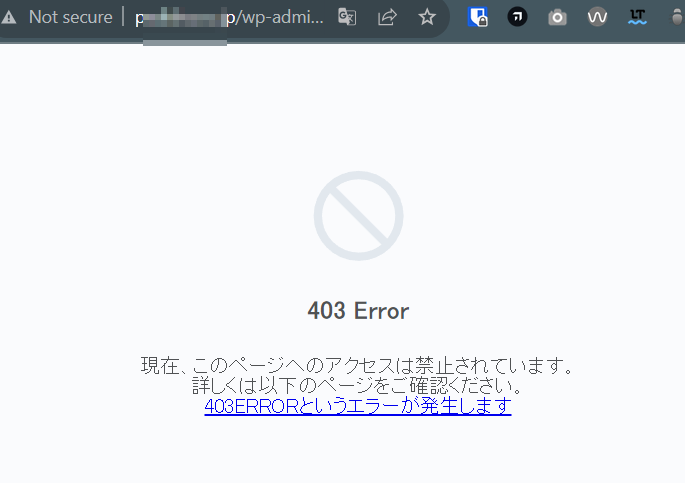
To resolve this matter, please follow the steps outlined in the following link: https://www.wpbeginner.com/wp-tutorials/how-to-fix-the-403-forbidden-error-in-wordpress/
After you've addressed the issue, kindly reach out to us, so we can proceed and check your website.
Warm regards,
Ariel H.0 -
Hello, Ariel.
This problem occurs on all Brizy edit pages.
I have also tried enabling and disabling plugins, but this did not solve the problem.
Can I send you my login information and ask you to check it?Community Post link: https://support.brizy.io/hc/en-us/community/posts/14612786235410
WordPress Admin URL:
Username:
Password:
Best regards, Sara M.0 -
Hi Sara,
Thank you for the update.
We've received the credentials; however, we are still encountering difficulties accessing your site due to the 403 error mentioned above. It's possible that our access to the WP Admin area is restricted. Please check if you have enabled Overseas Attack Guard on your hosting account. You can read more about it here. About Overseas Attack Guard, how to set it up, and how to cancel it
Alternatively, you can grant us temporary access to FTP. This will enable us to directly access your WordPress files and identify the source of these issues.
Best regards,
Ariel H.0
Please sign in to leave a comment.
Comments
4 comments