Text

Hi,
How can I overlay headline text onto an Image?
How do I increase the width of the text box, move it up or down and add additional boxes on top of the image?
-

Hi Richard,
Thank you for reaching out.
1. For adding a headline text over an image, create a column and set an image as its background.
2. Simply drag and drop the text element, and input your desired headline text. You can utilize the space element for vertical spacing in the column or adjust padding and margins to increase the column's height.
3. To move elements up or down, you can drag them accordingly, to drag an element, hover your mouse into any element in your page, you will know when it is draggable when you see the small dotted line borders around the element.
4. The width of a text element is determined by the width of the column or its container.
This is demonstrated on this screencast: https://youtu.be/Ae9C1r-jZ5M
If you have any further questions, please let us know.
Best regards,
Ariel H.0 -
Hi Ariel, and thank you. I have three sets of icons (intermittent) coming up, how do I stop this from happening again? regards Richard
0 -
Hi Richard,
Thank you for the update.
In order to gain a clearer understanding of the issue at hand, it would be helpful if you could kindly provide us with some screenshots or a screencast to demonstrate the issue you are encountering.
I am looking forward to your response.
Best regards,
Ariel H.0 -
Hi Ariel,
I sent a screenshot with the original email, here it is again.
Richard0 -

Hi Richard,
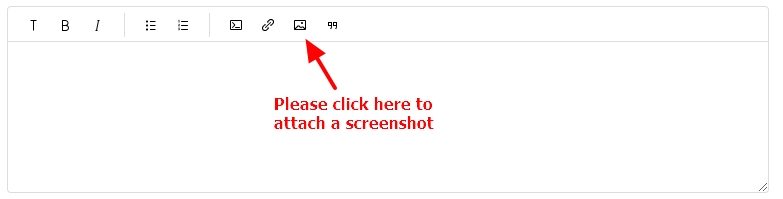
Unfortunately, our help desk system does not support email attachments; hence we could not see your screenshot in your original post as well in your last comment. Please visit your post at https://support.brizy.io/hc/en-us/community/posts/14482967139986 and add the screenshot by selecting the image icon.
 0
0
Please sign in to leave a comment.
Comments
5 comments