Trying to edit a page but the building is not fully loading the content

Trying to edit a page but the building is not fully loading the content and editing functions
-

Hi Herman,
Thank you for reaching out to us.
To help us understand the issue better, could you please provide us with additional information about the problem you are experiencing? Specifically, could you please provide us with some screenshots or a screencast demonstrating the issue? This will help us to reproduce the issue on our end and find a solution for you.
I am looking forward to your response.
Best regards,
Ariel H.
0 -
Hello,
Please find some screenshots to the issue attached. Most of those sections are supposed to have background images like one the live site..
(Benfetti.Com)
The logo and menu are also not loading.Best regards,
Herman0 -

Hi Herman,
Unfortunately our help desk software does not support email attachments. Hence we could not have a look at the screenshots you have attached to your email. Can you please click on this link https://support.brizy.io/hc/en-us/community/posts/14180418984593 and attach the screenshots to your comment?
 0
0 -
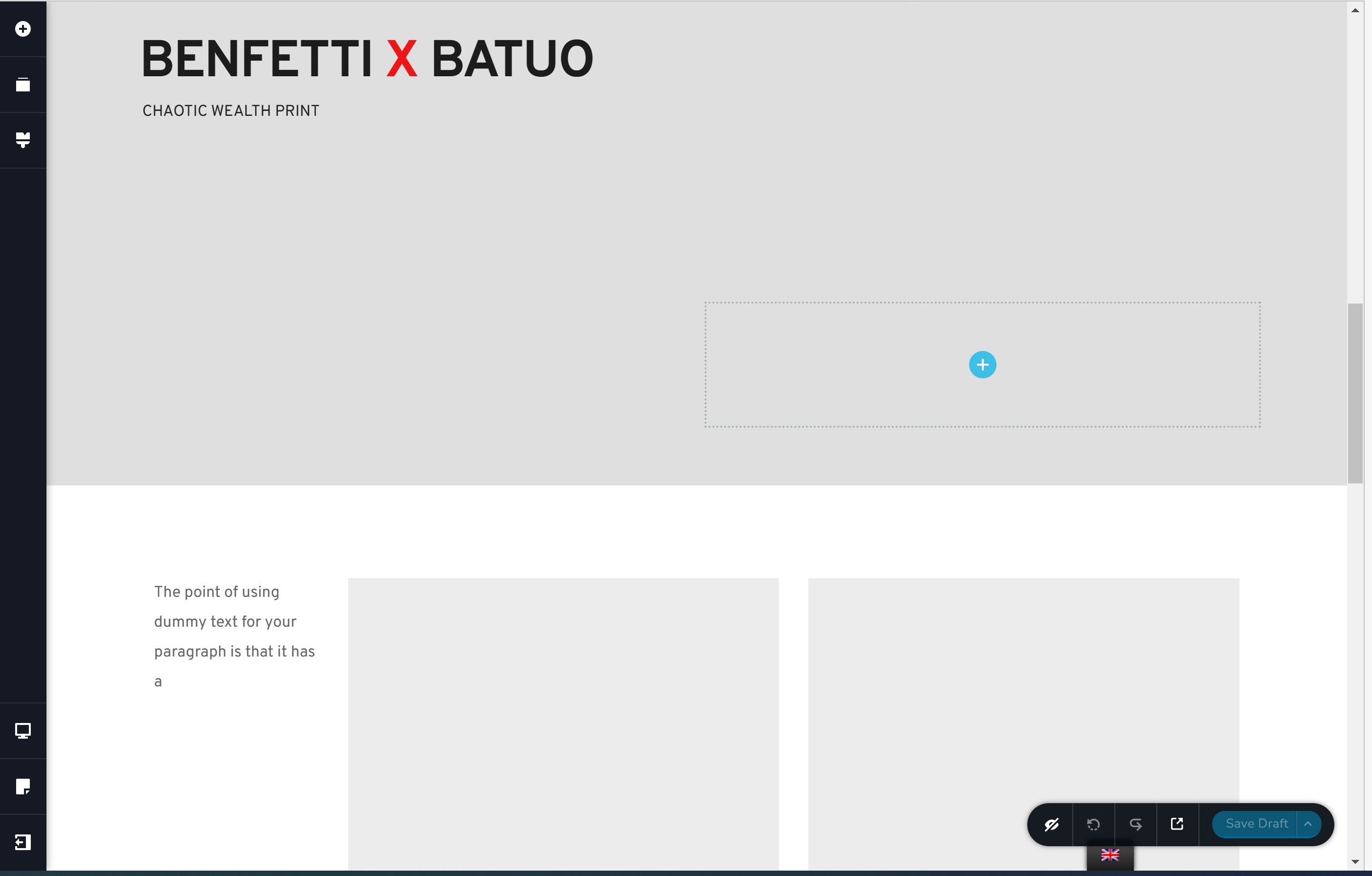
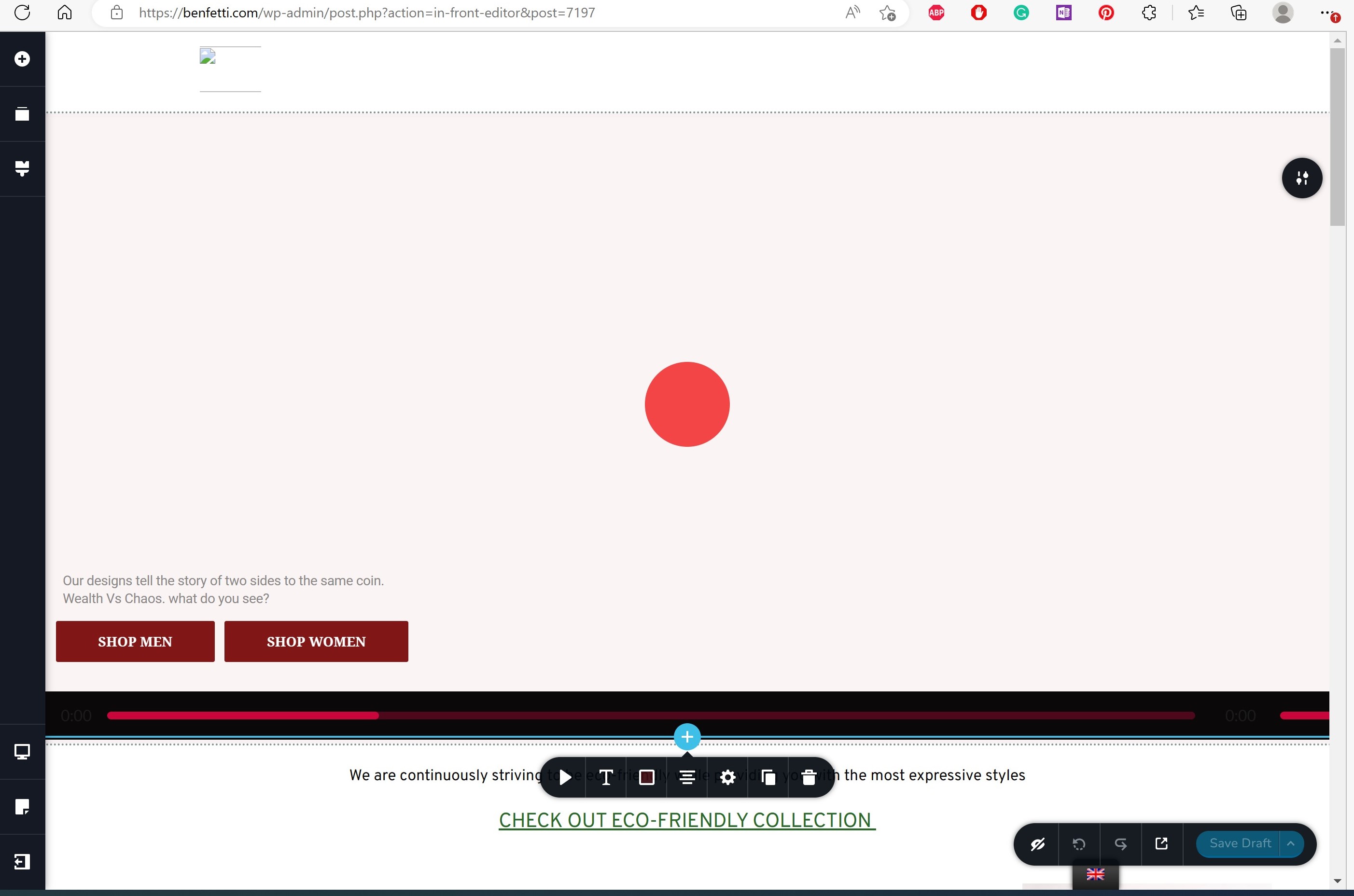
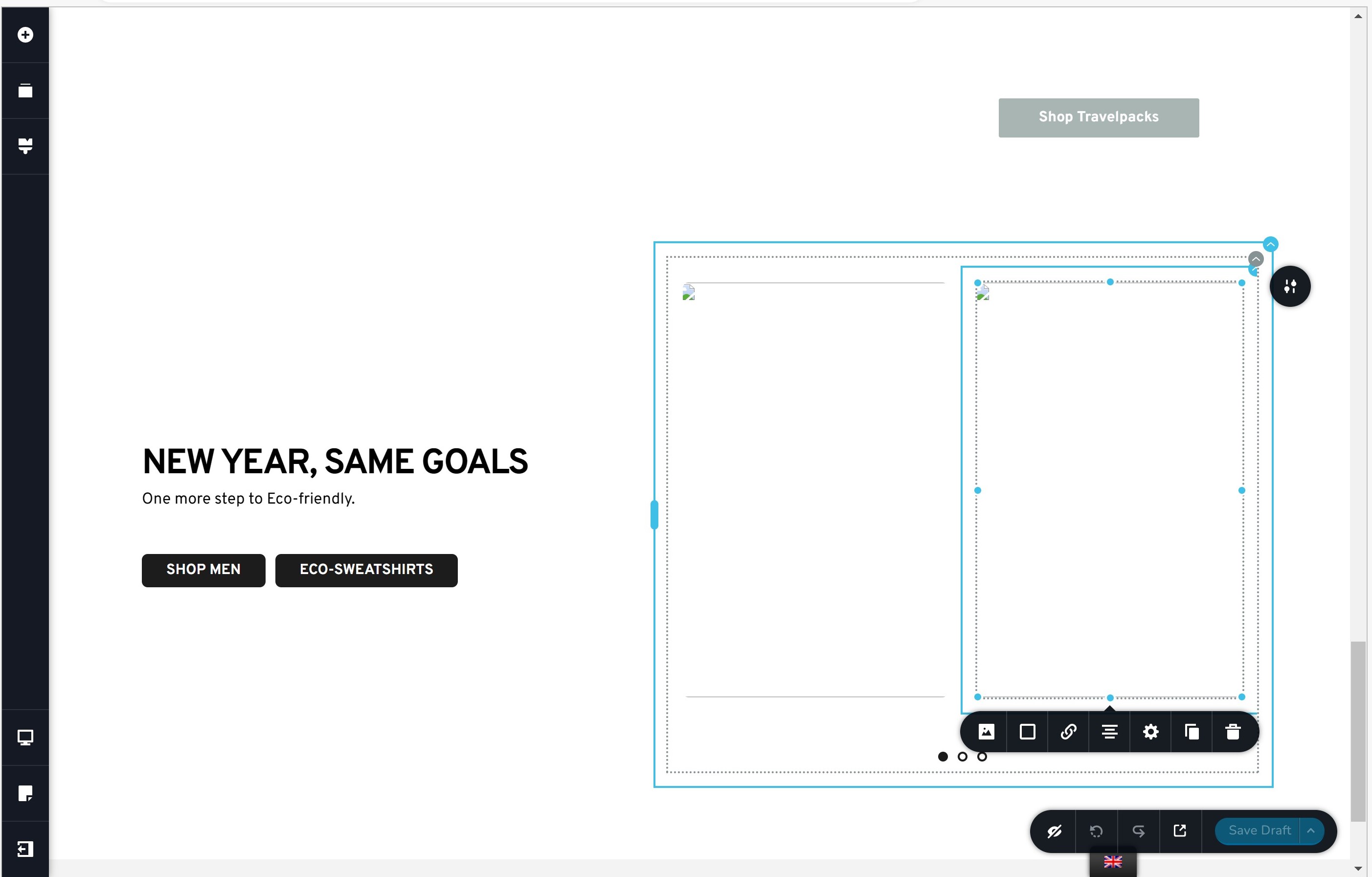 0
0 -
Hi Herman,
Thank you for reaching out to us.
This is something we would like to investigate from your dashboard. Could you please provide us with the WordPress credentials, so we can look into this issue further?
Please add us as a user to your WordPress Dashboard and send the following details to: communitysupport@brizy.io
Community Post link: https://support.brizy.io/hc/en-us/community/posts/14180418984593
WordPress Admin URL:
Username
Password
Also, include the URL of the affected page/sPlease make a full backup of your website as a precaution.
Meanwhile, this could be due to an incompatibility between Brizy, a plugin/theme or an embed code you are using on your website.
You can identify the conflicting software by:
1. Deactivating one plugin at a time and checking if the problem resolves
2. Temporarily switch to another theme and check if the issue goes away.
3. If, by any chance, you used embedded code on this page, please try to temporarily remove it and see if this makes any difference.In addition, please ensure that you are already using the most recent versions of Brizy and Brizy Pro.
(Brizy Version 2.4.18 and Brizy Pro Version 2.4.17)Please try this and let me know how it goes.
Best regards,
Ariel H.0 -
Hi,
Thank you for your cooperation.
It appears that a third-party plugin was used to duplicate this page, which caused the layout to be broken. It is possible that this plugin is not capable of handling the complex page structure and design created with Brizy.
Unfortunately, there's not much we can do to restore this page.However, if you still have access to the original page, you have the option to save the layout and import it into a new page, this is best explained in this video - https://youtu.be/vHvJDDCuJIo
If you have any further questions, please let us know.
Best regards,
Ariel H.0 -
Hello,
I am experiencing the same issue with the original page that was duplicated. Could you please take a second look?
Best regards,
Herman0 -
Hi Herman,
Can you please share with us these details?
- What were the steps you had taken to setup this project?
- Did you import this website from another website or a stater site?
- Is the original site still available on a URL?
Would starting again with a fresh WordPress installation and merely importing the products be a possibility for you? (Starting over can occasionally be preferable to spending months clearing up a previous mess.) This could create a more solid base for your project.
0 -
Hello KC George,
The site was not imported but built from scratch directly.
I am not sure what you mean by the steps but the site has been up for a while now and the page was fine until recently.
The site I share on the URL is the original one.
If you signin with the admin I provided, you will see the currently active home page, which is the original one.Best regards,
Herman0 -
Hi Herman,
When redesigning existing websites, it is a common practice to migrate the website to another WordPress instance and implement the redesign in the cloned website. Incorrect migration process can mess up a project badly. I wanted to check if this is the scenario in your project.
Do you have a full backup of your website? If you have, we would like to carry out some tests on your website.
0
Please sign in to leave a comment.
Comments
10 comments