White screen of death 2023 ?

Hi,
I have a white screen when I want to edit a page...as the picture below
any suggestion ?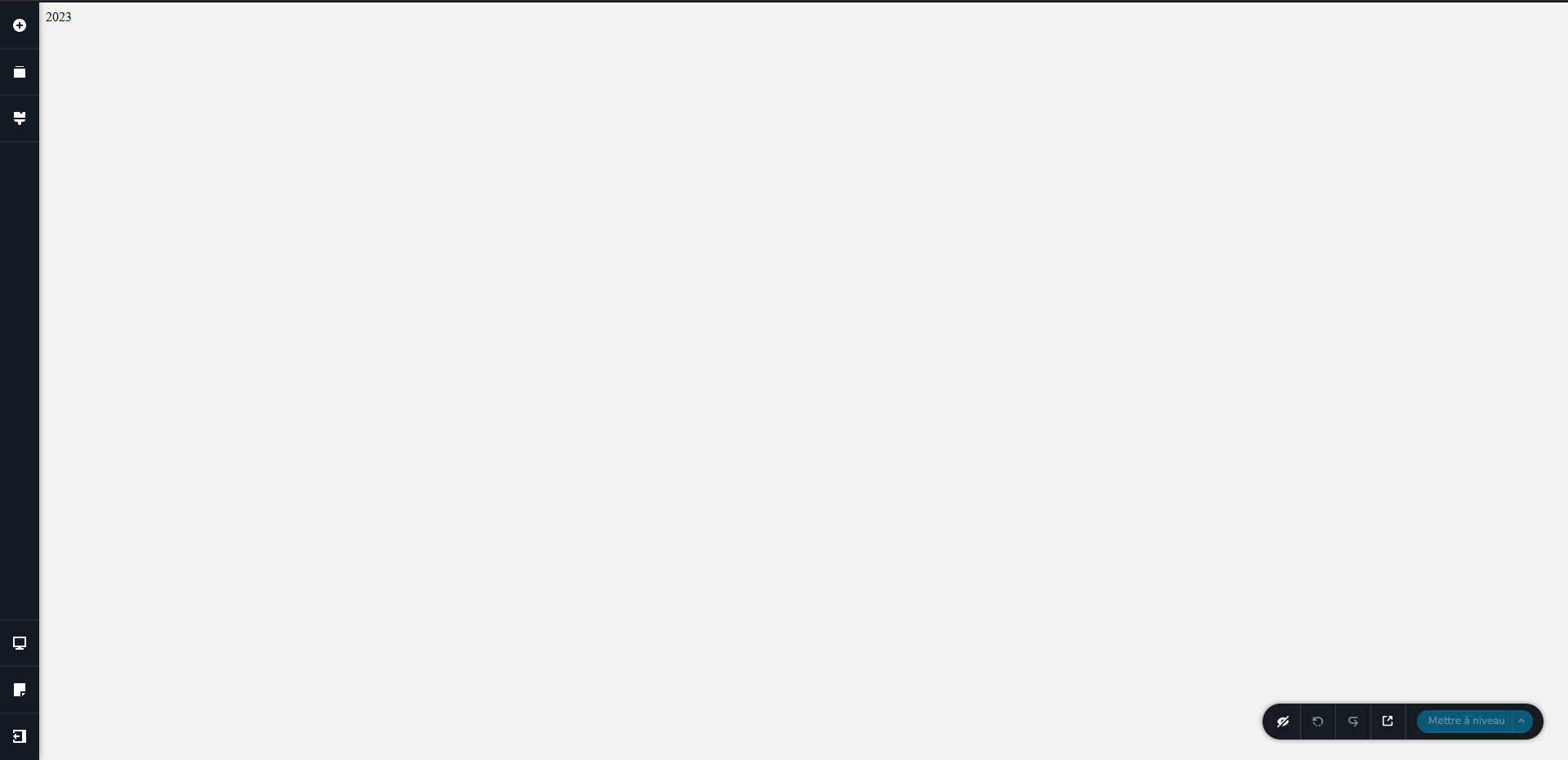
-

Hi Gerald,
Thank you for reaching out to us.
This is something we would like to investigate from your dashboard. Could you please provide us with the WordPress credentials, so we can look into this issue further?
Please add us as a user to your WordPress Dashboard if you need assistance with this. Please send the following details to: arielh01@proton.me
Community Post link: https://support.brizy.io/hc/en-us/community/posts/13681993326865
Page/URL of the affected page:
WordPress Admin URL:
Username:
Password:If you're trying to embed a JavaScript / custom code into your pages, please also include a copy of the script.
Please make a full backup of your website as a precaution.Best regards,
Ariel H.0 -
Hi Gerald,
Thank you for your cooperation.
We managed to resolve the issue on your website, this has something to do with an embedded script in the footer area which is causing the issue.
You can find more details at this link :
https://support.brizy.io/hc/en-us/community/posts/13608480887441Please try to edit your pages and let me know how it goes.
Best regards,
Ariel H.0 -
Hi Gerald,
I'm glad that this is now sorted out.
Here is a copy of the modified script, this is also found in the embed element in the footer.
<span style="color: #ffffff;"> © <span class="yr"></span> |  </span><a href="https://procheduweb.fr">

<span style="color: #df195a;"> PROCHE DU WEB </span> <span style="color: #ffffff;">|  Tous droits réservés.</span>
<script>
           document.querySelector(".yr").textContent = (new Date().getFullYear());
</script>
Best regards,
Ariel H.0 -
Hi Ariel,
I have the same pb with another website.
Could you please share the procedure you use to acces the footer and change the script ?
Thanx in advance
Gerald O.0 -
Hi Gerald,
Thank you for contacting us.
You can find all the details here:
https://support.brizy.io/hc/en-us/community/posts/13969808772497The idea is to roll back to an earlier version of Brizy and Brizy Pro so you can modify the script that shows the copyright year.
You can find the old version of Brizy Pro at the bottom of the above support thread and follow the steps on this screencast - https://youtu.be/KmjN9ZvwRPg
If you need further assistance, please let us know.Best regards,
Ariel H.
0 -
Hey,
I just want to take the time and say thank you so much !!!
And congrats for Brizy academy... So great content to help us use it better
All the best
Gerald0
Please sign in to leave a comment.
Comments
6 comments