Problem with form button since last brizy pro update

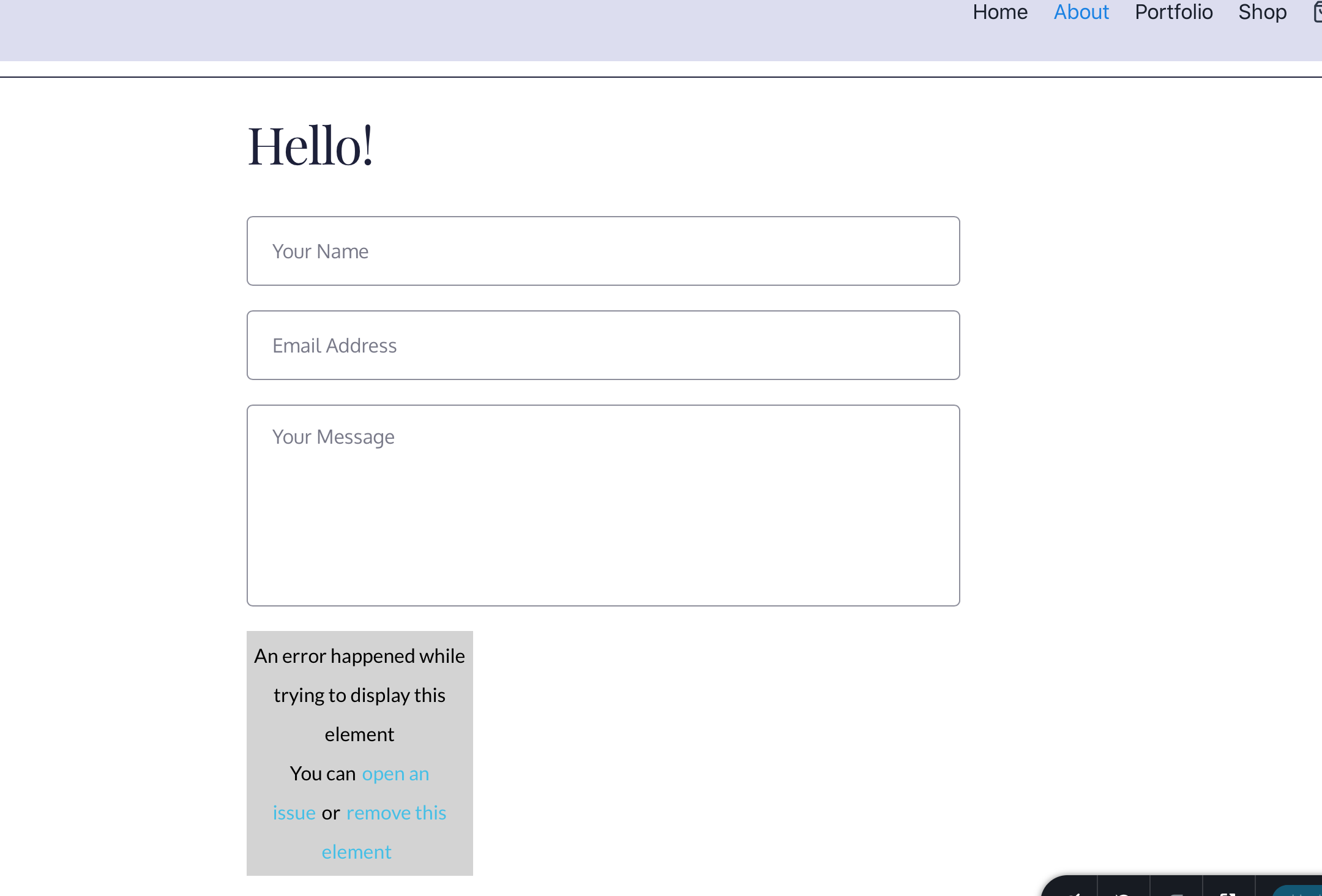
I cannot edit the form button since your last update with the Brizy pro update in wordpress. When I tried to delete the form and add a new one, the same thing happens to the new form making it impossible to edit. see picture below:
-
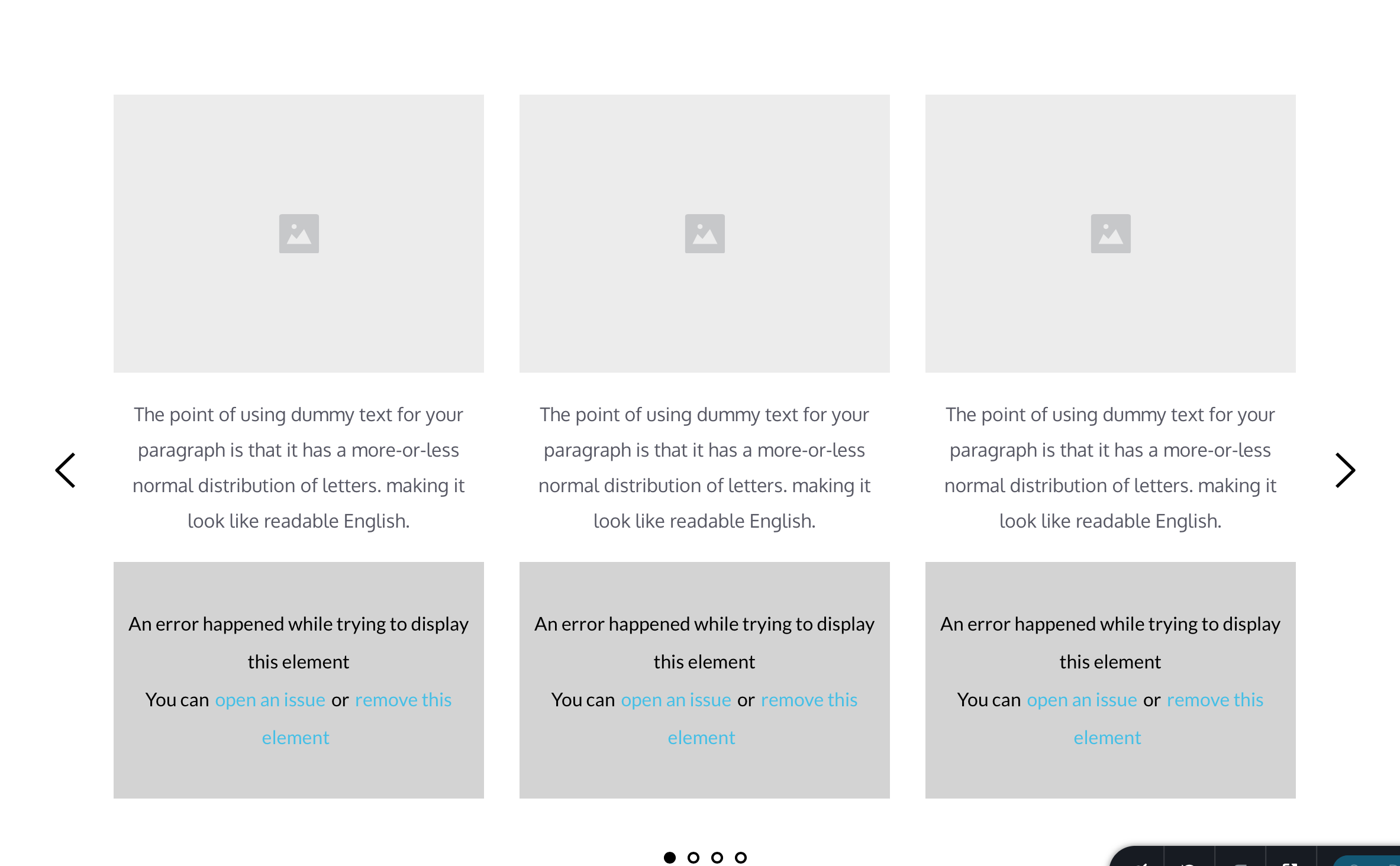
Hello, tried to add other elements with Brizy pro and wordpress and this is happening everywhere i try to build pages.
 0
0 -

Hi Robert,
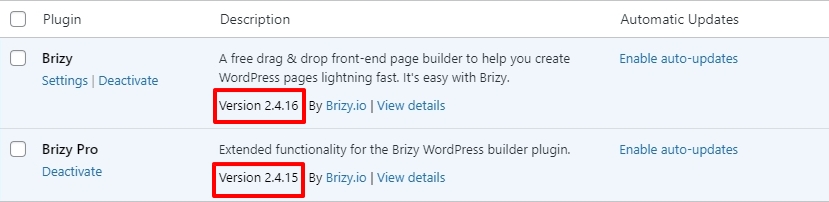
The most recent Brizy versions are Brizy 2.4.16 and Brizy 2.4.15. Can you please confirm if you are using these versions?
 0
0 -
Hello George,
Yes I just updated with the new version. That seems to be when this happened.
 0
0 -
Everything seems to work fine on the front end of the web page, but when I try to edit in the Brizy Builder I get the errors. Makes it impossible to edit any of the buttons.
0 -
Hi Robert,
We would like to take a look at your project to help you fix this issue. Please add me as a user to your WordPress Dashboard if you need assistance with this. Please send the following details to my email: kc.george@brizy.io.
- Community Post link: https://support.brizy.io/hc/en-us/community/posts/13588079615249
- WordPress Admin URL:
- Username
- Password
Please let me know here when you send me an invitation.
0 -
Yes, Hello,
You have been added to my Wordpress website as a new user/administrator. You should have received an email with the username and password info. please let me know if you received the info.
Thank you.
Bertoneart.com
0 -
Hi Robert,
I could not reproduce the issue you are facing at my end. I could set a color for your form button. (Feel free to change it) I did not see the error message.
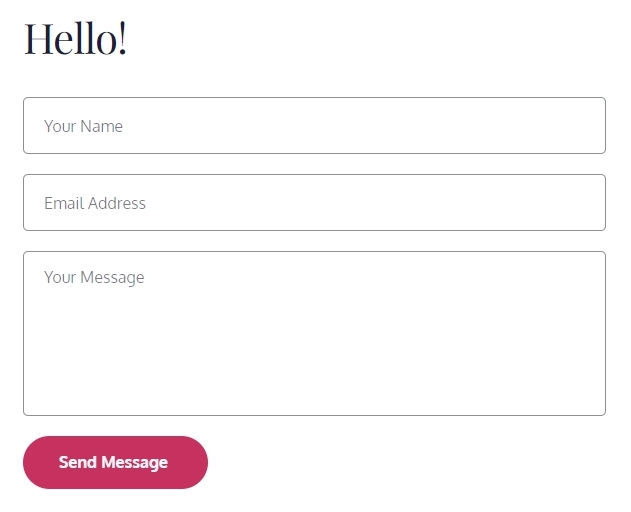
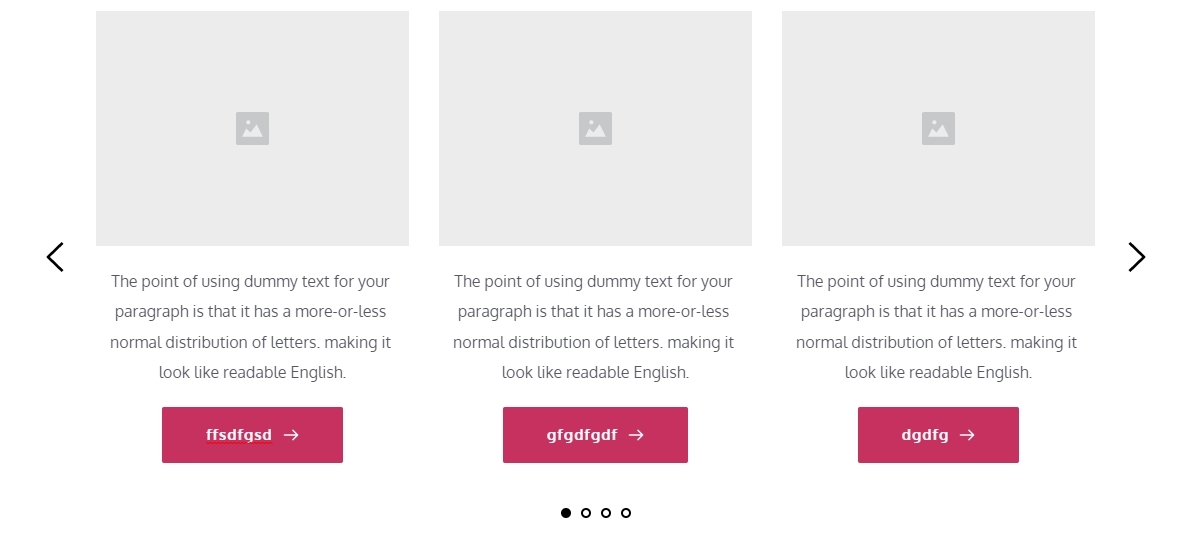
In a test page https://bertoneart.com/test-brizy/, I added a Carousel and I am able to edit the button text and I do not see an error. What are the steps I must follow to reproduce the error?
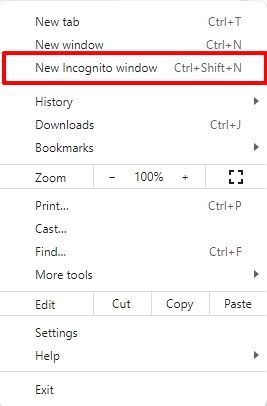
Can you try signing into your WordPress Dashboard from a private (incognito) window of your browser and see if the problem persists?
 0
0 -
Hello George,
I tried editing with Brizy in a (Private window) in my (Safari browser) and the same problem exists. This is the browser I use, and I can't edit the ANY of the buttons.
I tried editing with Brizy in a (incognito window) In (Google Chrome); which I think you used, and the problem no longer exists and editing was fine.
I feel there is a problem with Brizy Editing is in the (Safari Browser). You might wan't to check this out and do a fix at some point. In the meantime, I will do my button editing with the Chrome browser instead so I can keep using Brizy.
Thank you for your time.
0 -
George,
FYI
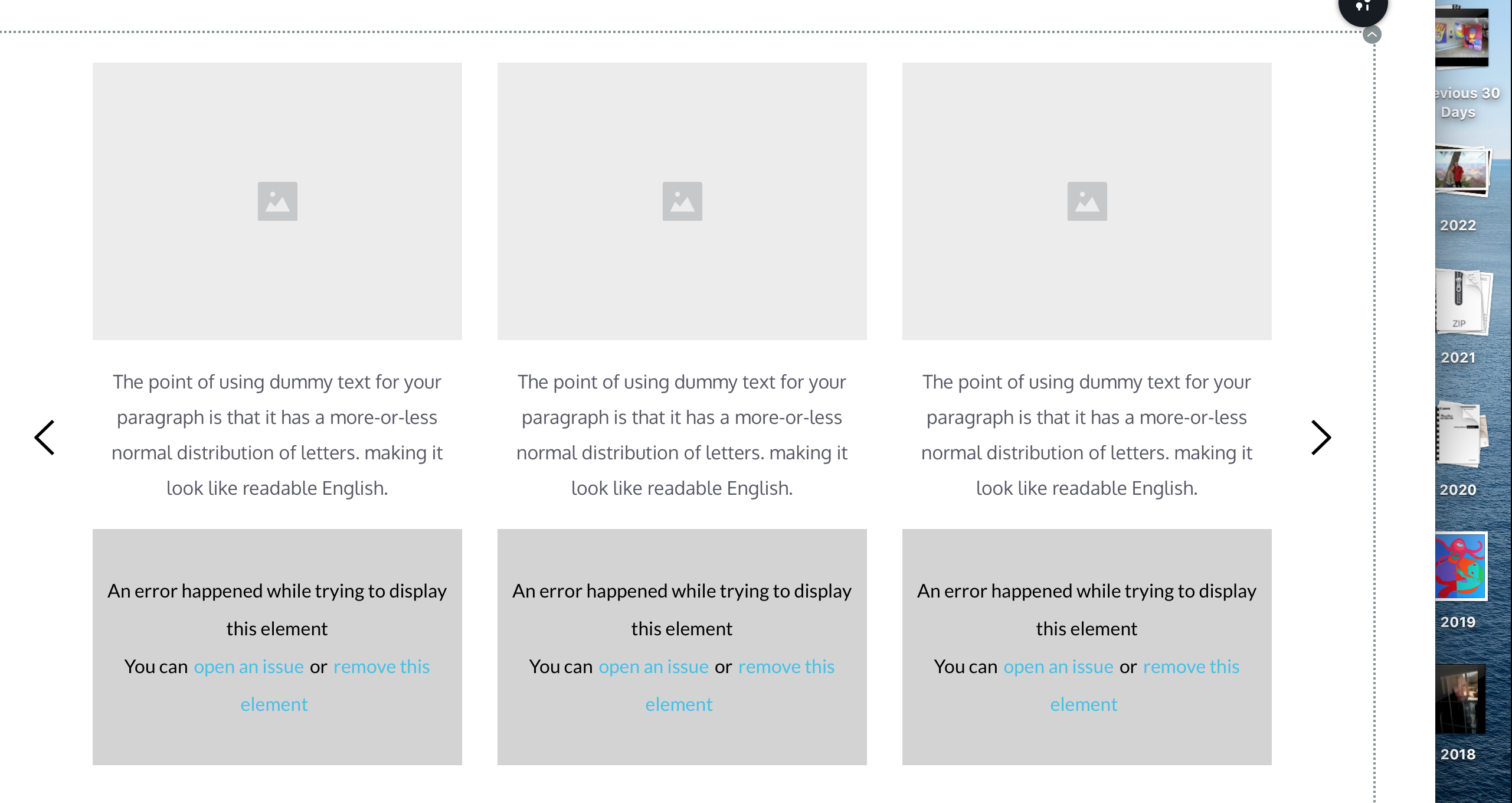
This is what the test Brizy editor page looks like in the (Safari Browser)
 0
0 -
Hi Robert,
Can we look at this issue on your Dashboard? If you want us to, please add me as a user to your WordPress Dashboard. Please send the following details to my email: kc.george@brizy.io.
- Community Post link: https://support.brizy.io/hc/en-us/community/posts/13588079615249
- WordPress Admin URL:
- Username
- Password
Please let me know here when you send me an invitation.
0 -
Hi George,
I already have you set up as an Administrator; which should give you access to the dashboard.
Since the Brizy builder works fine in the (Chrome browser) and NOT in the (Safari browser), tells me it has something to do with Brizy and the Safari browser. If it was Wordpress then it would not work in both.
0 -
Hi Robert,
Looks like I have not received your email. Can you please resend it. Please remember to include the Community Post URL: https://support.brizy.io/hc/en-us/community/posts/13588079615249 in your email.
0 -
George,
This is not an issue with me there is a problem using the Brizy Builder in the (Safari browser) on a (Mac Computer).
Brizy Builder also shows an incompatibility in (Safari Browser) with saving personally created blocks.
I'm surprised you haven't received more complaints about this issue. You should try and do some editing in the (Safari browser) on a (Mac computer).
0 -
Thank you George, but I will just use the (Chrome browser) to edit buttons and save my blocks until you eventually update Brizy with a fix for this problem on the (Safari browser) with (mac OS 10.15).
0 -
Hi Robert,
If you upgrade to MacOS 11, 12 or 13 and upgrade Safari to 16.3, would you have the same problem?
0 -
Hi George,
I will have to check into that and let you know. Let me try that and see what happens.
Thank you.
0
Please sign in to leave a comment.
Comments
16 comments