Website display incorrectly

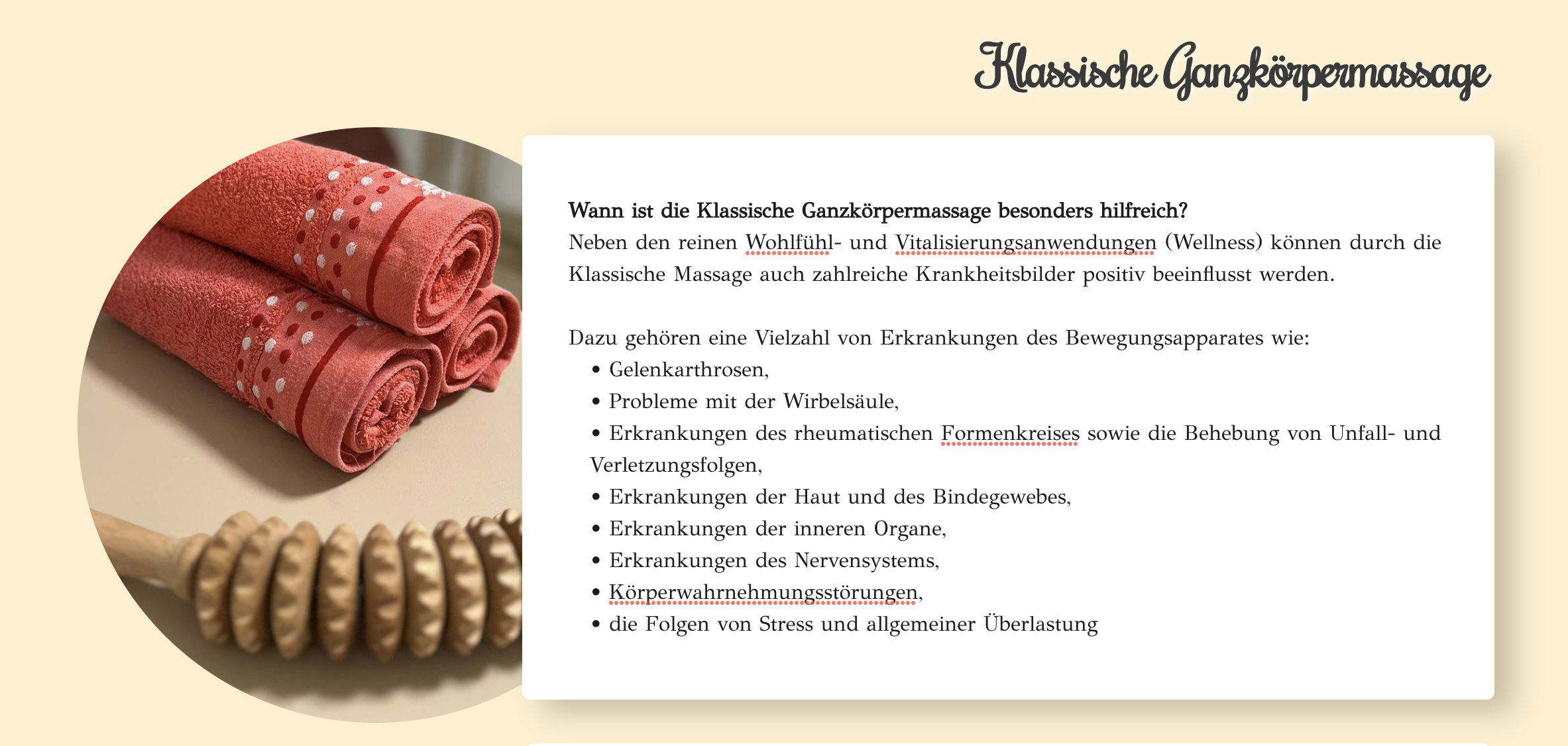
Some sections of my web page are displayed incorrectly when I am out on the Brizy "Edit Mode". If I click enter after a sentence for a New section, then it shows 2-3 new blank lines.
Or when I make a bulleted list, then it makes too much space:
On Edit-mode:
After saving on normal web view: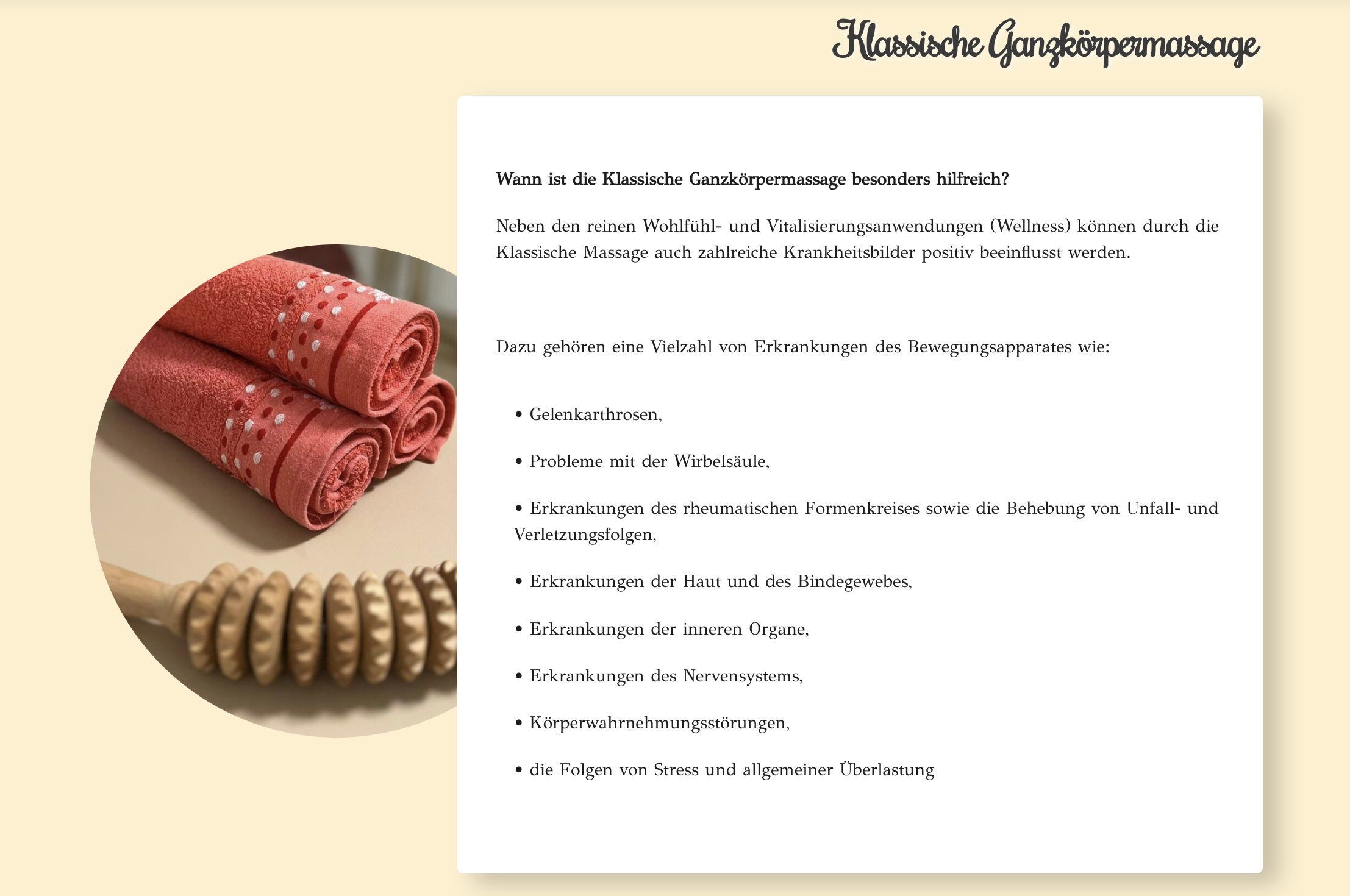
-

Hi
I pasted your text onto a Brizy web page. Please check out https://brizytest.online/text-spacing/ for my test page. The text spacing in the preview of this page looks quite similar to how it is in the editor.

Have you pasted your text from a word processing application like Microsoft Word? If you did, try pasting your text into a text editor. like https://www.onlinetexteditor.com/ and copy paste from there to Brizy.
If this does not help, please get back to us. We may need access to your WordPress Dashboard to offer further help.
0 -
Hey,
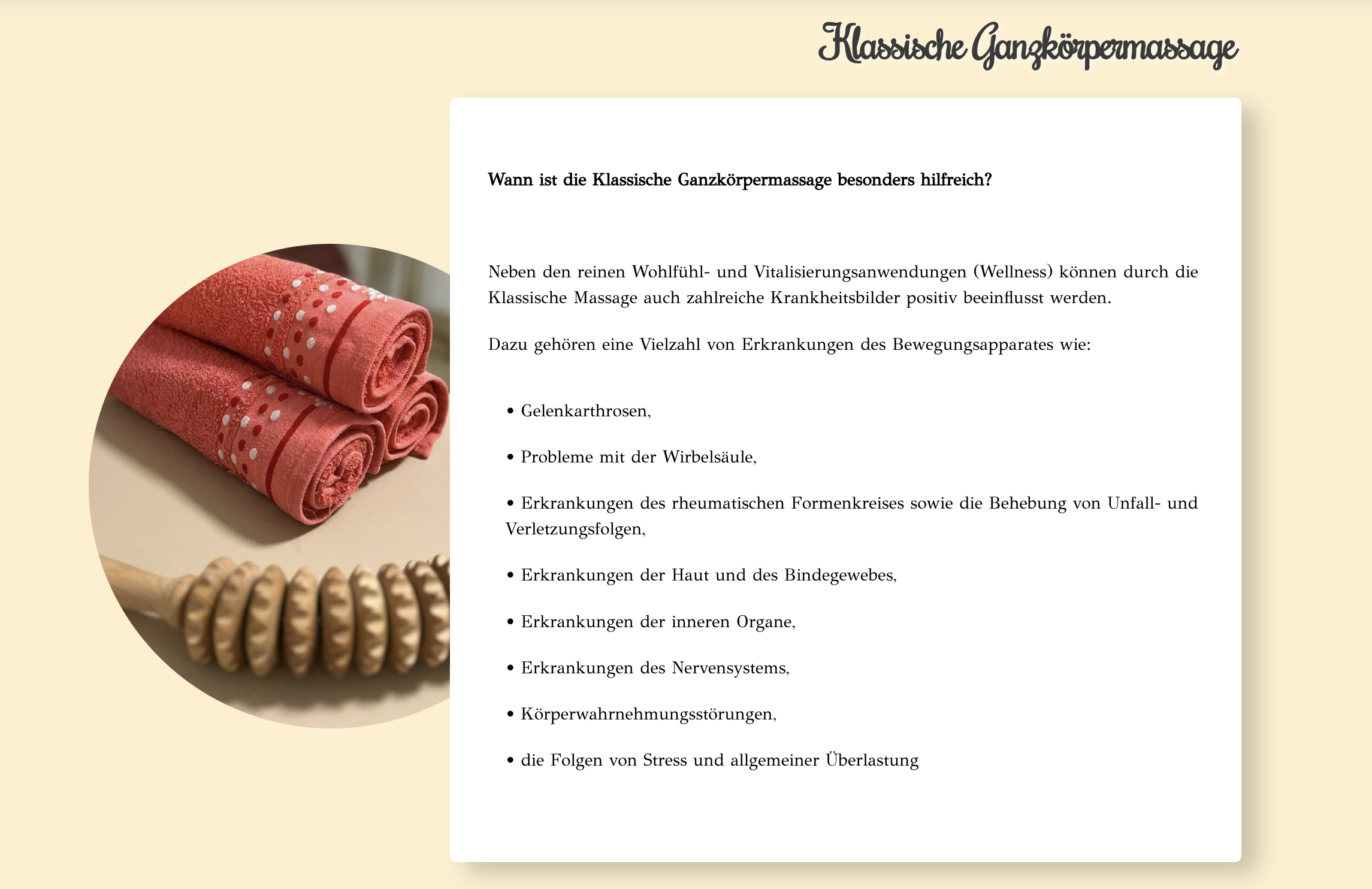
I can see that it works well for you.I inserted a new text field and then copied and pasted the text from the online text editor, but unfortunately it didn't work as well as it did for you.
 0
0 -
Hi
Can you give us access to your project? Please add me as a user to your WordPress Dashboard and send the following details to our email: communitysupport@brizy.io
- Community Post link: https://support.brizy.io/hc/en-us/community/posts/12895616061458
- WordPress Admin URL:
- Username
- Password
Please let us know here when you send us the email.
0 -
Hi
You could be seeing a cached copy of your website in the frontend. I created a test page at https://bodyandsoul-hijamassage.de/test/ Text spacing looks fine on this page for the first time. Then when you refresh the page, the spacing changes. Please see this screen recording. https://jmp.sh/XH9PTfAH
In the homepage, try deleting the content within the above block. You will see that the changes in the editor do not take effect in the frontend
Please try clearing any server side cache and also cache in your WordPress Dashboard. If this does not help, please take the help of your hosting provider to purge all cache.
0
Please sign in to leave a comment.
Comments
4 comments