Impossible d'ajouter des images

Bonjour,
Lorsque je veux mettre une image sur mon Template, je n'arrive pas a accéder à la médiathèque pour choisir mon image, cela tourne sans cesse.
Le site et un Woocomerce qui a plus de 30 000 images, je ne sais pas si cela peut jouer
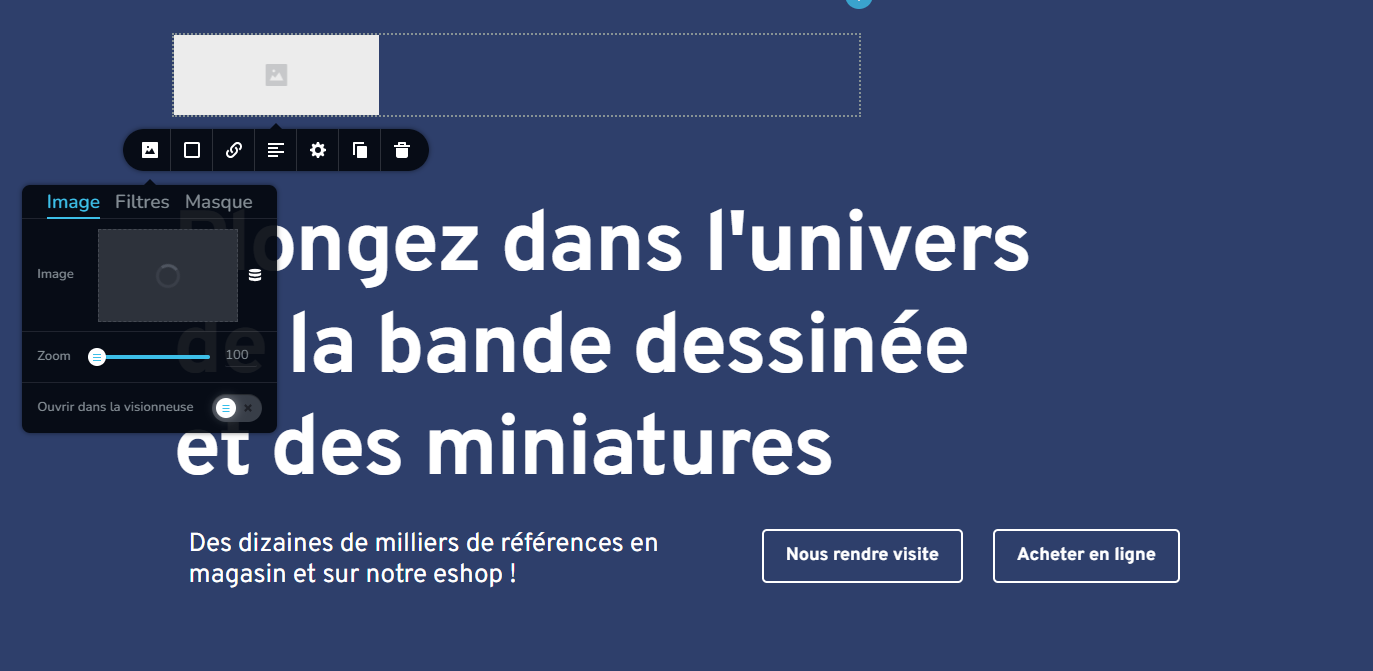
-

Hi Vincent,
Recent Brizy versions have incompatibilities with Jetpack Image optimizations and GoDaddy CDN. If you have enabled any of the following options, please disable it to upload images using Brizy.
- In your WordPress Dashboard under Jetpack - Dashboard scroll down to the heading "Performance and Growth" and disable the option 'Image Accelerator' https://jmp.sh/SU32wfE9
- Under Jetpack - Settings, under the Performance tab, disable the option 'Speed up image load times' https://jmp.sh/neap53iR
- If you have installed Jetpack Boost, under Jetpack - Boost disable the option 'Image CDN' https://jmp.sh/FUSoE1ZP
- If you are hosting with GoDaddy and using their CDN, please disable the CDN option from your GoDaddy account. You can follow instructions in this article. Enable or disable my CDN
If none of the above helps, please get back to us with your website URL. We will take a look.
0 -
Nous venons de vérifier et tout avait déjà été désactivé.
Voici le lien du site internet : https://akilon.be/
0 -

Hi Vincent,
Thank you for the update.
We'd like to look into the issue from your dashboard. Kindly grant us temporary access to your WordPress admin by adding us as a user. Please send the necessary login details to communitysupport@brizy.io.
Here are the details we need:
Community Post link: https://support.brizy.io/hc/en-us/community/posts/12834757280914
WordPress Admin URL:
Username:
Password:As a precaution, please make a full backup of your website.
Meanwhile, kindly attempt to deactivate all other plugins except for Brizy and Brizy Pro to observe if there is any difference. Additionally, consider temporarily changing to a different theme to determine if this resolves the issue.
Please try this and let me know how it goes.
Best regards,
Ariel H.0 -
Hi Vincent,
Thank you for your cooperation.
Regrettably, I am hesitant to perform troubleshooting directly on your live site, considering that you have more than 40 plugins installed. To avoid any potential disruptions to your live site, I recommend creating a staging version of your website. This way, we can thoroughly investigate the issue without impacting your live site's functionality.
I am looking forward to your response.
Best regards,
Ariel H.0
Please sign in to leave a comment.
Comments
4 comments