Translation not working

Translation not working - can you help?
I am not able to delete it now either..
-

Hi Tomas,
Please see this video about how to set up automatic translation e in Cloud Pro: https://www.youtube.com/watch?v=tDFEVOCSyvU
Also, if you need to delete the language please click on MANAGE, then at the end of the page on the right there is the Delete option, please see this video.
Best regards, Nelea.
0 -
Dear Nelea,
Thank you for your help. It is the first time, however, when I feel that Brizy support is just responding for the sake of responding. Instead of addressing the issue...
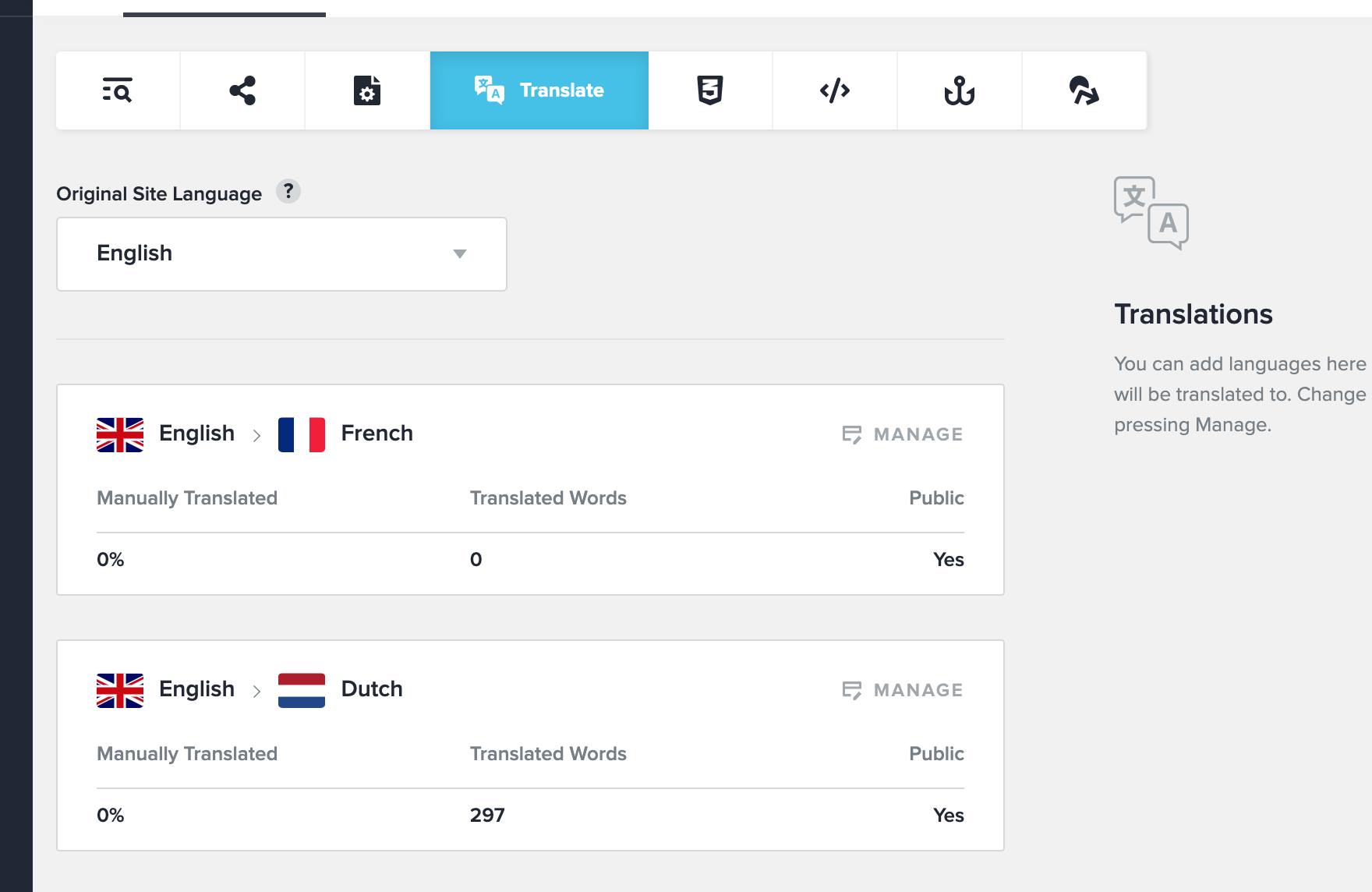
I did set up my translation using this video. The issue I was sharing - you could see from the print screen that one language has 300 words translated, while other 0.
I did try to delete French language option and set up translation from scratch again - unfortunately the same issue persists. Can someone have a look at the site for potential fix to the issue?
https://www.windowsndoors.be/fr/ (this should come up in French, but still displays in original language - English)
Thank you for your help in advance.
0 -
Hi Tomas,
We are sorry for this inconvenience, it is an issue on our part. We are investigating this problem and we are doing our best to fix this problem as soon as possible.
Best regards, Nelea.
0
Please sign in to leave a comment.
Comments
3 comments