There are warnings and errors in PHP because wp can not find which theme to load

Hello:
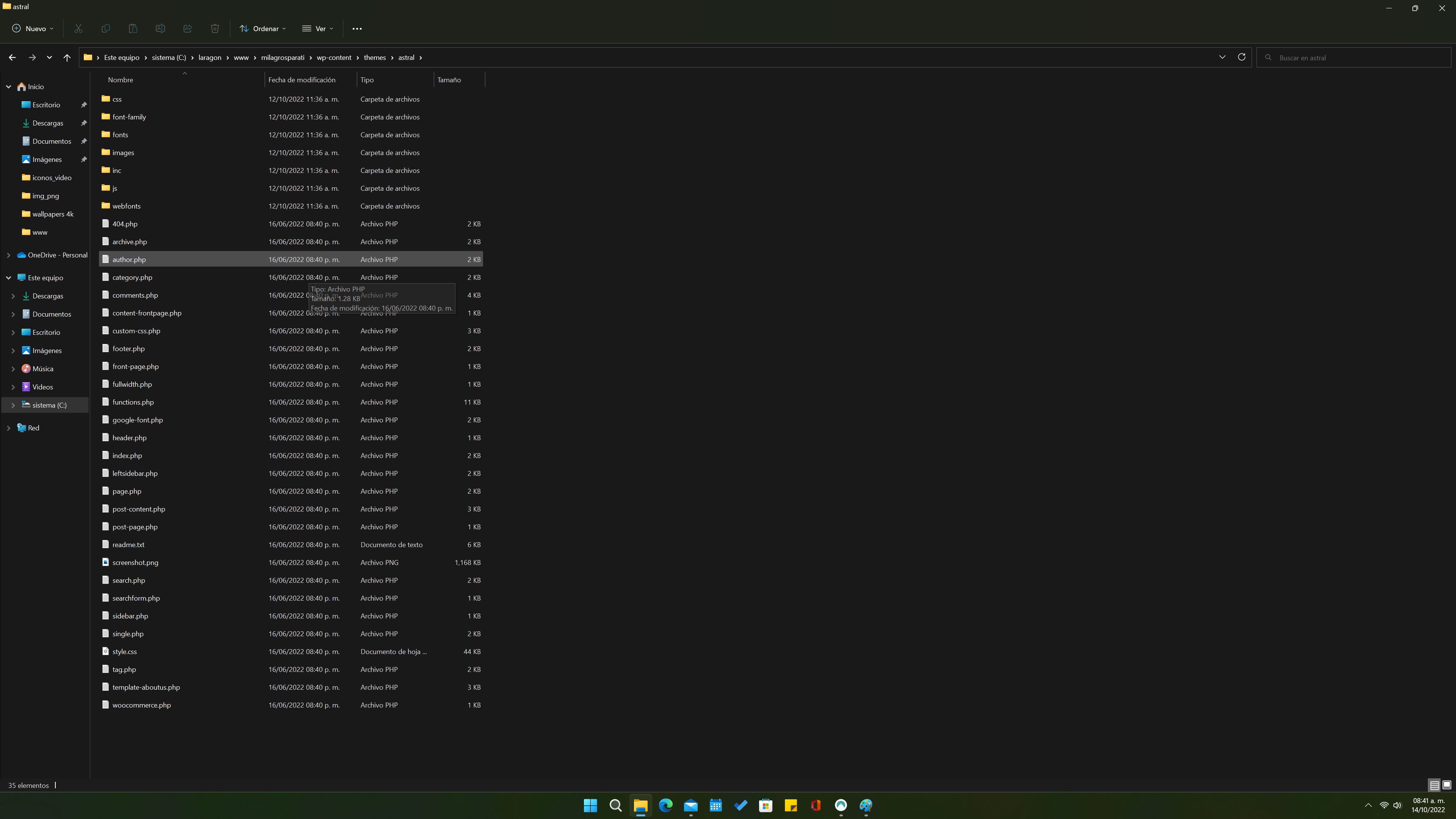
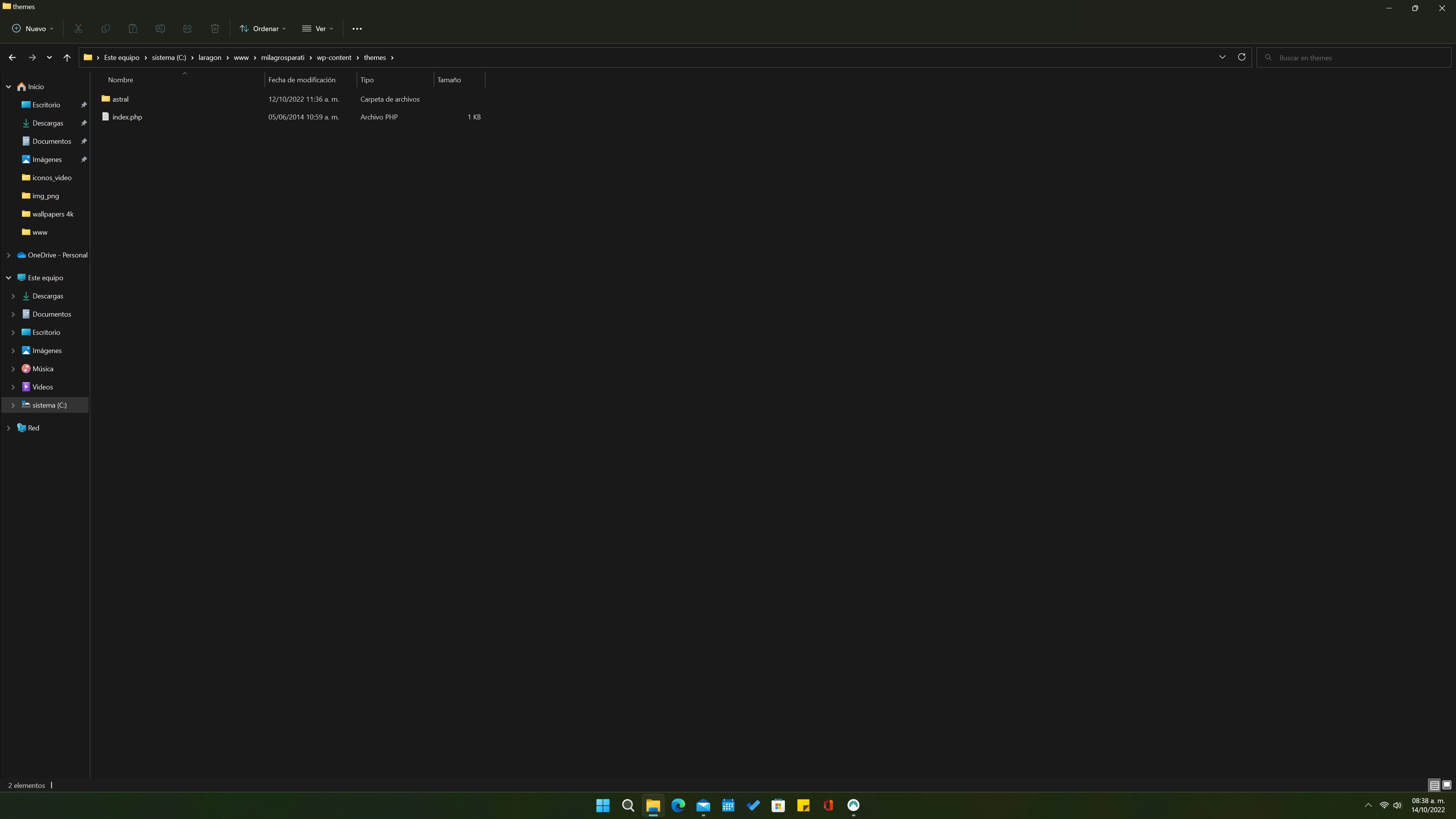
There is a folder with themes. So wp needs an active theme. So, astral is active, but not the one I am using. When I installed brizy pro, I selected yatcher (in sports category) as the template I choose to work on. I developed my site with no problems, but when I add query monitor to review the health of my site, there are a lot of warnings and errors in php. most of them are about that wp (or php) do not know which theme is the one I am using. I look at the themes folder, and there are only one in that folder: astral. so, where is yatcher theme? php, looks confused, and I need to repair this bug. Can you help me?
-

Hi Saul,
Can you please share your website URL?
0 -
Oh, sorry, mi site is already offline. Only as localhost, but here there are some screens of the site, with dashboard, and a preview from wp. Any advice is welcome. Thank you.

 0
0 -
Hi Saul,
Can you please help us understand the issue you are facing little better?
- Can you send us a link to the Astral theme's Yatcher template?
- Other than the query manager report, do you have any other website-related problems? Do you notice any errors in the WordPress Dashboard or the browser console when previewing your page? Does your website work as you expected it to?
- Do you believe there would be a problem if you ignored the query manager report? What issue do you anticipate?
0 -
Hello:
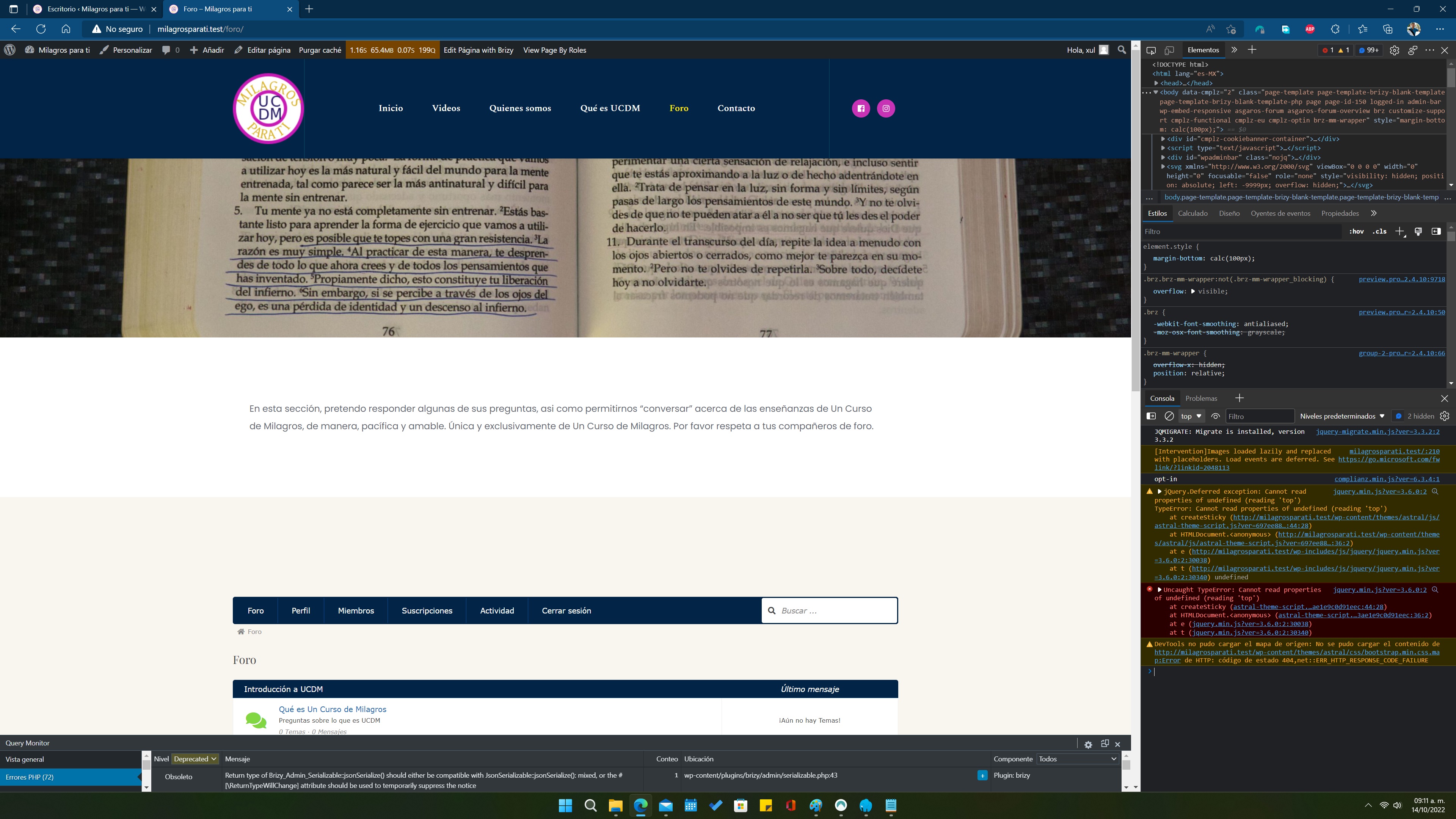
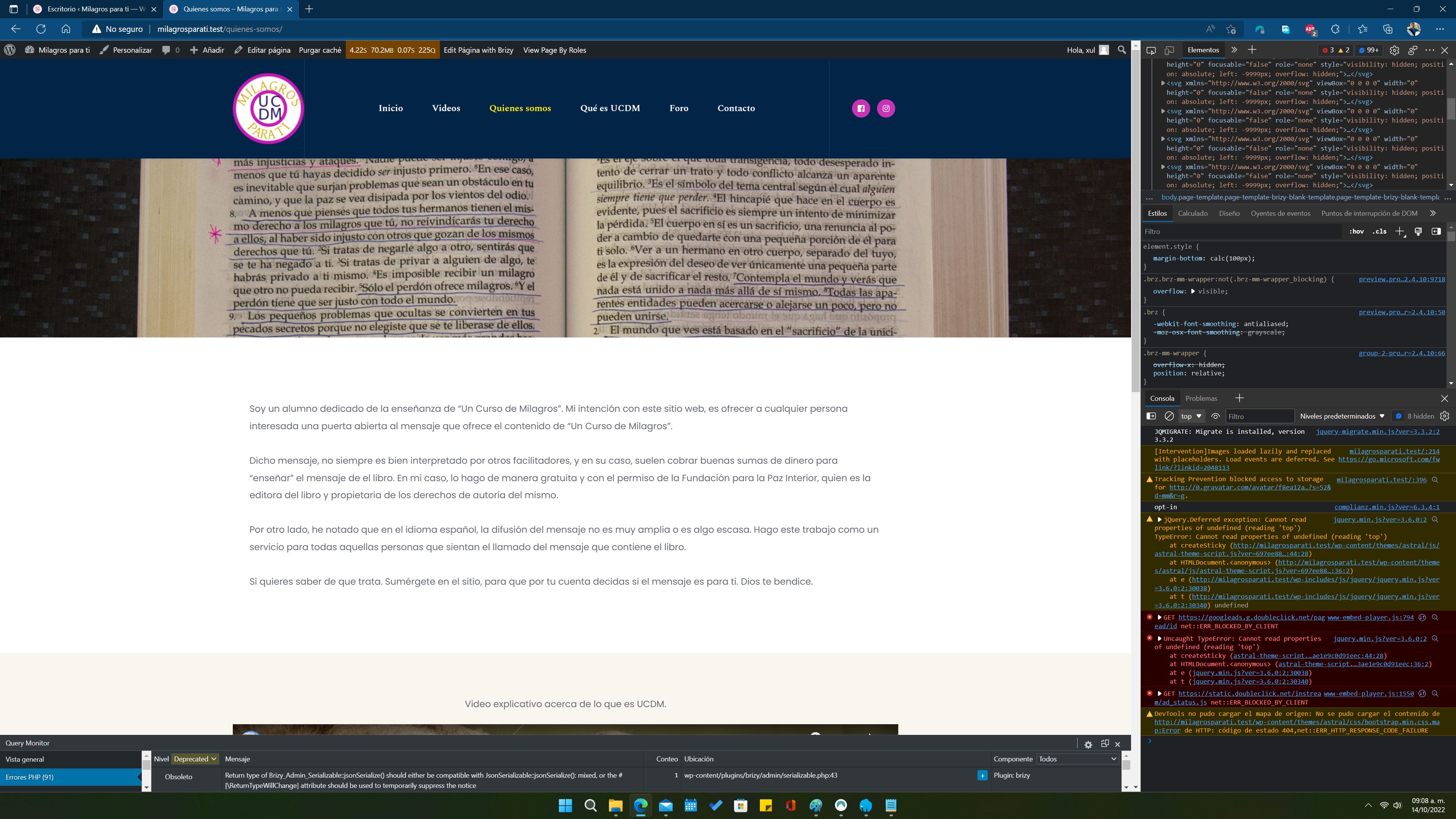
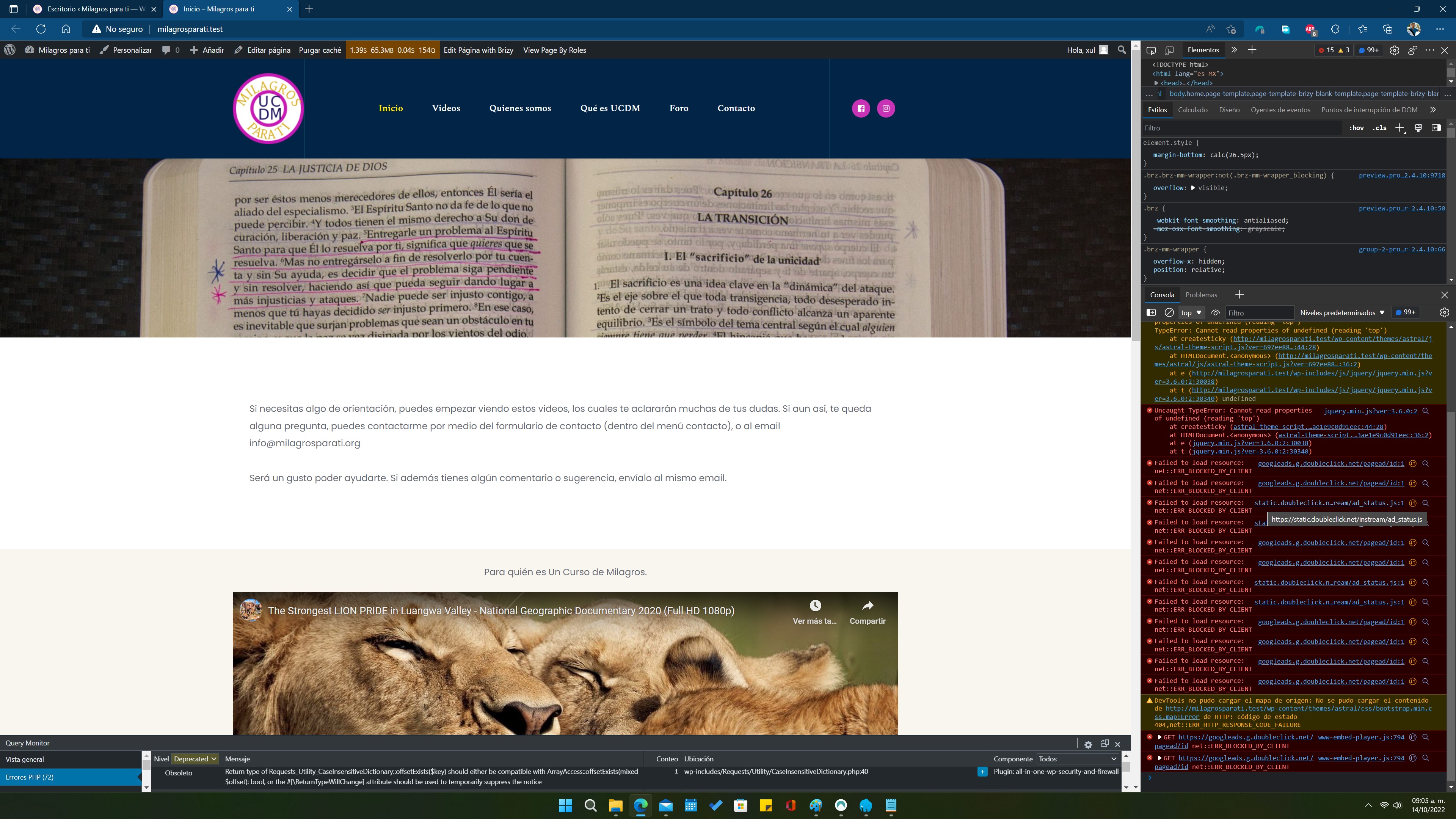
I send you some screens as you ask, so you can understand the problem. Maybe with this info you can help me. If you need more info, please just ask. Thank you.



 0
0 -
Hi Saul,
I understand these based on your screenshots.
- You are using the Astral theme
- You have imported the Brizy Starter site Yachter as the starting point of your design.
- To embed Google ads on your website, you are using Google Adsense. You have a number of Adsense-related browser console errors.
- A few of the console errors in your browser are related to the Astral theme.
Can you please try these to get rid of the browser console erros.
- Please change your theme to Blocksy, Astra or Twenty Twenty One and see if that helps to get rid of some of the browser console errors
- Deactivate the Google Adsense embed code temporarily and check if the errors related to googleads.g.doubliclick.net disappear.
In between your pages, AdSense inserts advertising content. This might put Brizy at odds. Please experiment with different AdSense embed options and select the one with the fewest errors.
0 -
Thank you.
I am going to see why I have google adsense. I do not have an account or plugin installed. The brizy starter theme removes the astral theme error.
0
Please sign in to leave a comment.
Comments
6 comments