Changes in the editor are not shown in published page

I am making some changes to my site and when saving them to the published site, the changes are not appearing. I even deleted the menu to redo it since I couldn't make changes to the original one but it keeps appearing in the published site. I have already emptied my cache and checked in a private window. Any suggestions?
-

Hi,
Thank you for contacting us.
Can you please specify if you have this problem with Brizy WordPress or Brizy Cloud?
Please provide the link to your website and we will look into it. Also, please attach a screenshot of the editor so we can see the difference.
Best regards, Nelea.
0 -
Hi,
I'm having this problem with Brizy WordPress in the site https://mytopsellers.com/
Editor
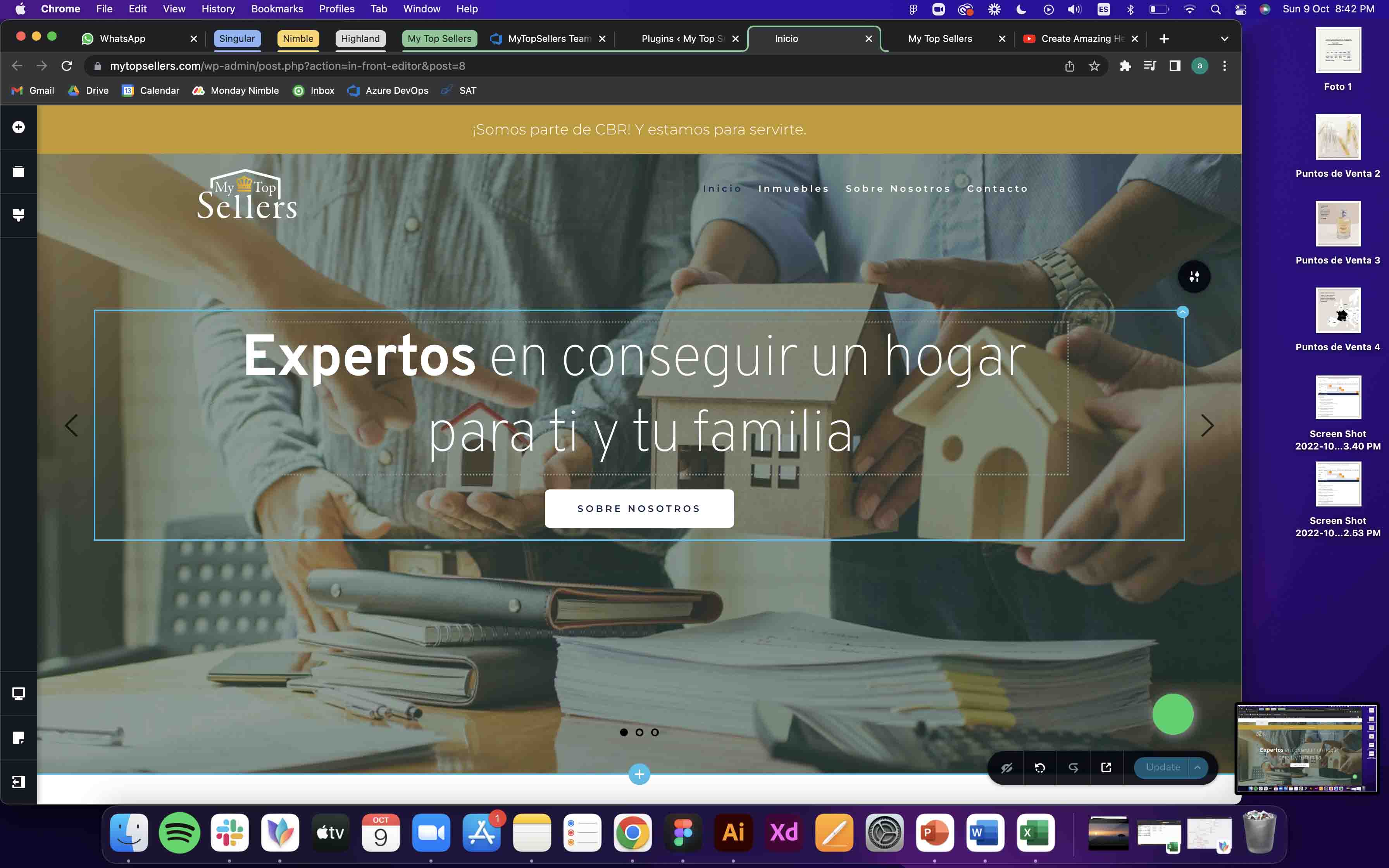
Published site
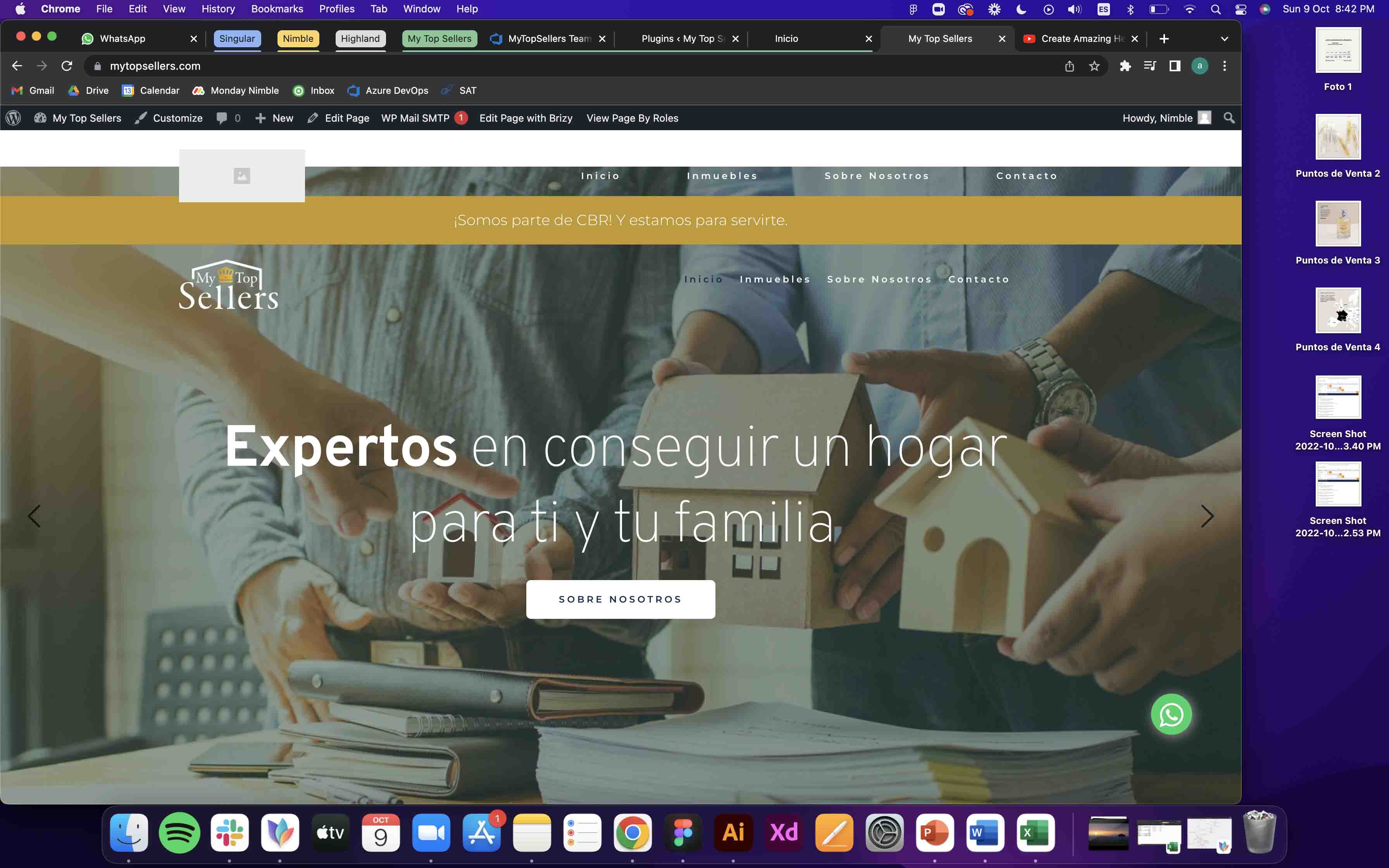
Thank you for your help!
0 -

Hi Francisco,
I would like to take a look at your project to troubleshoot why this is happening.
Please add me as a user to your WordPress Dashboard if you need assistance with this. My email: kc.george@brizy.io. As shown in this screenshot: https://jmp.sh/sOSGGR3, please turn on the option "Send the new user an email about their account"
Please let me know here when you send me an invitation.
0 -
Hi George, I'm adding you now.
0 -
Update, I managed to fix the landing page but it seems there's still problems with the blocks market as global.
0 -
Hi Francisco,
Can you specify the problem you are facing with the Global blocks?
0 -
Any changes I made to global blocks werent applied on the live site. I rebuilt my global block and it seems to be working.
0
Please sign in to leave a comment.
Comments
7 comments