Pro installed still cannot access pro elements

Have reinstalled both twice & still cannot access Pro elements. What else could it be? 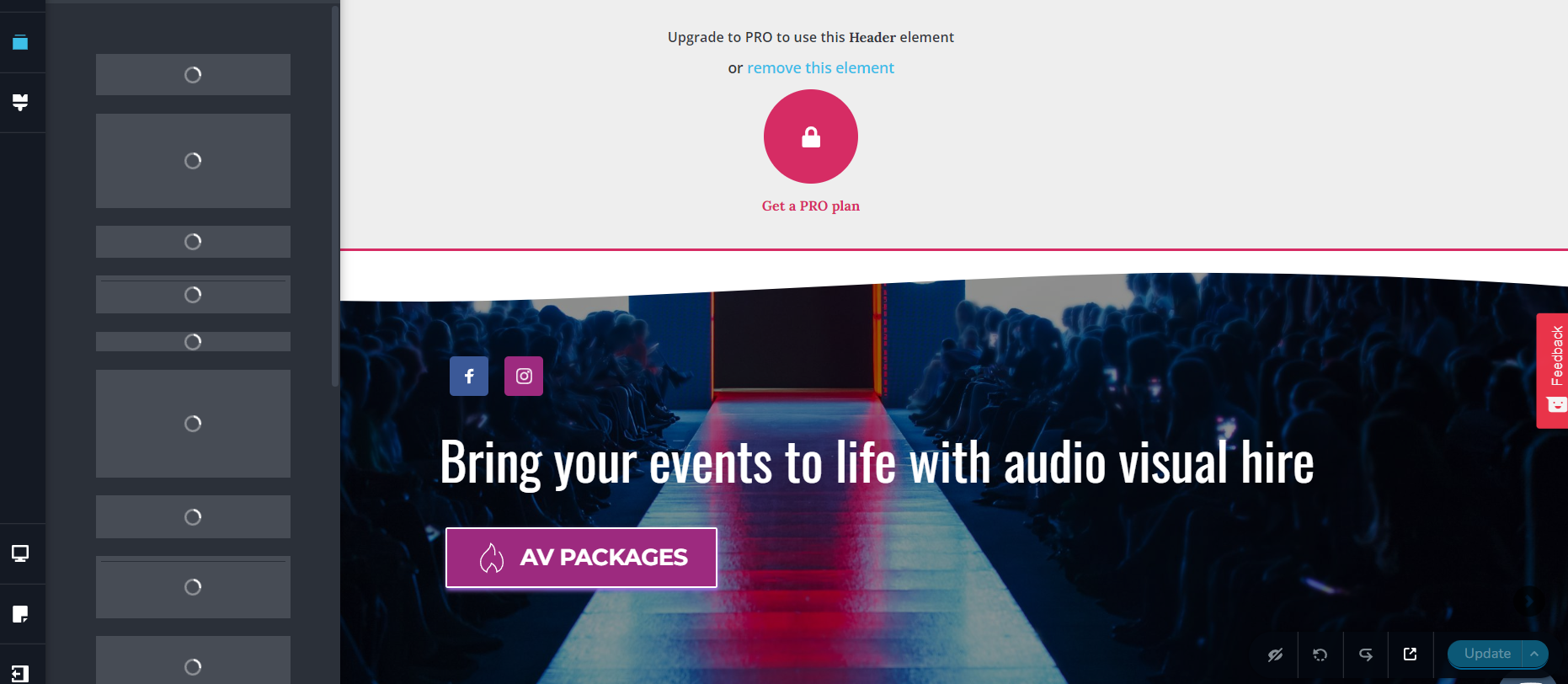
I am fed of of this issue as this has happened twice in an year, I need one time solution for this as I cannot come back again and again because it is time taking. Please help me here and find me a solution
-

Hi,
Thank you for contacting us.
We have checked your account and you have not activated the license. See this screenshot from your account. Please see this video about how to activate your pro license from min 1:35. Once you activate the license in your account, the pro options will work.
Best regards, Nelea.
0 -
Its not the first time, the license key always gets deactivated on its own. It activated right now but will show the error again in some time.
Is there any way to solve that issues?
0 -
Hi,
If you reinstall Brizy plugin then the license key is automatic disable and you should add again the license key.
Best regards, Nelea.
0 -
I am telling that it happens everytime, after installing the KEY. Here you see one more error that I forgot and just checked. There no one logged.
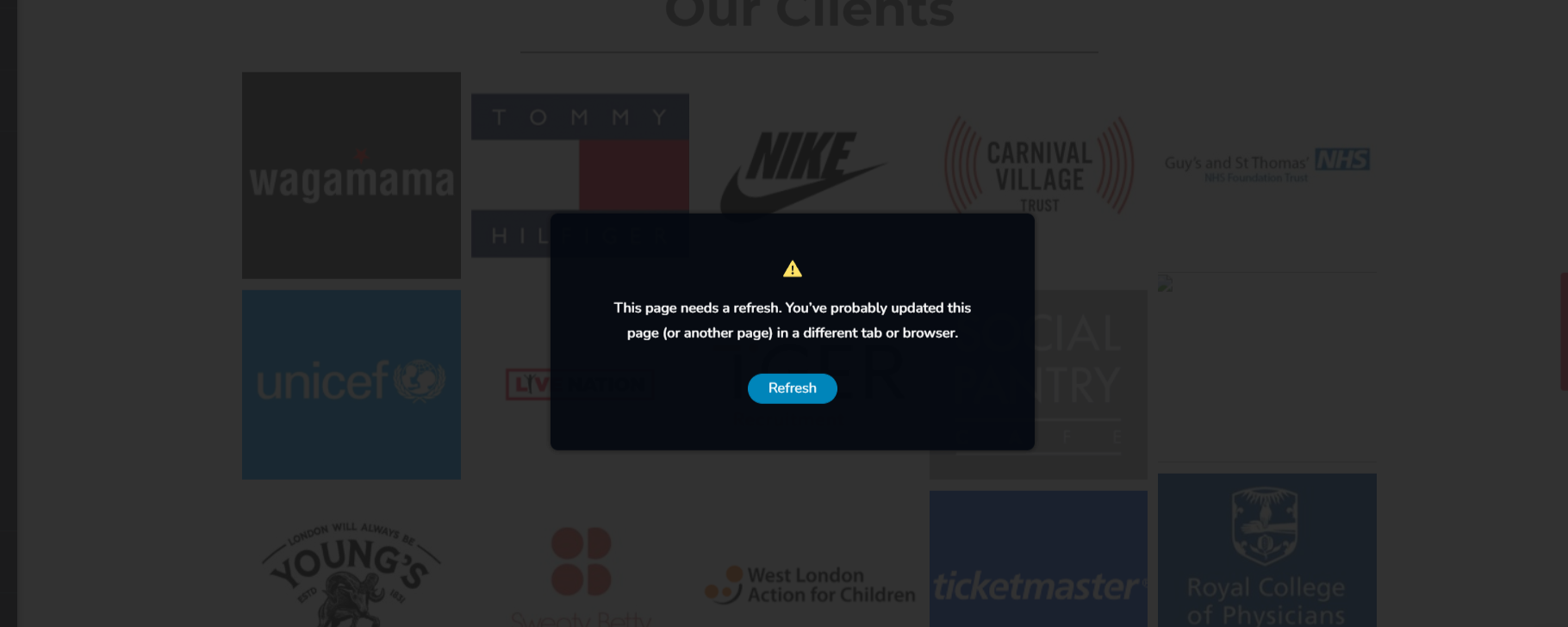
I am so much fed up of brizzy, like seriously. One thing works and then theres new error. Please help me resolve this ASAP as this is affecting my business a lot. I cannot work onto anything or update anything.
0 -
Hi,
We would like to check this problem from your dashboard. Could you please send us the wp credentials for these sites? I have created a private ticket for this request. You will receive a notification regarding this by email. Could you send us in that private message the wp credentials to them?
Best regards, Nelea.
0 -
I have just reverted back to the mail please check. Logins of wordpress and brizzy both shared
0 -

Hi Niki,
Our colleague Natalia will be in contact with you through email.
0 -
I will be waiting for the valuable input :) Please help as im really stuck,
0 -
Hi,
Can you please check your email? I see that my colleague Natalia has already replied to you.
Best regards. Nelea.
0 -
No I dont see any reply. I have shared my logins and thats the last message. Please check again or send again
0 -
Hi,
My colleague reply to you and she wrote : In the update process, your server is returning a 403 Error - https://jmp.sh/iup6SQb , this means that server can not handle our requests to update the page. It can be a firewall on your dashboard or any other restriction rule. Please, contact the hosting provider, send them this screenshot and ask them to inspect this 403 Forbidden error.
Best regards, Nelea
0 -
YES I just checked and replied to her. It is not helping and I have mailed her,
I HAVE mailed to my hosting support. As soon as i get reply is there any way to make changes with solving this issue via backend coding?How can I get my brizzy pages into elementor or HTML? Can you give me any files for that for testing?0 -
Hi Niki,
Please talk to Natalia about the disappearing license key issue when the hosting company fixes the 403 Forbidden error. She can help in resolving that problem as well.
Importing of Brizy pages into Elementor or HTML may not be possible
0 -
The issue is fixed for now, from the hosting end. I can update the changes... But i keep getting it all the time, there might be a way definitely to get Brizy pages into Elementor or HTML I am sure...
Please help me how can I continue without using Brizy?
0 -
Hi,
Unfortunately, you cannot add a Brizy page into Elementor builder or vice versa, the page will not work. You should create the new page in the new builder from scratch.
Best regards, Nelea.
0
Please sign in to leave a comment.
Comments
15 comments