Removing permalink for main website

Hi I would like to publish my website under abcpartners.com.au but its asking me to put in a permalink, to make it abcpartners.com/au/consulting-services (for example), but my website only has one page, and i'd like it to go to abcpartners.com.au.
How do I do this?
-

Hi Martin,
Can you please share more information so that we can understand the issue you are facing better?
- Have you bought the domain name abcpartners.com.au?
- Have you pointed your domain name to your hosting provider?
- What is the URL to access your current website?
0 -
Hi KC George,
I have bought the domain and have pointed the domain name to the hosting provider.
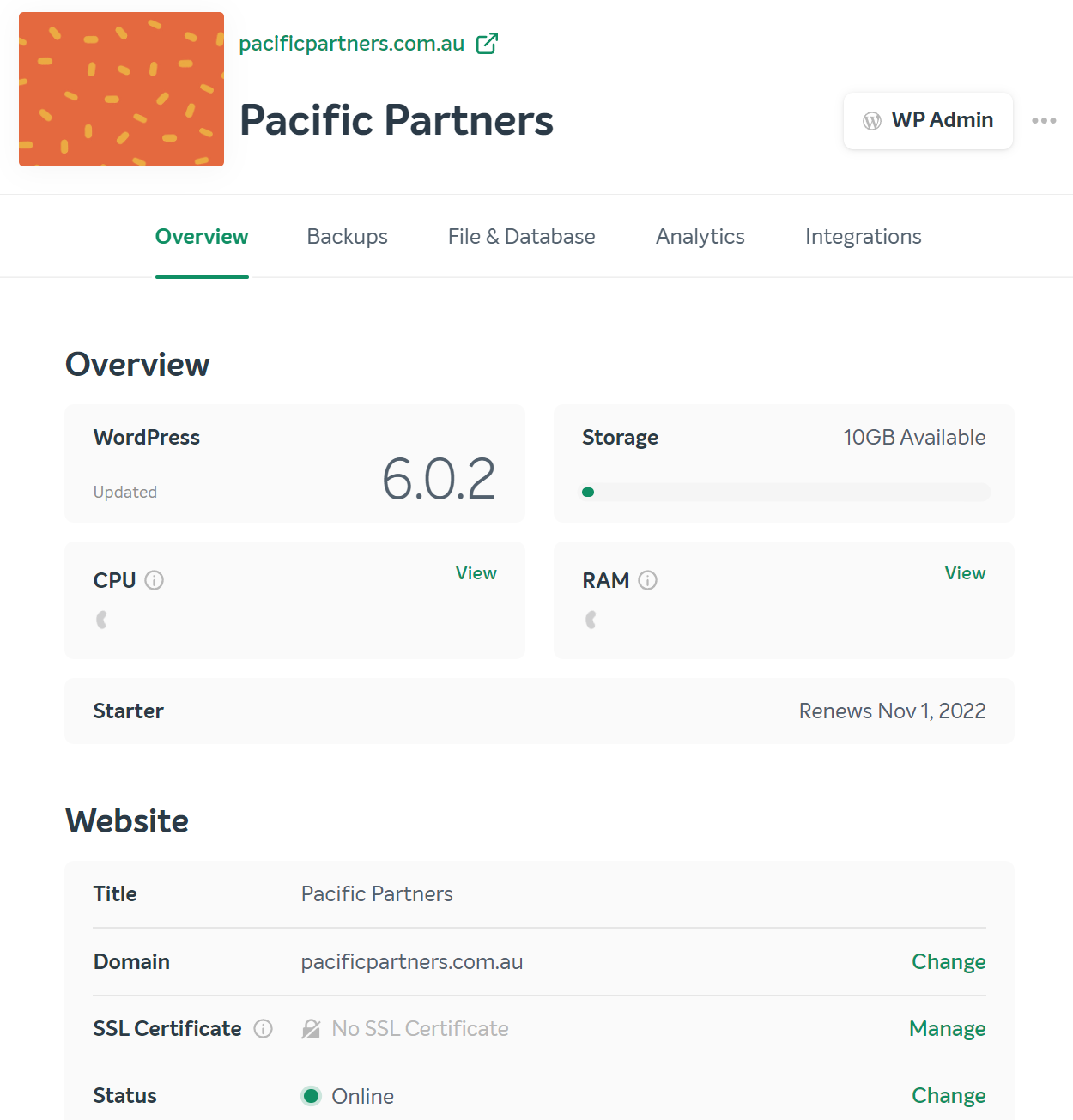
My current URL is pacificpartners.com.au but the website I built can only be seen through pacificpartners.com.au/pacific-partners
If you put in pacificpartners.com.au, it just takes you to a wordpress page that isn't the one I built in which I don't know why.
I only have 1 page website made in brizy and I want it to be the only page for my website.
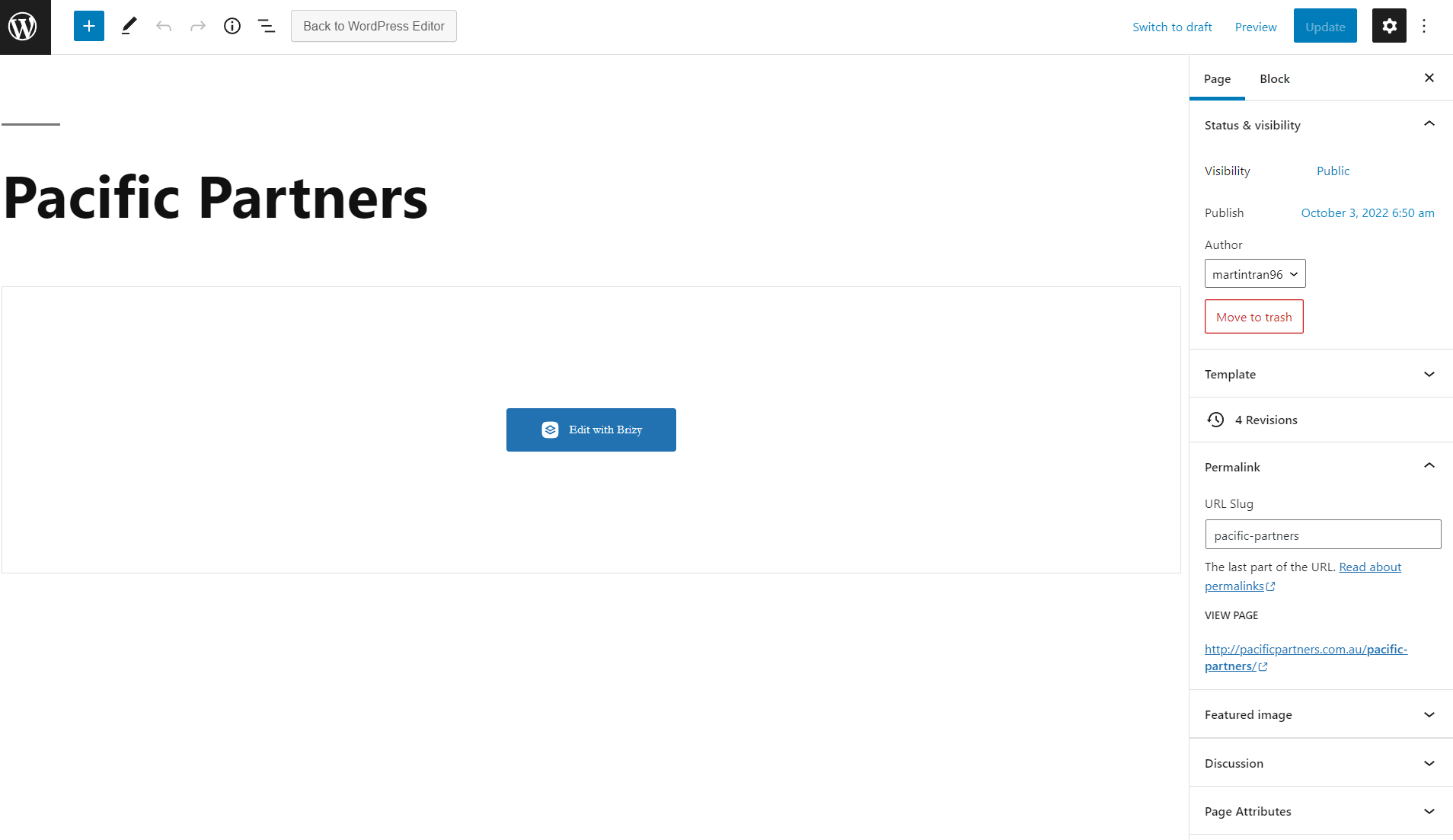 0
0 -
Hi Martin,
You can designate the "Pacific Partners" page as your homepage under Settings - Reading section of your WordPress Dashboard. The screenshot at https://jmp.sh/Sv1JnkI illustrates this. Please choose "A Static Page" for your homepage and choose "Pacific Partners" from the drop-down list, and then click "Save Changes" at the bottom.
0 -
Thank you so much again KC George!
0
Please sign in to leave a comment.
Comments
4 comments