WebP images not loading

Hi,
The WebP image files I've uploaded are not loading. Other image file formats seems to be working fine. I've converted other image file formats to WebP using a Photoshop extension. All seem to display fine when viewed from WordPress developer view, but not when viewed with direct web address.
I read some previous support threads in which it was said that Brizy supports WebP format now. Therefore this could not even be a Brizy problem. But I would greatly appreciate it if you could help me find a solution. Thanks.
-

Hi Chinthaka,
We sincerely regret this disruption. It's possible that this problem started when you updated to Brizy 2.4.9 and Brizy Pro to 2.4.9. If you are using these Brizy versions, please consider rolling back to the earlier releases until we can provide a fix for this. Please follow this procedure: https://jmp.sh/SlMHWLK
Here are the previous Brizy versions.
- Brizy 2.4.8 : https://jmp.sh/ek66Syo
- Brizy Pro 2.4.8 : https://jmp.sh/ELbaLgT
0 -
Hi George,
Thank you for your detailed response. I rolled back to previous versions but unfortunately the problem still persists. I'm actually not sure if this started with the update because I never checked in incognito mode how it was looking, as it was displaying as it was intended on the Brizy and WordPress developer modes. Even now it looks fine when checked that way.
Cheers
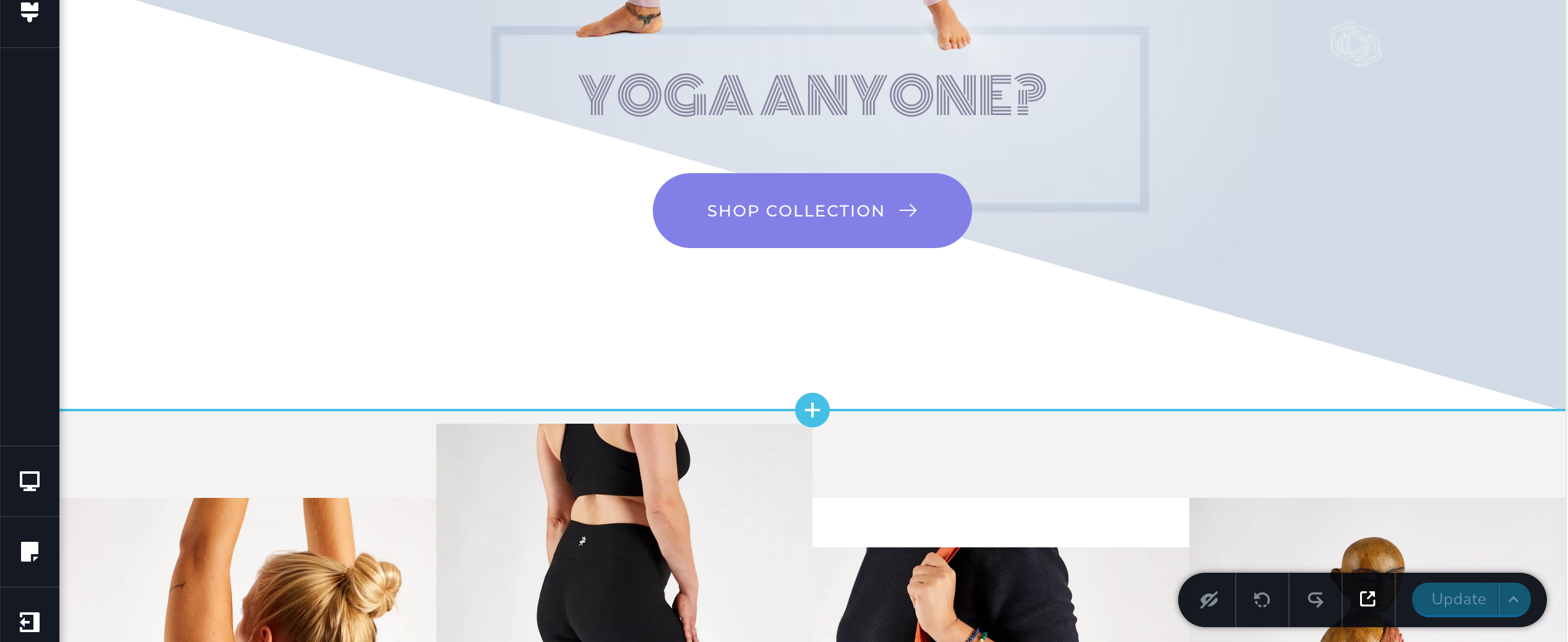
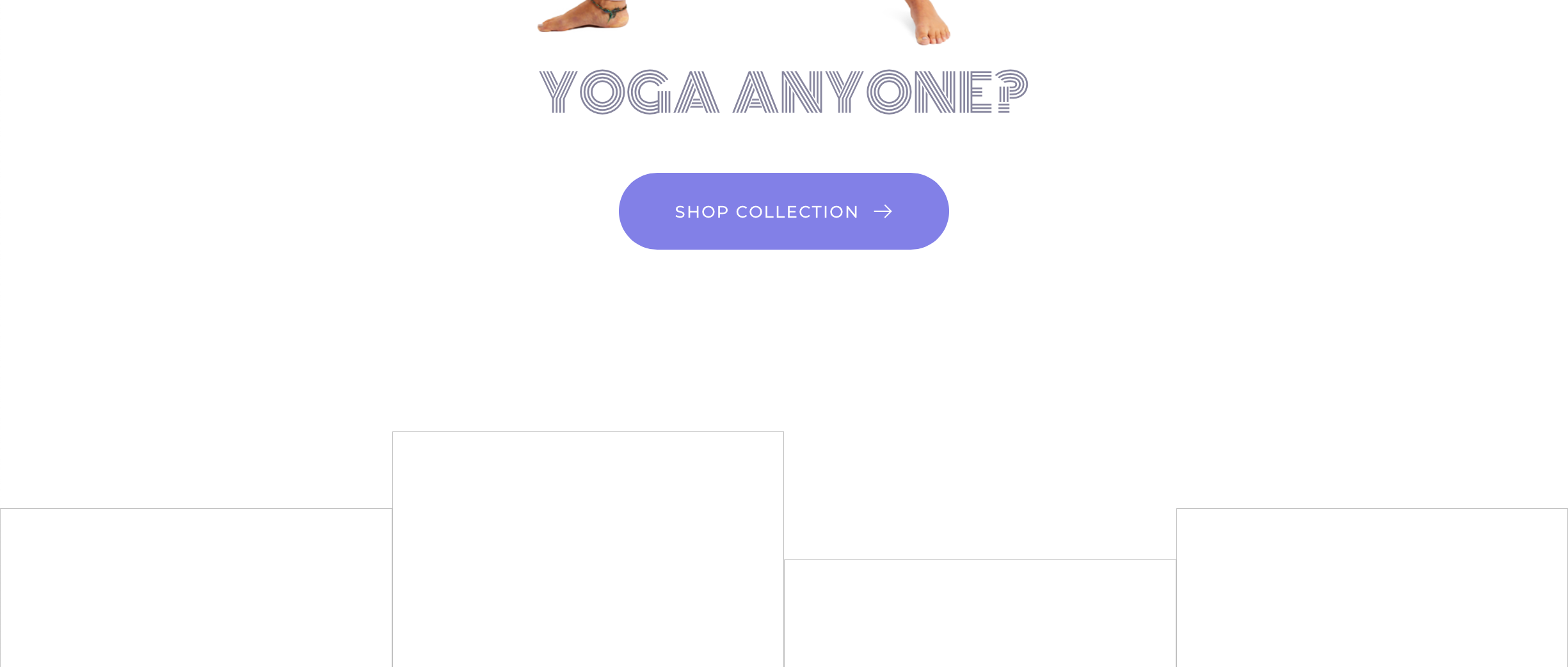 0
0 -
Hi Chinthaka,
Can you please share your URL where we can take a look at this issue?
0 -
Please let me know if you need to login
Cheers
0 -
Hi Chinthaka,
All images appear loading fine at my end https://jmp.sh/DU94OSD
0 -
Hi George,
Thank you for your feedback. It seems to work on Chrome and Firefox but not on Safari. But it's great to know the pictures are loading.
Cheers
0 -

Hello,
All my SVG files myurlwebsite.fr/?brizy_attachment=/wp-63465ea44e8ea843e02b17759235501e.svg are in error. Is the same issue ?
Is the risk important to roll back to the 2.4.8 like you explain ?
Thx0 -
Hi Martin,
We have a fix available for this issue at our end. Before releasing the update, we might perform some additional testing. If it is critical to address the image issue on your website before we release our next update with this fix, please consider reverting to an earlier version.
The risk of reverting to an earlier version is minimal. Before downgrading Brizy, if you want to be extra careful, please make a backup.
0 -
Hi George,
When is the next update due?
0 -

Hi,
Unfortunately, at the moment we don't have an exact ETA for the next update. Our dev team is still working on the next update.
Best regards, Nelea.
0 -
The roll back fixed my issue.
Thanks
0
Please sign in to leave a comment.
Comments
11 comments