Woocomerce not loading brizy template when key=wc_order is specified in the url

Hi!,
We have a problem, when this url
The brizy template does not load, but when we remove the key=wc_order it does load correctly as in
https://vitaalimentovital.com/tienda-vita-finalizar-compra/order-received/19559/?env=prod
The template is loaded correctly.
Could this be a brizy issue?
Please help. Everything is up to date.
-

Hi Ingrith,
Could you please elaborate on the purpose behind adding this parameter on your Order Received page URL?
?key=wc_order_lKq18hu0o94aC&id=144674-1664567986-50619&
0 -
Hi! thanks for your kind response.
That is the WooCommerce order key (https://woocommerce.github.io/code-reference/classes/WC-Order.html).
The brizy template fails to load with that query string parameter. But it works well with the second parameter that is added by the payment method plugin.
0 -
Hi Ingrith,
A Brizy Checkout page which displays the Order Confirmation with the wc_order in the URL is possible. Please take a look at this test page as an illustration. https://woo.kctest.online/checkout/order-received/4571?key=wc_order_lxBBEifs97I20
Since this is not functioning on your end, please consider recreating your Checkout page following the steps listed below
- Trash your current Checkout page
- Add a new page and name it Checkout
- Edit the page with Brizy and add your global header, a blank block and your global footer
- In the blank block, drag and drop the 'Pages' element and select Checkout option.
- Drag and drop the text element and add your page heading "Finalizar Compra"
You can watch me recreate my checkout page using the steps above in this video. Please note that the 5th step is not covered in the video. https://jmp.sh/5QuWOBr
1 -
Hi! Your video has been extremely helpful, and we really appreciate your time and effort.
While following your steps, we noticed something. What is conflicting is not the wc_order. There is a second id on the query string.
This one fails,
https://vitaalimentovital.com/checkout/order-received/19559/?key=wc_order_lKq18hu0o94aC&id=144674-1664567986-50619&env=prod
This one works.
https://vitaalimentovital.com/checkout/order-received/19559/?key=wc_order_lKq18hu0o94aC&env=prod
That second ID is added by the payment gateway plugin.
Any advice on this will be extremely helpful.
0 -
Indeed, when I add the &id=144674-1664567986-50619 to your link, we experience the same situation.
0 -
Hi Ingrith,
On your website, I tried to order a product. I was redirected to this page: https://vitaalimentovital.com/checkout/order-pay/19644/?key=wc_order_8ESYmtzkrmAHh&order_pay=19644
I guess you're referring to this page on your website as Brizy Template isn't working.
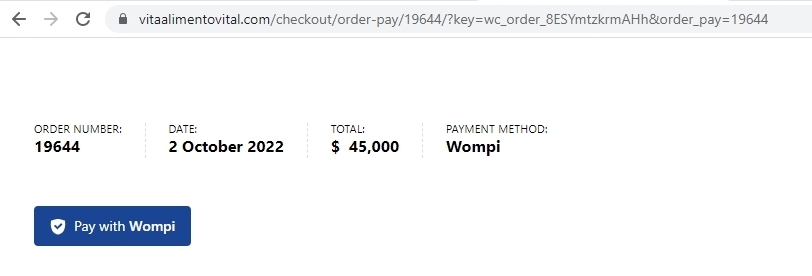
It appears that the Order Received URL changes when using the Wompi payment gateway from
- https://vitaalimentovital.com/checkout/order-received/19644/?key=wc_order_lKq18hu0o94aC to
- https://vitaalimentovital.com/checkout/order-pay/19644/?key=wc_order_lKq18hu0o94aC&order_pay=19644
It's possible that the Brizy Template isn't working on this page because of the URL change. I am not sure if we can resolve this issue. We can check things out and see if there's anything we can do if you grant us access to your WordPress Dashboard.
0 -
Hi!,
Thanx for your efforts.
URL: https://vitaalimentovital.com/
0 -
Hi Ingrith,
I get this message when trying to login.
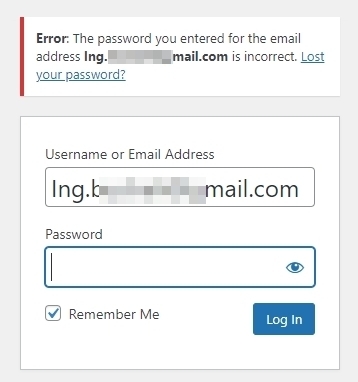
Please add me as a user to your WordPress Dashboard. My email: kc.george@brizy.io. As shown in this screenshot: https://jmp.sh/sOSGGR3, please turn on the option "Send the new user an email about their account".
Please let me know here when you send me an invitation.
0 -
Hi Ingrith,
I have added the Brizy header and footer to the Checkout page and the Order Confirmation page. Few other pages had missing header. I have added header to all pages.
Please check if everything is working as expected.
0 -
Hola George, how are you?
While reviewing our website again, we noticed that the order-received page is not taking the footer or header assigned by Brizy for the checkout page, and instead, it is displaying information from the previous page. Since it's a WooCommerce slug, it continues to have issues with Brizy. Could you please help me validate this, or let me know how I can fix it?
Example Order Received Page:
It´s possible delete the last part of the page (Key=wc-order_) because when I tried use the same url whitout this key It fix.
https://vitaalimentovital.com/checkout/order-received/34475/
Thank you 🙏
0 -
Hi Ingrith,
Can you give us access to your project again? Please add a new user to your WordPress Dashboard and send the following details to our email: communitysupport@brizy.io
- Community Post link: https://support.brizy.io/hc/en-us/community/posts/9524837585041
- WordPress Admin URL:
- Username
- Password
Please let us know here when you send us the email.
0 -
Good Morning, I send you the admin details.
- WordPress Admin URL:
- Username:
- Password:
Thanks :) 🙏
0 -
Hi Ingrith,
Since your website is live and receiving orders, it would be good to schedule a time to make changes to your website. Please take a full backup of your website before we carry out the activities I am suggesting below. If your hosting provider has backup facility, please do a full backup. If not, consider installing the UpdraftPlus WordPress Backup & Migration Plugin
The design for the Order Received page is set in the Checkout page. The Checkout page does not open in Brizy at the moment. I would like to recreate the checkout page and test if the Order Received page can have the Brizy Template. I also need to enable Test mode in Wompi to test the buying process.
Recreating of the checkout page and enabling the Wompi test mode can be best done during night time in Columbia. I need your permission for these activities and please also suggest a time to do these tests. It is ideal to enable 'Maintenance mode' during these tests to avoid users interacting with your website.
0 -
Good afternoon, how are you?
I confirm that we can carry out the tests at 22:00 hrs Colombia time. We have a BackUp service, so there are no problems with that.
For recreating a checkout page we verify that Wompi have Test Mode, I send You a screenshot.
 0
0 -
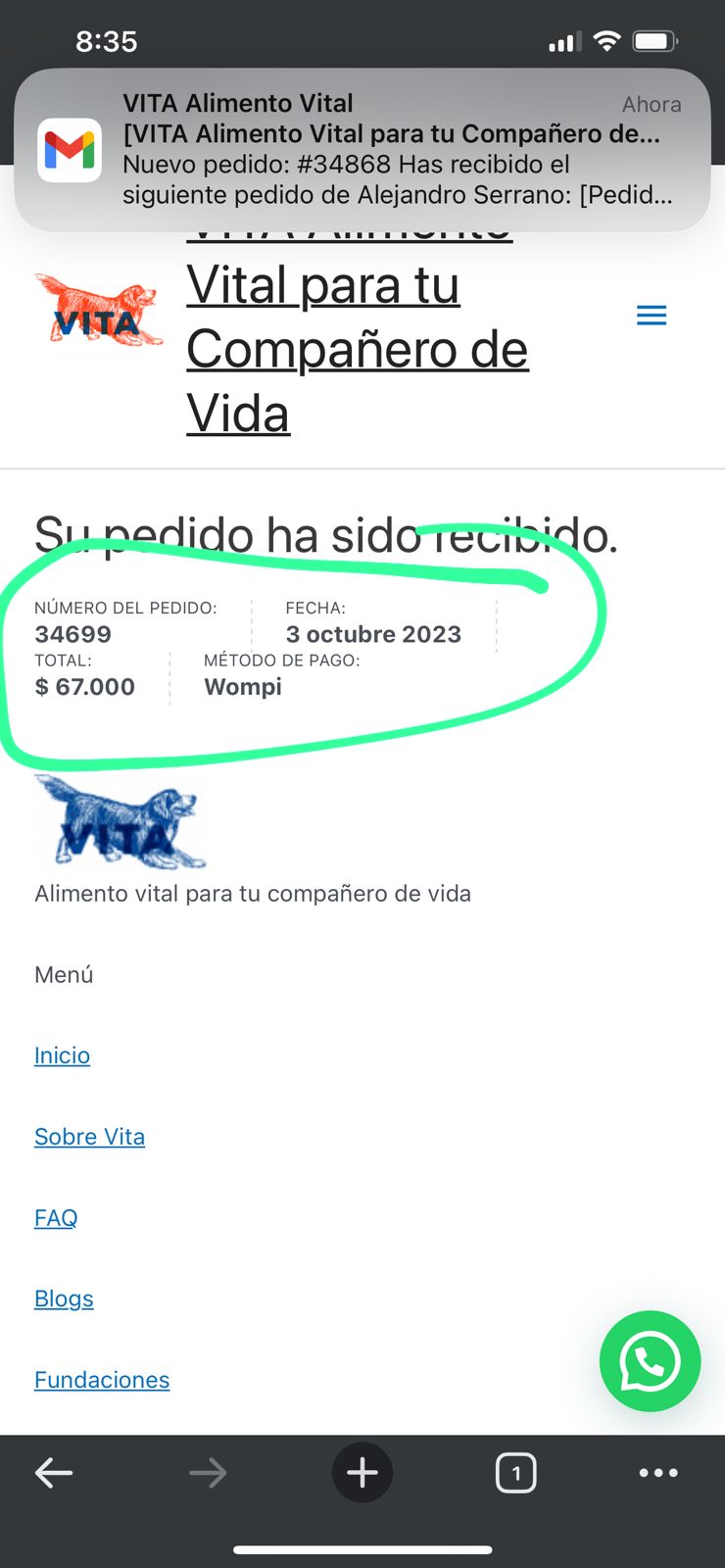
we noticed that the order-received page is not taking the footer or header assigned by Brizy for the checkout page, and instead, it is displaying information from the previous page. (and the others orders)
 0
0 -
Hi Ingrith,
We are currently working on your project. Here is a quick update.
I recreated the checkout page at https://vitaalimentovital.com/checkout/. However this page redirects to your previous checkout page at https://vitaalimentovital.com/checkout1/ We are currently investigating the cause of the redirect.
0 -
Hi!! Good morning, in this moment my website isn´t working !!
There are a infinite loop into checkout page, please is important to fix that issue, my website is a store.
I send a video for the bug. https://www.youtube.com/watch?v=EZhFHiCvJbA
0 -
Hi!!
Checking the pages in detail I see that the order received page also has an error.
0 -
Hi Ingrith,
I have restored the original checkout page. If you are still facing issues with your website, please restore it from a backup.
0 -
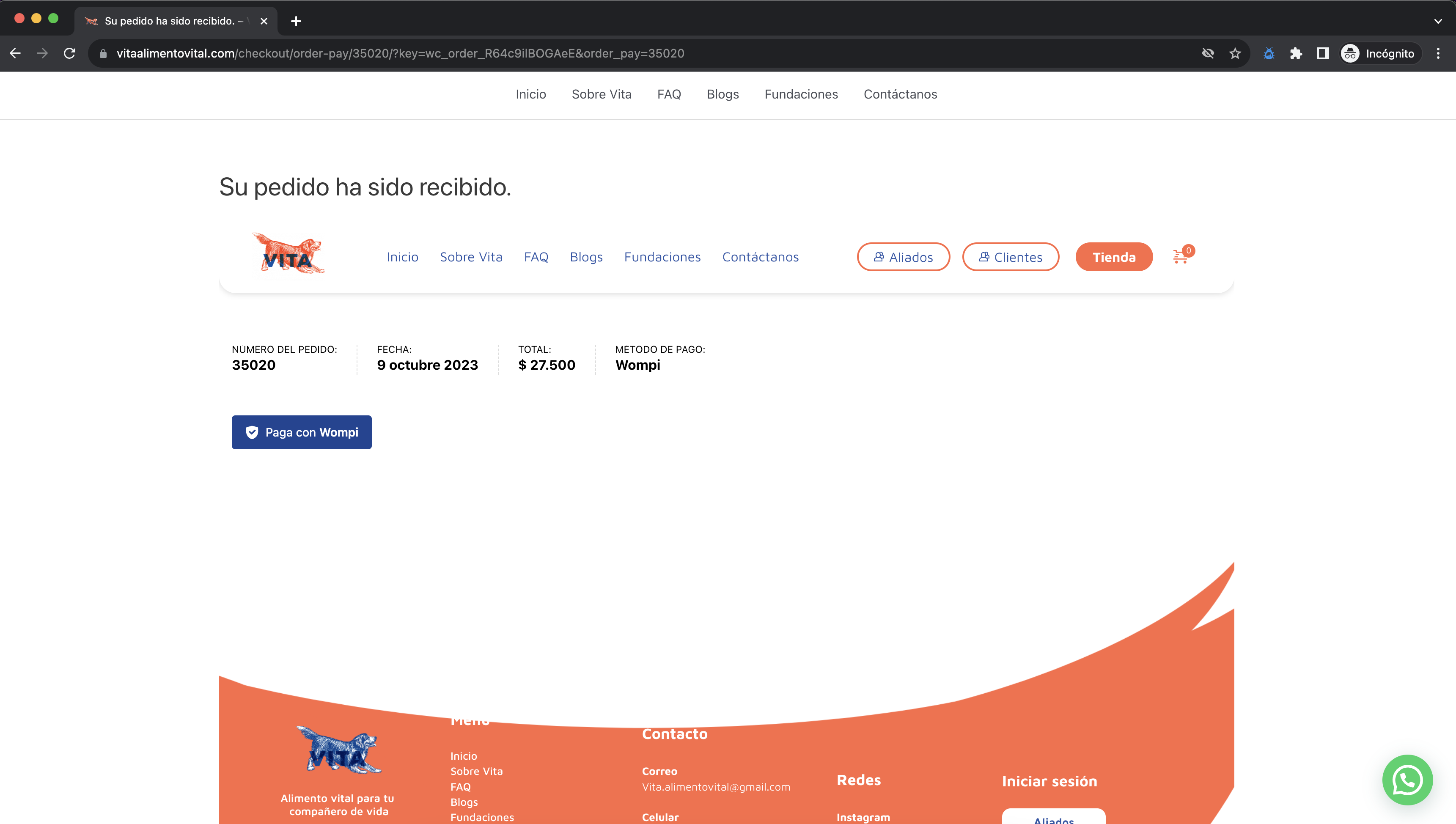
Hi George!! Thankkks, the original checkout it fix, however it doesn´t look well :(
Can you help me please :(
 0
0 -
Geoorge, I change the checkout page with brizy template.
Video: https://www.youtube.com/watch?v=BosuEWIPbho
The only bug is at the end of return pay,
0 -
Hi Ingrith,
Can you setup a staging site so that we can investigate this issue on staging? The live site wouldn't be hampered in any way by doing it this way. Please sign into your hosting account and check if they allow you to setup a staging site.
0 -

Hi
We are experiencing the same issue as the original poster. An id parameter is added to the order-received url, which for some reason blocks the Brizy template from loading.
As soon as the id parameter is removed from the url, the order received page loads correctly.
Unfortunately it's not very clear from the thread if you found a solution to this bug?
Kind regards0 -
Hi Mathias,
Unfortunately, we don't have a good solution to this problem at the moment. When adding a parameter to the order-received URL, if the Brizy template does not apply, you could consider setting up Brizy pages using the 'Default' Page Template. To set Default Page Template for your pages, open each page in the Brizy Editor, on the left sidebar, select the Page icon and then under 'Page Template' select the 'Default' option.
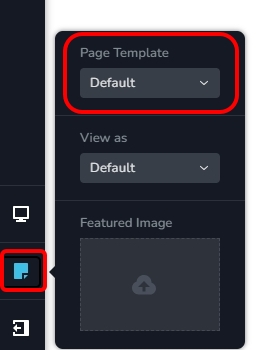
Your page will refresh with the theme header and the theme footer. In this approach, you will need to recreate your header and footer using your theme (Storefront) Have a look at my test website at https://brizy.tech/; it uses the Default Page Template. The header and footer are setup using Blocksy theme in this website.
0
Please sign in to leave a comment.
Comments
24 comments