Filtering Woocommerce YITH

Hi,
I purchased the premium plugin op YITH filtering for Woocommerce. In the shop page the filtering works just fine https://staging2.vitacomfort.nl/shop/ (price an category).
However on the category pages, the filtering doesn't work if you filter on subcategory or price. If filter on subcategory, other products will show up that are not related to the selected category. The same issue applies to the price filter. An example of a category page is: https://staging2.vitacomfort.nl/product-categorie/mobiliteit/ Do you know what the problem is? Many thanks.
-

Hi Stijn,
Since we haven't used the YITH product filter plugin, it is difficult for us to provide helpful advice.
Have you gotten in touch with YITH support? I'm hoping they can provide better assistance.
0 -
Hi KC,
Yes I have, the replied the following on this issue:
Hi there,
I checked your site and it seems there is an issue with the product block you are using, if possible try to use the default product block from WooCommerce and test if the filters are working with that block.
I look forward to your reply.
Best Regards,
0 -
Hi Stijn,
To use the default product category archive pages, please follow these steps
- Please edit the Product Category Archive Template with Brizy
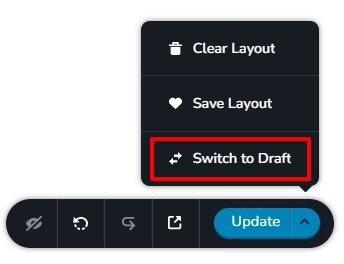
- Click on 'Switch To Draft' on the right hand side bottom corner.
This will disable your Brizy Template and when accessing the product category archive URL, you will see default theme archive pages. Please check if the YITH filter works fine with the default product category archive pages.
Please see this video for more detailed instructions. https://jmp.sh/SHW4hrf
 0
0 -
Hi KC,
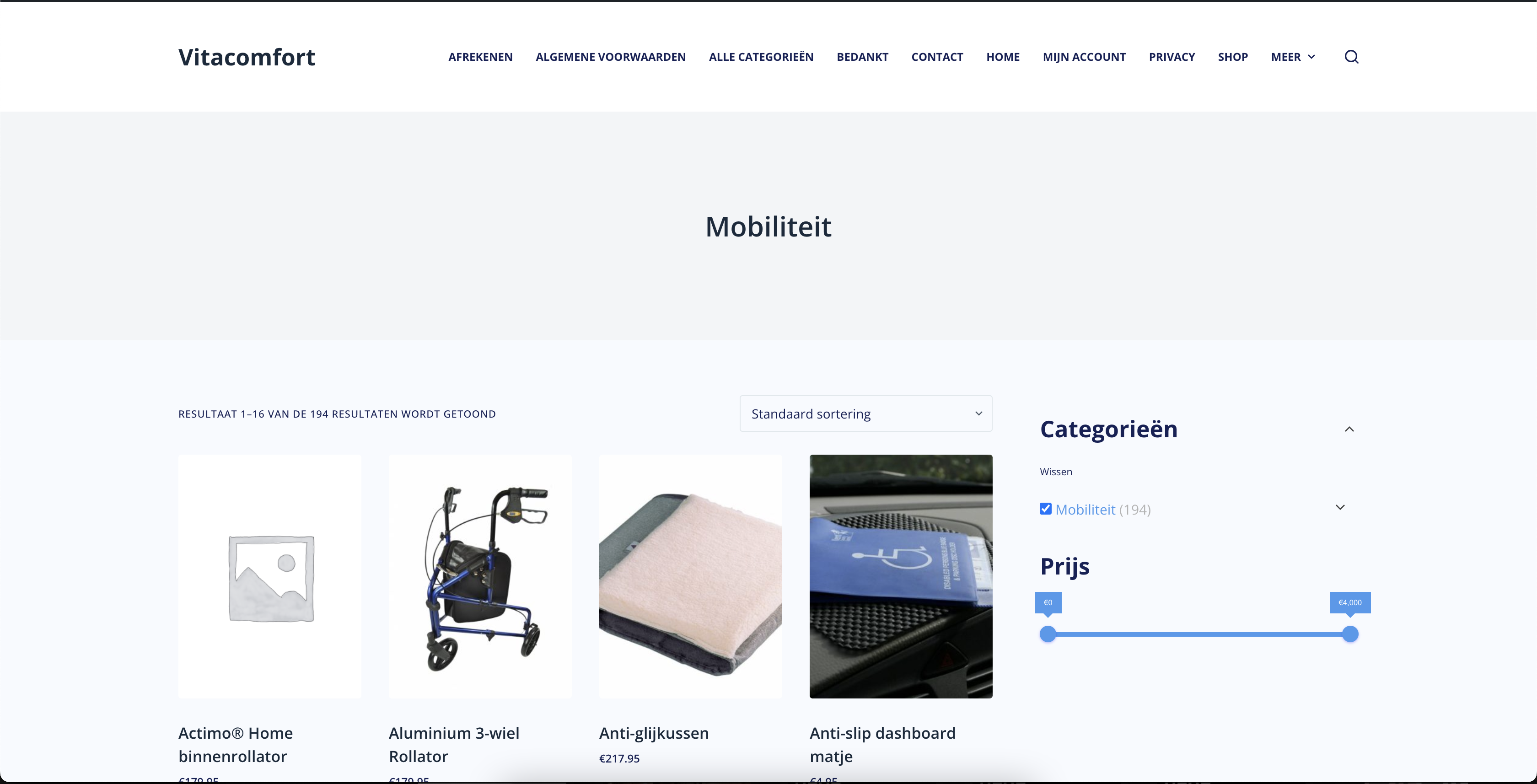
The filtering works if I follow our steps. However, the layout is completely different from the original design (other menu, footer, other product design, etc). Is there a way to fix this?
 0
0 -
Hi Stijn,
This confirms that the product filter works with the default product category archive pages. I would like to check if we can make it work with Brizy product category archive templates as well. Can you give me access to your WordPress Dashboard?
Please add me as a user to your WordPress Dashboard if you would like me to check this. My email: kc.george@brizy.io. As shown in this screenshot: https://jmp.sh/sOSGGR3, please turn on the option "Send the new user an email about their account"
Please let me know here when you send me an invitation.
0 -
Hi KC,
I have add you as admin. You should have received an email.Many thanks!
0 -
Hi Stijn,
You can use the YITH product filter on your category archive pages as well. For example, please see these pages
- https://staging2.vitacomfort.nl/product-categorie/wonen-comfort/
- https://staging2.vitacomfort.nl/product-categorie/gezondheid/
I have replaced the Products element with the Archive element for the above category pages. If you are happy with the design of these two pages, you can make the block with the Archive element global and apply the Display Condition to include it on all categories. You can then delete the block with the Products element.
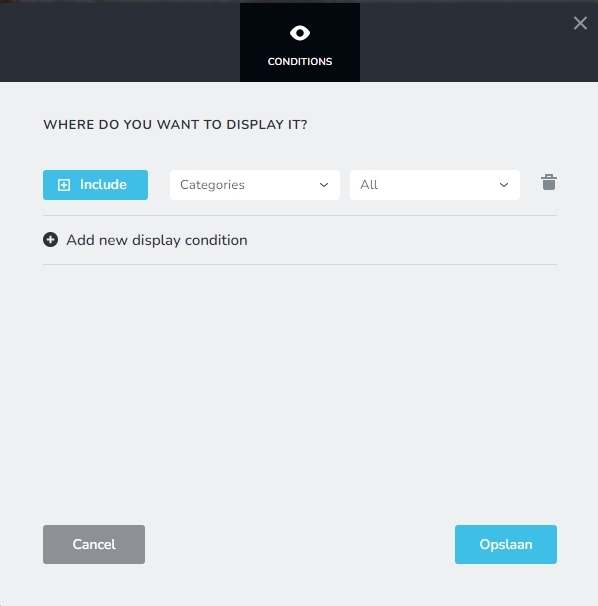
If you are not sure how to make the global blocks and add display conditions please let me know. I can do this for you.
0 -
Hi KC,
It worked! Many thanks.0
Please sign in to leave a comment.
Comments
8 comments