A critical error has occurred on the site.

Hello! There is a problem, the admin panel of the site is working and you can even make edits, but when you click "go to the site" or "open" the finished page, this message appears on a white screen - A critical error has occurred on the site
https://disk.yandex.ru/i/Iht_a0s-lauvnw
https://disk.yandex.ru/i/U5PYjyZd1q8w-Q
I contacted the hosting support, they said that the problem arises due to the incorrect operation of the php script. I attach a fragment of the error log:
28-Sep-2022 12:52:59 UTC] PHP Fatal error:  Uncaught Error: Call to undefined function wc_get_page_id() in /home/m/mcholod/mcholod.beget.tech/public_html/wp-content/plugins/brizy/admin/rules/manager.php:22
Stack trace:
#0 /home/m/mcholod/mcholod.beget.tech/public_html/wp-content/plugins/brizy/admin/templates.php(363): Brizy_Admin_Rules_Manager::getCurrentPageGroupAndType()
#1 /home/m/mcholod/mcholod.beget.tech/public_html/wp-content/plugins/brizy/admin/templates.php(446): Brizy_Admin_Templates->getTemplateForCurrentPage()
#2 [internal function]: Brizy_Admin_Templates->templateFrontEnd(Object(WP))
#3 /home/m/mcholod/mcholod.beget.tech/public_html/wp-includes/class-wp-hook.php(307): call_user_func_array(Array, Array)
#4 /home/m/mcholod/mcholod.beget.tech/public_html/wp-includes/class-wp-hook.php(331): WP_Hook->apply_filters(NULL, Array)
#5 /home/m/mcholod/mcholod.beget.tech/public_html/wp-includes/plugin.php(524): WP_Hook->do_action(Array)
#6 /home/m/mcholod/mcholod.beget.tech/public_html/wp-includes/class-wp.php(787): do_action_ref_array('wp', Array)
#7 /home/m/mcholod/mcholod.beget.tech/public_html/wp-includes/functions.php(1330): WP->main('')
#8 /home/m/mcholod/mcholod.beget.tech/public_html/wp-blog-header.php(16): wp()
#9 /home/m/mcholod/mcholod.beget.tech/public_html/index.php(17): require('/home/m/mcholod...')
#10 {main}
thrown in /home/m/mcholod/mcholod.beget.tech/public_html/wp-content/plugins/brizy/admin/rules/manager.php on line 22-

Hi Andrey,
I find these fonts
- https://востокэкспресс24.рф appears to use Play font predominantly. It also downloads few fonts from Yandex (yastatic.net)
- http://asmia.beget.tech uses only Roboto condensed
In the Brizy editor, are you using Monserrat and Cuprum? I need help with identifying the discrepancy between the fonts you have set in the editor and what is visible in the frontend.
0 -
Hi, George! Previously, they were displayed normally, sometimes during edits on the site, they disappeared again, But then they stopped being displayed correctly at all, now the default font sans-serif is displayed everywhere
0 -
https://востокэкспресс24.рф Так отображалось раньше, да, шрифт Play там установлен
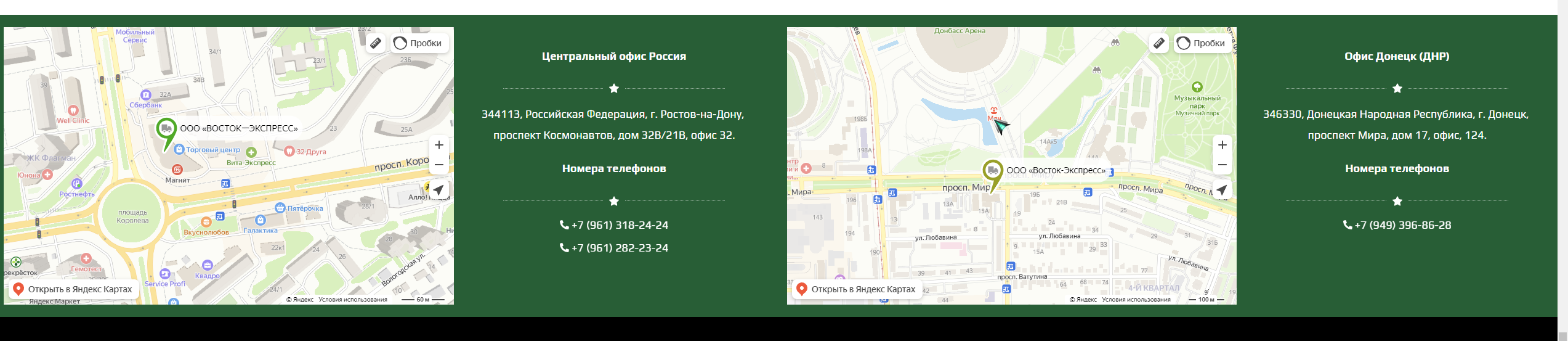
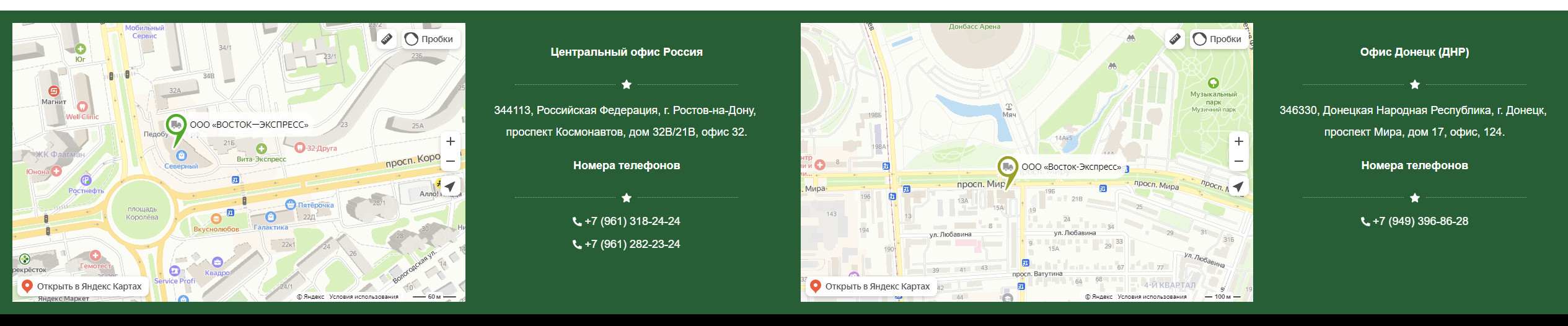
But now, it shows something completely different, and on another site the same way.
 0
0 -
https://востокэкспресс24.рф So it was displayed earlier, yes, the Play font is installed there
0 -
Do you need access to the admin panel or what?
0 -
Hi Andrey,
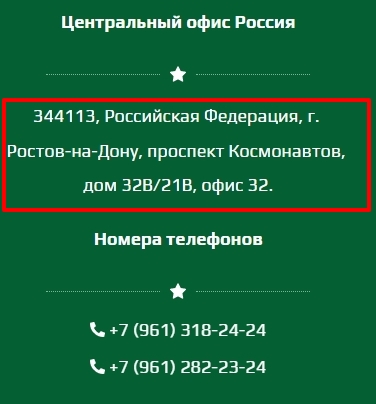
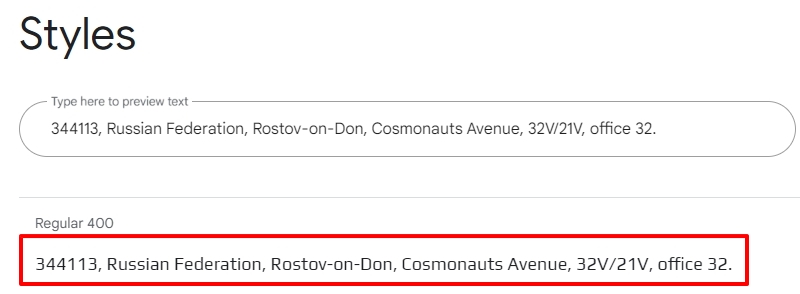
Please see a comparison of how the Play font is rendered on Google Fonts and on your website below. You can compare the text highlighted in colored rectangle. I feel the Play font is rendered on your website exactly as it is in Google Fonts. You can see the Play font page here What do you think?
 0
0 -
Hi, George! I threw off the old screen to you, as it was displayed before, when everything was fine, I wrote to you that after the edits, the Play font disappeared, but then reappeared over time, and now a completely different san-serif font is displayed for 3 days, from the second screen. This is how it is displayed now.
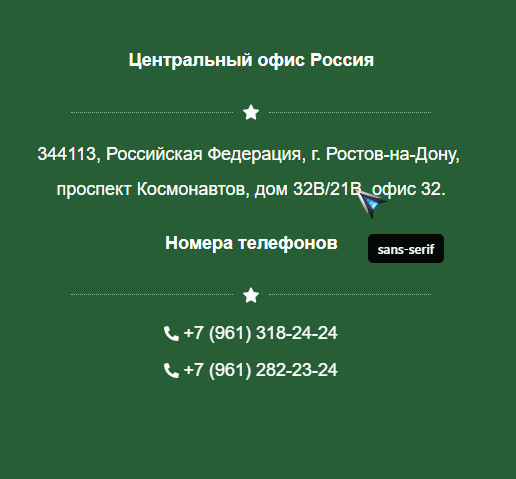 0
0 -
And so on two sites, maybe the bug went on all sites, but I've been working with two recently, so I can see it. It's the same thing there and there. Let's record a short video, and you will see for yourself that the font does not change.
0 -
The font is changed only to a serif font, neither Montserrat nor Play react to the font change.
https://disk.yandex.ru/i/zCCfaSkh0aPEtw0 -
Today I cleaned the cache in the browser, but still the Play font just doesn't load
0 -
Hi Andrey,
I can take a look at one of your projects and see if I can help fix this issue. Please add me as a user to your WordPress Dashboard if you need assistance with this. My email: kc.george@brizy.io. As shown in this screenshot: https://jmp.sh/sOSGGR3, please turn on the option "Send the new user an email about their account"
Please let me know here when you send me an invitation.
0 -
Hi, George! I know how to add, thanks for the help. Check the mail, I added you.
0 -
Hi, George! I figured it out myself, in the theme settings now it is also necessary to register the font. It used to stand - the system default, replacing it with Play, earned the font on the site. But thank you all the same for your help and support!
0 -
Hi, George! Could you tell me what's the matter? I insert a script on the site, but it is displayed in the admin panel, but it is not visible to users on the site itself. Moreover, on other WP sites, but not in Breezy, it is displayed normally.
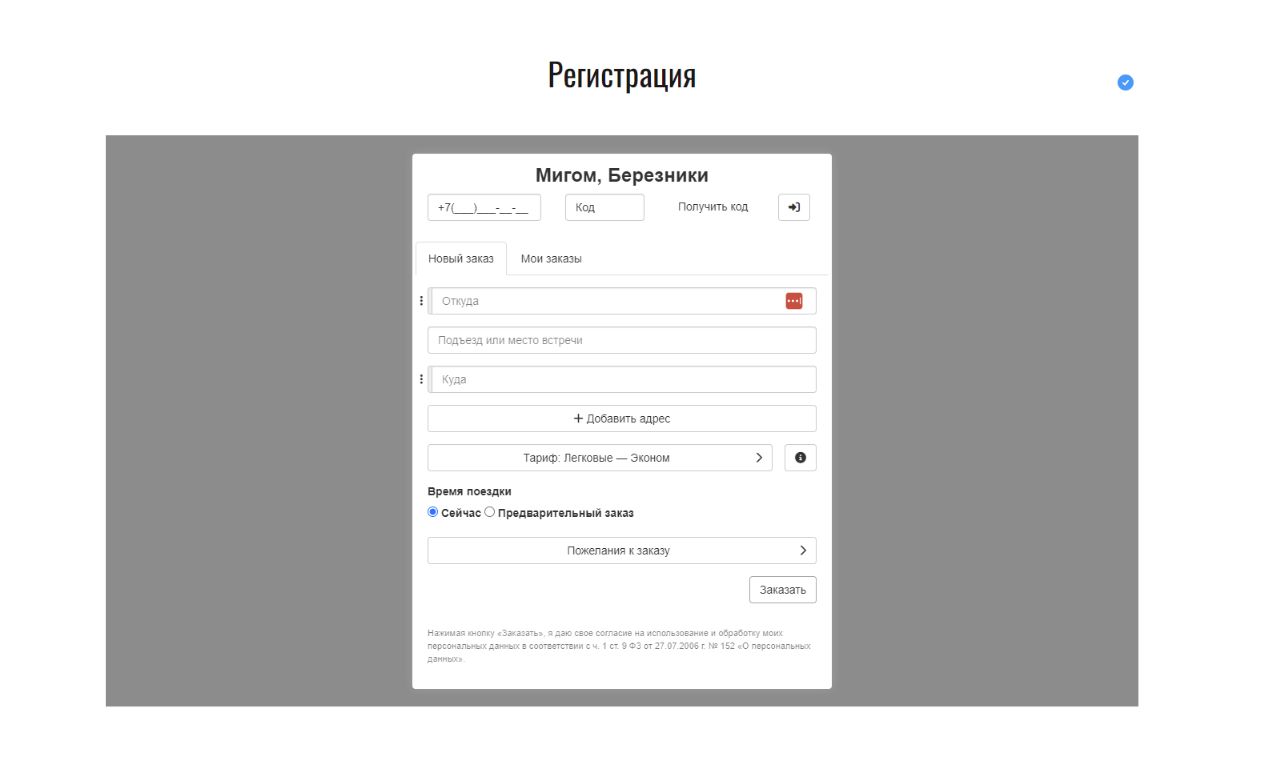
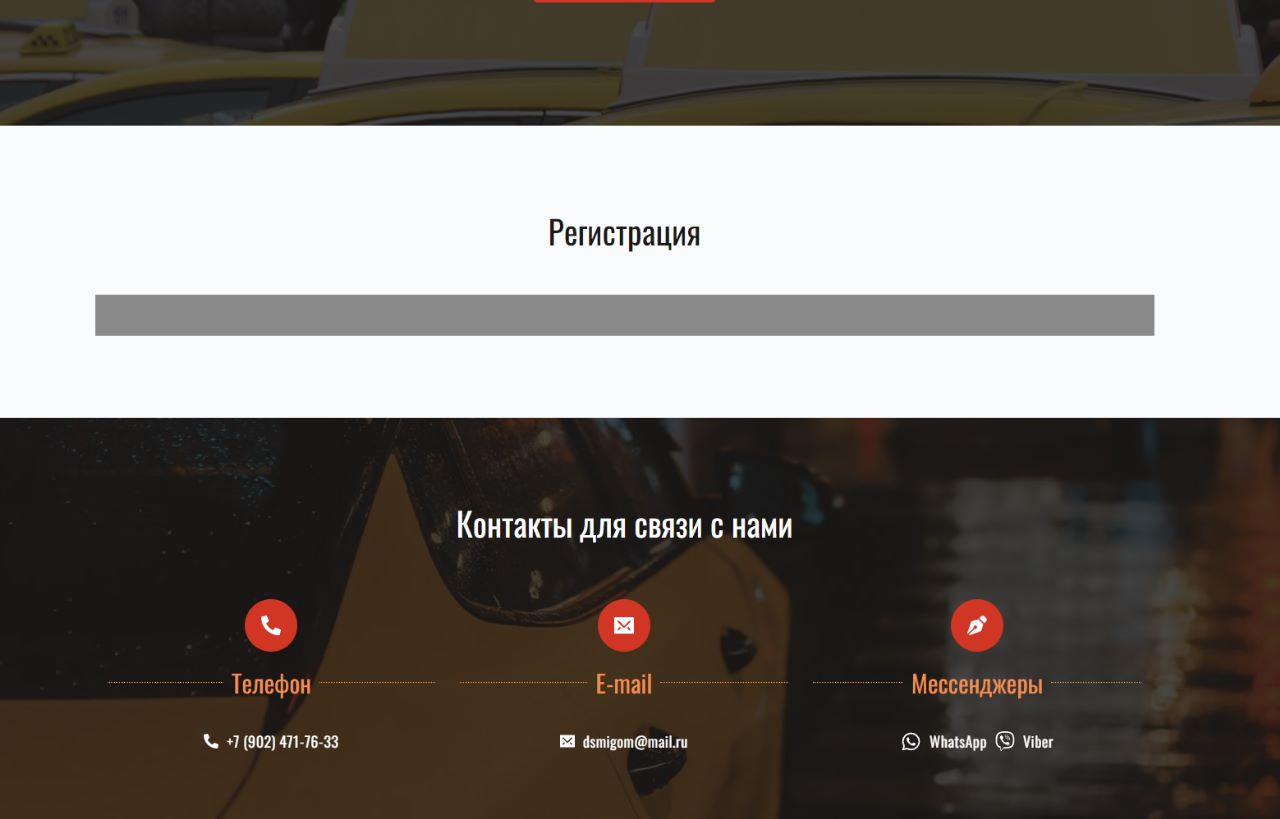 0
0 -
0
-
Hi, George! I found what the problem is. The conflict arises because of a pop-up window on the page, the preloader is to blame, the same variable is used there, how can this be fixed? Is it even possible?
Here on an empty page without a pop-up http://chanceti .beget.tech/chistyy-list/ the script is working0 -
Hi Andrey,
If the issue happens due to a code conflict between Brizy on-click popup and the embed form, I guess these are your options
- Rebuild the form using another form builder. You could consider Brizy Form as well
- Embed the form to a new page and hyperlink the button to the page.
0
Please sign in to leave a comment.
Comments
47 comments