WooCommerce Product Gallery, Shoppingcart & Reviews

Hi,
on my site Rail to Go (it-klein.com) i have created a template for woocommerce Products.
does the gallery-object from WooCommerce has literally NO settings?
i cant set to open in lightbox (the images are SVG could that be a problem for the lightbox?) or show arrows like in a slider? that would be a bit sad :(
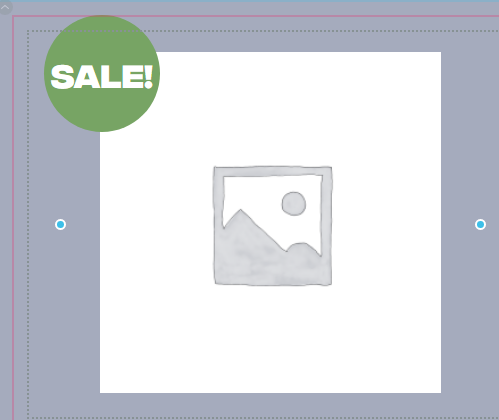 also can i change the design of the "Sale" Sticker?
in regards to the reviews: I am hosting for a non english client, how can i change the standard texts like " THERE ARE NO REVIEWS YET. ONLY LOGGED IN CUSTOMERS WHO HAVE PURCHASED THIS PRODUCT MAY LEAVE A REVIEW." / ADD A REVIEW / YOUR RATING / POST COMMENT?
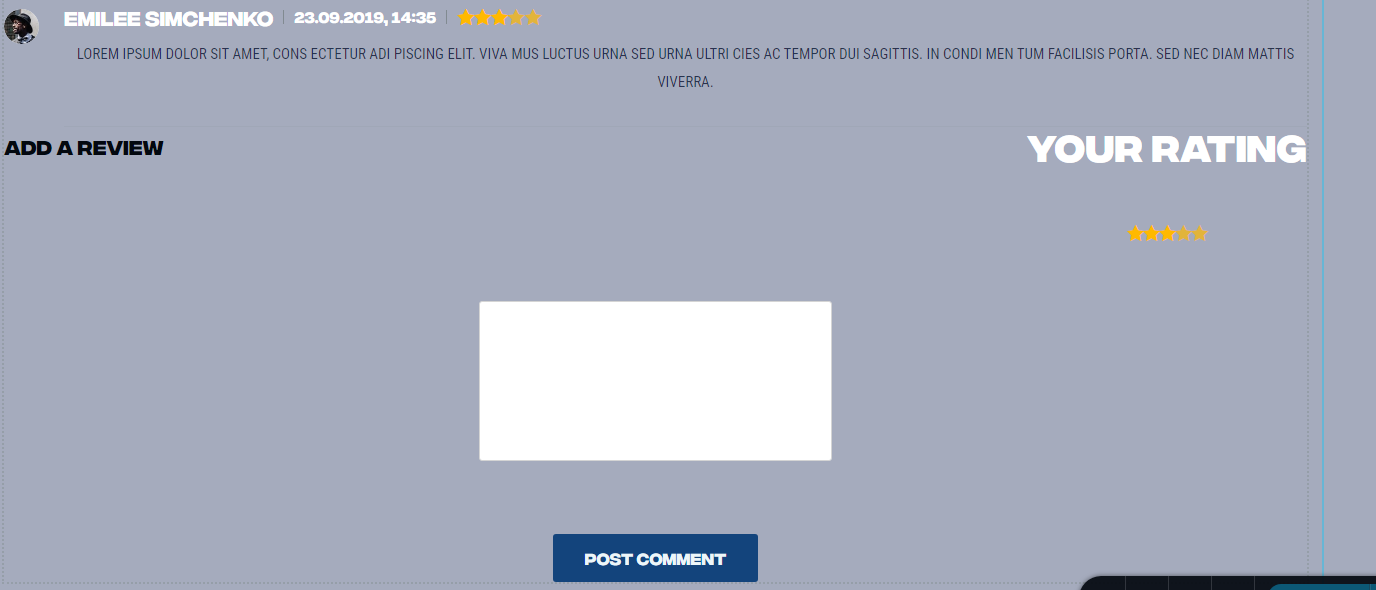
in regards to the Shoppingcart, where can i change the wording here? 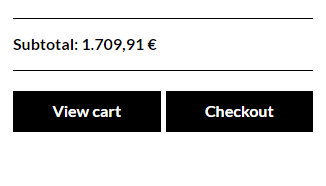 subtotal, view cart and checkout are... well also in english
-

Hi Gerhard,
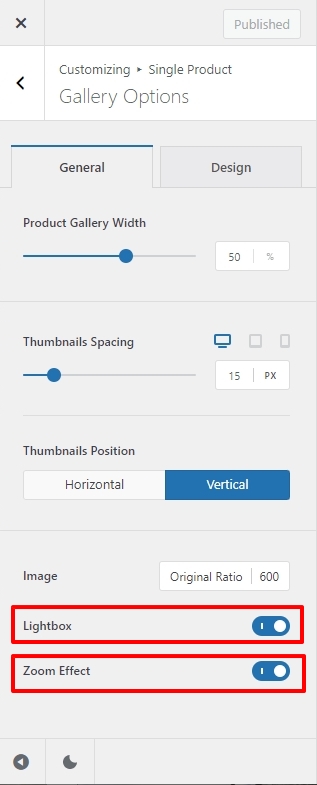
Looks like you are using the Blocksy theme. You can enable the Zoom and Lightbox features of the product gallery in Blocksy. Please find the product gallery settings under Appearance - Customize - Single Product - Gallery Options
I am sorry, the Sale badge is not customizable.
You are correct; despite the fact that another site language has been chosen, certain text in the Review element and other woocommerce button texts are displayed in English. These strings are presumably not present in Brizy translations. We will ask that these be included.
0 -
Hi George :)
thanks for hte reply... now i feel a bit stupid for not checking the theme first :D ...
anyway, for everyone else in need of changing the language on Shopping Cart, i have done this currently via JS
jQuery(document).ready(function( $ ){
const applyText = (selector, replMap) =>
document.querySelectorAll(".brz-woocart__sidebar-button-text").forEach(textBox => {
const key = textBox.textContent.trim();
if (replMap.has(key)) {
textBox.textContent = replMap.get(key);
}
});const replMap = new Map(Object.entries({
"View cart": "Warenkorb",
"Checkout": "Kasse",
}));applyText('.brz-woocart__sidebar-button-text', replMap);
$('.brz-strong').text('Zwischensumme:');
});0 -
i guess i go the same way for review section currently ;-)
0
Please sign in to leave a comment.
Comments
3 comments