Login element SYNTAXERROR: UNEXPECTED TOKEN '<', "

Hello Team,
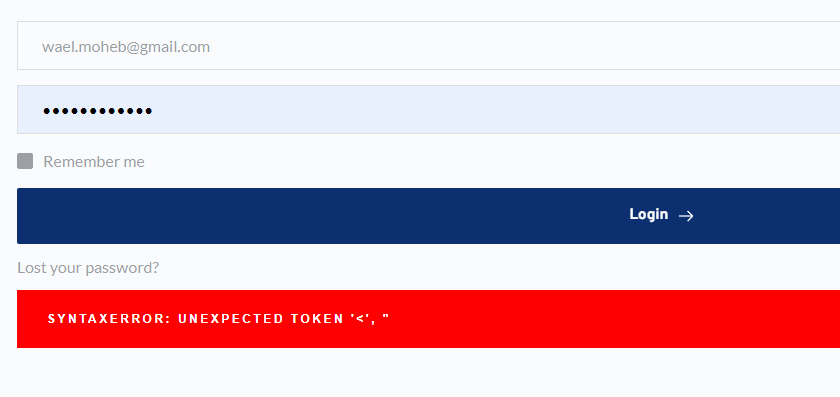
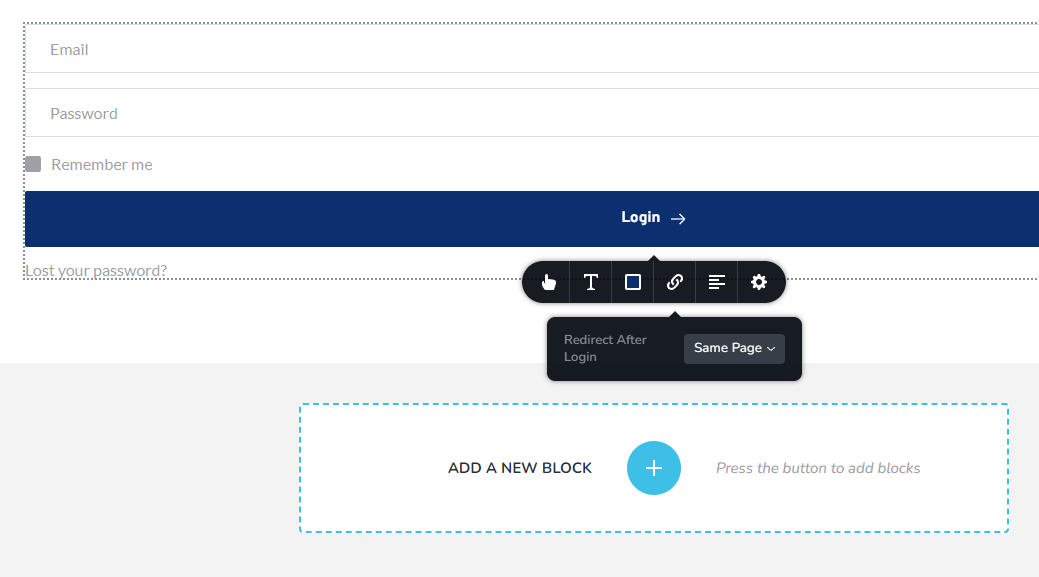
I am trying to use the login element on my webpage but it's given me SYNTAXERROR: UNEXPECTED TOKEN '<', "
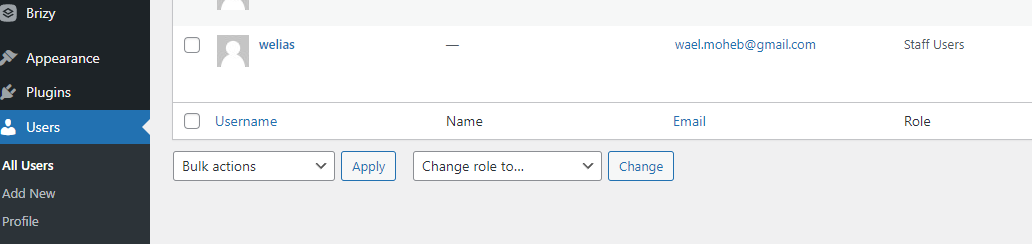
I created a user under users in WordPress, but it does not recognize it.
Your attention is much appreciated.
Wael Elias
-

Hi,
Please make sure that you are using the latest Brizy plugin versions, which are 2.4.6 for Brizy free and 2.4.7 for Brizy Pro. Try to fully reinstall plugins (deactivate, remove, install again). Clear the website cache and check your page again. After it, go to Settings --> Permalinks and push the save button. In general WordPress settings, I mean. Let me know the results.
If the issue still exists, We need the login info for the WordPress admin so we can take a look more closely. A kindly request to send us the page URL.Best regards, Nelea.
-1 -

Hello Brizy Team
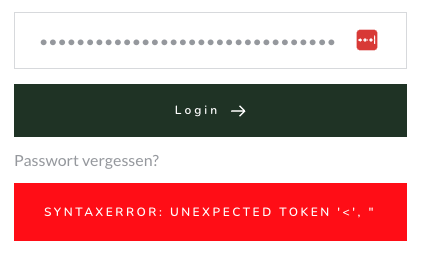
I currently have the same error on my website.
could one of you please get in touch with me?
I look forward to hearing from you.
Regards
Laurin0 -

Hi Laurin,
We would like to take a look at your WordPress Dashboard to fix this issue. Please add a new user to your WordPress Dashboard and send the following details to our email: communitysupport@brizy.io
- Community Post link: https://support.brizy.io/hc/en-us/community/posts/9343971480081
- WordPress Admin URL:
- Username
- Password
Please let us know in this forum when you send us the email.
0 -
Hi Laurin,
When trying to sign into your WordPress Dashboard, we get the error "Your account has not yet been approved" We also received the following message in our email. You may need to approve the user communitysupport@brizy.io before we can sing into your Dashboard.
 0
0 -
Hey there! Thanks for your email regarding the issue. Here are the login informations:
0 -
Hi Thanks for the email. Is now fixed. Thanks for looking at the problem. Regards Laurin
0 -

Hi Laurin,
Thank you for your cooperation.
Unfortunately, the new user account that has been created doesn't have administrative access to your WP Admin page. This means we're unable to inspect the login element and make any necessary changes. We also don't have access to edit pages with Brizy or the plugins area.
To help us investigate this issue further, could you please update the current user account to a WP Dashboard Administrator? This will allow us to take a closer look and possibly offer a solution.
I am looking forward to your response.
Best regards,
Ariel H.0 -
Hi, should be updated. Sorry for the inconvenience. Looking forward to hear from you. Could you pls take this conversation from your Support Website down. There are customer datas visible.
0 -
Hi Laurin,
Thank you for the update.
Could you possibly set up a staging version of your website? We're a bit cautious about making changes to your site while it's live. Having a staging site would let us dig deeper into the issue without risking any disruptions to your live site. Here's a helpful link on how to set up a staging site: https://wptuts.co.uk/do-this-before-updating-elementor-wordpress-staging-site/
Best regards,
Ariel H.0 -
Hi You are allowed to do changes on the live website. We have a backup which we can reupload. Greetings Laurin
0 -
Hi, I didnt heard something since a while from you. Could you pls check the error? You also can call me. I have sent you the phonenumber before. Nachricht von Laurin Berli am 5. Dez. 2023, 14:25 0100: Hi You are allowed to do changes on the live website. We have a backup which we can reupload. Greetings Laurin
0 -
Hi Laurin,
My apologies for the delayed response. The issue appears to be coming from the Ultimate Member - reCAPTCHA plugin, when disabled, the syntax error no longer occurs. Please also report this issue to the developers of this plugin so they can be aware of this issue and possibly offer a solution.
If you have any further questions, please let us know.
Best regards,
Ariel H.0 -
Thanks for the reply and all de effort. Now it works again.
0
Please sign in to leave a comment.
Comments
13 comments