How to edit pop-up search page

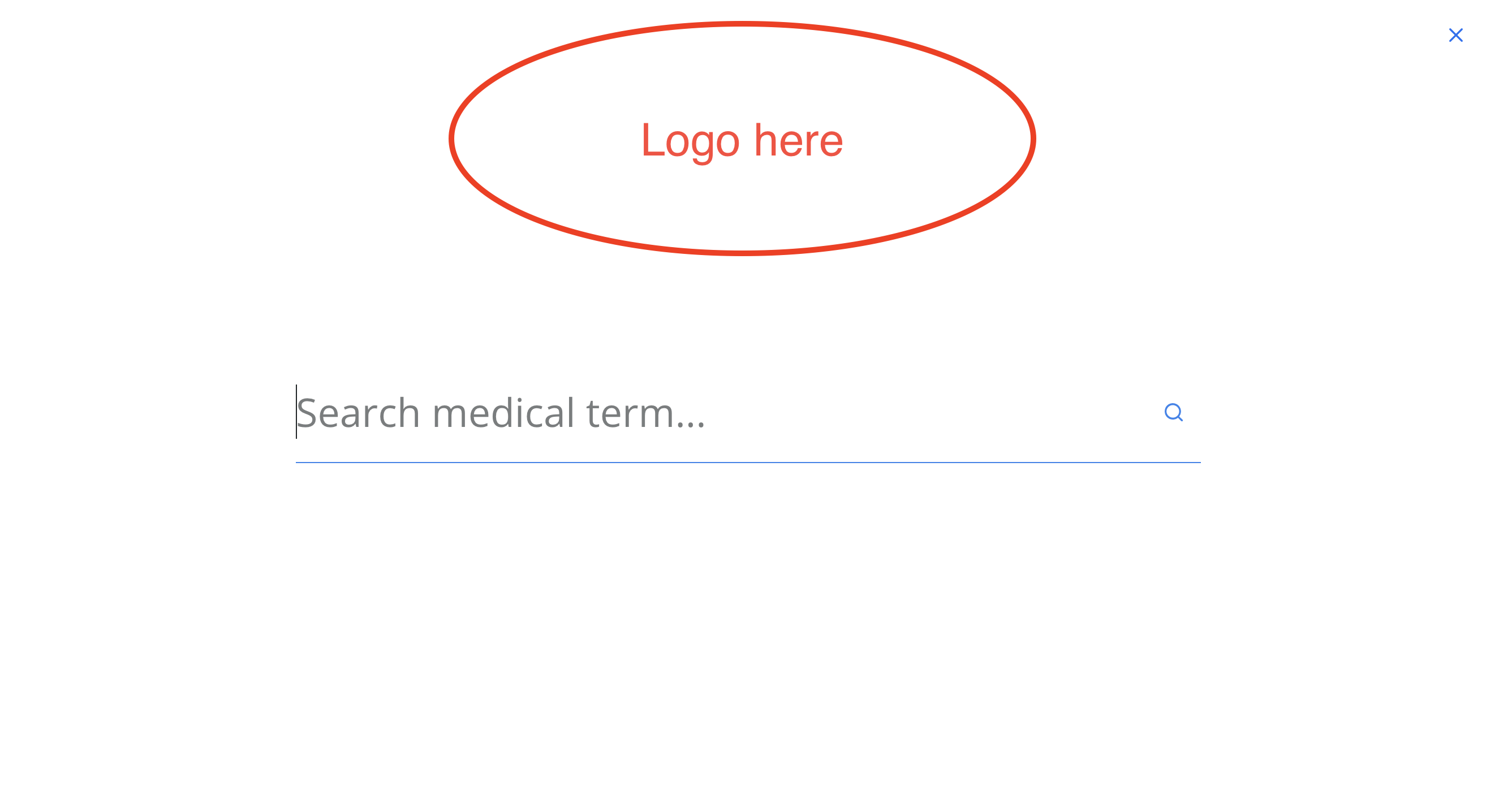
Is there a way to edit the pop-up full-screen search page to include a logo at the top? Example below. Thanks!
-

Hi Michael,
Please have a look at this video for the procedure to make a full width search popup with logo. https://jmp.sh/CJG4Cjq
0 -
This video is clear however when I go to my own website, I am unable to edit the header in the brizy builder, it must be done through the customize template tab on the wordpress dashboard which does not have the same options as brizy builder?
0 -
Hi Michael,
There are broadly two options for developing your pages
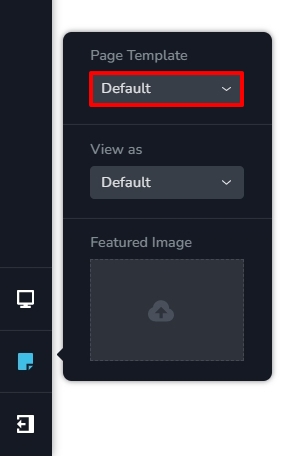
- Using Brizy Page Template: The page header, the footer and the content is designed in Brizy
- Using Default (theme) Page Template. The header and the footer are developed using your theme and only the page content is designed using Brizy.
You can find these option in the Brizy Editor left sidebar towards the bottom. Please see the attached screenshot.
If you are using the Default Page Template you can't edit your header using Brizy. Hence you can't use Brizy to develop an on-click popup like in my video. With the Default Page Template, you may need to look for a way to implement the popup search using an alternate method.
If you change to the Brizy Template and also redesign the header and footer in Brizy, you can follow the procedure in the video for the popup search.
 0
0
Please sign in to leave a comment.
Comments
3 comments