Critical issues with SSL and secure connection

My client is really upset about the site (https://www.panafricansl-cameroun.com/) not being up due to this error. Can Brizy engineers help me communicate the likelihood of this issue? See the screenshots below.
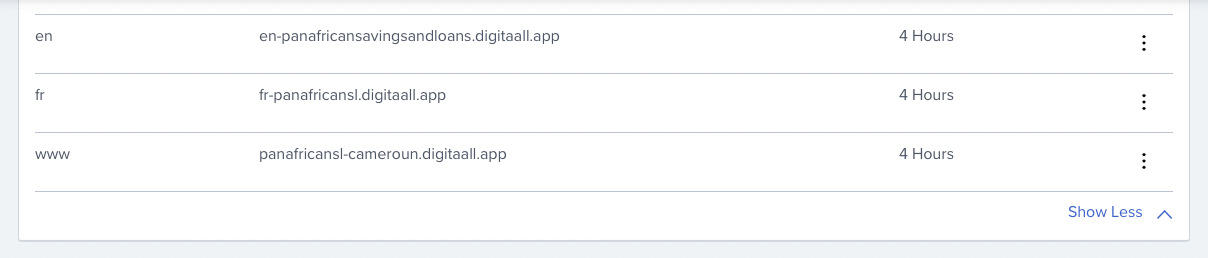
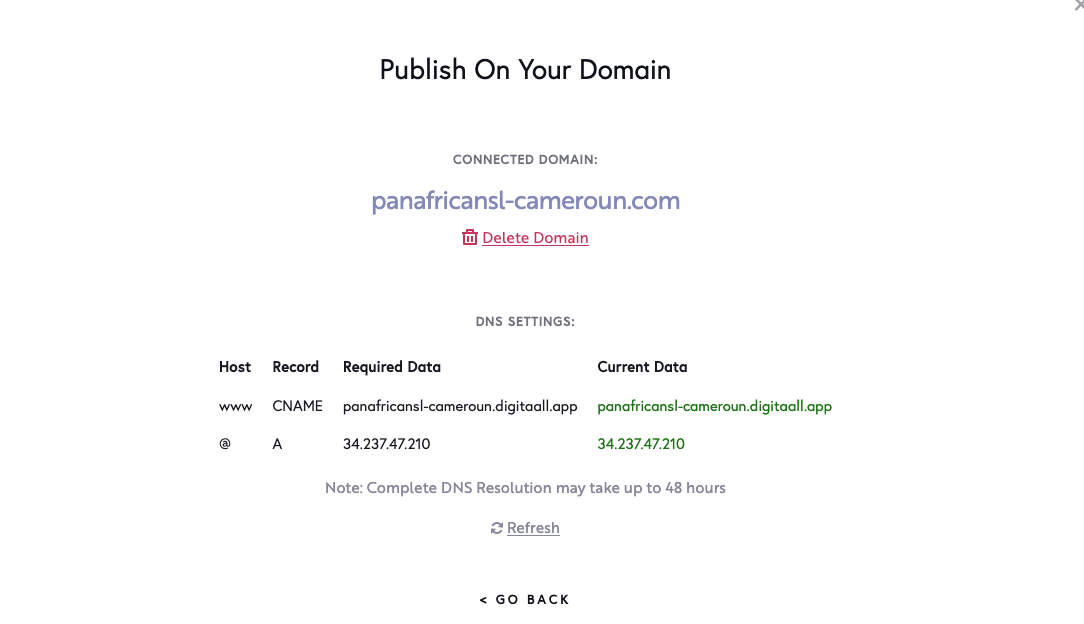
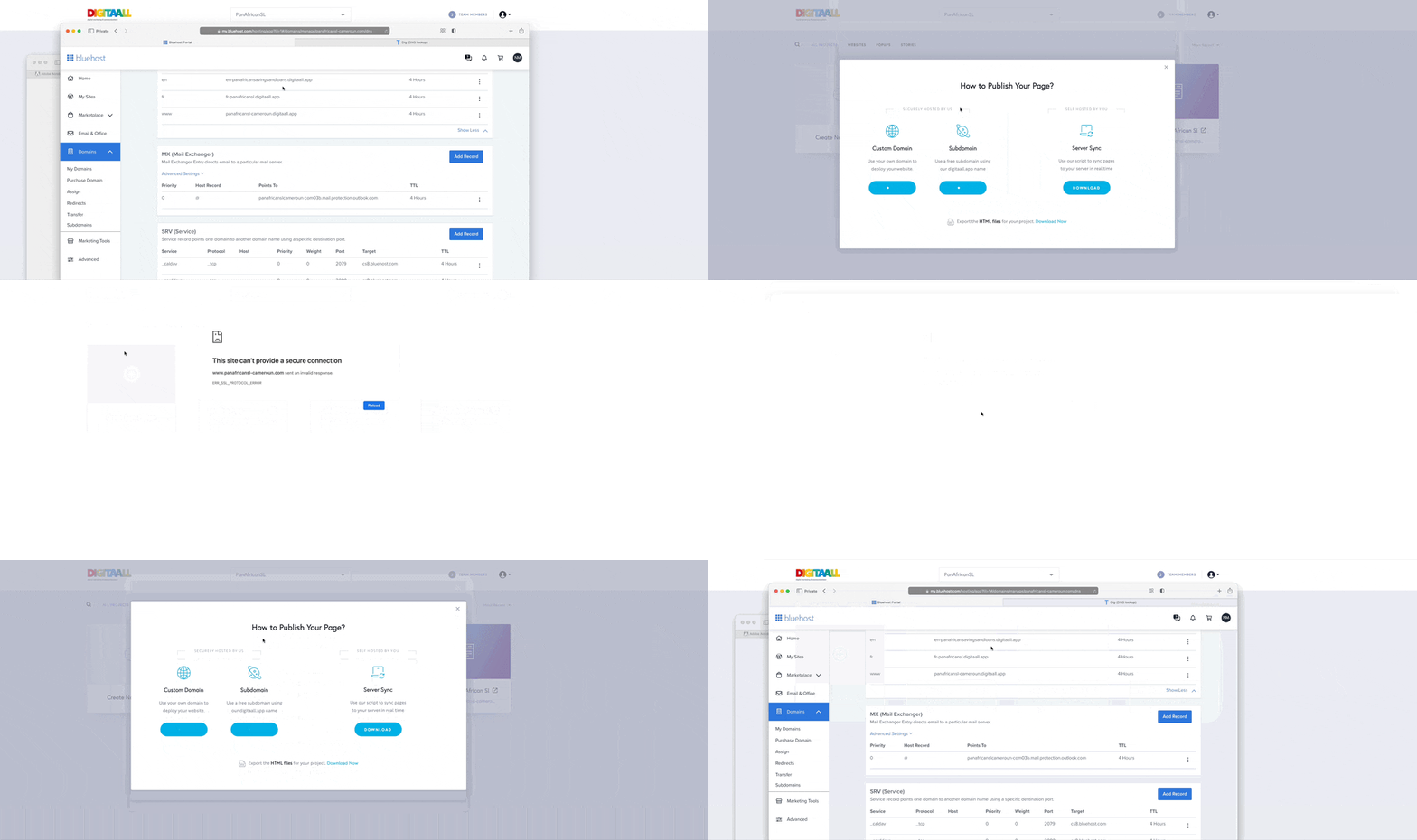
-

Hi Pah'mboni,
If you are using Cloudflare Name Servers, please disable DNS proxy for your A Record and CNAME Records. When the DNS proxy is disabled, you will see grey color under Proxy status.

If you are not using Cloudflare Name Servers, you can skip the above step.
To restore your SSL, please delete your custom domain by clicking on 'Delete Domain' here and add it again and wait for half an hour.
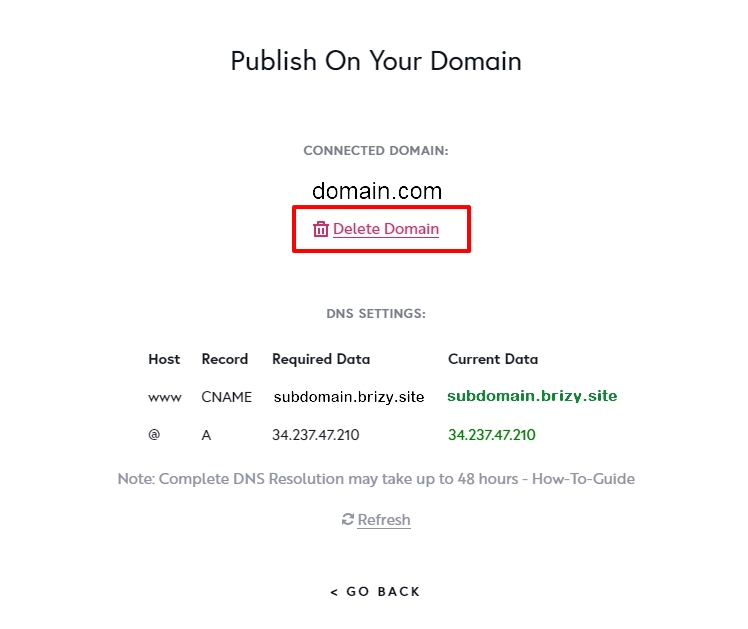 0
0 -
Thanks for your response.
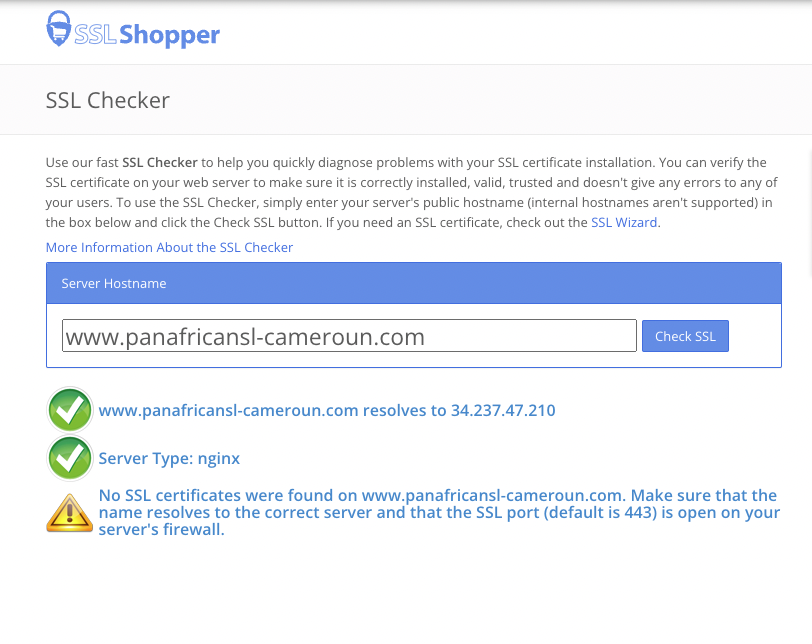
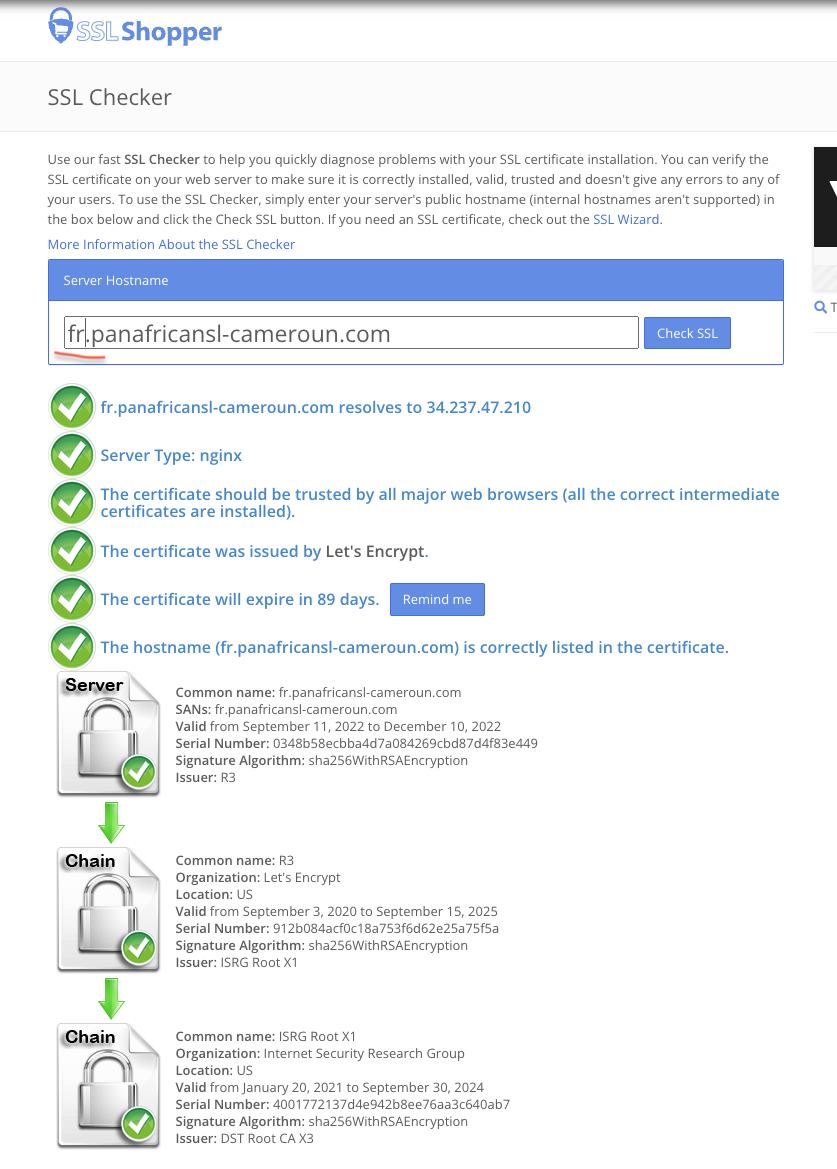
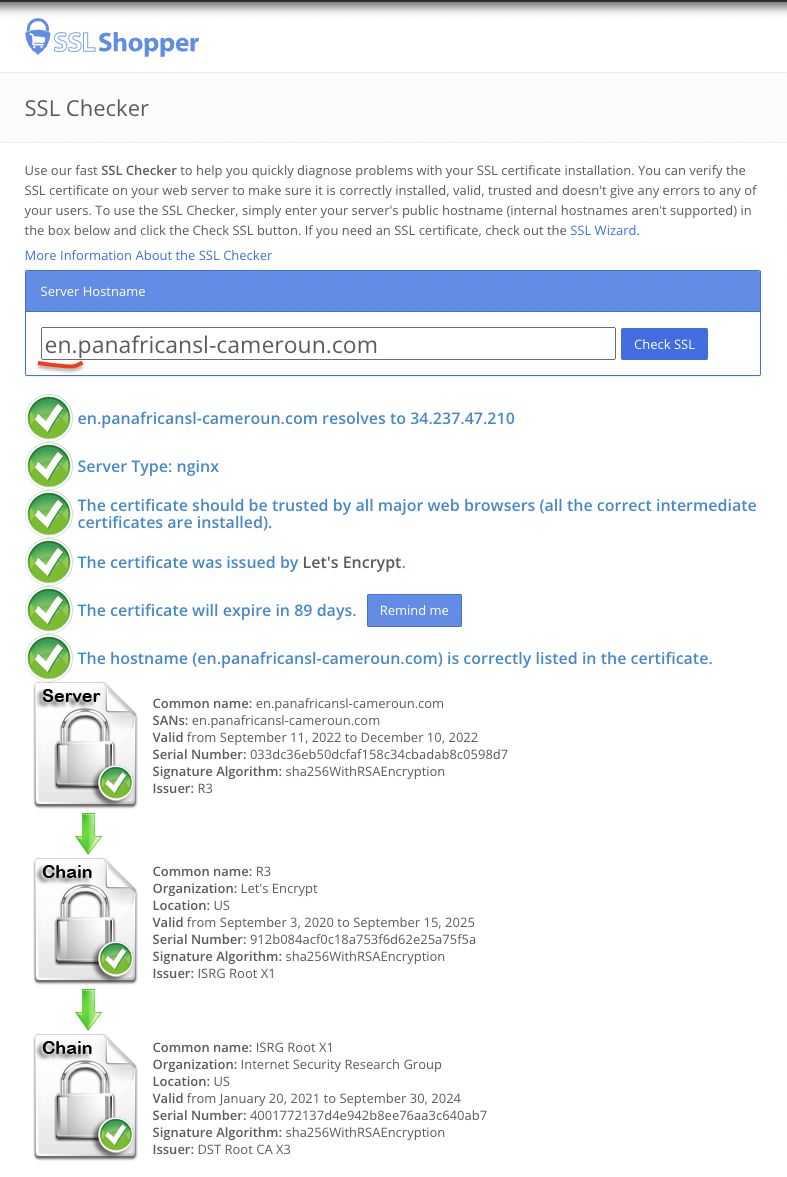
When I have issues with SSL, my initial workaround is to delete and add. This has not worked for this domain for the past 48 hours. However, you may want to know that the subdomain www seems to be an issue as fr and en subdomains to work without problems.
Can I get some kind of report that the issue is unrelated to the SSL certificate we provide? I may soon be receiving legal notice as this is having a negative impact on the business. Any reports will help.
0 -
I have some reports - but I am unsure if the error is related to Brizy or not.
https://www.sslshopper.com/ssl-checker.html#hostname=www.panafricansl-cameroun.com
 0
0 -
Hi Pah'mboni,
We have fixed the SSL issue for https://www.panafricansl-cameroun.com/
Please check
0
Please sign in to leave a comment.
Comments
4 comments