Wordpress email

I've setup an email form but I'm not getting the emails. I setup using your video example and my personal email as a test.
https://youtu.be/ceRRayuv2uw?t=449
Is there a step with Wordpress that I'm missing?
0
-

Hi Ray,
Please check these things.
- The WordPress option to send out email from your form uses the PHP Mail function of WordPress. Please check if your hosting company supports the PHP Mail function. (Few hosting companies like GoDaddy does not support it)
- When you are testing your form, please also check your SPAM folder for the email notification.
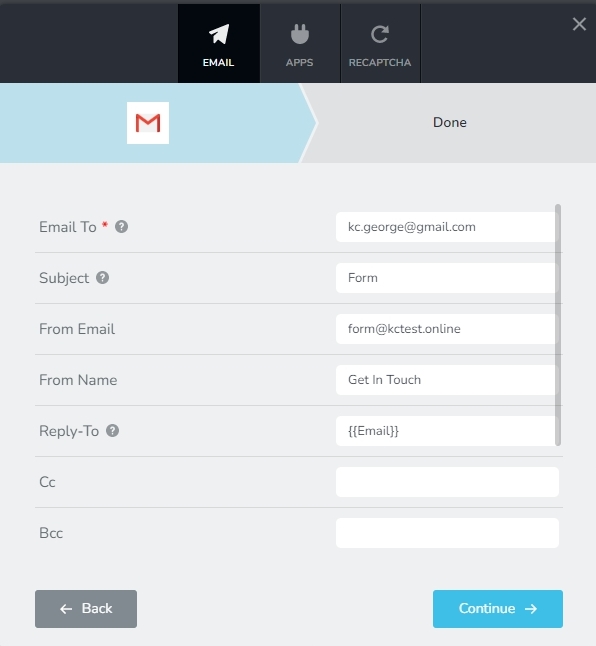
- Please check if you are following few Email Notification best practices to ensure that your email does not get rejected by mail servers.
- Subject: Do not leave the subject blank: Please ensure that you have filled up a subject in your form. Your subject can be something like 'Website Form'
- From Email : Please use a From Email of the same domain as your website. If your website is brizy.io, your From Email can be info@brizy.io or contact@brizy.io or form@brizy.io.
- From Name: Give a meaningful 'From Name' for your Email Notification. It could be something like 'Contact Form'
After checking all these, if you still can't receive emails from your form, please let us know, we will help you.
 0
0 -
Yes it does work, thank you.
0
Please sign in to leave a comment.
Comments
2 comments