Choose 3rd-party Free Hosting Bug

Hello Brizy Team,
I tried to switch from Brizyy Hosting to 3rd party hosting (netlify) and now I'm stuck, I can't click on the button (it does nothing).
I have my domain on netlify, I did clean everything today to start on a blank page, remove and revoke all the authent on github.
I tried different browser but nothing happens,the connect button does nothing.
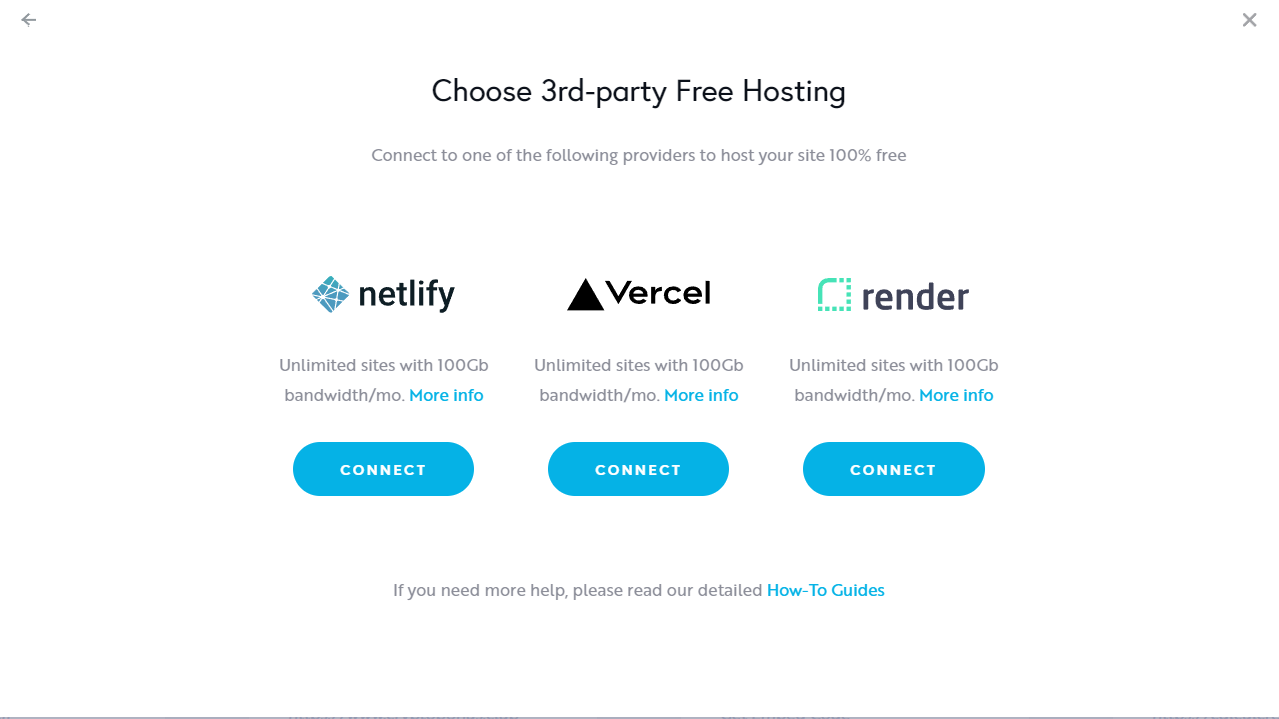 Could you help me please ?
the brizy address for the website is : https://avocado10780232.brizy.site/
-

Hi Martin,
Thank you for contacting us.
We have made some changes, now everything should work fine. Can you please check now and confirm if you have the same issue?
Best regards, Nelea.
0 -
Thank you ,that part is working now.
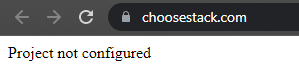
I did configure the DNS correctly on NameCheap, I did remove the custom domain on brizy (hosted by you) and the production URL is working (https://choosestack.netlify.app/) but the site wont work on my domain now. Seems there's a conflict. The old A record are deleted as well.
Any advice ? Had the same problem before.
 0
0 -

Hi Martin,
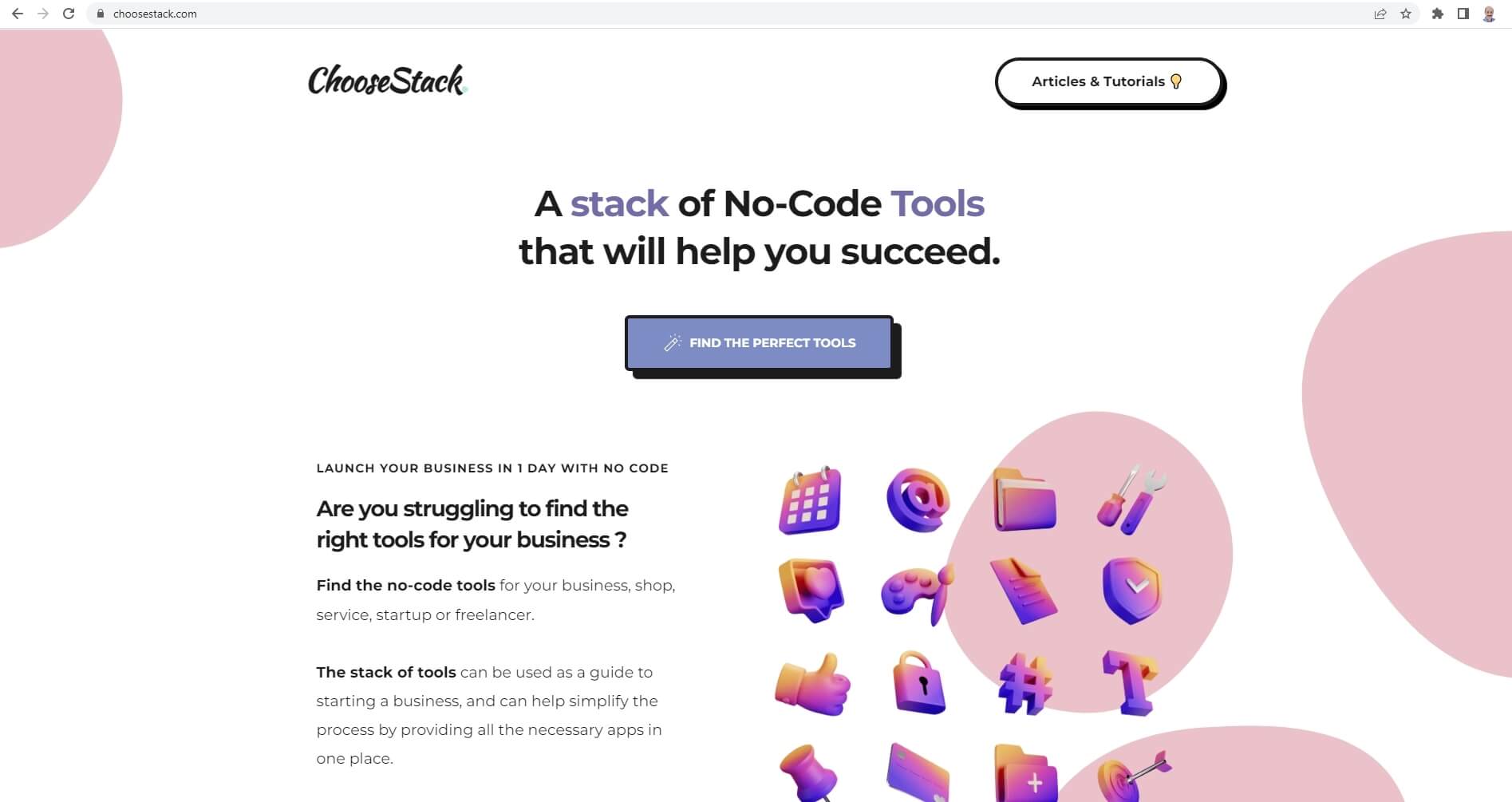
Looks like your domain is resolving to your website
 0
0 -
Thanks a lot !
Yes I don't know why it's working on another browsers and not Chrome (might be on my side).
- Last question and I won't bother you again :)
The sitemap is generated with my subdomain:
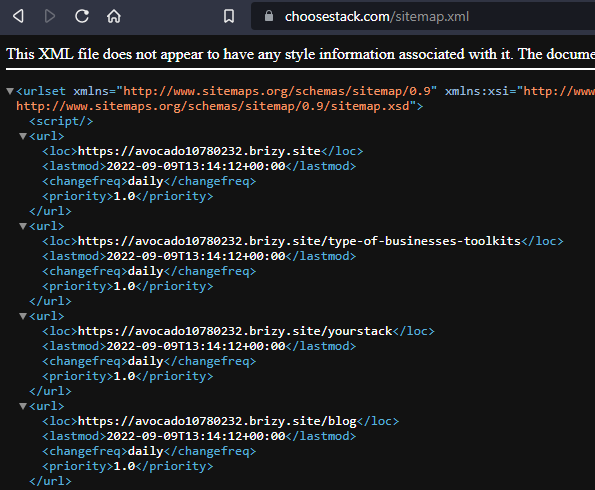
Is there any solution to bring the root domain to the sitemap. How can I remove the brizy Subdomain ?
Thanks again! Have a nice day
0 -
Hi Martin,
We are sorry, we do not have a way to change the sitemap to include the custom domain. Since the domain is added at Netlify, the Brizy Cloud project has no reference to your domain.
For now, please download the sitemap.xml file from your GitHub repository and manually find and replace the correct domain and upload it. You will need to repeat this process every time you make a change.
We are working on a feature to recreate your sitemap with a custom domain of your choice.
0
Please sign in to leave a comment.
Comments
5 comments