The first template that comes up does not disappear.

The first template that comes up does not disappear.
If I erase it, it comes back again when I save. How do I deal with this?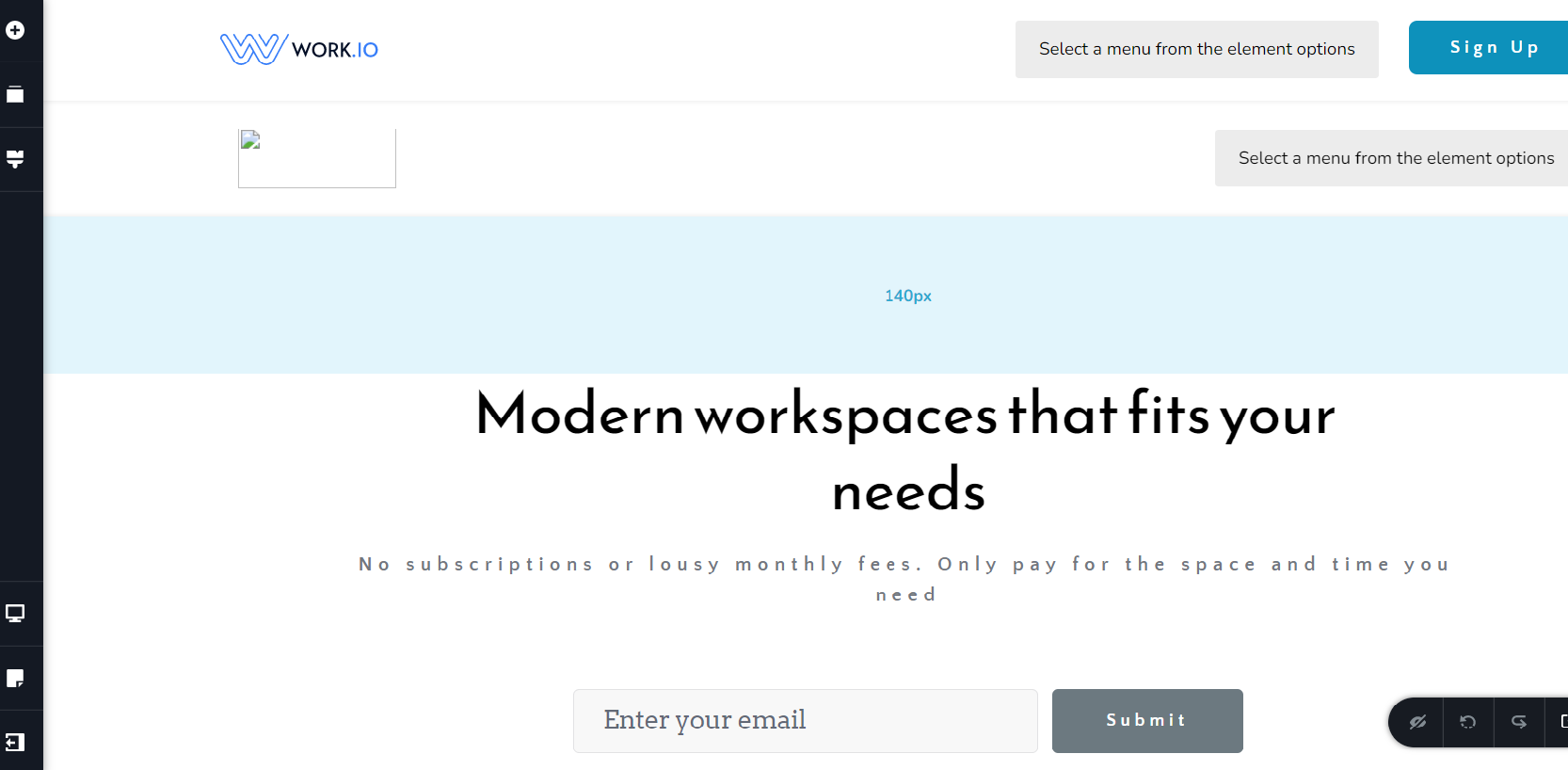
-

Hi,
Thank you for contacting us.
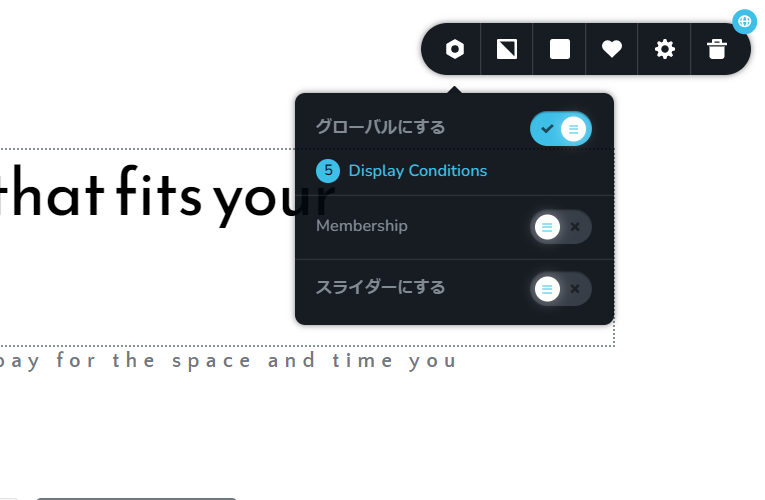
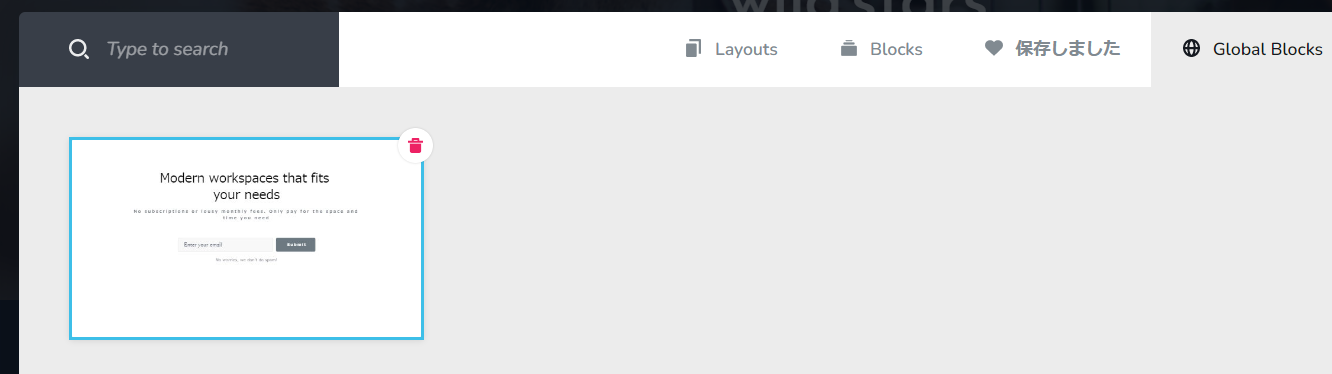
Do you refer to the first block from the top that appears even if you delete it? If yes, then you have saved this block and made it global. Please check on the setting block and delete all the conditions, see this video.
Best regards, Nelea.
0 -
Thank you very much
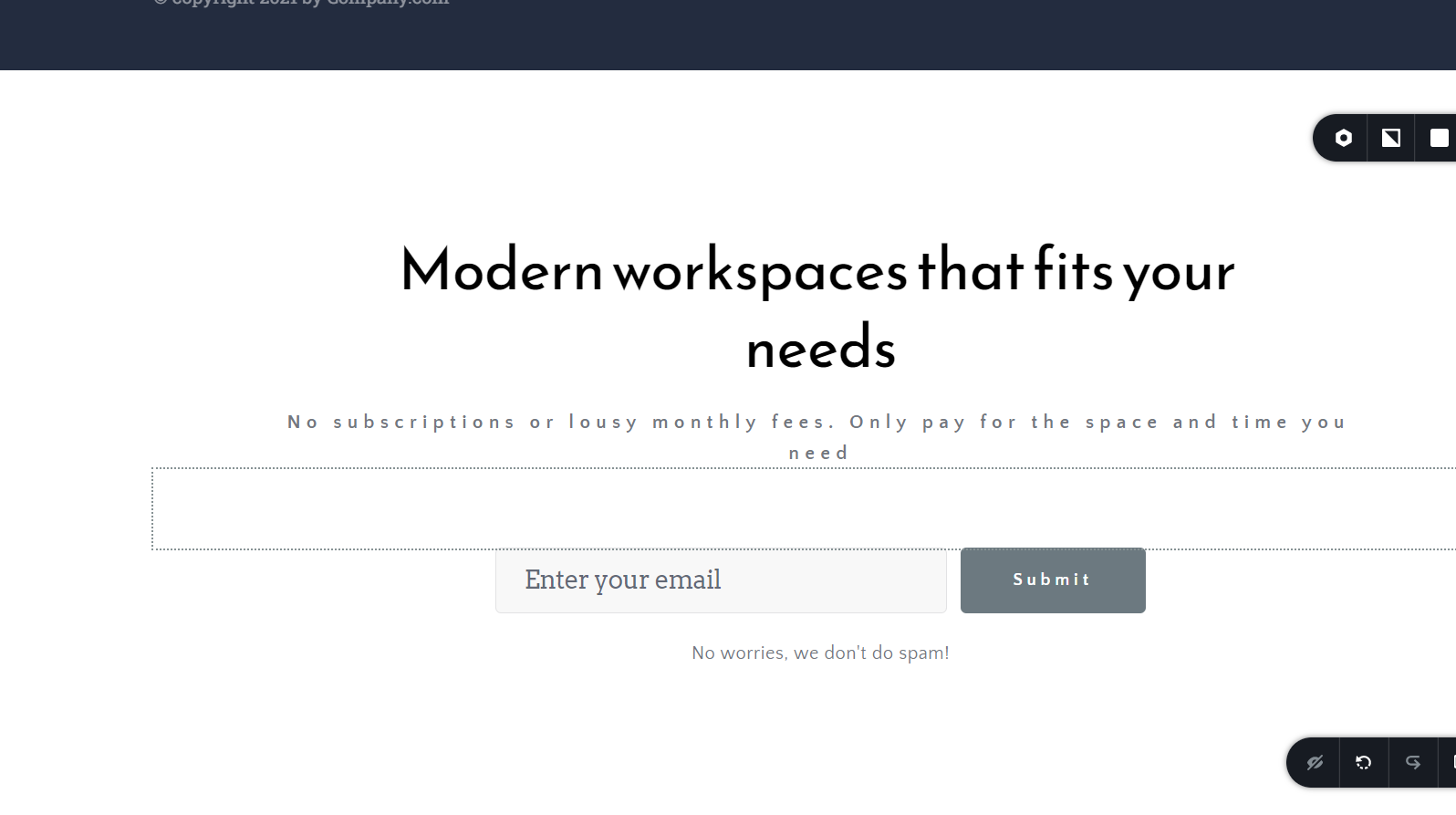
80% could be deleated.
But I can't delite just one part
 0
0 -

Hi Mugitaminoru,
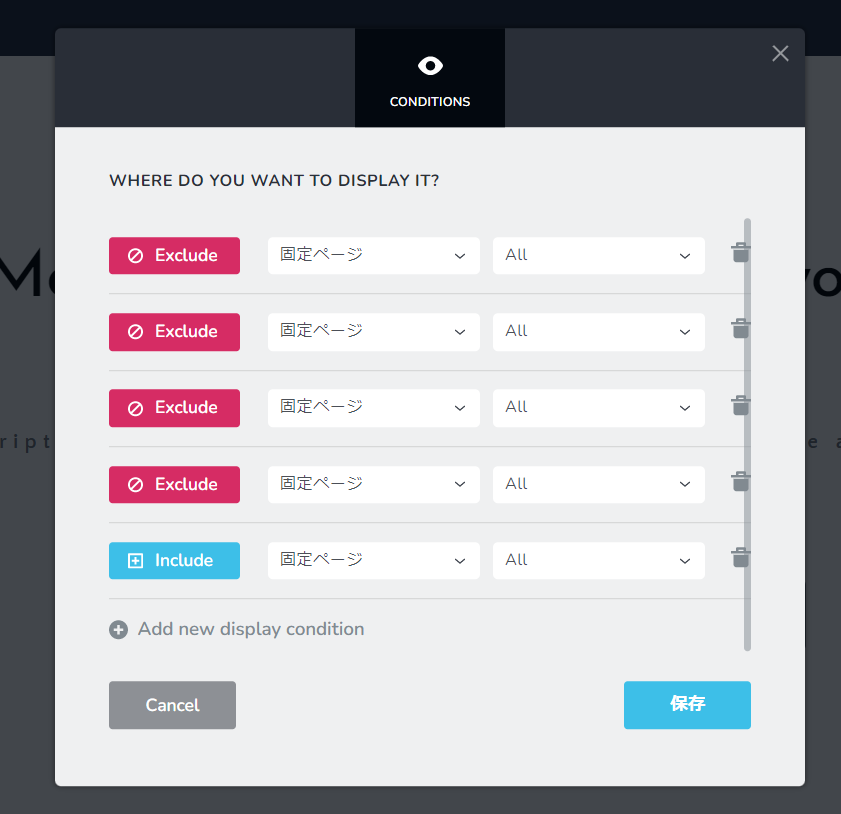
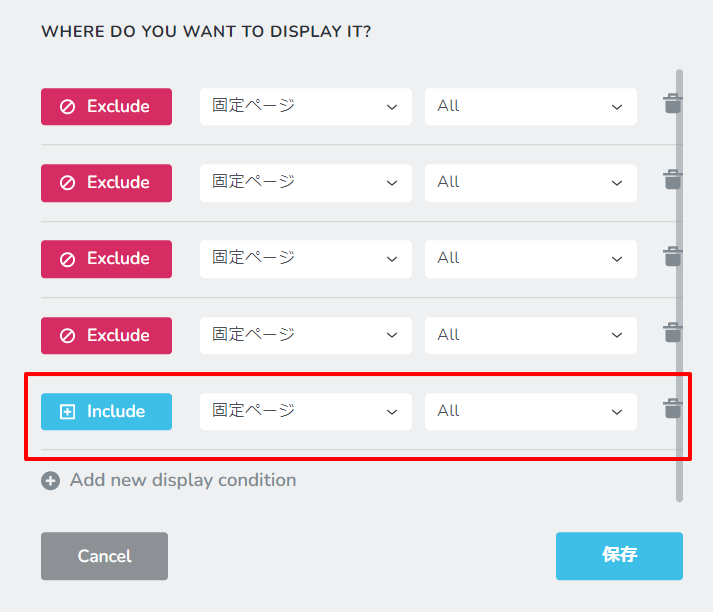
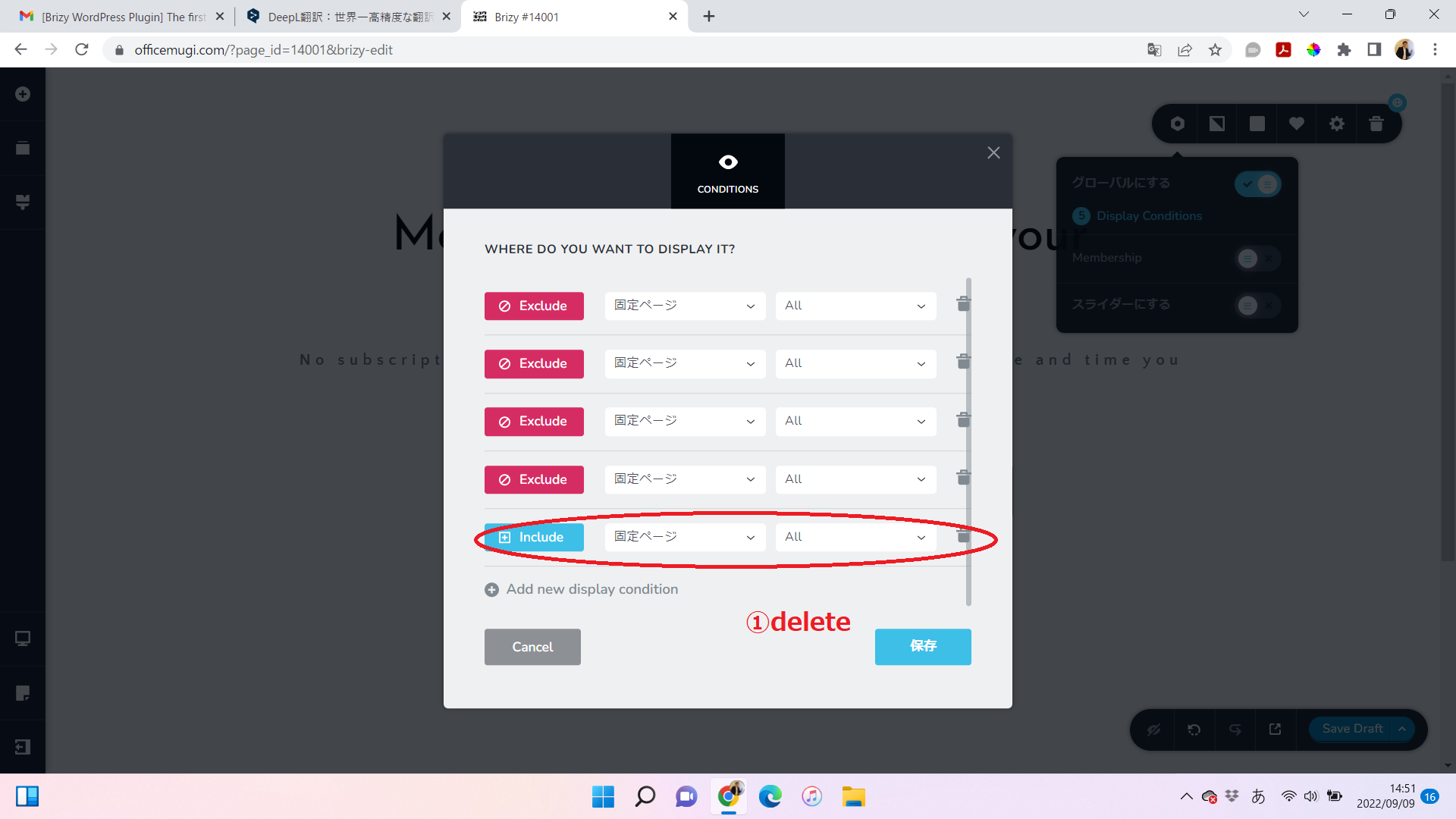
You have an Include All condition here. This will add the specific block to All pages. If you want to remove the global block from all pages, delete the All condition here. If you want the global block in specific pages, you can select Include and then the specific page name. If you want to include in 5 pages, you can add 5 Include conditions.
 0
0 -
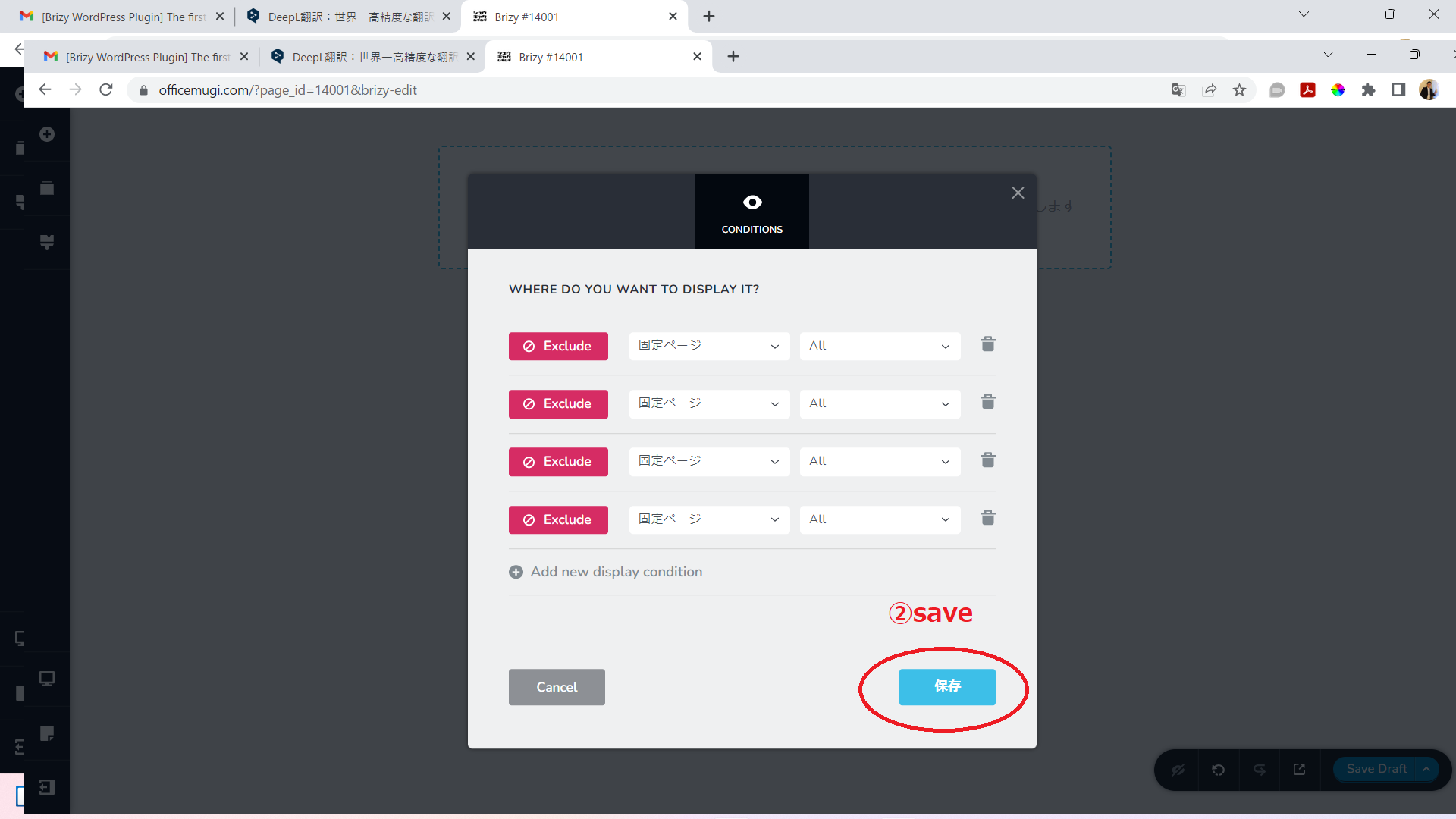
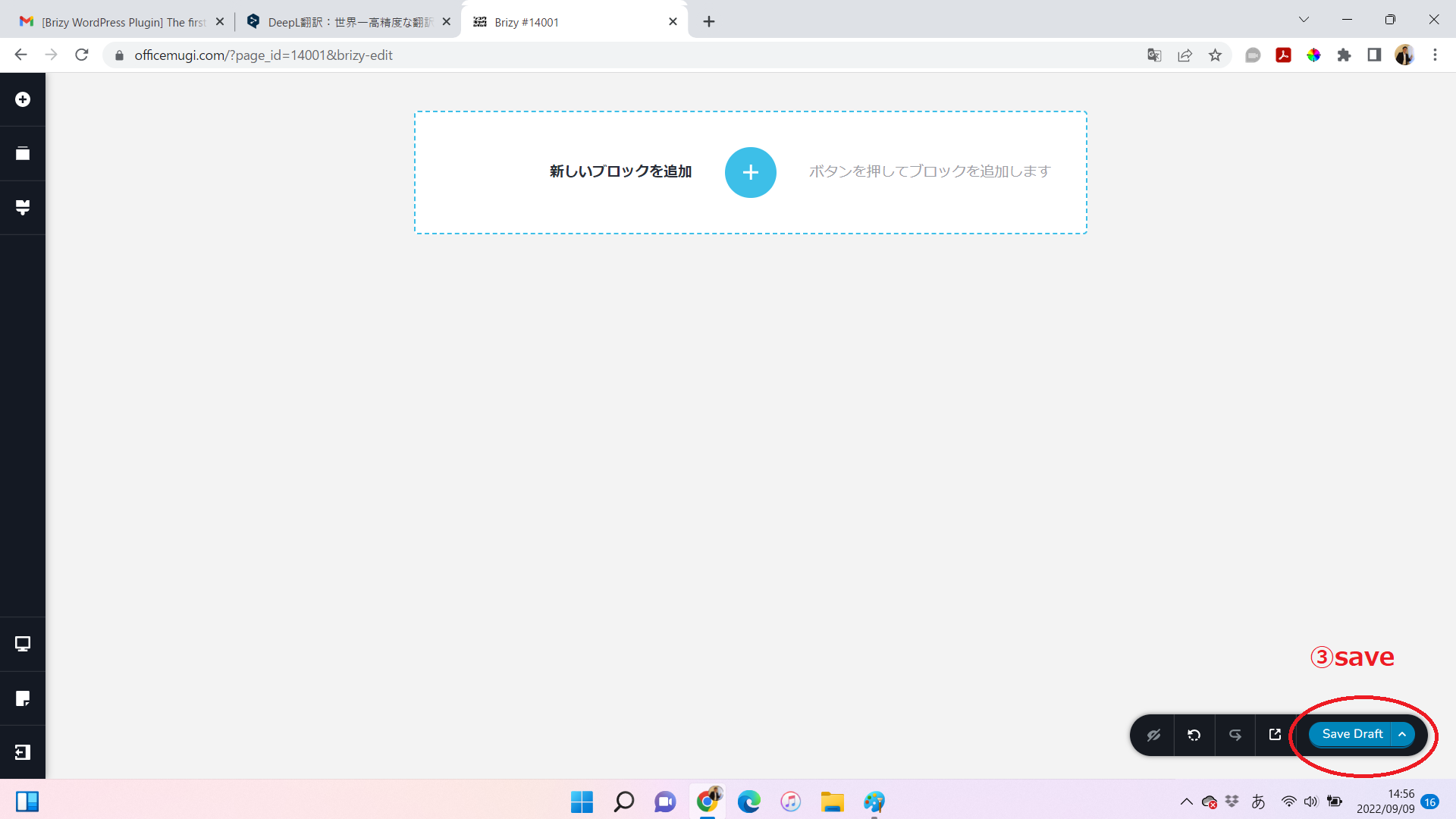
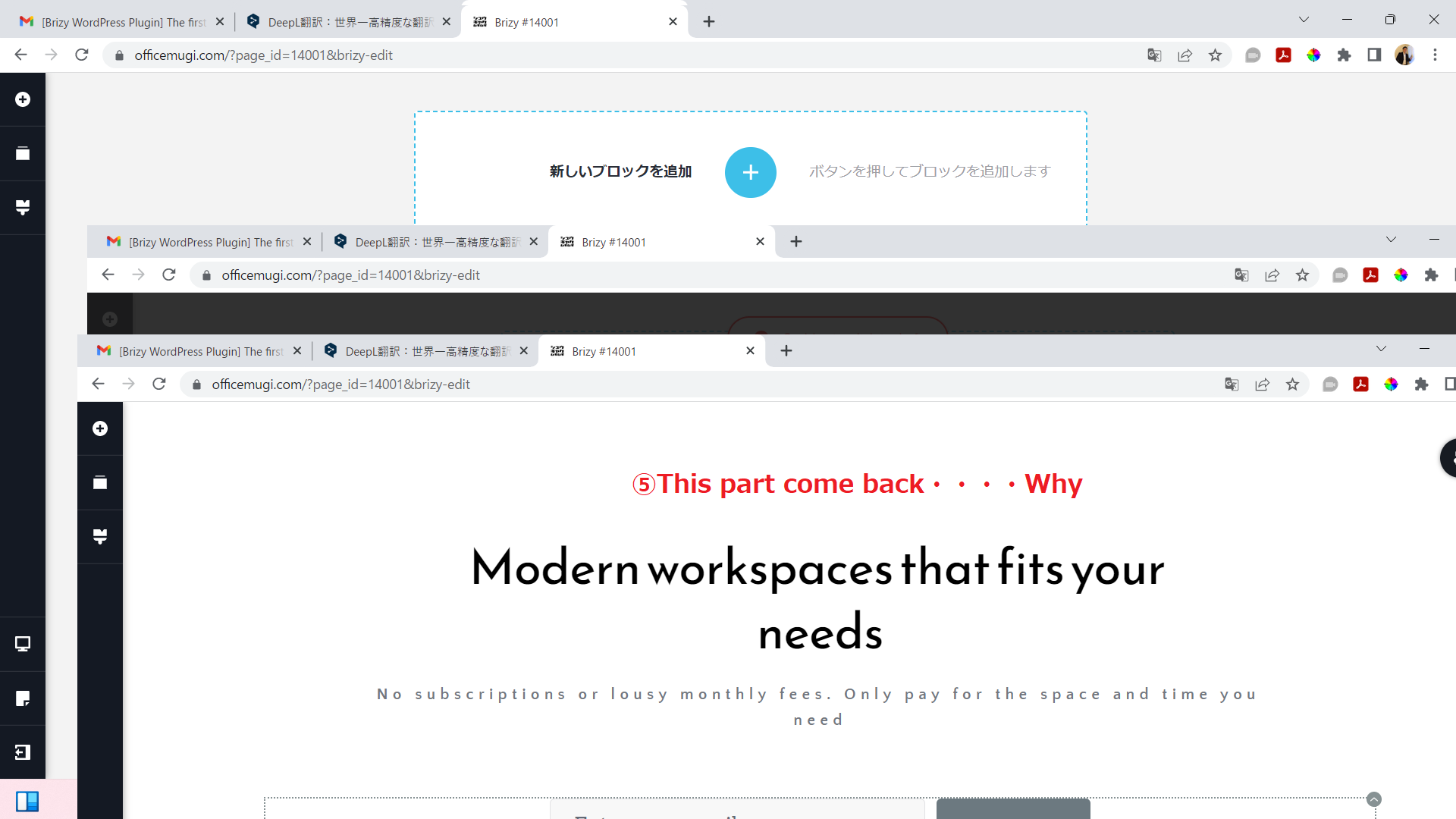
I have tried that with no success.Why?
 0
0 -
Hi Mugitaminoru,
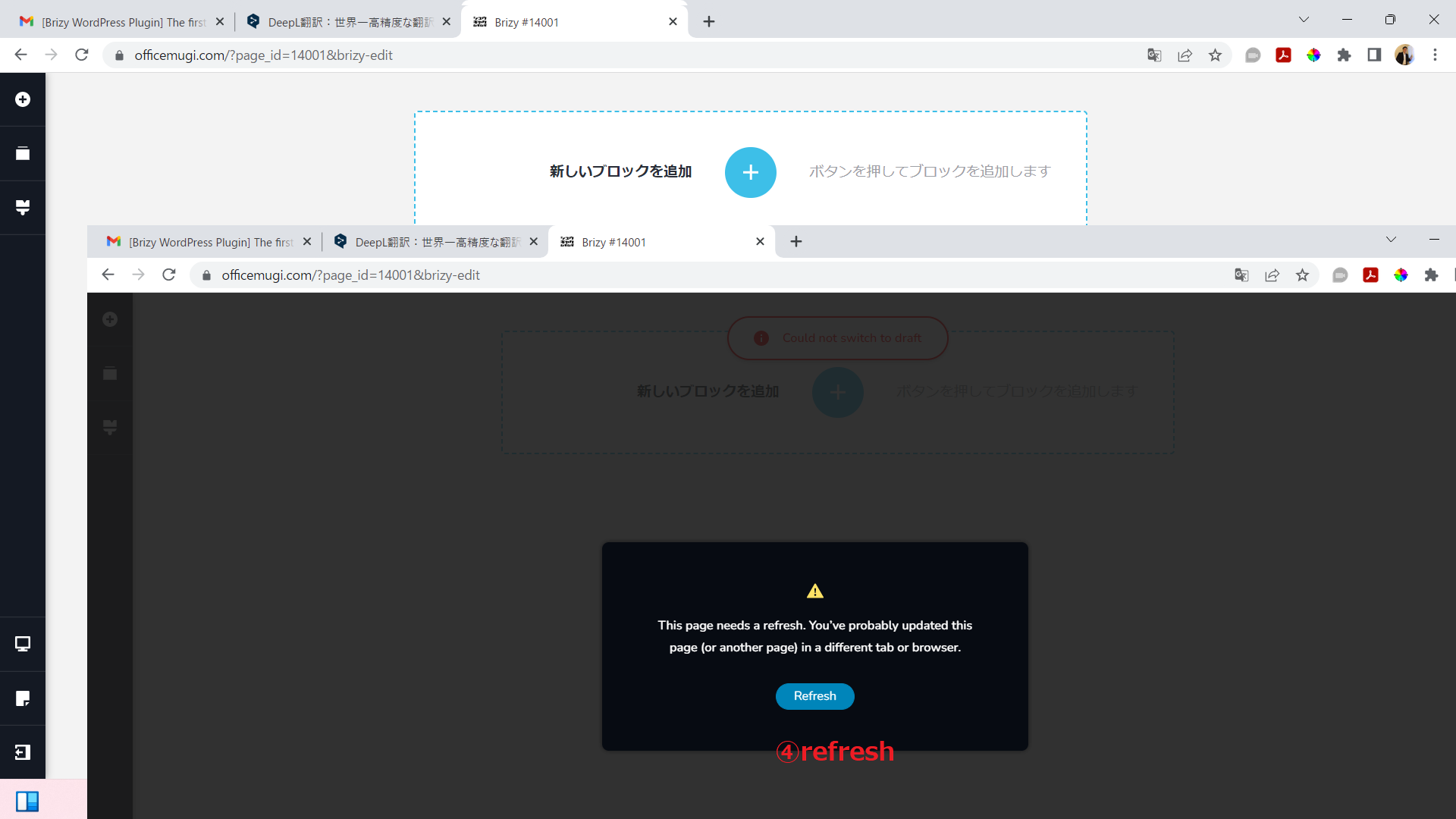
When you saw the error "The page needs a refresh" your page was refreshed before saving your work. This is the reason why you still see the block you wanted to delete.
"The page needs a refresh" error normally happens when a security system in your hosting server interferes with Brizy development. To fix this issue, please sign in to your hosting account with GMO Internet and check if any of the following is enabled
- Security system
- Firewall
- Malware protection
- DDOS
Pleas try disabling these systems one by one and check if you continue to see the error "Your page needs a refresh"
0 -
Success. Thank you.
0
Please sign in to leave a comment.
Comments
6 comments