site not showing

Hi, the site garvasa.com was working, but suddenly this is what it shows:
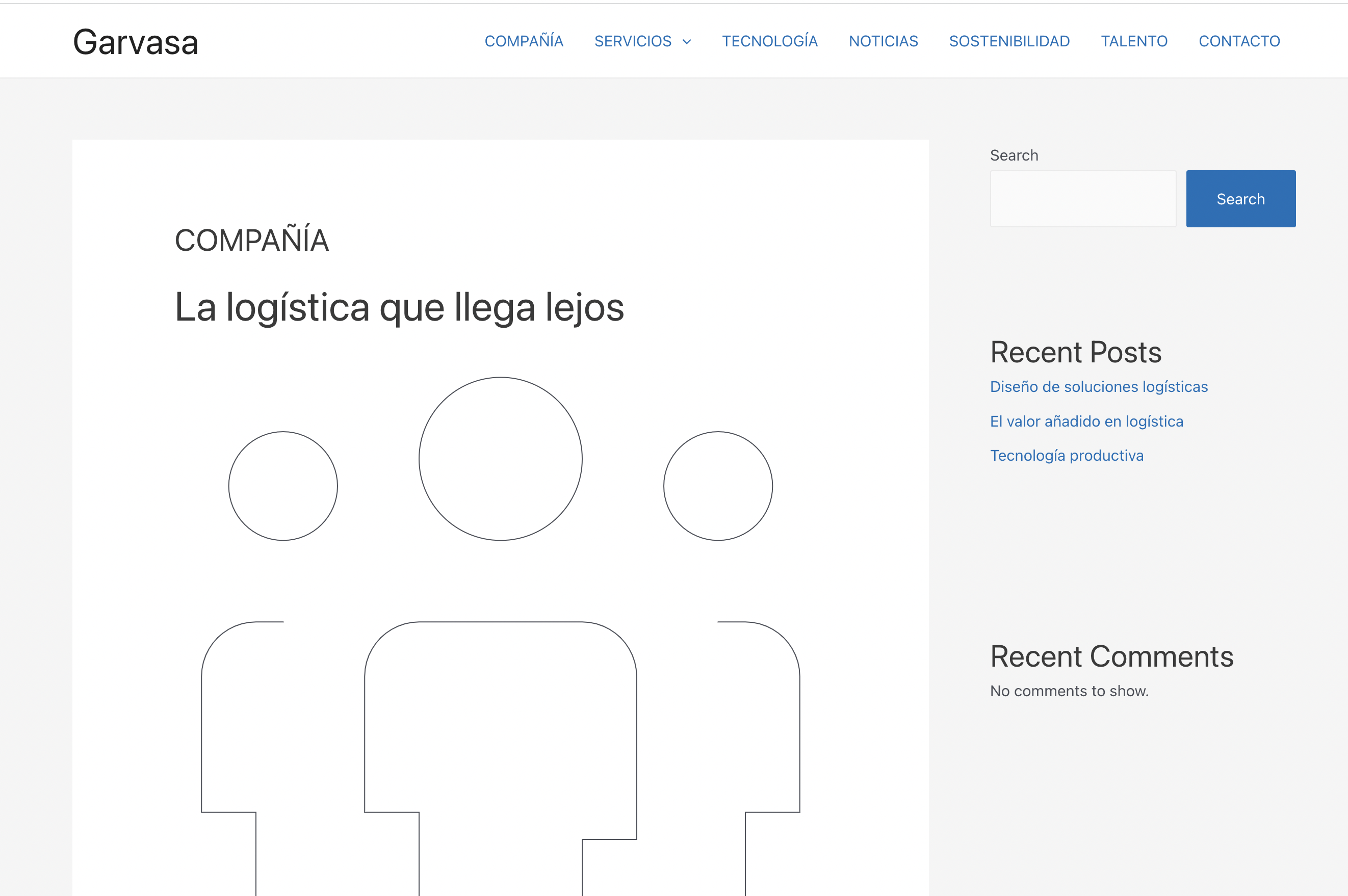
-

Hi,
Thank you for contacting us.
Could you, please, check if you are using the latest versions of Brizy Free 2.4.5 and Brizy Pro 2.4.6? Could you please temporarily deactivate all external plugins (except Brizy Free, Brizy Pro) and check if the error still persists?
Best regards, Nelea.
0 -

Hi Ignacio,
In the Brizy editor when you click on 'Go To Dashboard' you see the Gutenberg view of the page. In Gutenberg, if you click on 'Back To WordPress Editor', the entire Brizy page can get corrupted beyond recovery. https://jmp.sh/S5JqeB9
Looks like someone clicked on 'Back To WordPress Editor' on your homepage and the page got corrupted. All other pages appear working fine. To restore your homepage, please consider these options
- Check if you have any saved layouts of the homepage. If you have, recreate your homepage from the saved layout.
- Check if you have a backup. If you have a recent backup, restore your website from the backup.
- If both are not available, you may need to recreate the homepage from scratch.
0 -
Yes, I updated today both brizy. Deactivated all plugins except brizy, and problem continues Thanks for your help
0 -
Hi George,
This is the first time it happens. Today I updated brizy. Could this be the reason of this behavior? Then, how can I get back to dashboard avoiding this issue? How can I see if I have a backup of the page? Thanks Ignacio
0 -
Hello again George,
I managed to restore the site thanks to a server backup. Please, can you let me know how can I go back to wp dashboard from brizy editor avoiding this issue? So I should never click on 'Back To WordPress Editor’? Thanks, Ignacio
0 -
Hi Ignacio,
I am glad you could restore your website from a backup.
Brizy update related issues would affect your entire website. Since only the homepage was affected, this specific issue was not related to Brizy update.
You are right; please ensure that you do not click on 'Back To WordPress Editor' button to avoid this in the future.
0 -
Hi George,
Please, can you let me know what’s the best way to go back to the wp dashboard once you are inside the brizy editor? I used the button you see in the screeshot and it takes you to the page where the "Back to WordPress Editor” button is (see 2nd screenshot) Thanks!
Ignacio
0 -
Hi Ignacio,
You can go back to the WordPress Dashboard from the Brizy Editor in two steps
- Click on the 'More' button at the very bottom of the left sidebar and then on 'Go to Dashboard'. https://jmp.sh/WhUjE1T
- On the Gutenberg page that opens up, click on the WordPress logo to go to the list of WordPress pages. https://jmp.sh/aAZffED
0 -
ok, thanks
0
Please sign in to leave a comment.
Comments
9 comments