How can I adjust a block height (text/image/etc)? The settings doesn't take away all the (white) space

I added the block from a suggested block layout (a blog highlight – image and text). The blue slider only allows me to adjust the width by simply moving it tighter/broader. In the styling settings I was able to adjust the margins a little, but it won't let me go into negative for top/bottom. There's a white/blank space underneath the text (same with image block next to it); how can I remove that??
I have this issue on other pages/blocks too. I'm very new to working with the Brizy builder. Screenshots below:

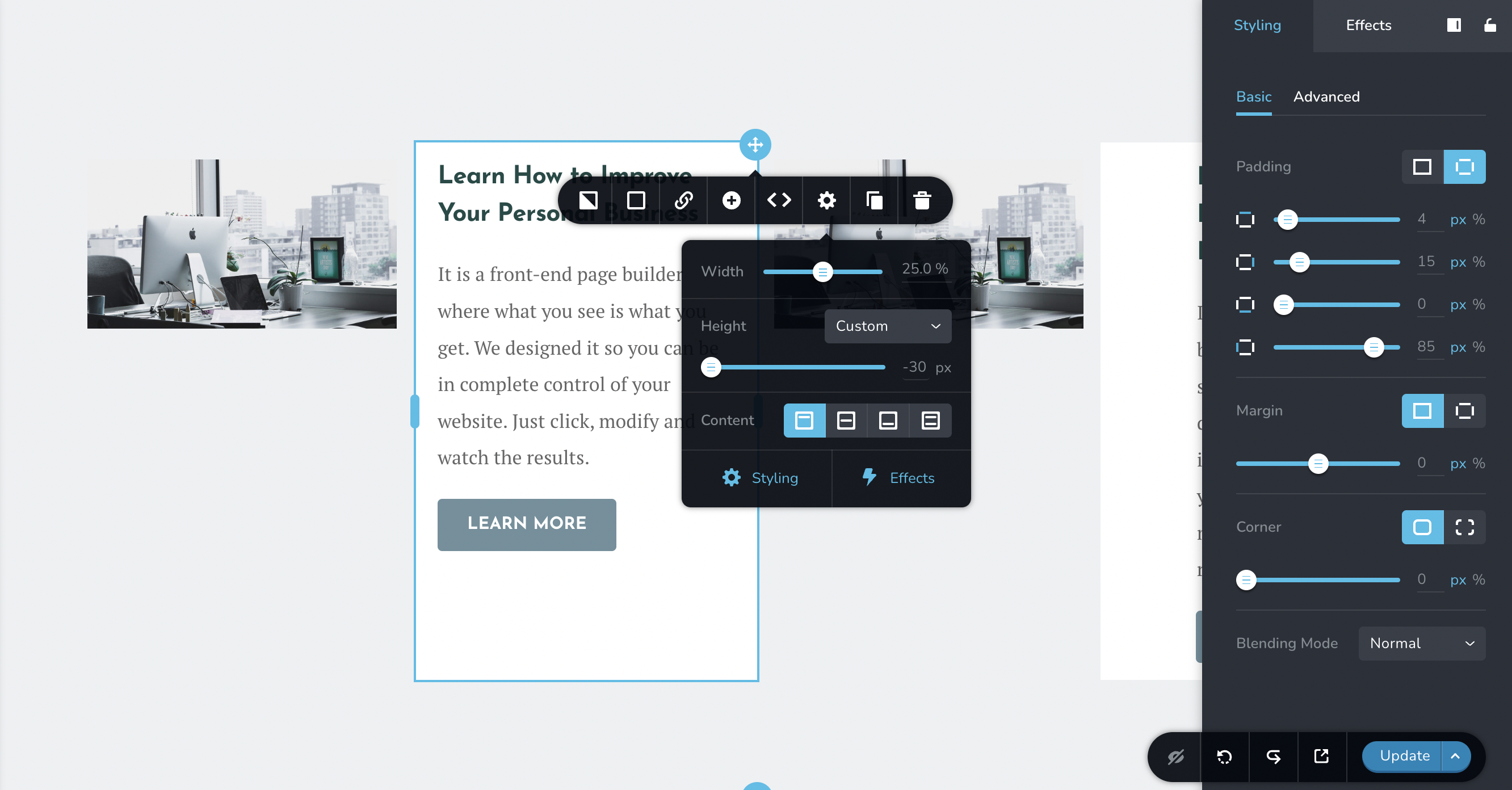
(Desktop – Brizy for WordPress (plugin))
TIA!
-

Hi Jenna,
Custom height is used when you want to set the column height independent of the content within it. If you would like your column to adjust its height according to the content within it, please set height to 'Auto' (instead of 'Custom' here)
 0
0 -
Hi KC George,
Thank you. However, that didn't change anything. And adjusting the margins (in styling settings) is still not allowing me a negative margin or padding for "below".
See screenshot after changing to "Auto":
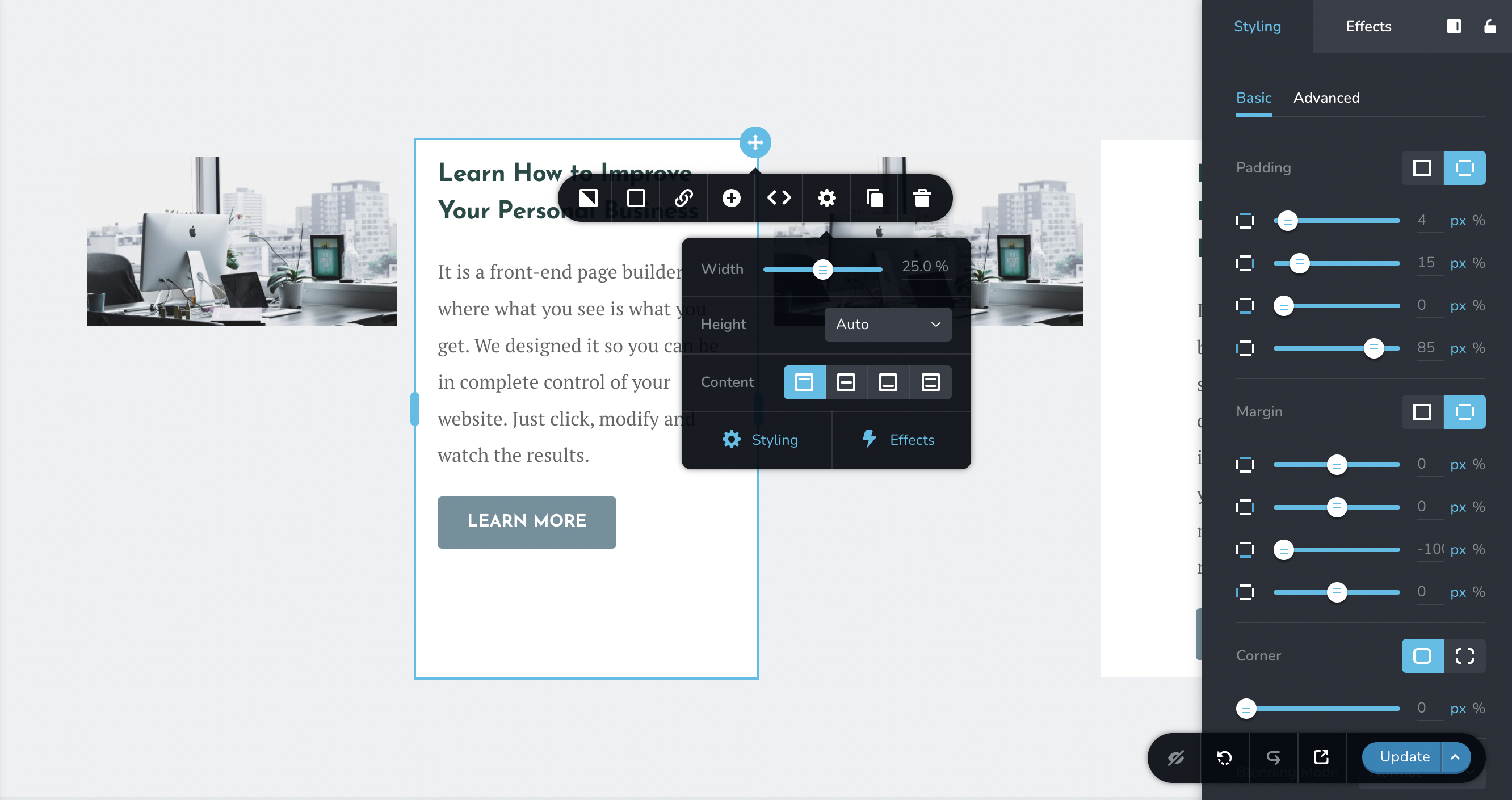
What am I missing?
0 -
Oh, I just figured it out! Somehow all these 4 columns (not all visible in screenshot) were connected... and the text in the last one was going all the way down, so the other column went by that I guess.. Which brings me to another question, is it possible to adjust the height for each column individually (eg. if one column has less text, that it will NOT show the blank white space underneath, but adjust to that column's specific height)? Similarly, I don't love the blank space underneath the images.. And I can't seem to add maybe another image or text block there. It seems to be simply "blocked space". Is there any way to adjust this (I already set the image's settings to "Auto" as well)?
Thanks again!
0 -
Hi Jenna,
Here is one way to remove the whitespace underneath the image and the text. https://jmp.sh/Q2E6Js0
If you are trying to replicate a specific design, please share it. I can explain how you can implement the design in Brizy.
0 -
Hi KC George,
great; this is super helpful, thank you. I'll play around with this a little and come back if I have more questions or if it doesn't work. Thanks!
0 -
Hi! I just found this thread as I googled my own new question. 😅
(FYI I haven't used my site in a while, making edits to get it live now)
I created a new table (row and columns). However, there seems to be the same (or similar) issue: there always is this extra "blank space" underneath the text.
See screenshot:

This table has only text, no images, simply these 3 columns (middle one is empty space).
I tried all settings again (adjust margins and paddings/custom height etc). It seems I can't get a lower value than what this table is set to (like I can't change it to "-100". "20 px" seems to be the lowest possible).
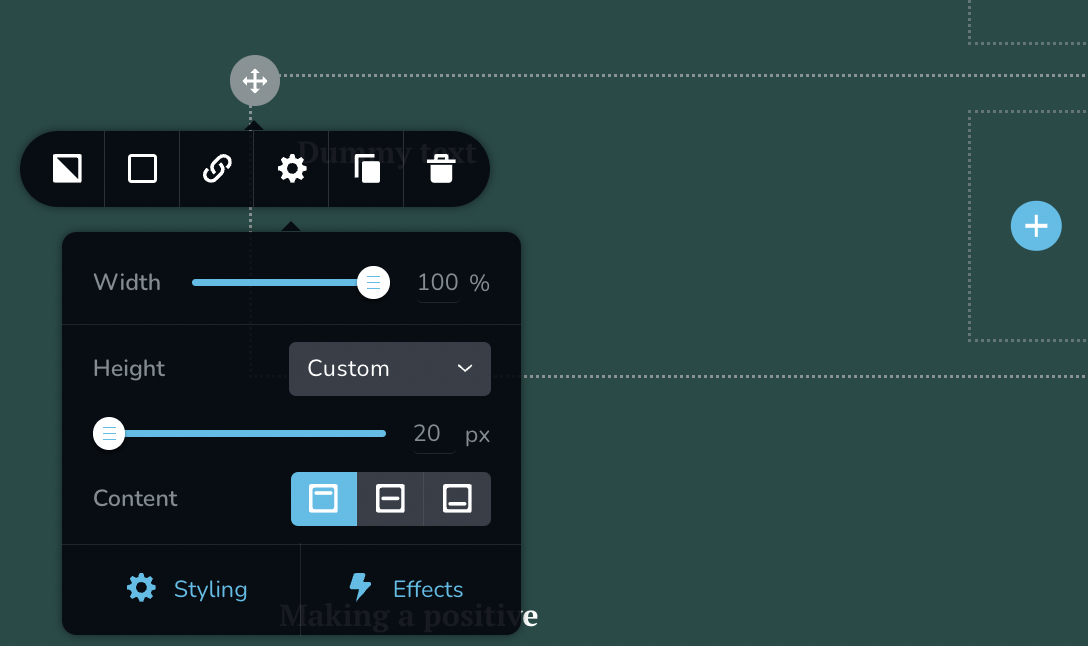
This would be fine when I add more text, but for just one line I would like the next row (that I was able to add w/o problem) to come up directly underneath this row's text. How do I do that?!
TIA.
0 -
Hi Jenna,
Kindly watch this screen recording for the procedure to remove the space below the text. https://jmp.sh/Awf8RK1a
0 -
TY! (Bit counter-intuitive though bc the extra column is literally "empty"..)
0 -
Hi Jenna,
The issue you have discussed above occurs only when you are in the Brizy editor and in the website frontend, a blank column is truly blank. Hence you have the option to ignore the height of the middle column while using the editor.
0 -
Hi again,
I'm sorry if this is repetitive but I'm struggling w/ this extra space thing that's popping up so frequently.

I added a row here. Then I wanted to add a border to each individual column within the row. The dummy text is approximately how much my columns are filled. Is there a way to get the BORDER to surround the actual text and not the extra white space below?
I understand that the actual column may need to have this extra "white space" since it's part of a row and that's fine, but can at least the *border* to each specific column "hug" each individual text bit?
0 -
Follow-up (separate) issue. I want to create space between the columns (just a tiny bit to give them room to "breathe").
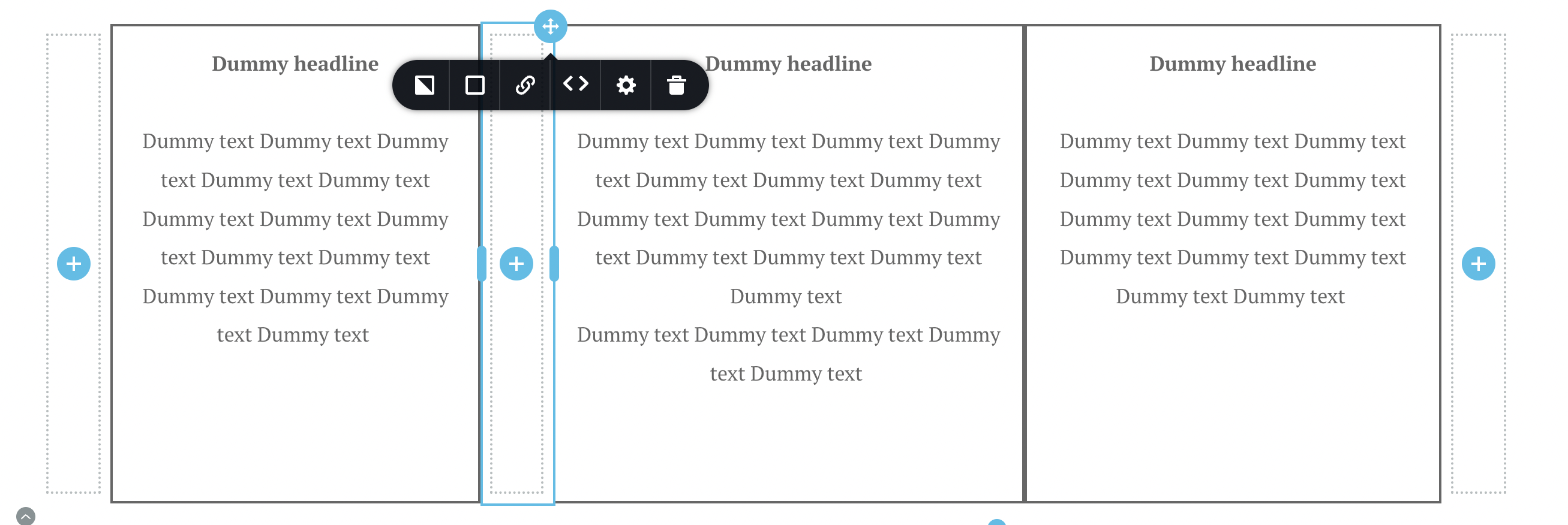
My row has 3 columns total with text and 2 columns for space on each "outside". 3 columns w/ text in total. I need to add a "column of white space" between each column, so 2 extra "clear columns". That would make 7 columns in total (3 w/ text, 2 on each outside, 2 in between). I can't seem to add more than 6 columns total to the row. I need the extra space in between (I can't add spacer "into" the row/columns). How can I do that??
FYI, the outside clear columns were 5% width, text-columns 30% each. was gonna do the in-between empty columns 4.5% but seems like 4.9% is the minimum width needed?! (I could live with that, adjusting the text-columns widths.. but again I cant add my last "spacer-column")
0 -
Hi Jenna,
Kindly add an additional column within the existing column around the text and set the border to the inside column. The border you set for the inside column will stay close to the text.
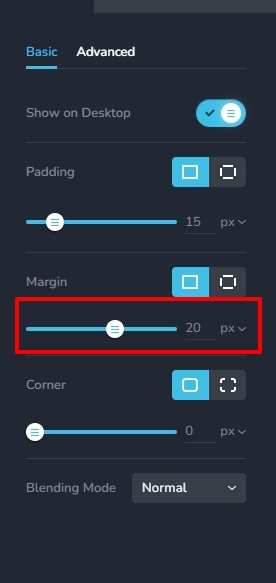
To increase the gap between two columns, add margins around the column. For example, in this screenshot, I have added a 20 pixel margin on all four sides. Watch this screen recording for more detailed instructions. https://jmp.sh/surlchib
 0
0 -
Hi KC George,
Columns within columns... got it.
But it worked, thank you!
0
Please sign in to leave a comment.
Comments
13 comments