文章模块如何调用自定义自动

你好,当我使用列表功能调用文章的时候,在首页可以使用(global $post)调用到文章的自定义字段内容,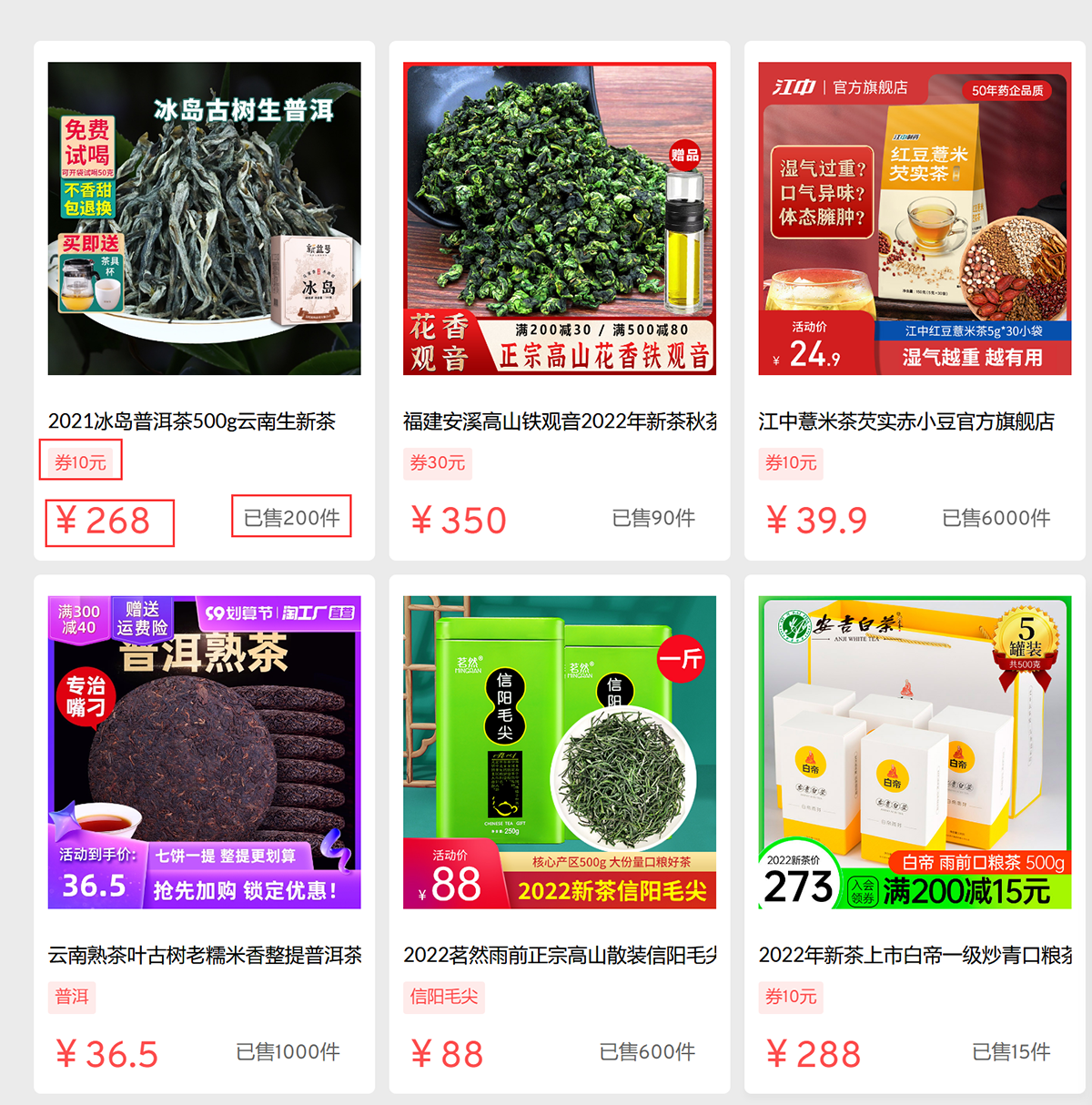
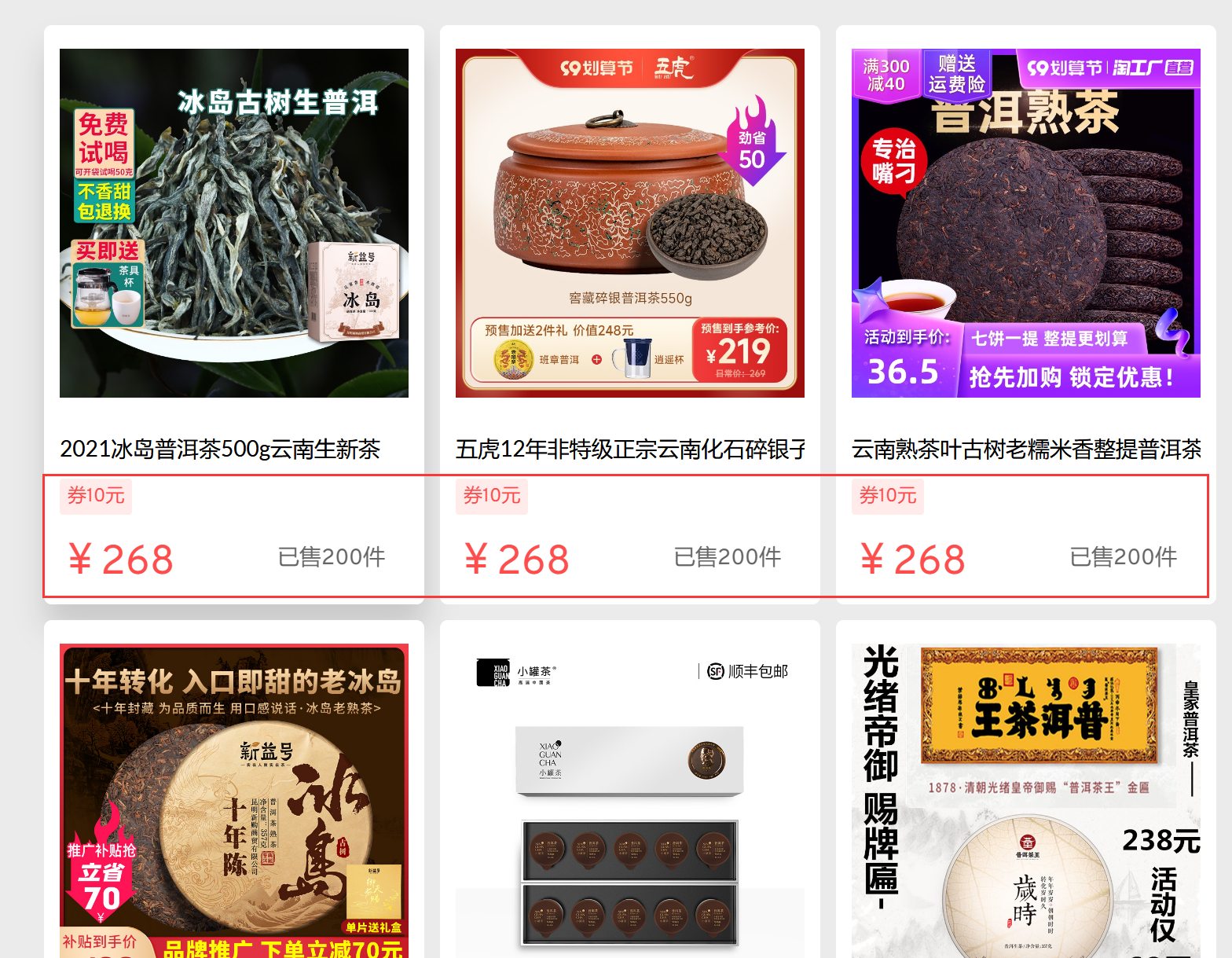
当在分类页面中调用时,自定义字段的内容都是一样的,如果在分类页面调用到每篇文章的自定义内容
-

Hi Dingyi,
Can you please share the URL of your homepage and the category page so that we can check.
0 -
Hi Dingyi,
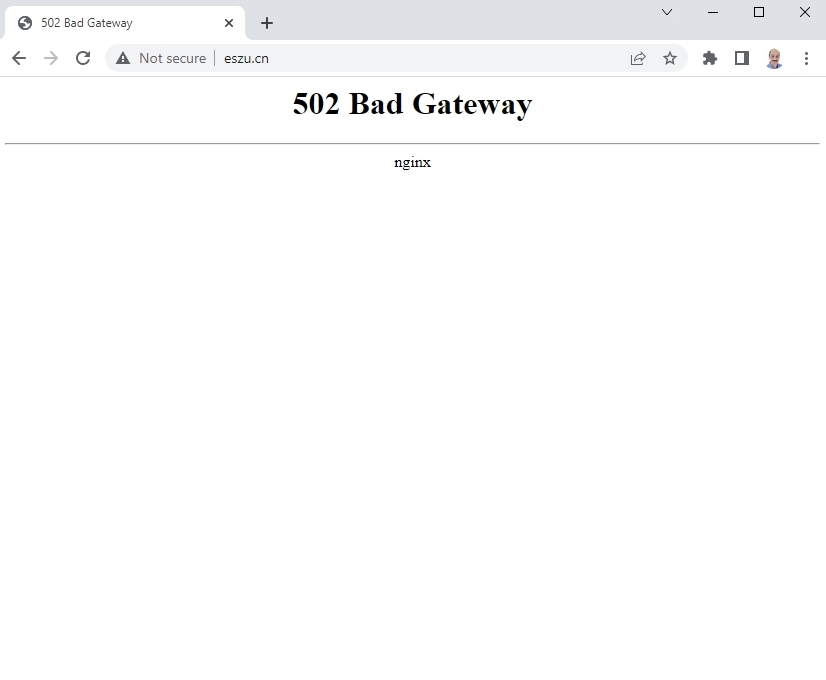
I am getting a Bad Gateway error when accessing your website http://eszu.cn/ from India. My public IP is 111.92.81.148. Do you need to whitelist this IP?
 0
0 -
你好,再试试看,取消限制了 ------------------
0 -
Hi Dingyi,
I need to take a look at your project to help with this issue. If you need help with this, please add me as a user to your WordPress Dashboard. My email: kc.george@brizy.io. Please enable the option "Send the new user an email about their account" as in this screenshot https://jmp.sh/sOSGGR3
Once you have sent me an invitation, please let me know here.
0 -
Hi Dingyi,
I have looked at your website. You had developed your category archive pages using the Blocksy Content Blocks. I have now disabled Blocksy Content Blocks and developed category Archive Template using Brizy. Please see this video. https://jmp.sh/3eYrrFF Please check your category pages now.
The Featured Images are not displaying correctly in the front end. Can you please remove the Featured Images and re-upload and check if it display well.
0 -
谢谢,原来没有发现 Brizy 的模板功能
0 -
你好,里面的分类名称是怎么添加的,我怎么没找到
0 -
HI Dingyi
You can find the category archive template under Brizy - Templates. Please see this screenshot. https://jmp.sh/hvE3mFJ
0 -
你好,我知道这个,我的意思是这个分类的名称怎么来的,我没有看到在哪里设置
0 -
HI Dingyi,
To add the category Name to the archive template
- Drag and drop the Text element and click on the text
- Click on 'Typography' icon
- Click on 'Database' icon
- Select 'Archive Title' from the drop down list.
Please see this screenshot https://jmp.sh/eCkVEdL
0 -
谢谢,我刚发现这个功能
0 -
你好,请问一下如何取消掉 https://fonts.bunny.net 的字体
0 -
Hi Dingyi,
Are you asking how to stop HTTP requests going to https://fonts.bunny.net? You need to host Google fonts locally to stop sending HTTP requests to Bunny Fonts. Please see this video for the procedure https://jmp.sh/ilw8LCU
0
Please sign in to leave a comment.
Comments
15 comments