Image element distorts inserted image & cannot be fixed

I add an image in the standard manner. To make one image work, I set it to Thumbnail & that works, but only coincidentally. Another image is distorted no matter how I adjust the settings. Which makes it impossible for me to create the header I want.
new page “add an image”
template: Brizy
publish
edit with Brizy
add block - create your own - insert Image element
add image - size is 150x150
comes in massive - element places it at “100% Zoom” and, apparently, custom-sized
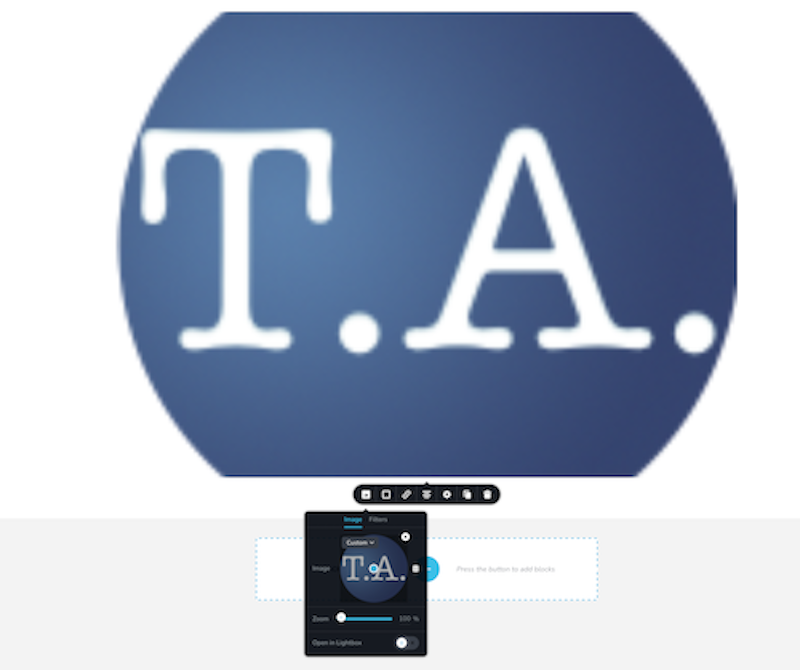
reset image size to “Original” - and it clearly isn’t

set to Thumbnail, which is coincidentally the size i want – it works
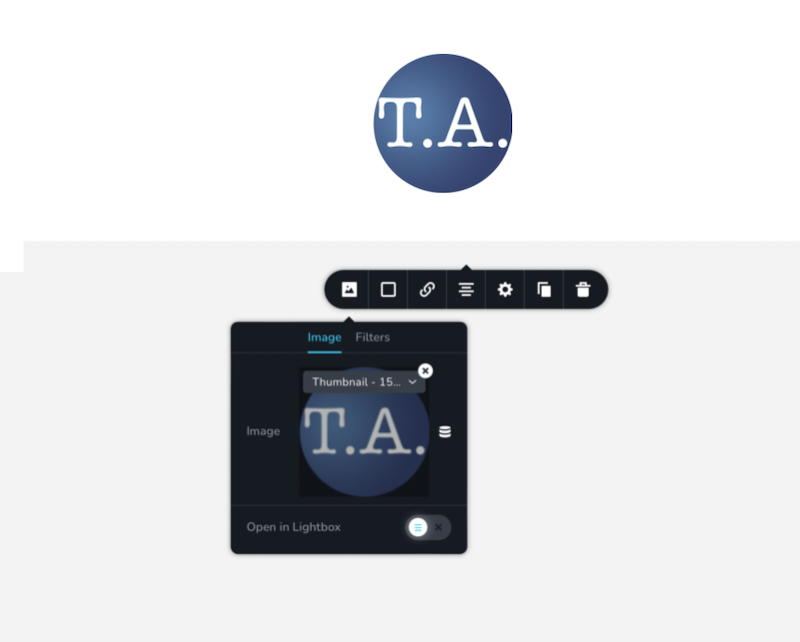
i can also choose “Custom” and set the size to 150px x 150px - but if i pick 100% x 100%, it is again massively over-sized
with a long image
upload image from computer that is 729x125, a size i picked to fit my header
instead of inserting the image as it is, i have to manipulate it
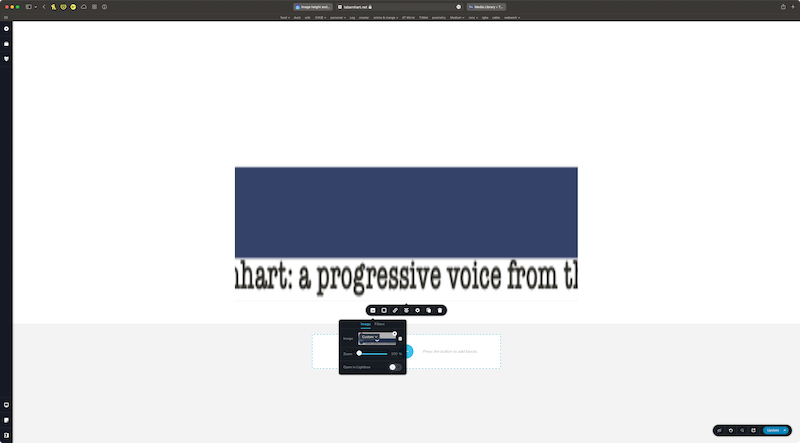
for some reason, the Custom size is 100% x 226%
change it to 100% x 100%, and the image is distored
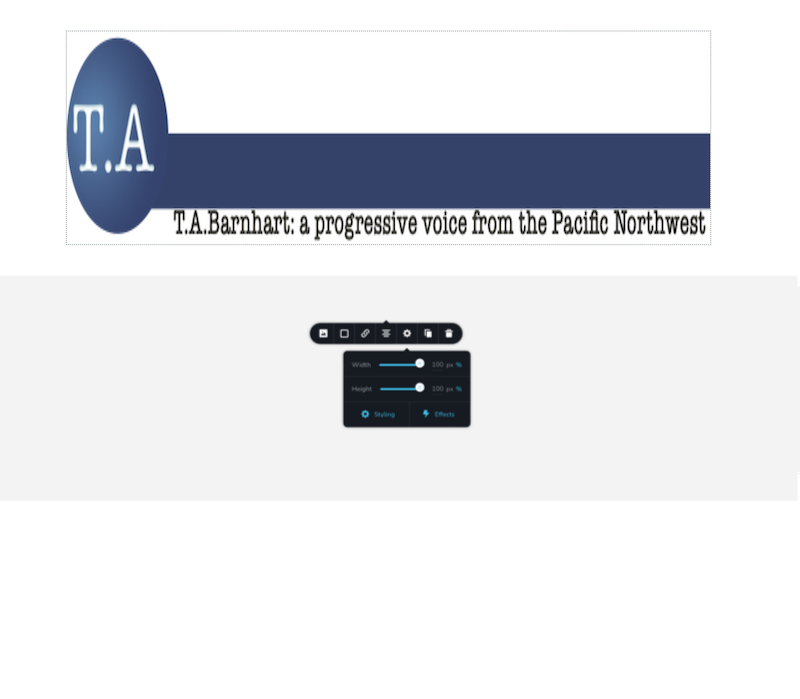
i check the image size with Inspect Element
the container is 1290x446, as is the image – so apparently the Custom size in % is the container, not the image!
change the settings to the size of the image: 729x125
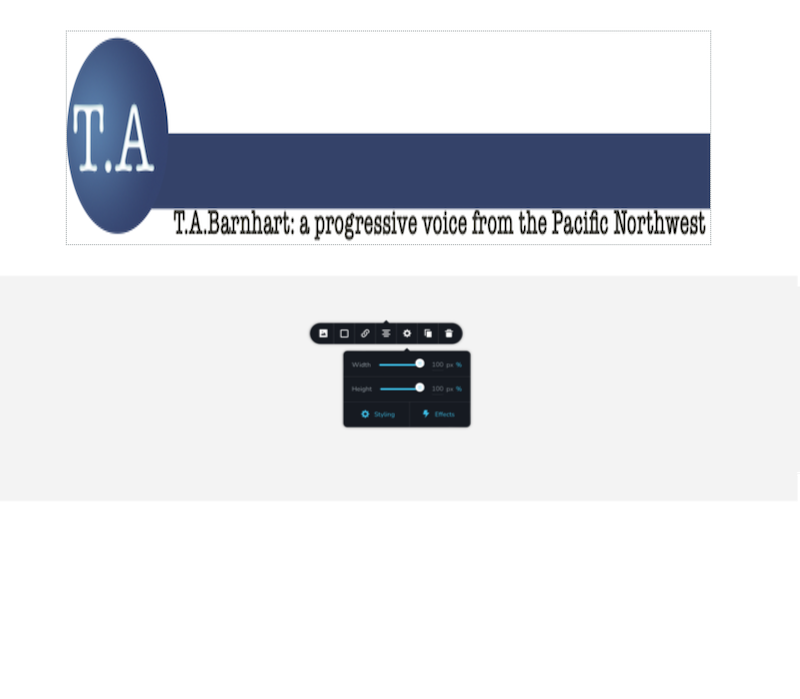
the image is still 1290x446; it’s just within a box that is the size is 125px talls & so cuts off the image
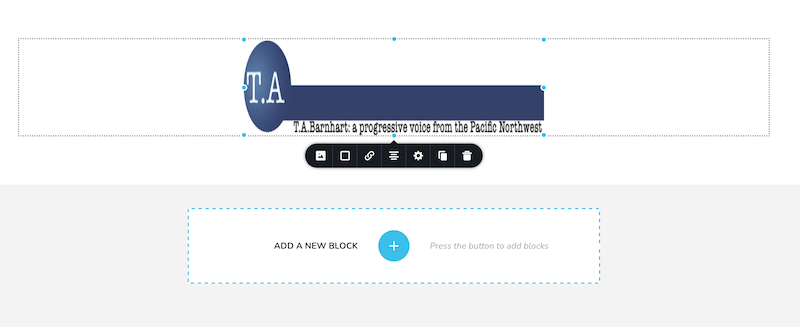
i can reduce the size of the image by using the corner handles, but the image is still distorted (that’s an actual circle on the left)
-

Hi T.A. Barnhart,
This is how we would expect images to work with Brizy. https://jmp.sh/toW92hX The way images behave at your end definitely looks different from normal.
I would like to take a look at this from your WordPress Dashboard to help you with this. If you need help with this, please add me as a user to your WordPress Dashboard. My email: kc.george@brizy.io. Please enable the option "Send the new user an email about their account" as in this screenshot https://jmp.sh/sOSGGR3
Once you have sent me an invitation, please let me know here.
0 -
no idea why this would be in my WP dashboard; you need to explain such things before asking this kind of access. i'm capable of making adjustments as needed, but i've never run into this behavior before. there is simply no reason an image gets distorted when insert into a container that is larger than the image.
0 -
Hi T.A. Barnhart,
If you prefer self help, please do few compatibility checks.
- Are you using WordPress 5.9 or above? https://jmp.sh/iqlQrFw
- Are you using PHP 7.4 or above https://jmp.sh/XrkFgLV
- Are you using a theme compatible with Brizy? Twenty Twenty One and these themes work well with Brizy https://www.brizy.io/theme-partners Change to one of these themes and see if it gets resolved.
- Do you have a plugin which is incompatible with Brizy? If none of the above helps, please deactivate one plugin at a time and check if the problem persists.
If you are not able to find a solution, please get back to us; we may need to troubleshoot this issue for you.
0 -
solution: the image i was using was busted in some way – although, weirdly enough, it worked on another site. obviously at some point, a version of that image got saved & then corrupted.
tried a random image cropped to the desired size & that worked.
recreated the image from scratch, gave it a new name & bingo bango bongo. success. (probably could have just renamed the original, but i wanted to make a clean original for other purposes.)
0 -
- 6.0.02
- 7.4.30
- Blocksy
- Lite Speed Cache & Slate Admin only – and the problem persists with them deactivated.
I tried this on another site & everything worked fine. I compared various WP dashboard settings, but I don’t change any of those. I pretty much use WP’s defaults.
Then I had a look at the image in the Media Library of both sites. here is the image in the site that works:
and here it is in the site that doesn’t.
(I took the screenshots to be the same size.)
the uploaded image is squashed on the “bad” site. so, just to do the research, i tried another image at the desired size of 729x125. it worked just fine. so i guess i’ll remake my image & rename it. possibly WP has a backup of the image that is causing problems, although i used LS Cache to purge everything. it has to be the image. ugh.
thanks
TA
0 -
Hi TA,
You are right; if you upload an image of the same name to the WordPress Media Library, the previously uploaded images do not get overwritten. When you upload a new image, please always use a new name.
0
Please sign in to leave a comment.
Comments
6 comments