Adding links to other pages

If I have a button and want to link to another page in the site I click on the little chain icon. How do I select which page to link to, or is it expecting me to manually type in the link of the other page in the site?
If it is the latter, and I am linking to that page from twenty other pages, and than for some reason have to change the name of the linked to page, does it mean I have to remember everywhere I linked to that page and change them one at a time?
Thanks for your help with this.
-

Hi Paul,
Brizy does not have a drop down list of internal pages that you can link to. Please open the page you want to link to, copy the URL from the browser and paste it into the Link field.
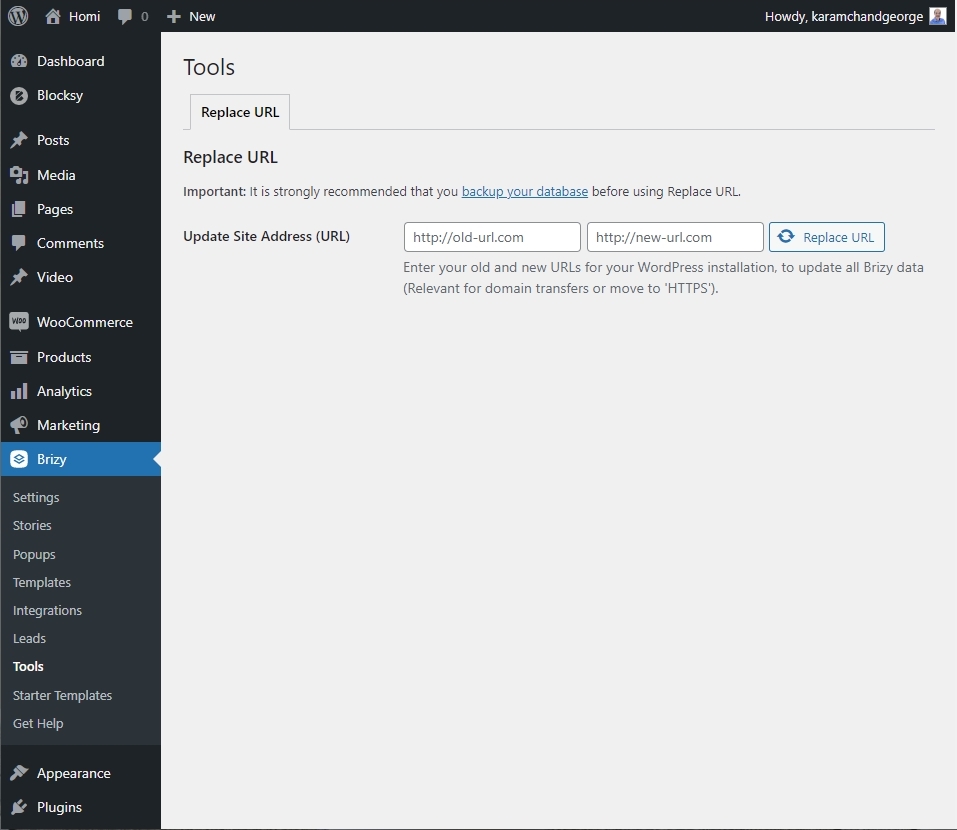
If you have 20 pages linking to the same URL and you want to change the hyperlink on all those 20 pages, you can use the Brizy Replace URL feature. In the WordPress Dashboard under Brizy- Tools, you can find this tool. Please watch this video for the procedure to find and replace a URL. https://jmp.sh/Q1TP4Hi
 0
0 -
I'm not using WordPress I am using Brizy Cloud. I am truly baffled why, when you clearly have a database of all the pages (you list them on the Pages page) you can't just allow a user to link directly to one of them. That is how most CMS's work, isn't it? Expecting the user to have to remember to manually change urls is a bit odd in these days of relational databases.
Talking of filenames, I am now having another problem. I have created a page, published it, but when I try to preview it by clicking on the button in your system I get a page not found error. https://www.14questions.com/be-a-guest?system_page_access_token=$2y$10$itnkRZtnIUYMnkF6iHZaH.BgiFi7q6SqDfS4oICyx4Ob/AKp38IP.
It seems odd that your system has published a page, but then can't visit the page it has published. Maybe it is something to do with the sync'ing. I thought it might be so I have waited for 12 hours, but the page still doesn't exist.
Hope you can help as this two page web site is ending up taking two weeks to create, and I am seriously thinking it might be better to use a different tool. Shame, as yours creates such lovely designs, but then everything else seems unnecessarily troublesome (e.g. sync'ing doesn't seem to work, published pages don't appear, having to remember to change urls if you make even a minor change to a page name).
Sorry to sound like Debbie Downer, but this just seems strangely complicated to do really basic things.
0 -
Hi Paul,
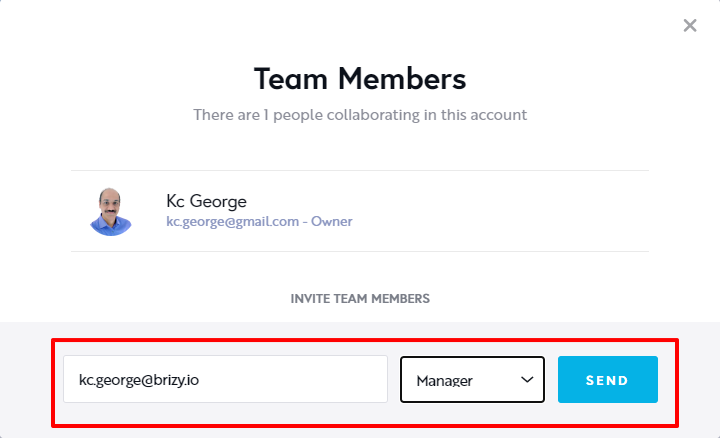
We would like to take a look at your project to help you with the Page Not Found error. Can you please invite me as a Team Member? My email: kc.george@brizy.io. Please assign me Manager role.
 0
0 -
Hi KC,
Thanks for your reply, but it has taken so long that things have moved on since then.
I ended up giving up on publishing by sync'ing as it didn't work, I got page not found errors, the inability to even preview a page using your own preview button, and other stuff.
So I decided to ditch the syncing and try pointing a domain at Brizy, as per your sites instructions. Everything worked fine at my hosts, but alas, it has been two days now and the whole site is still off line. In 27 years of building web sites I've never had a propagation take this long.
As if it wasn't bad enough having wasted FIVE DAYS trying to just publish a two page web site, I get no help from Brizy despite numerous urgent messages. It is like you don't care that you've completely messed up my business from Monday through to Friday. It is a good job this is a new business and doesn't have turnover, as otherwise I could have lost tens of thousands of dollars.
Such a shame. There is so much to like about Brizy, but at the same time, it is pretty much unusable if it takes five days just to publish a two page web site. I've had such a stressful week thanks to you guys, so please forgive me for offloading this on you.
Paul
0 -
Hi Paul,
The Server Sync publishing option has some bugs at the moment. The other publishing options work fine.
I am glad that you have switched over to the publishing option that most of our customers use which is the Custom Domain option.
We are again sorry for the delay from our side in fixing the issues.
0
Please sign in to leave a comment.
Comments
5 comments