Display conditions info

Hello Brizy! Is there any page where I can read more about all of these display conditions options?
I don't understand the differences especially between "Categories" and "Blog/Posts Page" or "Archive page"...
Thank you for your help!

-

HI Sofia,
Please see if this video tutorial is useful: https://youtu.be/lkiSk6IE7tA
0 -
Hi KC :) I did watch that video and also another earlier. But they don't really go in dept on the different options available. They simply pick one.
0 -
HI Sofia,
Can you describe what you are trying to do. May be I can give you the appropriate Display Condition.
- Do you want to list all blog posts in a single page? This will be your Blog/Posts page.
- Do you want to provide a list of categories and when the user clicks on each category, he/she should see blog posts under the specific category? You need category archive pages for this
0 -
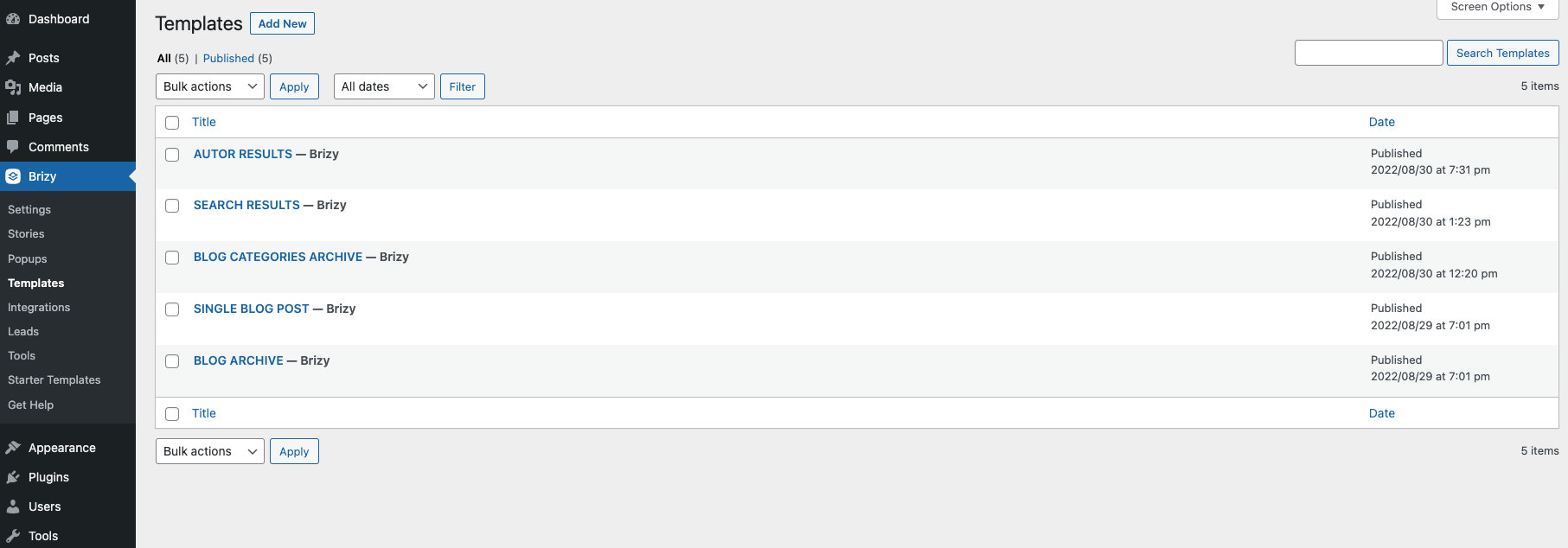
Hi KC! Thank you for your kind help, as always! I have been playing around with the templates' options and I think I have now designed templates for everything needed: author archive, category archive, general blog...
But since maybe a couple of hours ago, for some reason, nothing is showing anymore. Do you have any idea of what this could be or how to fix it? I am not sure if this is related to the upgrade of Brizy's plugin this afternoon? I currently have nothing else installed on this WordPress. I am using Blocksy.
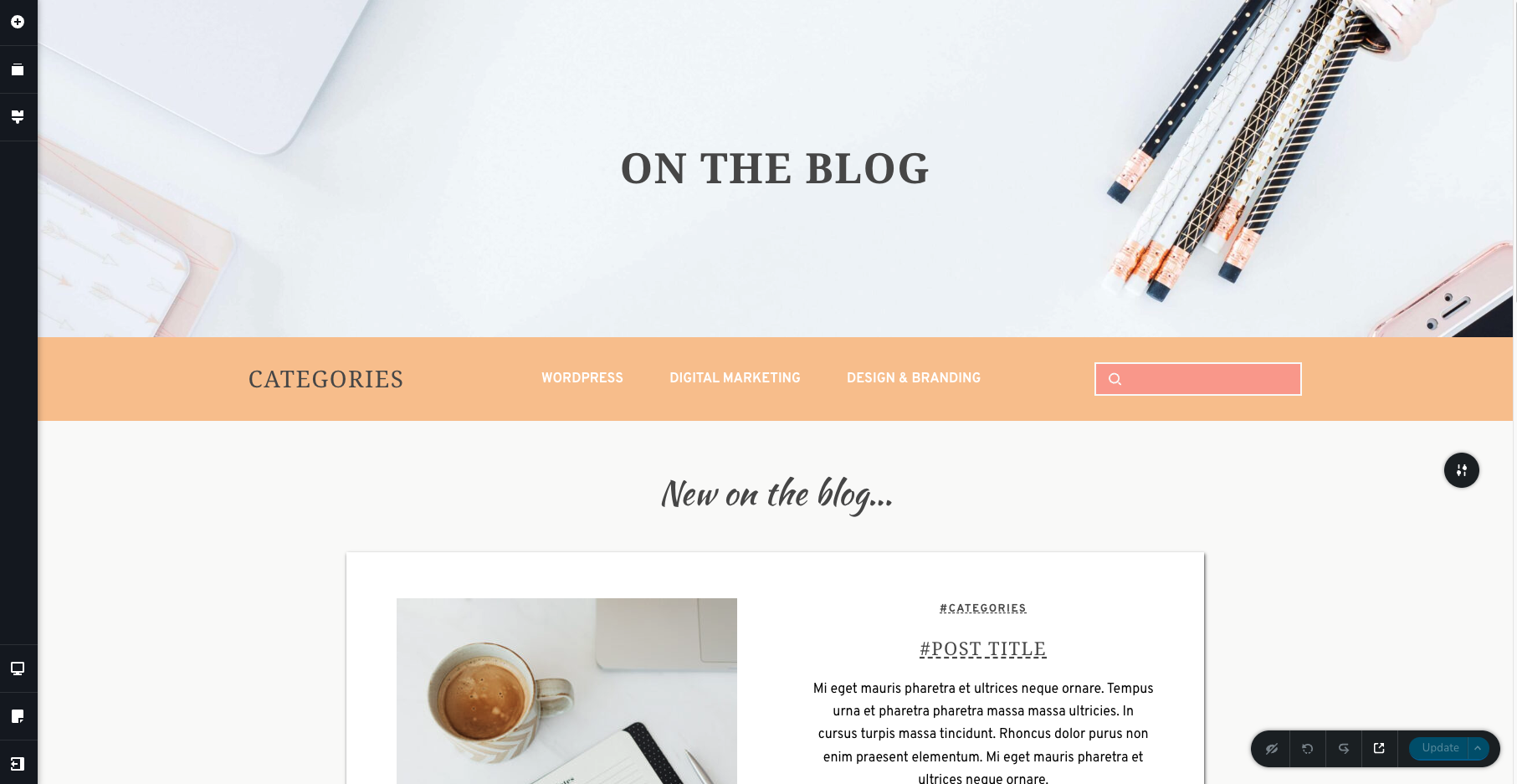
Basically, when I am in the editor, my pages/templates and display conditions are still there. But when I click to preview (either from the bottom right corner from inside the editor itself or by putting my link on another tab directly) each page is completely blank. I have some screenshots although there isn't much to see.
Thank you again in advance!
 0
0 -
Hi Sofia,
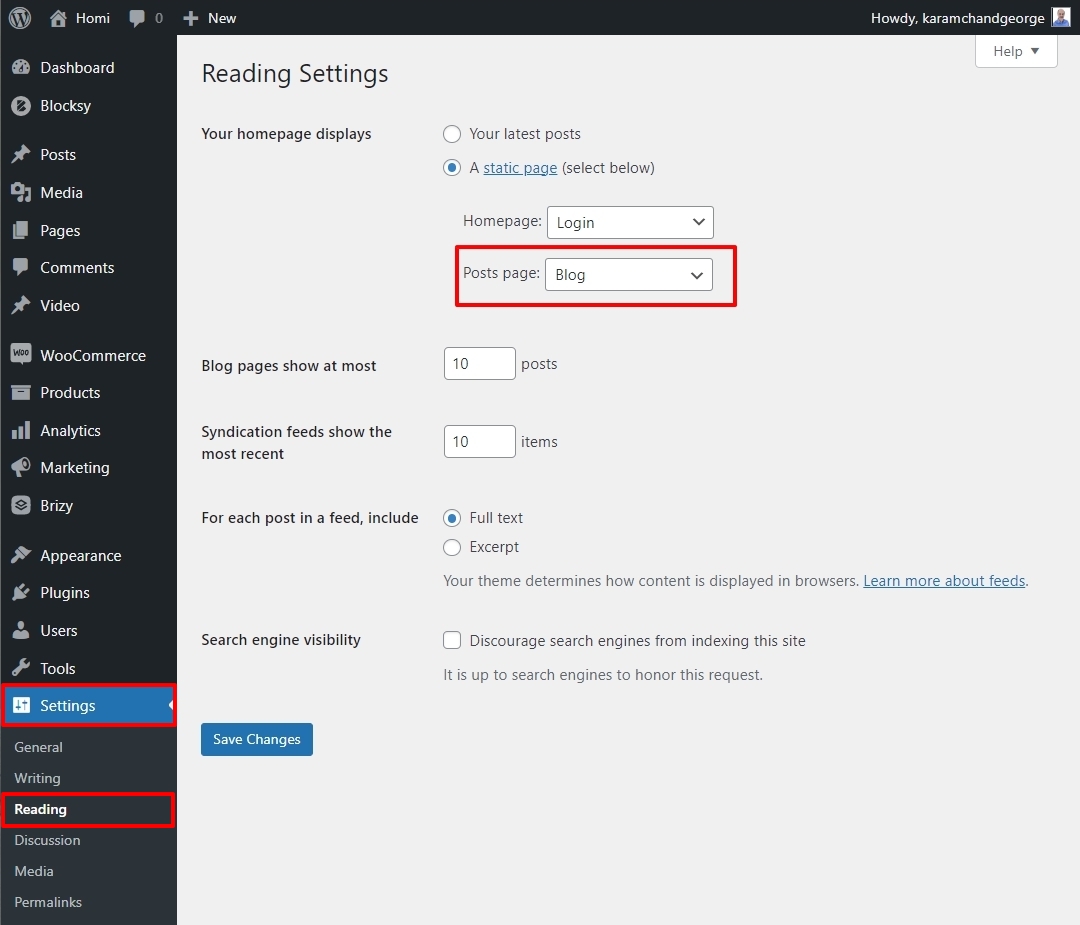
You need have one of your pages designated as your Posts page. You can do this in your WordPress Dashboard under Settings - Reading https://jmp.sh/KceIXLl Have you done this?
 0
0 -
Good morning KC!
Yes, I have that done:
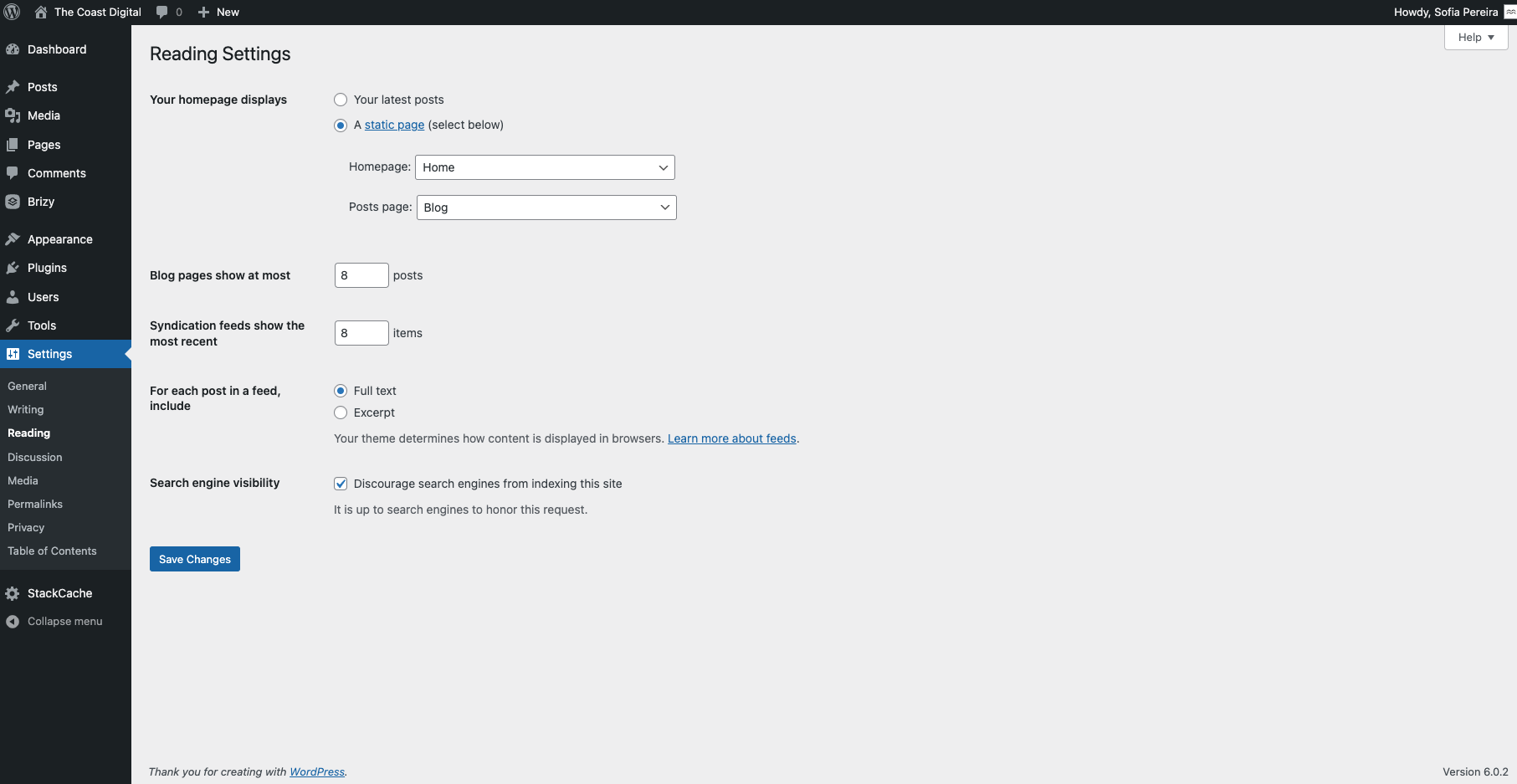
It was actually working fine until later in the afternoon yesterday. Now all the templates I actually worked on are showing blank. and the front page is showing something different from what is actually there.
It seems like things are saved in the backend of WP and Brizy. But when I jump to the front, it's like I did nothing. Pages are published, Brizy templates are published and I put a few fake blog posts just to be able to see the results.
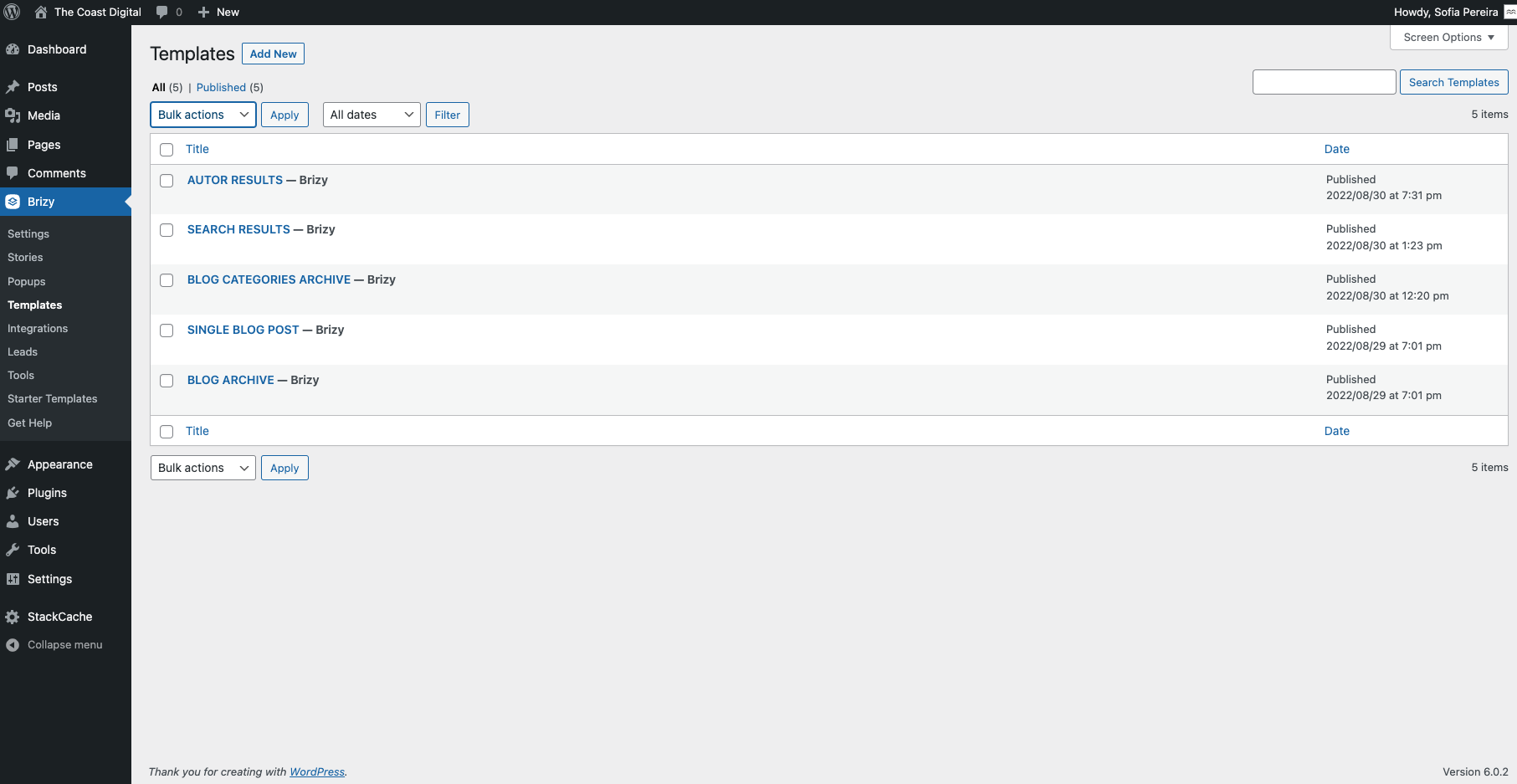
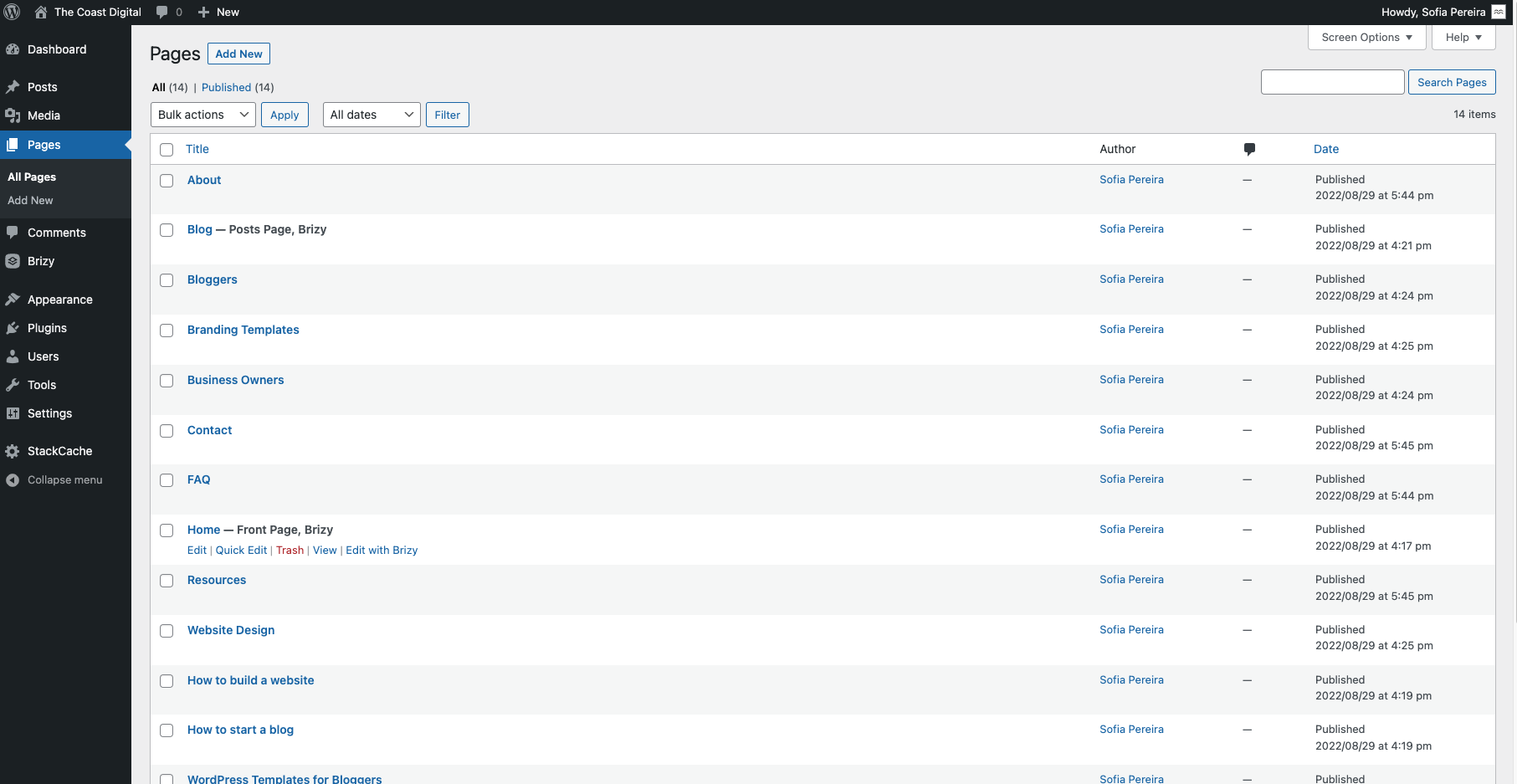
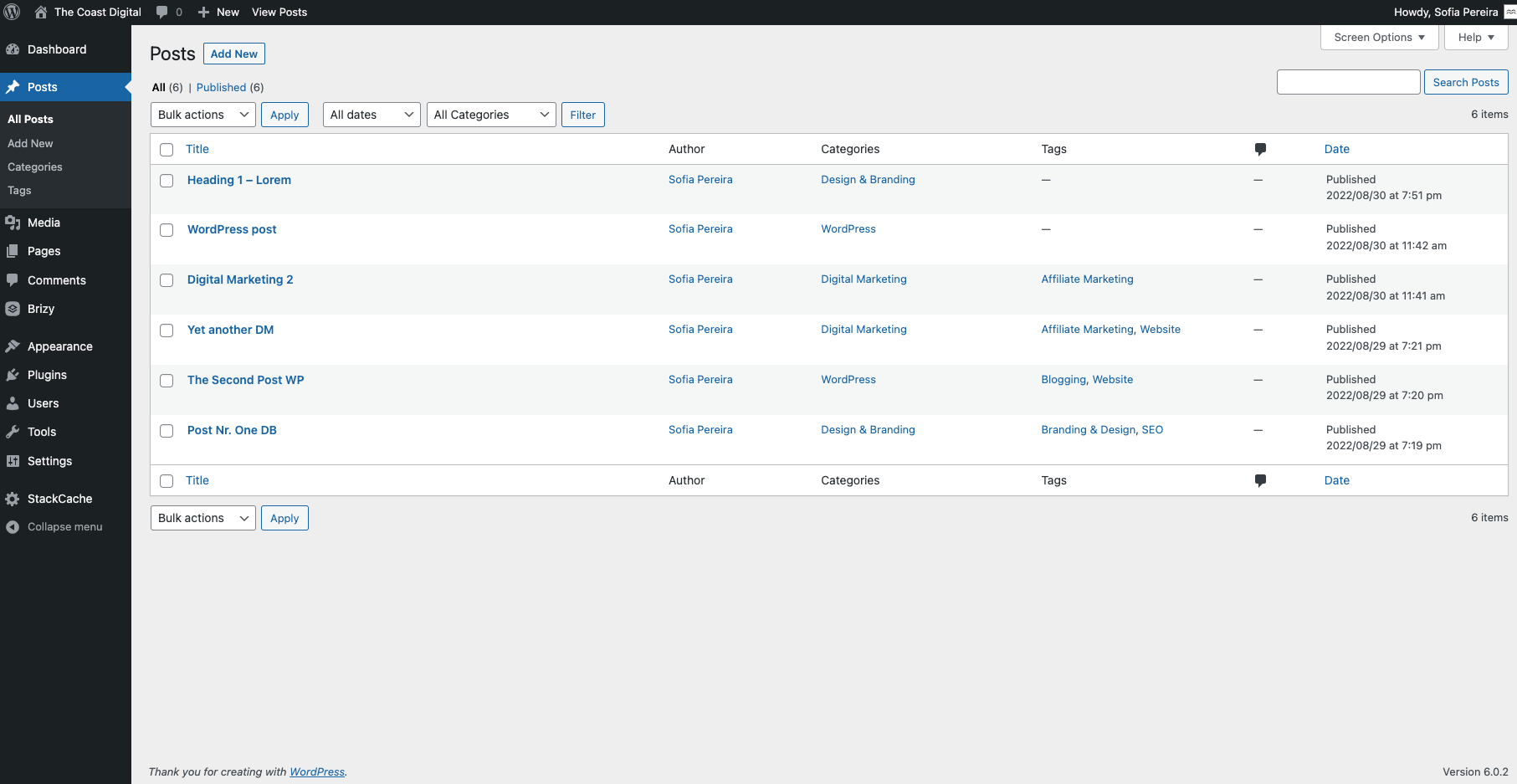 0
0 -
Hi Sofia,
Do you want me to take a look at your project and help you fix this?
If you need help with this, please add me as a user to your WordPress Dashboard. My email: kc.george@brizy.io. Please enable the option "Send the new user an email about their account" as in this screenshot https://jmp.sh/sOSGGR3
Once you have sent me an invitation, please let me know here.
0 -
Thank you so much, I have sent you. I will stop touching it until I hear from you again just in case :)
So far, I have been working on Brizy > Templates only. The pages and posts are just for demo content.
0 -
Hi Sofia,
I have made two changes.
- There was an error on your Blog post template; I have recreated it.
- You had edited your blog with Brizy; by clicking on 'Edit with Brizy' here https://jmp.sh/ieDAfGm Doing this can mess up your blog page. I have deleted the blog page and have recreated it.
Now all these appear working fine in preview
- Blogpost: https://thecoastdigital.com/heading-1-lorem/
- Blog: https://thecoastdigital.com/blog/
- Search: https://thecoastdigital.com/?s=lorem
- Author: https://thecoastdigital.com/author/ladybug2021/
- Category archive: https://thecoastdigital.com/category/design-branding/
0 -
Thank you so much!
1. I see you recreated the blog post template using different containers. Is this needed then?
Just for my future reference. I was following a Youtube video by Dimi but it was from 2020.
And I was using only one container for the entire blog post. I would rather do that because of the mobile responsive too. If I use different containers, it will split my sidebar as well and make things more complicated.
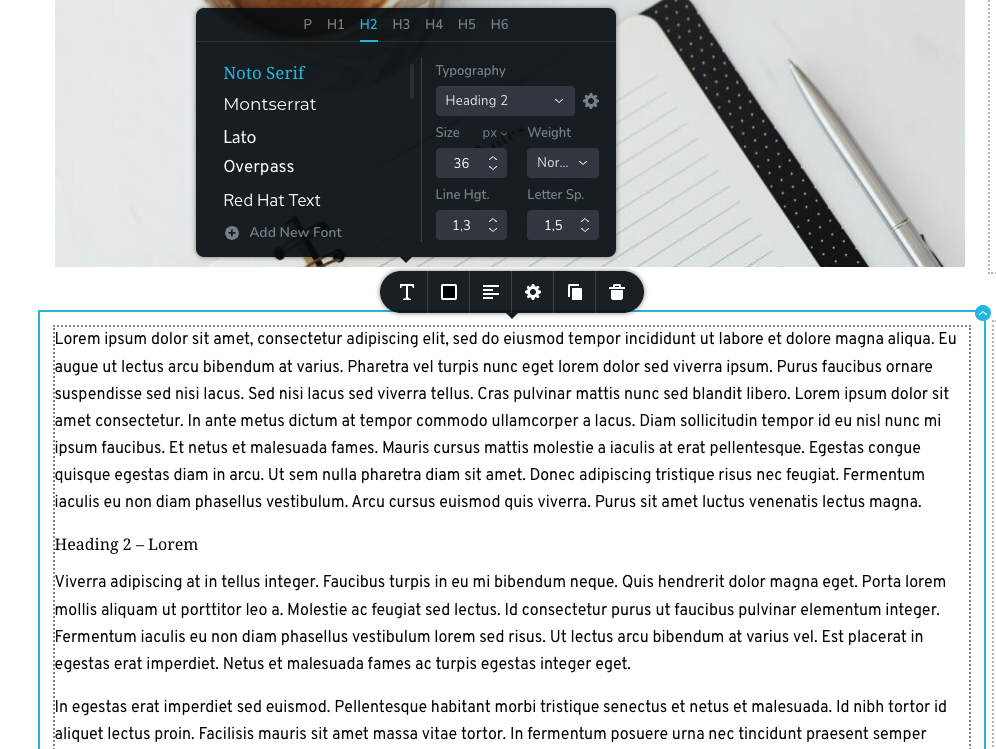
2. On another note, still in the post template, I noticed that the H2, H3, H4 that I added to my demo posts, are not taking the formats that are setup in Brizy although the template is setup to those to take their correct form:
3. I also had a shortcode [ez-toc] from the plugin Easy Table of Contents that isn't working. I tried to put it again on your template using the short code element and it seems like that's breaking my page. Is that not the way to insert it? It seems like that is what is making my page not open because after doing that, it stoped showing me a preview.
However, I read on the Brizy forum that this plugin is compatible with Brizy. Otherwise could you please suggest a different way to automatically include a table of contents that displays the contents of a blog post according to their H tags?
4. To finalize and just for me to know for future reference, the "posts page" or "blog page" is not done from the Pages area of the dashboard and edited with Brizy? I was initially correct by doing it as part of the "templates" area of Brizy instead? Just for future, so I know where to design the Blog page from...
Thank you so much! Have a great day!
0 -
Hi Sofia,
Let me answer your questions one by one.
- Blog post content: Yes; you can place the entire blog post content in a single block.
- Heading typographies: The blog post content element currently has a bug. We have not yet released a fix for this. Please set font sizes for different heading typographies using the CSS code I am pasting below until we have a fix. At the WordPress Dashboard , under Appearance - Customize - Additional CSS, please paste the below code and adjust the font sizes.
- Table of Contents: Please try LuckyWP Table of Contents You can use the shortcode [lwptoc]
- Blog page: You are right; the blog page is not designed under Pages, but under Brizy - Templates
/*Set font size for heading typographies in blog posts */

.page h1{ font-size: 50px !important; }
.page h2{ font-size: 40px !important; }
.page h3{ font-size: 32px !important; }
.page h4{ font-size: 28px !important; }
.page h5{ font-size: 24px !important; }
.page h6{ font-size: 20px !important; }

.single h1 {font-size: 50px!important; }
.single h2 {font-size: 40px!important; }
.single h3 {font-size: 32px!important; }
.single h4 {font-size: 28px!important; }
.single h5 {font-size: 24px!important; }
.single h6 {font-size: 20px!important; }
0 -
Hi KC,
Regarding nr. 2:
Do you have a time frame for when a fix will be available for this?
If I copy the code now, will the fix then go over the CCS or I will need to remove it again?
Also, how will this work for mobile responsiveness? I mean, I understand that this piece of code will make my H2-H6 take a larger-sized font (in your example, the h1 would be 50 px).
I guess it will keep the type of font that I set up in Brizy styling area, right?
But I also have different sizes set up for tablet and mobile versions. Is this code going to override these, and put all h1 to be size 50 px for example? Is there a way to make it smaller for mobile devices?
0 -
Hi Sofia,
Please use this CSS code. You can set headings for Mobile, Tablet and Desktop in this code.
/*Set blog posts font size for heading typographies - Mobile */

@media (max-width: 767px) {

.single h1 {font-size: 50px!important; }
.single h2 {font-size: 20px!important; }
.single h3 {font-size: 32px!important; }
.single h4 {font-size: 28px!important; }
.single h5 {font-size: 24px!important; }
.single h6 {font-size: 20px!important; }
}

/*Set blog posts font size for heading typographies - Tablet */

@media (max-width: 991px) and (min-width: 768px) {

.single h1 {font-size: 50px!important; }
.single h2 {font-size: 30px!important; }
.single h3 {font-size: 32px!important; }
.single h4 {font-size: 28px!important; }
.single h5 {font-size: 24px!important; }
.single h6 {font-size: 20px!important; }
}

/*Set blog posts font size for heading typographies - Desktop */

@media (min-width: 992px) {

.single h1 {font-size: 50px!important; }
.single h2 {font-size: 50px!important; }
.single h3 {font-size: 32px!important; }
.single h4 {font-size: 28px!important; }
.single h5 {font-size: 24px!important; }
.single h6 {font-size: 20px!important; }
}
Once we release a fix for this bug, you can delete this code.
0 -
Hi KC,
Is there a way for this to apply to blog posts only? Because now it broke the other designs and since it overrides what I do in Brizy, I can't put them back:
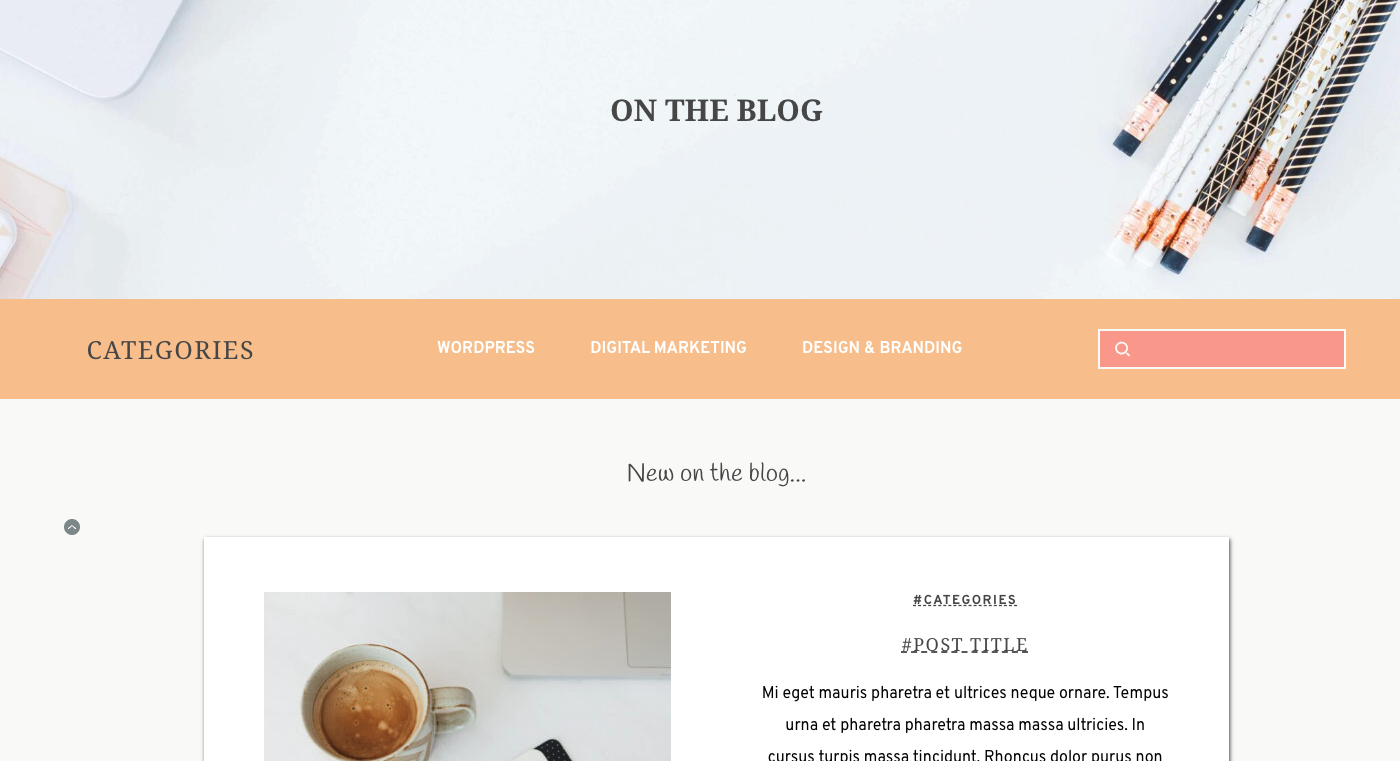 0
0 -
Hi Sofia,
Please try to match the CSS font sizes with the font sizes in your Global Typography. Please look at the font sizes of Heading 1- Heading 6 in your Global Typography for Mobile, Tablet and Desktop and set exactly same font sizes in the Additional CSS.
0
Please sign in to leave a comment.
Comments
15 comments