Caching plugin to speed up the website performance

Hi Brizy Support team,
I have been building a website using Brizy. Now testing the performance of the finished site test are saying the site needs improvement on performance and load time.
I was thinking on implementing a caching plugin. Do you have experiences with or can recommend any particular Caching Plugin that seems to work best with the brizy page builder?
Best regards, thank you for your support.
Max
-

Hi Max,
I would like to recommend two caching plugins.
- Litespeed cache: This plugin has 3 Million + active installations and is a popular caching plugin. There are a lot of settings with Litespeed. Please read this article to make the right selections in the plugin. https://www.hostinger.in/tutorials/litespeed-website-optimization-tool/
- WP Optimize: I have used this plugin extensively and found it quite effective. This plugin has 1 Million + active installations. Quite easy to setup and has a few selections to make.
0 -
Hi KC,
thank you, really appreciate it and will look into them.
I also looked up the brizy video on image optimization.
https://www.youtube.com/watch?v=1vUBco6W8Vw
seems exactly what i need, but i got too problems.
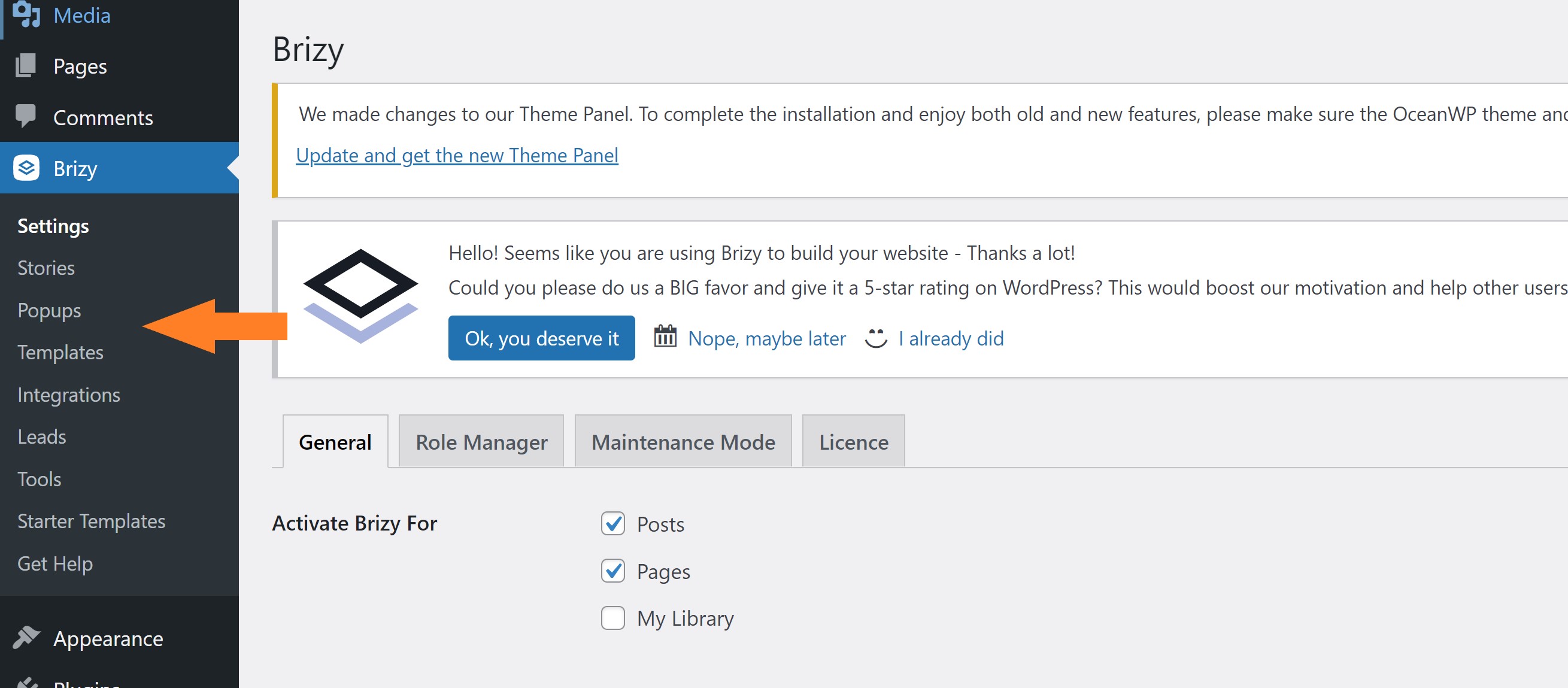
1) the image optimization option does not show up although I am running Brizy Version 2.4.4
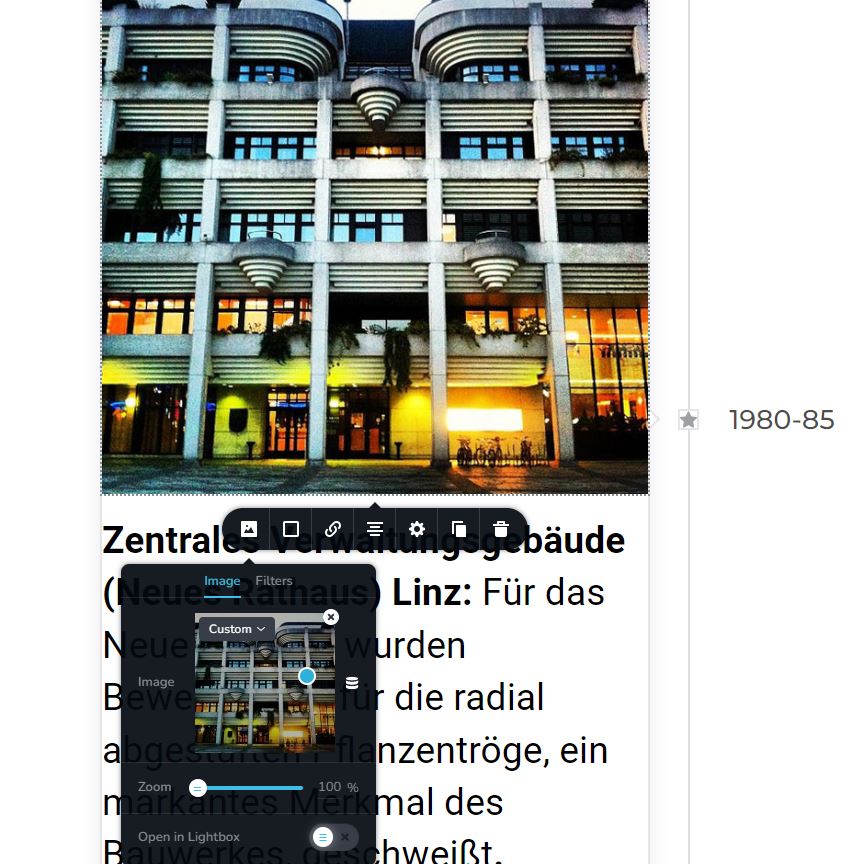
2) I would have 100 free image optimizations before having to start a paid suscription. My homepage uses less than 100 images but has about 500 images in the media library. (the messy process of creation) Some of them are in duplicate versions aso. Its a jungle. I can only bulk optimize images using shortpixel it seems not selected images.I would need to clean up and only keep the images in the library, that I am actually using, which would be a good thing anyways to make the website slimmer. If bulk optimization or selected optimization I would need a way to determin which images the page currently uses. This seems a problem because, when opening the image in the brizy builder it just shows, but the name is not índicated. Also using google developer tools analyze does not show the name. Is there any elegant way to determine which images are used and delete the rest from the media library?
Thank you for your excellent support and have a great day,
Max
0 -
 0
0 -
Hi Max,
The video you had looked at is outdated. Brizy does not use Shortpixel optimization anymore. You can read more about it in a Brizy Facebook Community post here. https://www.facebook.com/groups/brizy/posts/1073391526758052/. If you are not a member of the group, please make a request and we will approve you.
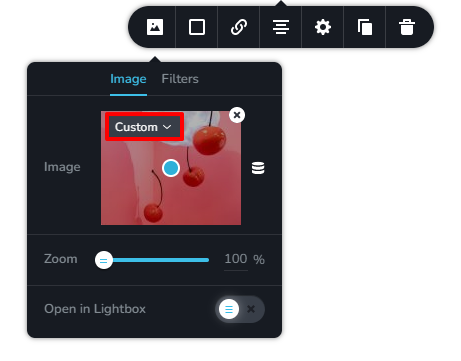
If you choose 'Custom' size option for your images, the images get resized for different devices. In this case you do not need an image optimization plugin. If you choose 'Original' or any other option, the images will not be resized for different devices and an image optimization plugin is useful.
To cleanup your media library, may be you should consider https://wordpress.org/plugins/media-cleaner/. Please take a backup of your website before using the plugin.
If you use WP Optimize, it can optimize your images and convert it to webp format. You may not need a separate image optimization software.
0 -
Ok thank you KC. I will wrap my head around it and try your suggested solutions.
best regards,
Max
0
Please sign in to leave a comment.
Comments
5 comments