G-Fonts General Data Protection Regulation infringement

Hi Brizy team,
i have a GDPR related issue. We built a website using Brizy builder and Google Fonts.
Now there was a court ruling in Germany that Google Fonts is violating GDPR and leaking data to US servers, when downloading those Google Fonts.
https://www.theregister.com/2022/01/31/website_fine_google_fonts_gdpr/
This is an issue since we will be fined if not finding a solution.
The solution would be if those Google Fonts do not get downloaded from US servers when loading the site but if they would be uploaded, stored in the theme/page builder and just get displayed when loading a site.
Do you know how the traffic behind brizy pages regarding google fonts looks like? Is there a way to tell the brizy pagem those are the 5 google fonts, this page is using. Download them upload them to the webserver and when the site gets entered, just load the fonts from there and not from a US Google server?
Please let me know what we could do to not be sued on this matter?
Best regards,
Max
-

Hi Max,
Making your website GDPR compliant is a bit lengthy process with Brizy WP. Let me suggest a 5 step process.
- Make a list of all Google Fonts you are using on your project.
- Download the fonts families from fonts.google.com and extract the font ZIP files to different folders.
- Add local fonts one by one to Brizy. You may need to add few variations for each font
- Assign local fonts to each typography in your global styling
- Change the Default Font (fall back font) to one of the local fonts you have uploaded.
Please watch this video for more detailed instructions. https://jmp.sh/Eksgqvo Please finish the above 5 steps and then test your website to see if it sends any request to Google Fonts.
To check if your website is making external requests to fonts.google.com, please carry out a performance test of your website with https://gtmetrix.com/ and look at the waterfall of your website. By looking through the 'Domain' column of the waterfall, you can find out if any request is going to fonts.google.com
If you are using Custom Fonts, your process will get a bit more complex. You will need to identify all the custom fonts and follow the above process for custom fonts as well.
0 -
Hi KC,
thank you for your explanaition and plan of action. I will plan it and get going with it. All good for now, I´ll get back to you if I run into questions.
best regards,
Max
0 -
Hi KC,
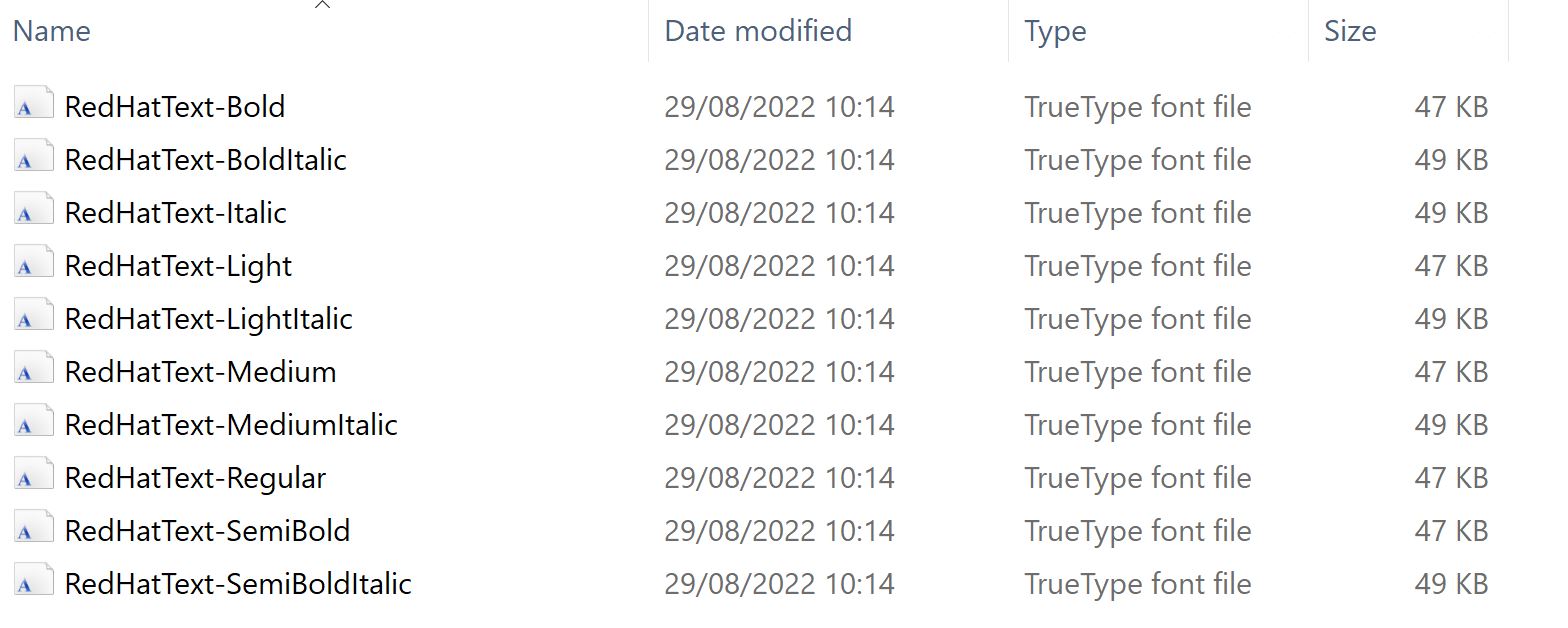
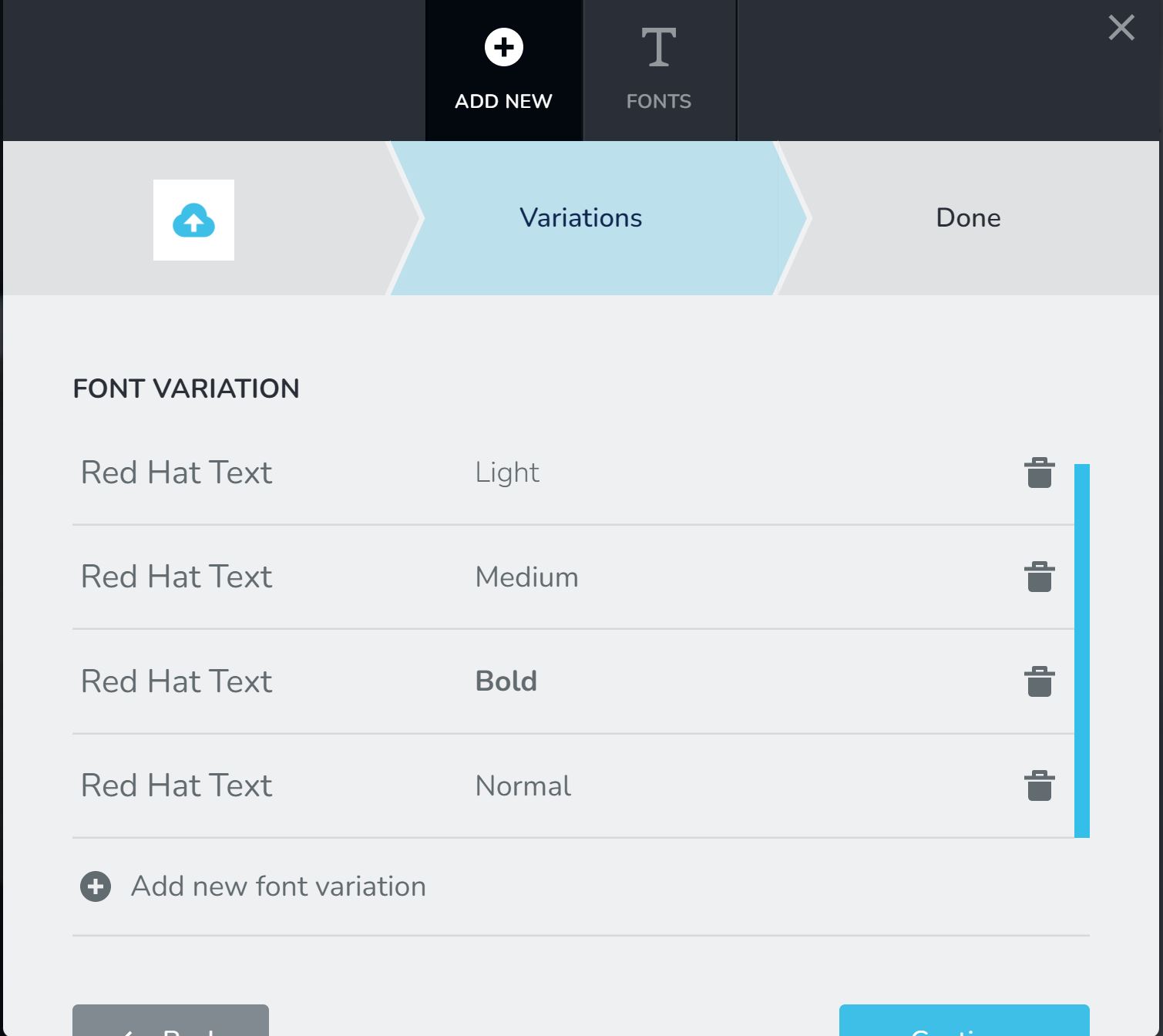
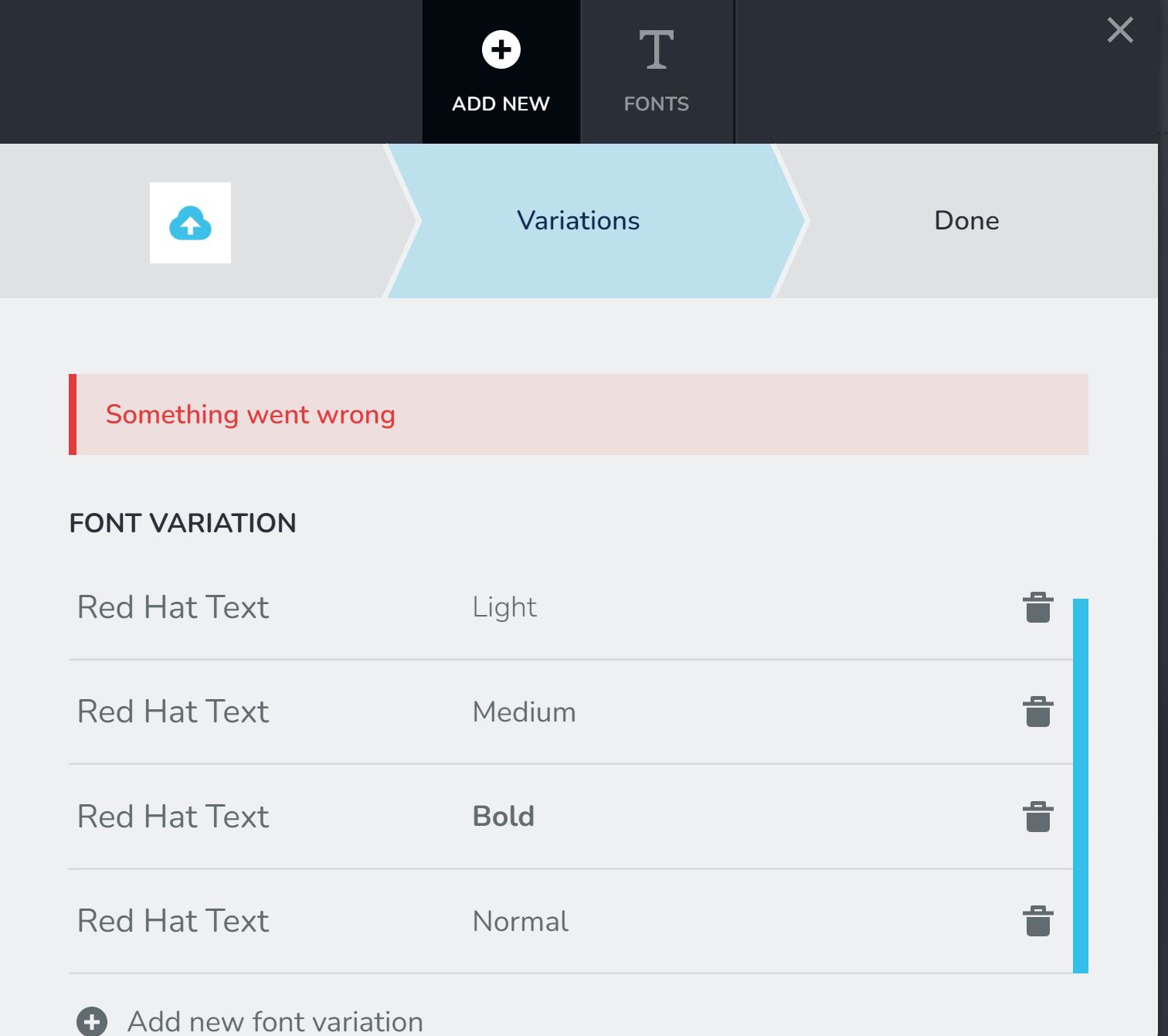
so I started implementing the downloaded google fonts like you suggested but unfortunately I am receiving an error message.
I have no idea what is causing the issue. Do you maybe have an idea what could be the problem?
Best regards and thank you for your help,
Max
0 -
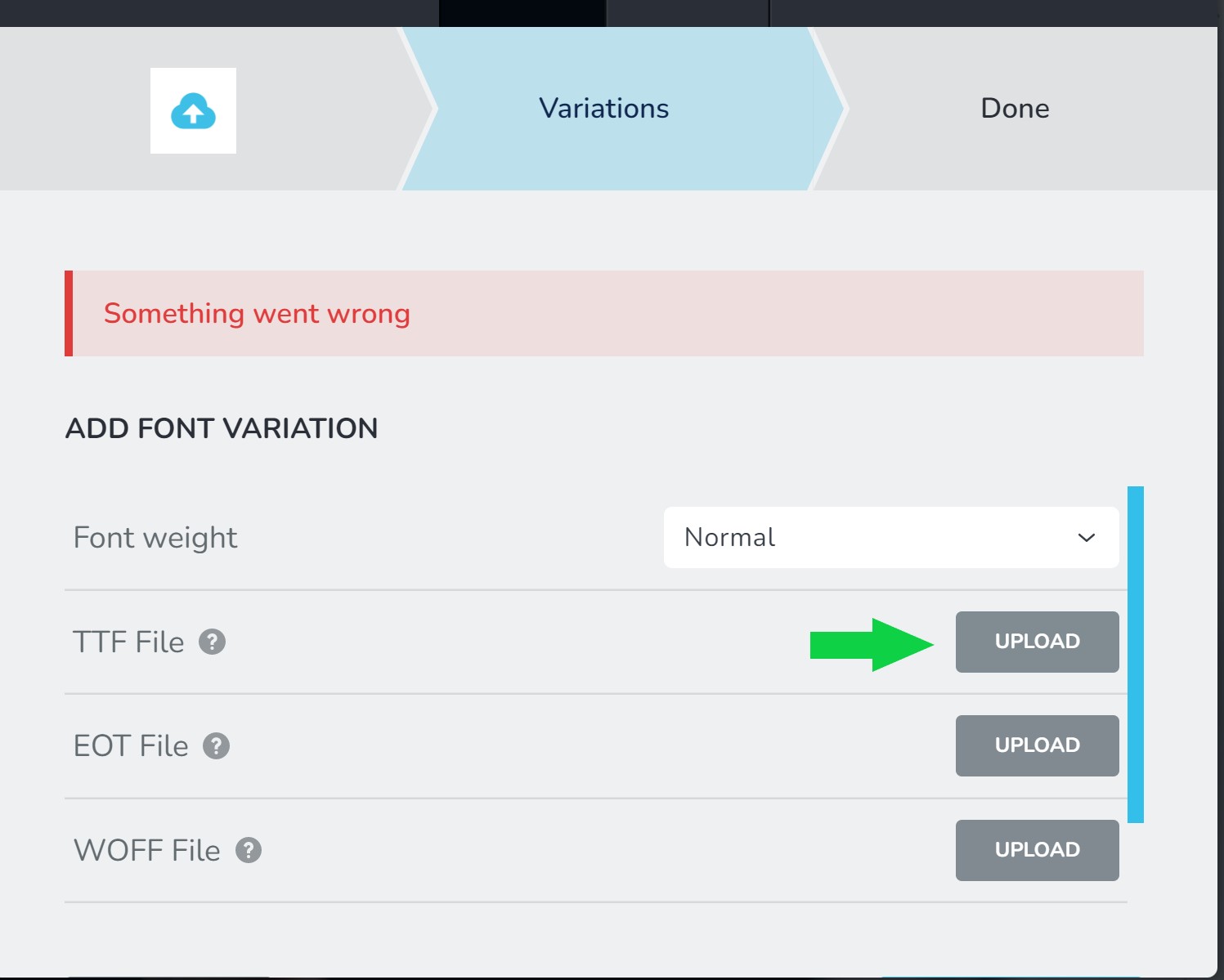
I am adding them as ttf files by the way
 0
0 -
Hi Max,
Are you assigning a unique name for the font you are adding to your website? For example, if you already have a font by the name Red Hat Text, please do not add another font with the same name; give it a different name like Red Hat Text Local or Red Hat Text Native or something similar.
0 -
Hi KC,
yes i did make sure it is a unique name.
0 -
Hi Max,
Were you able to add local fonts or are you waiting for a response from us? We will need access to your project if you need further help.
If you need help with this, please add me as a user to your WordPress Dashboard. My email: kc.george@brizy.io. Please enable the option "Send the new user an email about their account" as in this screenshot https://jmp.sh/sOSGGR3
Once you have sent me an invitation, please let me know here.
0
Please sign in to leave a comment.
Comments
7 comments