images optimization (Brizy Pro - Wordpress)

Hi,
I'm wondering if when I upload images in articles using Brizy Pro the software uses the optimized one or the original one.
I use ShortPixel to optimize my images but looking at Google Speed performances it looks like the it reads the original images and not the optimized one.
Here you can find an example for the url https://poppackers.com/moschea-abu-dhabi-visita/
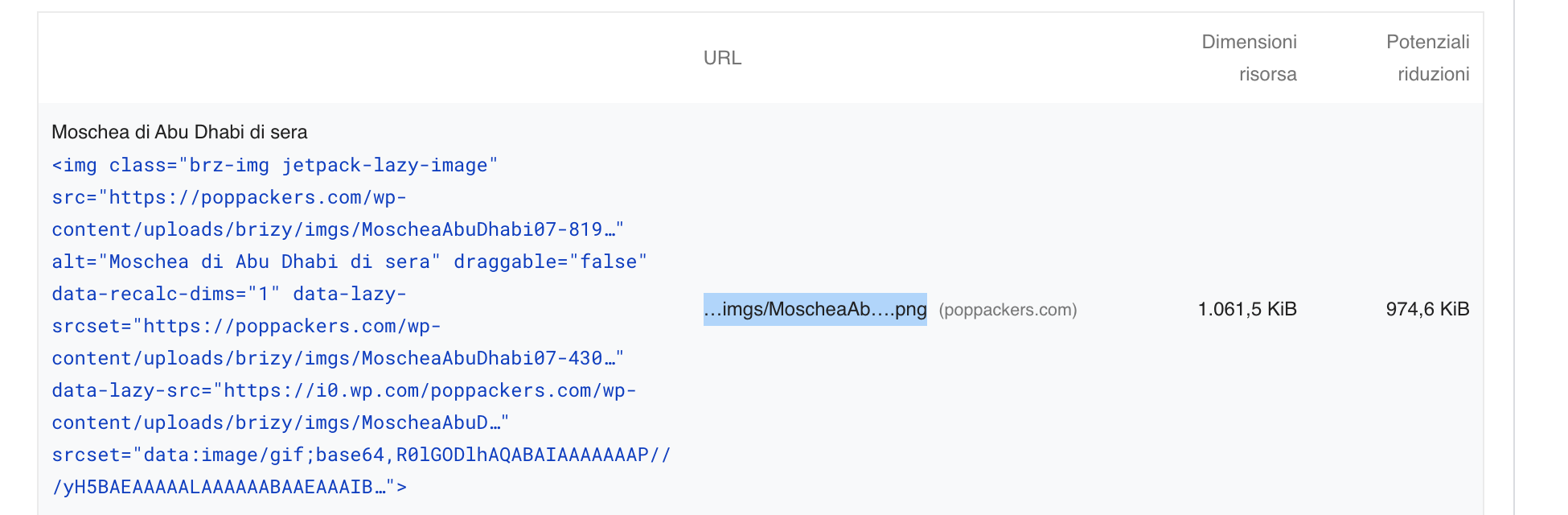
Below you can find GoogleSpeed report that shows that img Moschea-AbuDhabi07 weight is around 1MB..
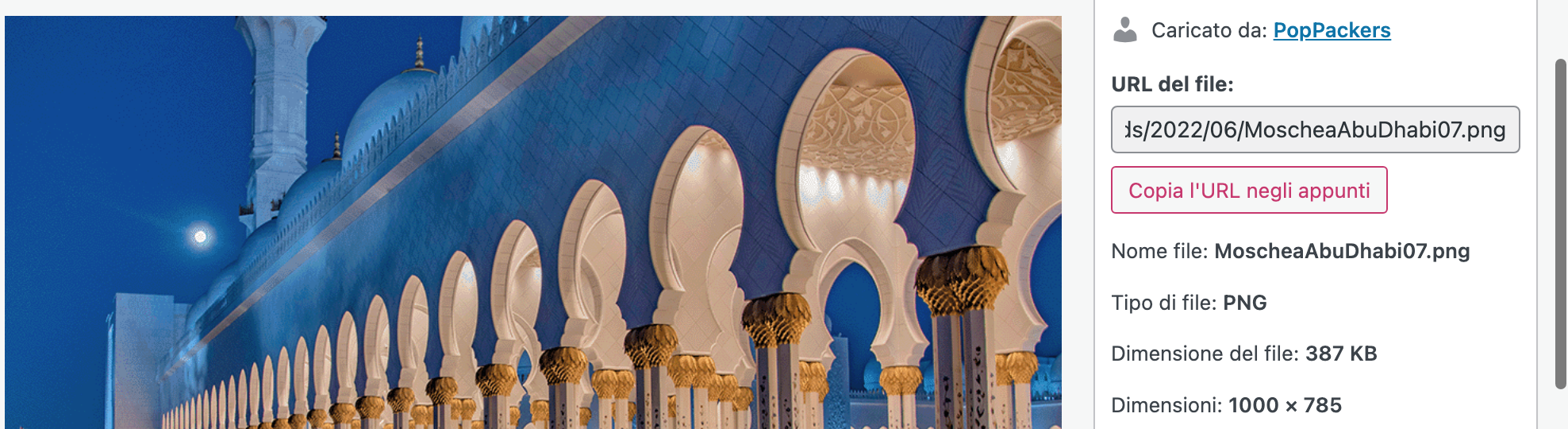
But if I look at the Wordpress Media Library I find that the image weights only 387kb
Moreover, when I optimize images ShortPixel creates a WebP image but it doesn't like Brizy is using it.
Could you help me to understand how images work?
Thanks a lot,
Marco
-

Hi Marco,
Please check if you are using older Brizy versions.
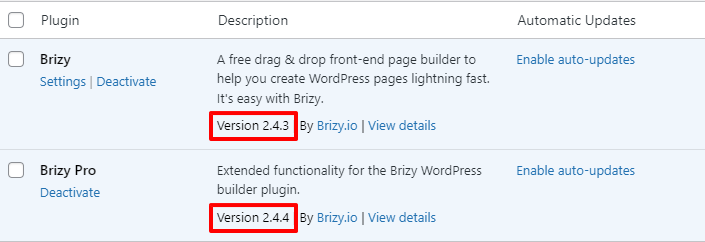
Incase you are using the latest Brizy versions, it implies that the specific image was uploaded sometime ago using a previous version of Brizy. Please delete the image in the Brizy editor and reupload from your Media Library and then run the performance test again and check if you see any difference.
0 -
Hi Georige, thanks for your answer.
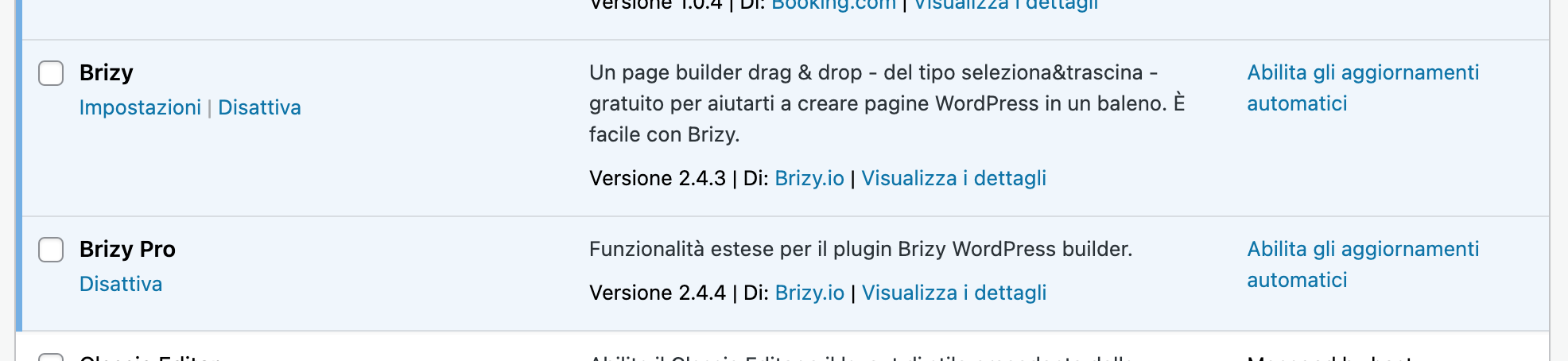
I've installed the latest versions of Brizy
I tried to re-upload the image on the brizy editor but it seems nothing changed. The following is taken using GTMetrix
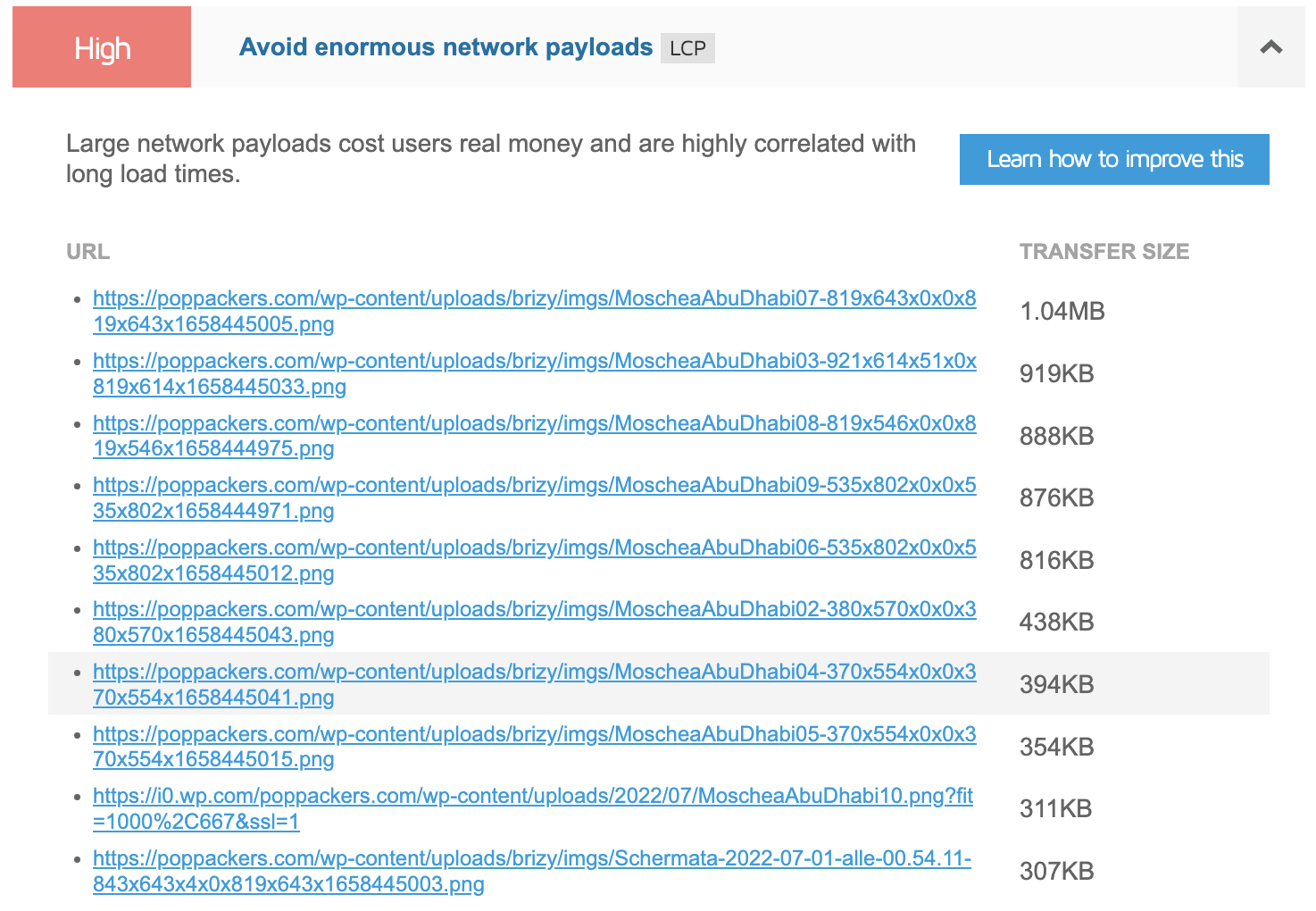
and the following using PageSpeed.
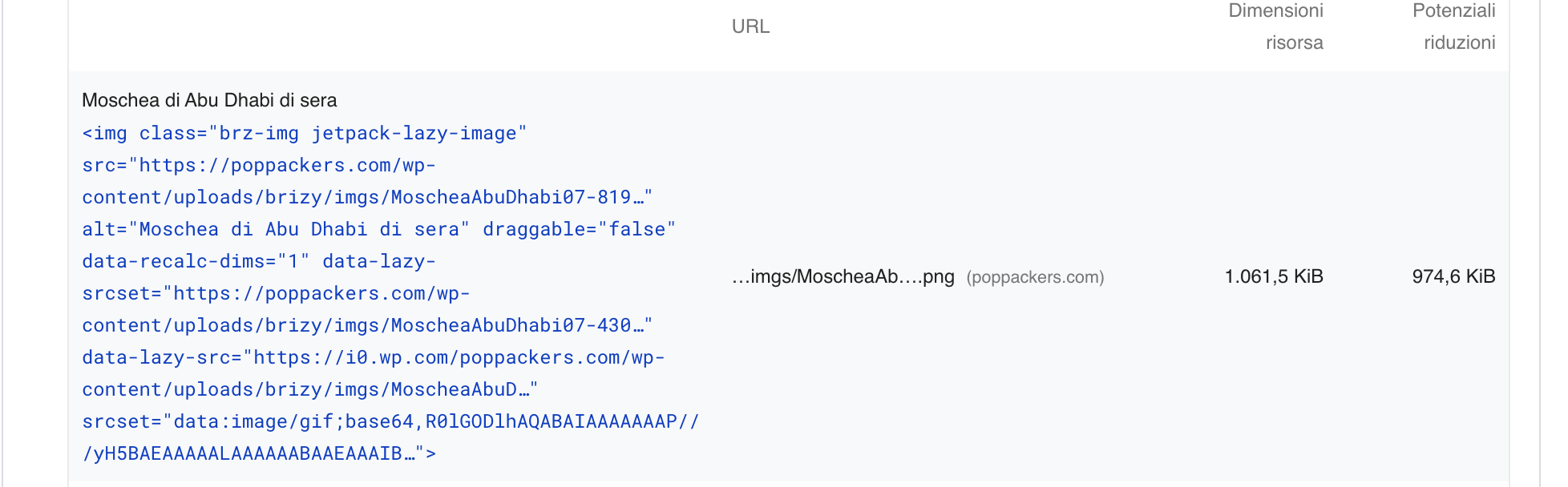
Thanks for your help.
Marco0 -
Hi Marco,
Can you try one more thing? In the Brizy Editor, select the specific image and check if you see 'Custom' here. Please select 'Original' and check if it makes a difference.
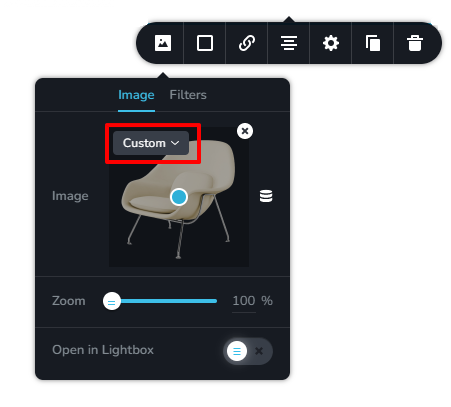
Please keep in mind that for the changes to take effect, you must purge all cache.
0 -
Hi George,
unfortunately even after purging the cache nothing changed.
I tried to select original in the image box but this happens:
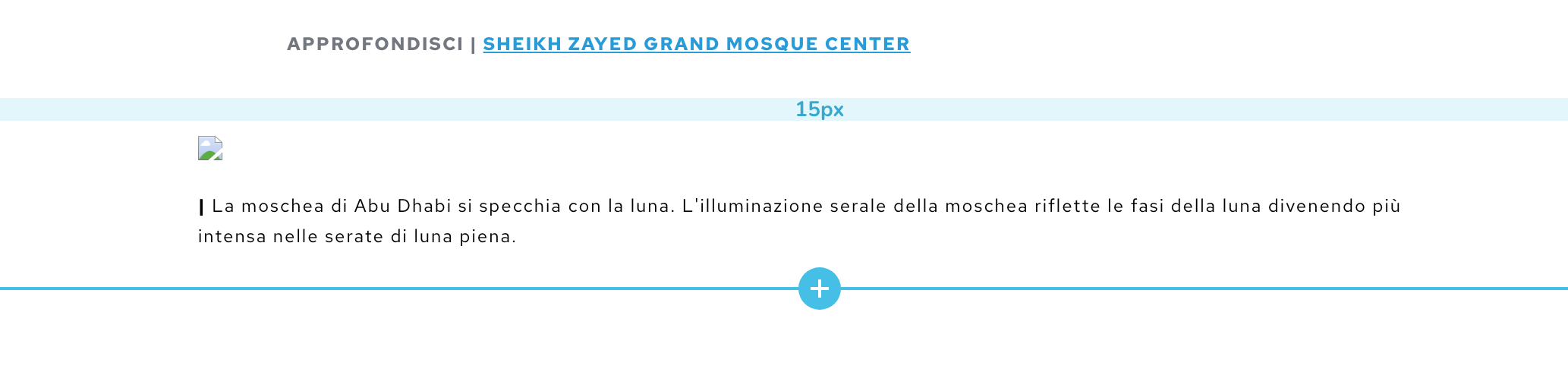
If I change the option from custom to any other value the image becomes corrupted.
0 -
Hi Marco,
Can I take a look at this issue from your WordPress Dashboard? Can you please add me as a user to your WordPress Dashboard. My email: kc.george@brizy.io. Please enable the option "Send the new user an email about their account" as in this screenshot https://jmp.sh/sOSGGR3
Once you have sent me an invitation, please let me know here.
0 -
Hi George,
I should have sent the invitation.
0 -
Hi Marco,
I have selected the 'Original' size for most of the images in the blog post https://poppackers.com/moschea-abu-dhabi-visita/. Now if you resize images in your Media Library, the size of your images on your blog post will also reduce.
Please disable Site Accelerator option in Jetpack before selecting the 'Original' size images in a Brizy page. https://jmp.sh/mu6Im5x Once you have selected the 'Original' size, you can enable it back.
0 -
Ok thanks a lot for your help.
So now I'm going to select original in every post. Thanks ;)
0
Please sign in to leave a comment.
Comments
8 comments