Menu links open new tabs

Hi Brizy,
When I click the menu links in Brizy Cloud, the pages open in a new tab. I have clicked and un-clicked the option to disable it but it continues. I did not find another solution in the forum. Are you able to tell me what I am missing?
Thanks
-

Hi Kevin,
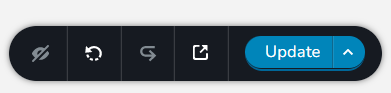
After saving changes to the menu, please also save your project by clicking on the Update button on the right hand side bottom corner. After saving your project, please check if the changes are reflecting on your website preview.
 0
0 -

This has been like this for over a year and a bit still. It's starting to bother me now. Can Brizy please fix this? I have double and triple checked that each menu link does not have the box checked to open in new window in the menu settings.
0 -
Hi Jeff,
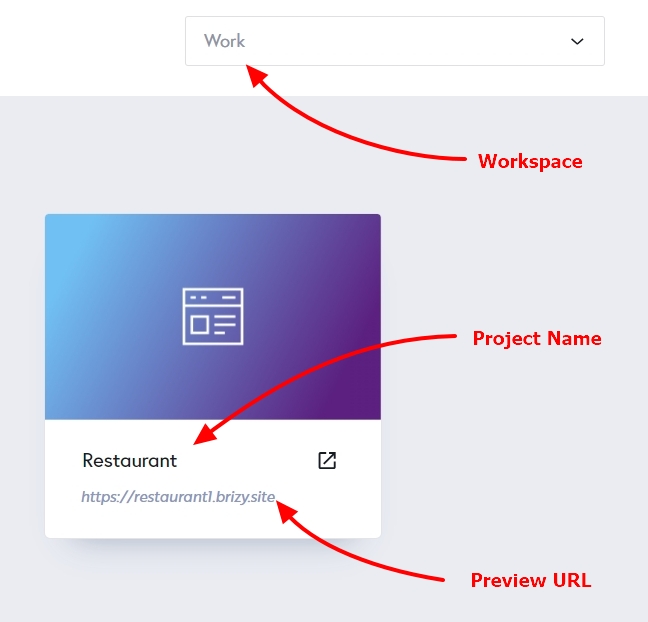
Can you please let us know the details of the project where you are facing this issue? We will take a look
- The Workspace
- Project Name
- Preview URL
 0
0
Please sign in to leave a comment.
Comments
3 comments