Pictures On Desktop Version Not Showing On Mobile

I can't seem to figure out why our desktop version is showing properly but for whatever reason the mobile version conceals some of the pictures on our website despite showing the corresponding text/copy that is lumped together in that same block. Could anyone assist me in getting this resolved as soon as possible?
-

Hi Bradley,
We would like to take a look at the issue. Can you please share website your URL?
0 -
Hey KC George, the url is: https://www.stayatthekiwi.com/
0 -
Hi Bradley,
In Brizy editor and at the right hand side bottom corner, click on the 'eye' icon. This will show the hidden elements within the page. In mobile design view, please check if you see your missing images; those images will look blurred. If you do, please make the images visible by clicking on the 'eye' icon. Please watch this video for more detailed procedure. https://jmp.sh/WHpQxBy
 0
0 -
Hey KC George,
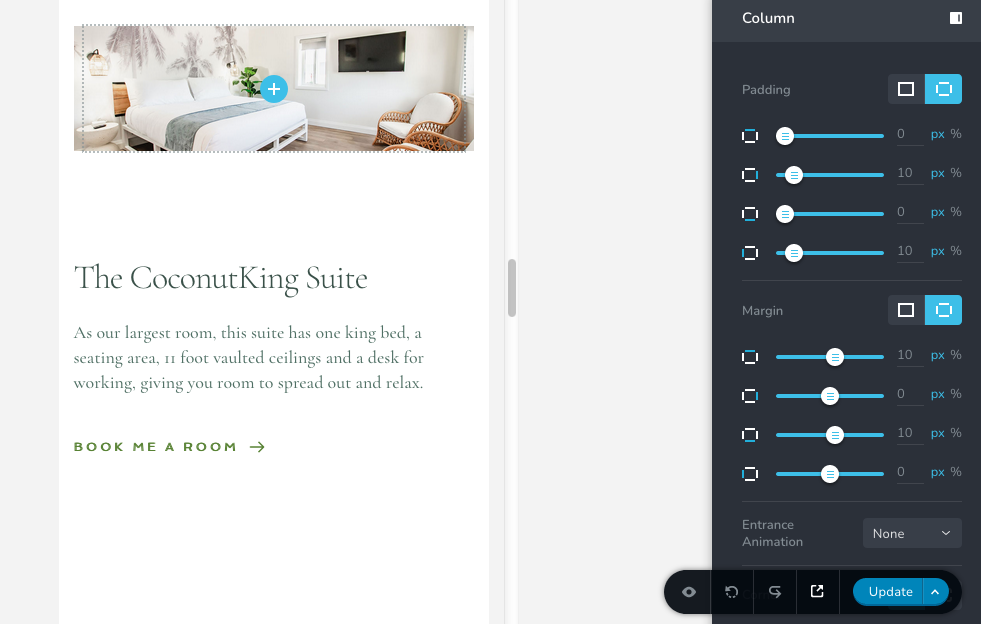
Yeah, we had done that some time ago. The biggest culprit is our "Rooms" page which is supposed to look as follows but does not have the suite pictures on mobile:
 0
0 -
Hi Bradley,
I will have to take a look at your project to help you further. If you need this help, please add me as a user to your WordPress Dashboard. My email: kc.george@brizy.io. Please enable the option "Send the new user an email about their account" as in this screenshot https://jmp.sh/tSRznJX
Once you have sent me an invitation, please let me know here.
0 -
Hey KC George,
I just sent over the invitation.
0 -
Hi Bradley
I am able to login to your WordPress; however not able to see your Dashboard. This normally happens when I do not have an appropriate role. Please check my user role
 0
0 -
Hey KC George,
Your role has now been changed to "Admin"
0 -
Hi Bradley,
Images were placed in the column background. I have added the same in the front using the image element and now its visible in mobiles. Please have a look at https://www.stayatthekiwi.com/demo-rooms/
Please check if the right photos are added.
0 -
Hey KC George,
It's a site wide problem, not just for the "Demo Rooms" page. The "Rooms" page is the one we really need changed. How did you go about doing that?
0 -
Hi Bradley,
There are two ways you can add images to a column in Brizy.
- Add the image as a background
- Add it using the image element in the front
Please watch this video for the difference between the two methods. https://jmp.sh/aGelw4d
To ensure that the images appear in mobiles, please add images using the image element in the front (instead of adding it as a background to columns)
0 -

Hello George -
I don't see media library option as shown in the video on my account. Could you pls help me resolve this issue ?0 -
Hi Vijay,
Can you please share more details? What happens when you try to access the images from the Media Library?
0 -
Hello George -
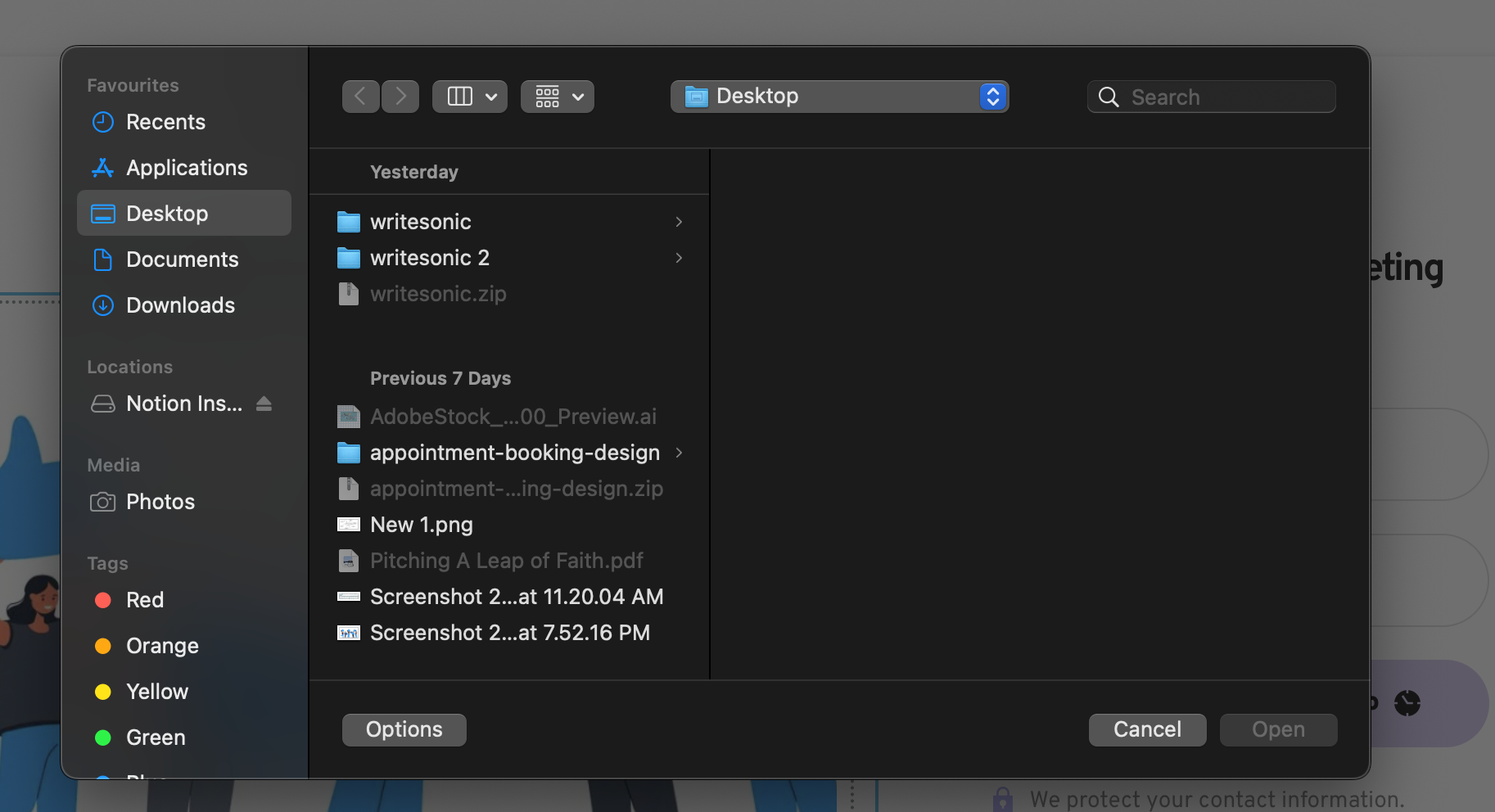
In this video link - https://jmp.sh/aGelw4d , I see an option of media library while it's absent in my end.
Sharing 1st & 2nd step snippets with you in the attachment for ref-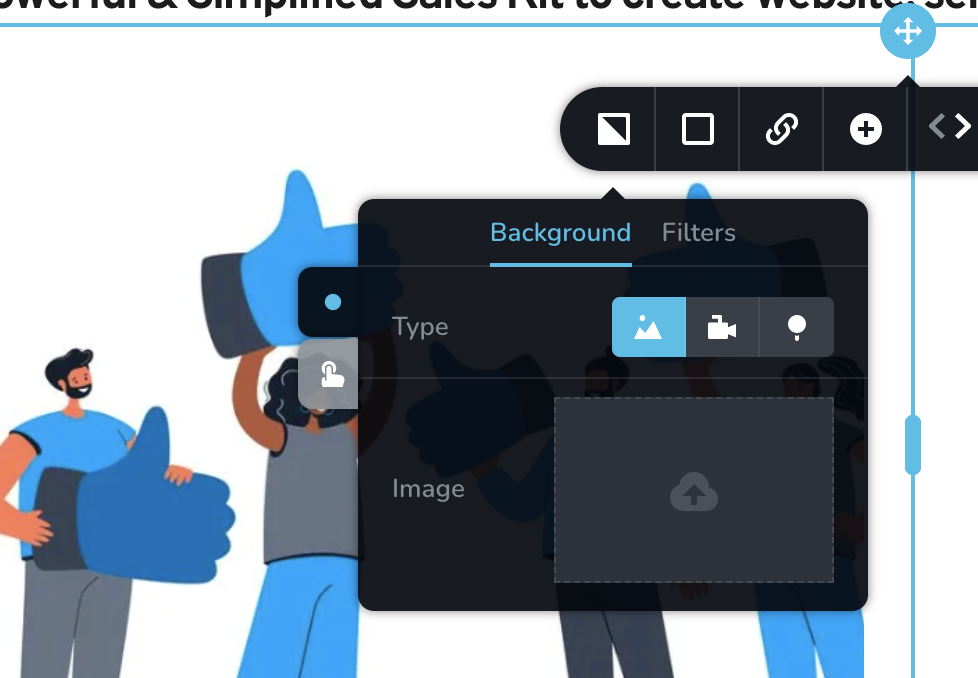
 0
0 -
Hi Vijay,
Media Library is available only when you are using Brizy along with WordPress. Brizy Cloud does not support a Media Library. You upload images directly from your computer with Brizy Cloud. Are you using Brizy Cloud?
0 -
Yes, I am on brizy cloud
0
Please sign in to leave a comment.
Comments
16 comments