Multisite website does not have Brizy Pro activated

Good day,
I have a multisite WordPress server.
I run all my website with Brizy. The latest website I have created does not have the Brizy Pro activated.. I have updated all the plugins and deactivated and reactivated the license, but this doesn't help.
Could you help please? :)
Thanks!
-

Hi Vanja,
Please let us know your Brizy and Brizy Pro version numbers from your Network Admin
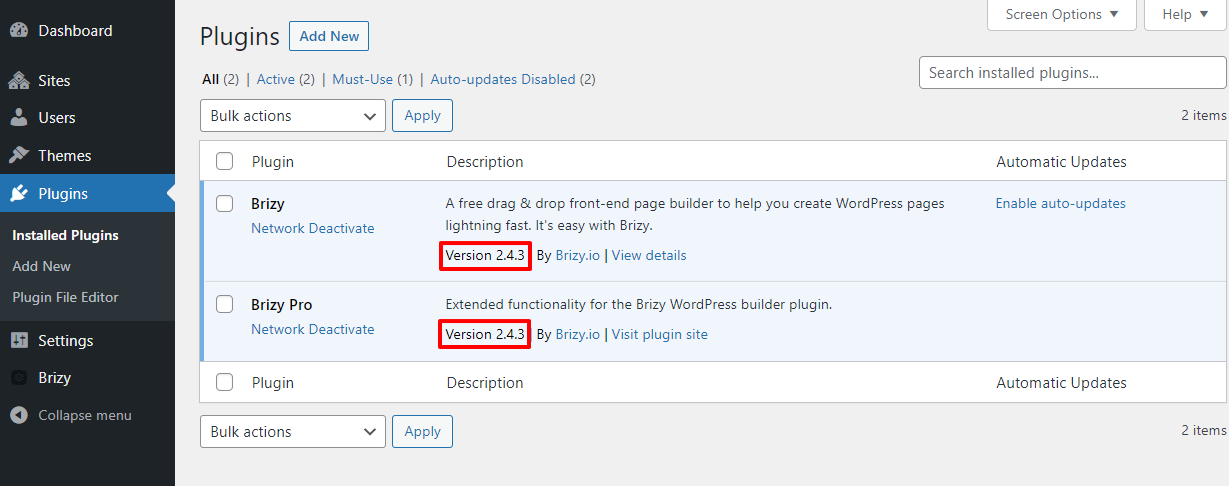 0
0 -
Thank you for your reply!
I have both Brizy plugins in version 2.4.3..
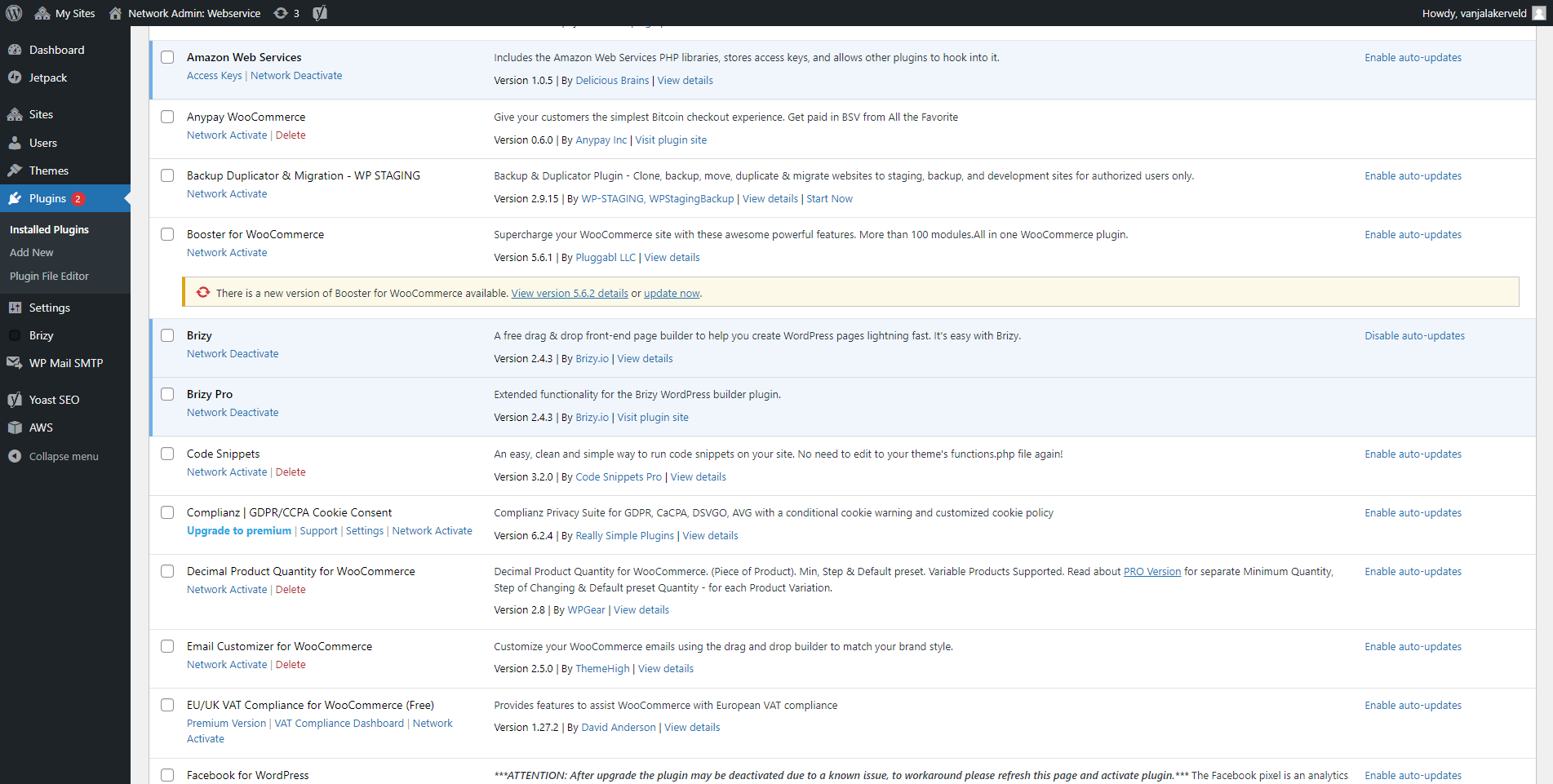 0
0 -
Hi Vanja,
Can you name the WordPress theme currently active in the website which does not have Brizy Pro features?
0 -
Hi George,
Its Twenty Nineteen.
0 -
Hi Vanja,
Can you change your theme to Twenty Twenty One or one of these and see if it makes a difference? https://www.brizy.io/theme-partners
0 -
Hi George,
I have tried to activate the theme, but it doesn't make a difference unfortunately.
0 -
Hi Vanja,
We will need to take a look at your Network Admin to help you further. If you need this help, please add me as a user to your Network Admin. My email: kc.george@brizy.io. Please enable the option "Send the new user an email about their account" as in this screenshot https://jmp.sh/tSRznJX
Once you have sent me an invitation, please let me know here. Please also mention the site where you need this help.
0 -
Hi George,
Thanks so much for helping out! I have sent you the invitation. The website is called nammu.mybrandingcompany.com
0 -
Hi Vanja,
One of the plugins in your WordPress Dashboard, WPCode conflicts with Brizy. If you deactivate this plugin, Brizy pages will open in the editor. In place of WPCode please consider using this alternate plugin, Insert Headers And Footers .
Brizy Pro appears active in your WordPress environment.
0
Please sign in to leave a comment.
Comments
9 comments