Archive template not applying correctly. Video header is displayed

Hi all,
I've been having the hardest time getting my archive template to attach to one of my categories. After many attempts, I've managed to get the template to show, however, a video is full-screen towards the top of all my elements. This is definitely not something I had in my editor window.
See my editor preview here:
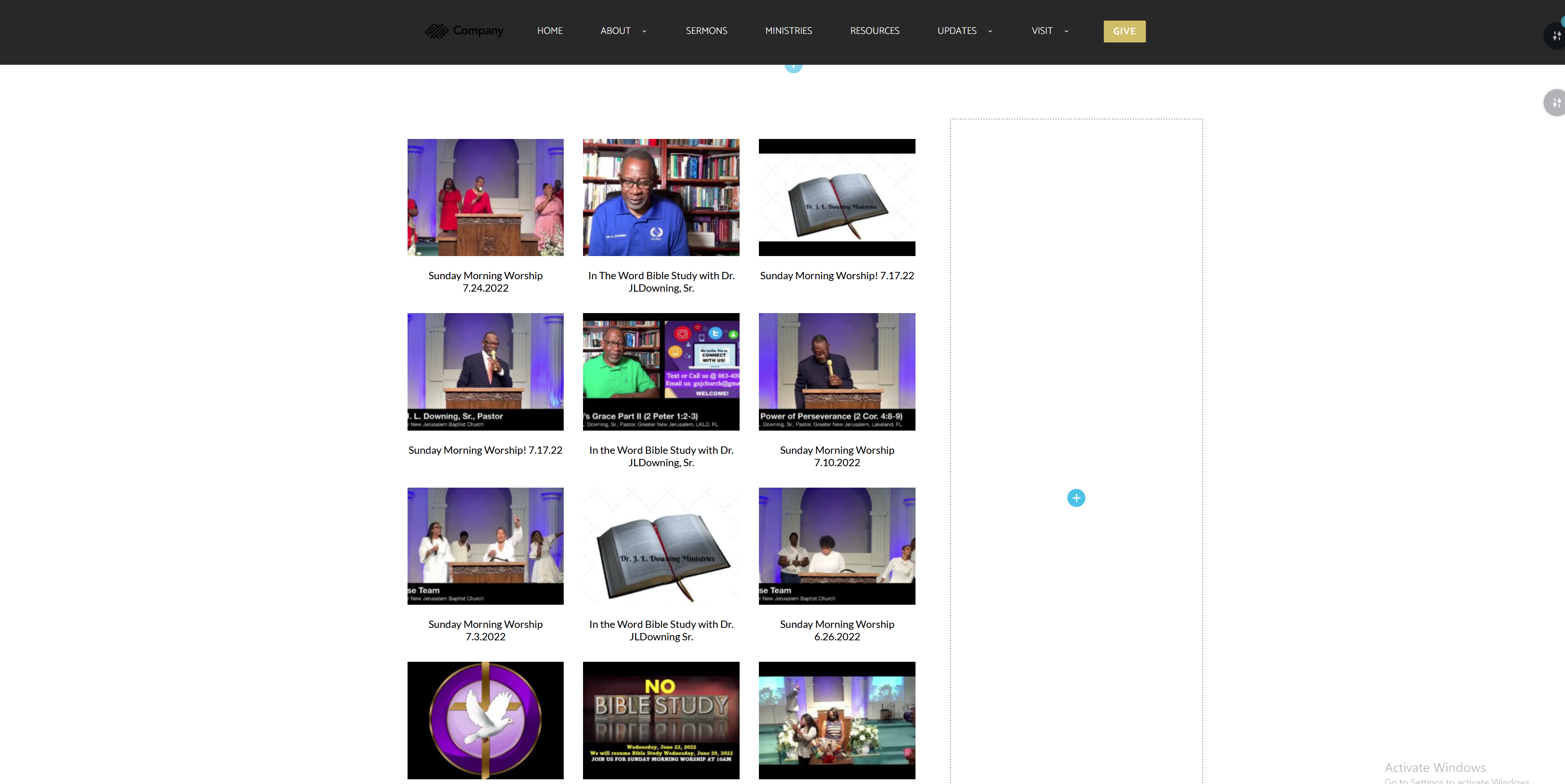
And what it actually loads here:
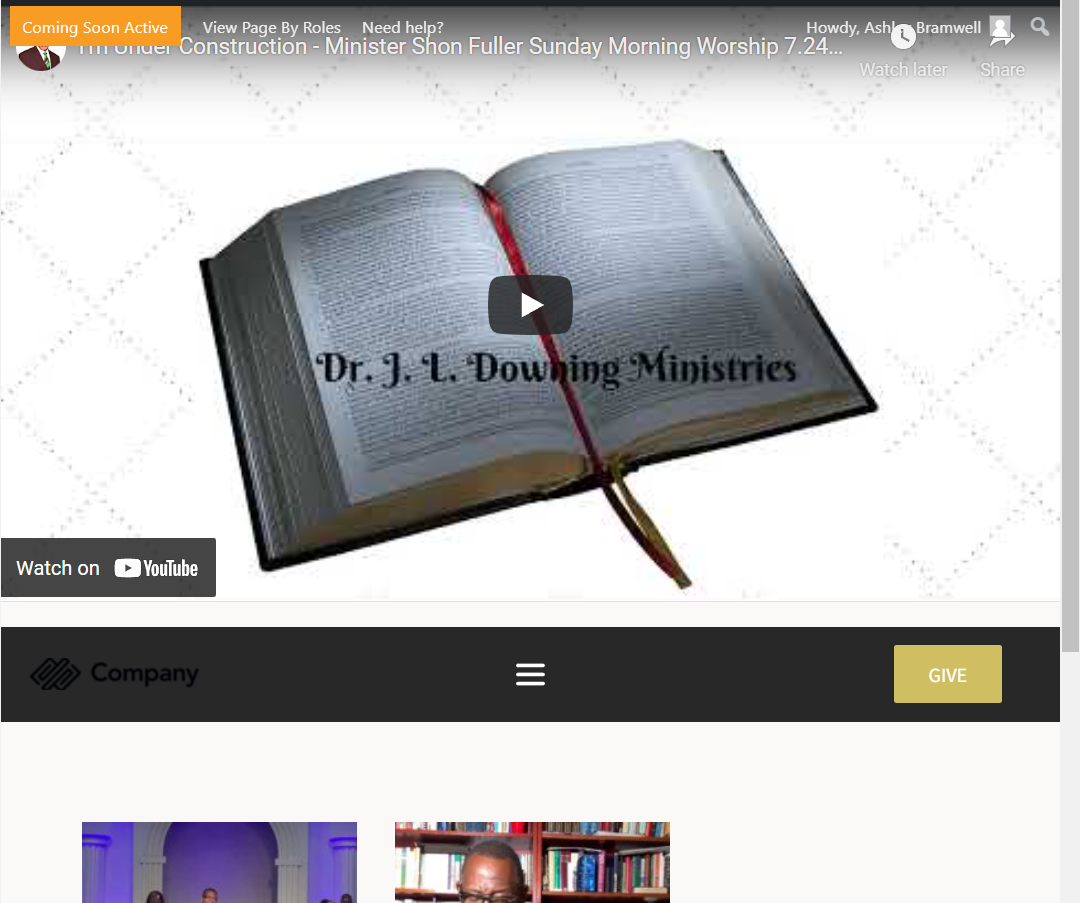
-

Hi Ashley,
We would like to take a look at your category archive page. Can you please share a URL?
0 -
Hi KC!
Thanks for the quick response. I was actually able to resolve this issue. It was a setting from a completely different plugin that was creating this issue. I have a plugin that will automatically pull in videos from a YouTube channel and imports them as posts. One of the settings of this particular plugins says this:Display videos in posts lists (If set to yes, videos assigned to posts will be displayed in the posts truncated content in post loops.)
Mine was on "yes". Turning this off removed the pesky video headers. Thanks again!
0
Please sign in to leave a comment.
Comments
2 comments