Save Layouts / Pages and export-import

I have just LOST the content of all but one of the pages on my Brizy Cloud website - so the lack of a proper 'back up system' on Brizy is now a really pressing point for me. The only workaround seems to be saving the layouts for each page - which is a very time-consuming and laborious business. So anything that would make it EASIER would be very welcome.
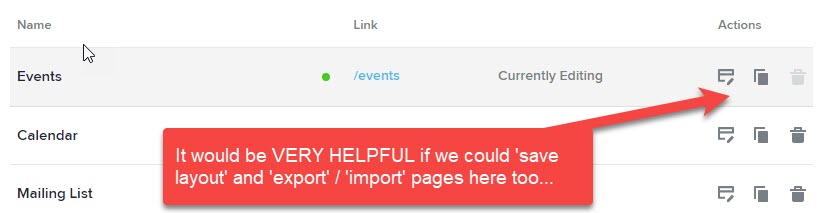
Perhaps even a button which will: SAVE & EXPORT page layout. Preferably even better: a button at the top which would SAVE & EXPORT the whole website...
-
In this context, the ability to store blocks and layouts in tabs or folders is VITAL... It is needed as soon as you can possible implement this feature.
0 -

Hi Charles,
Thank you for contacting us.
In Brizy builder there is already the option to save/import the Layouts/block from one project to another project. You can save the Layout/block from here. Your saved layout can be found in the Block manager, please see here. From here you can import the Layout to another project or page.
For more information please see this video: https://www.youtube.com/watch?v=vHvJDDCuJIo
Best regards, Nelea.
0 -
You've done it again. I know how the current method works - what I am suggesting is a more intuitive and easy way to do something. That is Brizy's great strength. It does appear you are not really interested in feedback from ordinary users. I am telling you what would make my life easier, and, I believe be useful to all Brizy users. I am trying to be helpful and keep Brizy ahead of the (many) competitors out there. BRICKS and BREAKDANCE might be a threat!!
0 -

Hi Charles,
Thanks for your suggestion for yet another Brizy UI improvement. Providing the save/import function in the page listing can help save/export pages faster (without opening each page). We will make a request for this as well.
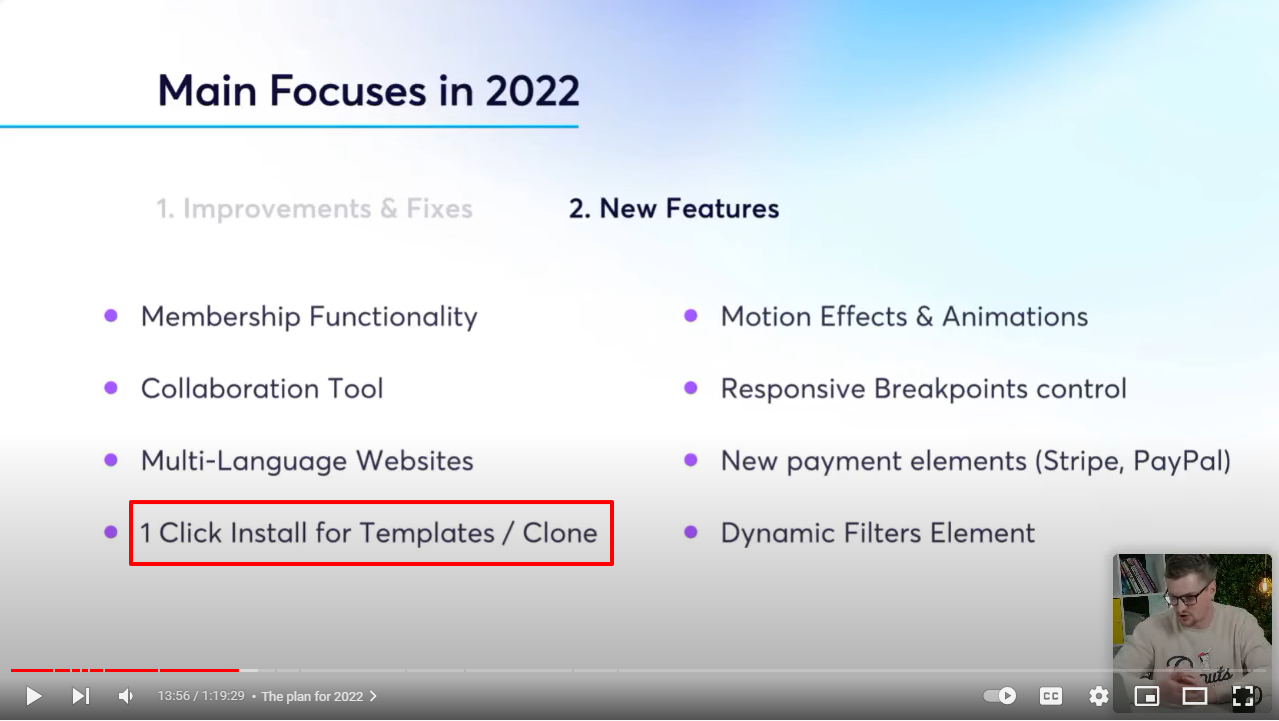
We have a feature planned for this year and its called '1 click install for projects/clone'. Please listen to Dimi talk about it here https://youtu.be/rtcIc_IYDp0?t=838. This feature would help export a whole website.
 0
0
Please sign in to leave a comment.
Comments
4 comments