Facebook social element doesn't work Brizy PRO Studio on Cloud

Hi! Every time I like to use this Facebook social element on Cloud, it does not work, and when I drag the element across this leave a box outline containing nothing. Clicking on the box does not display any element menu, nor does right-clicking display the usual context menu, and I have searched across the Help Center Brizy Builder and Brizy Cloud for "How to use " or some useful information but nothing about this specific element. Please, help.
Kind Regards
Herica
-

Hi Herica,
One another user has complained about this recently. This does not come across like a bug with Brizy Cloud, as this does not happen with every user, on every laptop and every browser. We are planning to investigate this issue with the other user. He has agreed to give us give us access to his laptop through a Remote Control software and we will investigate the cause with his help. Once we have a solution, we will get back to you.
0 -
Hi Herica,
When the other user signed into Facebook he could add the Facebook element in Brizy Cloud. Can you sign into Facebook and then try adding the Facebook element to Brizy Cloud on the same browser?
0 -
Hi KC George,
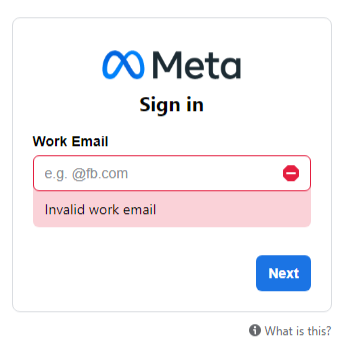
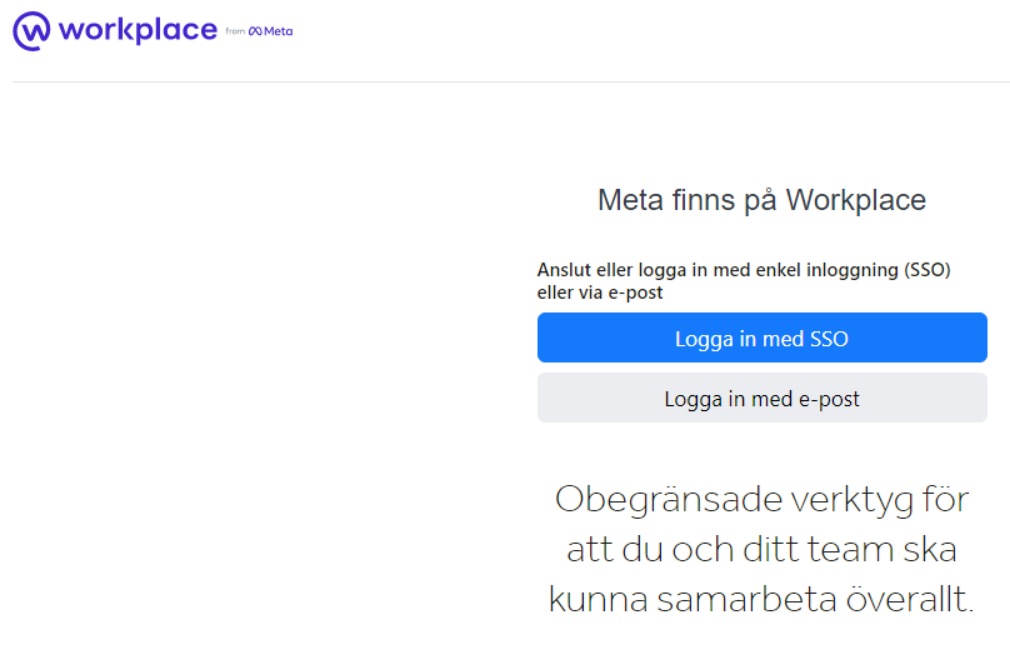
I have to say that the solution in your answer does not seem logical to me. That is because the widget is the problem, not the connection to social media. As I previously said, that widget is an empty container (no context menu, when right-clicking, nothing), and by that, I mean an empty container. Still, I did as you asked and clicked on the link you sent by email. The link is to Meta Work (work email) pic below. I also logged in to Facebook (regular login). I followed your instructions step by step, which did not work either. I tested the widget with other software and got the same result, an empty Facebook widget. The problem is the widget, and it is not a connection issue to Facebook or Metas' new updates. The Facebook widget in Brizy is the problem. Because of this Facebook widget issue, I use a social aggregator (I have used this one on my sites) and it works as usual very well. Anyway, if the Facebook widget works it will be even better. Below at nr 3, you can see what happens when I place the Facebook widget v/ Comment and Twitter widget
1. Meta
2.
3. click on the link to see https://plum12550396.brizy.site/
0 -
Hi Herica,
Brizy Facebook element being the problem was the first possibility we had eliminated. If the problem was with the Brizy Facebook element, then it should affect all Brizy Cloud users. As you can see in this video, Brizy Facebook element does work well at my end. https://jmp.sh/EwxhDNq
As I have mentioned earlier, one another Brizy client had faced this issue and when he signed into Facebook, the Facebook element in his Brizy Cloud started working. If you watch the video you have recorded, you will notice that in the Brizy Comments element, the Facebook comment does not work either; while the Discuz comment works. From my investigation so far, apparently the issue is Facebook related.
Since we cannot reproduce this issue at our end, we need access to your computer through a Remote Access session to help you further. If you need this help, please write to kc.george@brizy.io with your suggested time for a Remote Access session. I live in India and my time zone is GMT +5:30. In your email, please mention your city/time zone.
In preparation for the Remote Access session, please do these
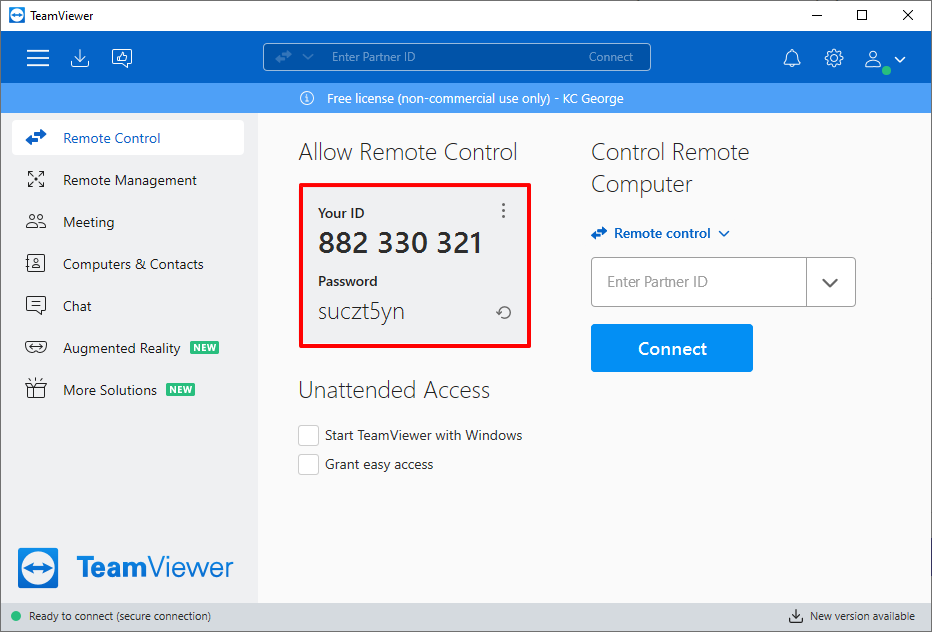
- Go to https://www.teamviewer.com/en-us/download/ and download the TeamViewer QuickSupport.
- Signup with TeamViewer and sign in to the TeamViewer app. (so that we can chat during the session)
- Just before our session, please send me the TeamViewer ID and Password
 0
0 -
Hi KC George
I have sent you an e-mail.
Kind regards, Herica
0
Please sign in to leave a comment.
Comments
5 comments