Brizy Single Template Posts Won't Load

I am quite accustomed to building both Single and Archive Templates, and use them for every website I build. However, in this latest site (https://odor-pros.com), I am running into a strange occurrence. The permalink loads, but the page refused to.
Here is the permalink (https://odor-pros.com/mild-surface-odors/). I thought it might be due to a new plugin I am using to connect the site to Telegram, but I have tried deactivating that and the situation does not change.
Any suggestions?
-

Hi Michael,
The Brizy blogpost template design will apply to a blogpost only if you have not edited it with Brizy. Please check if you have edited your blog posts with Brizy.
Here is how you can check it. If a blogpost is edited with Brizy, when you hover over it, you will see these options. You will also see Brizy written against the name of your blog post.
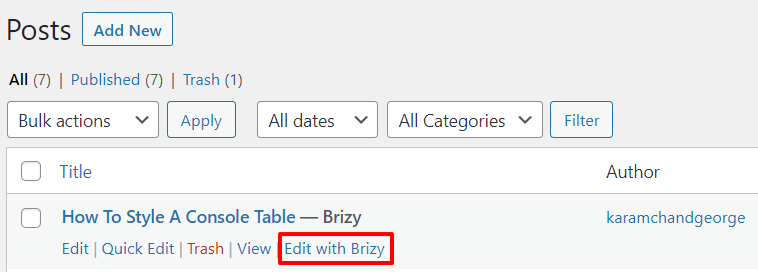
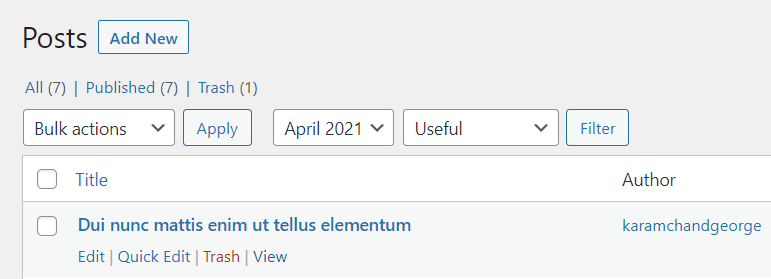
If you have not edited your blog post with Brizy, when you hover over your blogpost, it will look like this. It would not have Brizy against the name and you will not see 'Edit with Brizy' link
You can also watch this video for more detailed instructions. https://jmp.sh/VC9GDDq
0 -
KC -
Thank you, but as mentioned, I have created blogpost templates for both single and archive many times.
I have not edited the post with Brizy...
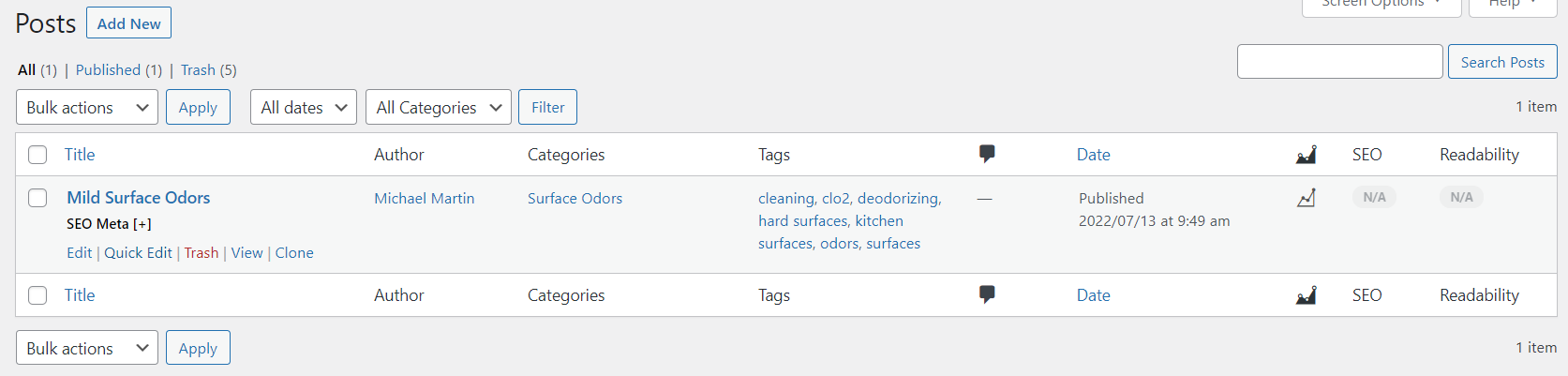
And when I use the "View" link shown above, the content populates the template perfectly; however, when I use the URL address to load the same post into any browser, the page is blank.
0 -
Hi Michael,
If you are able to see the post by clicking on View, your template must be working. Can I take a look at your WordPress Dashboard to offer further help?
If you need this help, please add me as a user to your WordPress Dashboard. My email: kc.george@brizy.io. Please enable the option "Send the new user an email about their account" as in this screenshot https://jmp.sh/tSRznJX
Once you have sent me an invitation, please let me know here.
0 -
Hi Michael,
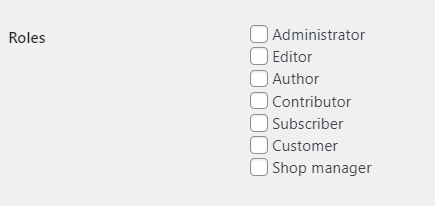
I have received your invitation; I am able to login; however my login does not give me access to the Dashboard. Can you please check if you have assigned me an appropriate role? For troubleshooting, I would need administrator role.
 0
0 -
My apologies, I was quite certain that Admin had been selected. It is corrected now.
0 -
Hi Michael
Your post URL https://odor-pros.com/mild-surface-odors/ seems to be working fine when I checked. I did not do anything.
0
Please sign in to leave a comment.
Comments
6 comments