Facebook and Comments elements not behaving

Hi,
I have discovered the following issues with the social media elements Facebook and Comments.
When I drag either of these two elements across they leave a box outline containig nothing. Clicking on the box does not display any element menu, neither does right clicking display the usual rcontext menu. The only way to remove the empty box is to undo the last action.
I tried both on Firefox and Chrome to no avail.
I then tried on another laptop (higher spec than the first), again failed using Firefox but worked using Chrome on this laptop.
I have also found that the elements successfully added using chrome on the second laptop can be edited as normal on the other laptop in either browser?
The Twitter element works with any browser on either laptop.
I have also tried this using the Brizy Pro plugin and can reproduce the same results as I have reported with cloud.
I saw a post on the Brizy Facebook group with what sounded like a similar issue but could not find a response that resolved or explained a reason for this behaviour. There is also several posts in these forum some up to 2 years old that dont show any resolution.
Why am I seeing this behaviour from these two elements?
Kind regards
-

Hi Wayne,
Can you try this and see if this helps. Please change the "Language for buttons, titles and other text from Facebook for this account" to either English or to another language of your choice in all the devices where you have signed in to Facebook
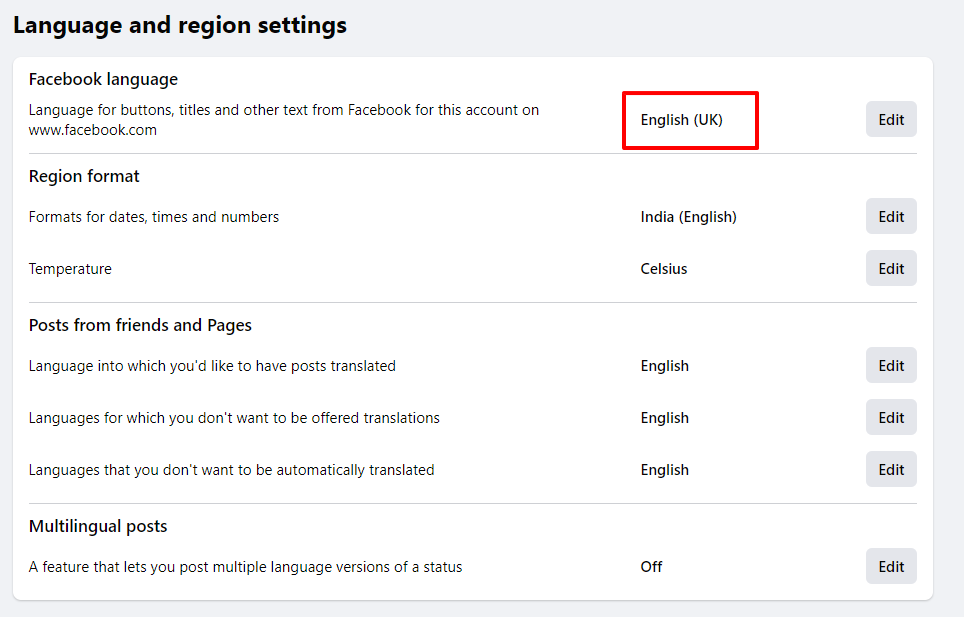
To set the Facebook language on different devices, please follow instructions in this page. https://www.lifewire.com/change-facebook-language-to-english-2654383
Once you have set your Facebook language correctly on ALL devices, please see if this problem is resolved.
0 -
Hi, I checked the Facebook language setting through all devices and this was already showing set to English (UK). I tried changing to another language > saving > changed back to English UK and re saved to ensure the changed was force/refreshed etc. The same behaviour as described above is encountered with no change.
Across the two laptops - both Windows 10 o/s version, both Chrome Browser versions same, Both Firefox browsers versions same. Caches cleared on all browsers etc.
Kind regards
Wayne
0 -
Hi Wayne,
We are unable to reproduce this issue at our end. Hence difficult to offer a solution. Can we access your laptop through a remote control software like TeamViewer? We will try to get to the root of the issue during the remote session. If you are open to the idea, I can give you further instructions.
0 -
Hi,
Thank you for the reply.
Just to let you know I tried the following - On device two (more powerful laptop using Chrome that works), I added the Facebook block and then saved it. I then opened a page on device one (first less powerful laptop that doesnt work) I added the saved Facebook block to the page - again this did not work.
Yes I will give it Teamviewer a try please. Let me know what you want me to do.
Kind regards
Wayne
0 -
Hi Wayne,
I live in India and my time zone is GMT +5:30. Please fix an appointment for the Zoom/TeamViewer session. I may need 15-45 minutes for the session. For the appointment, please write to kc.george@brizy.io. Please mention your city/location (so that I understand your time zone). I will send you a Zoom meeting link.
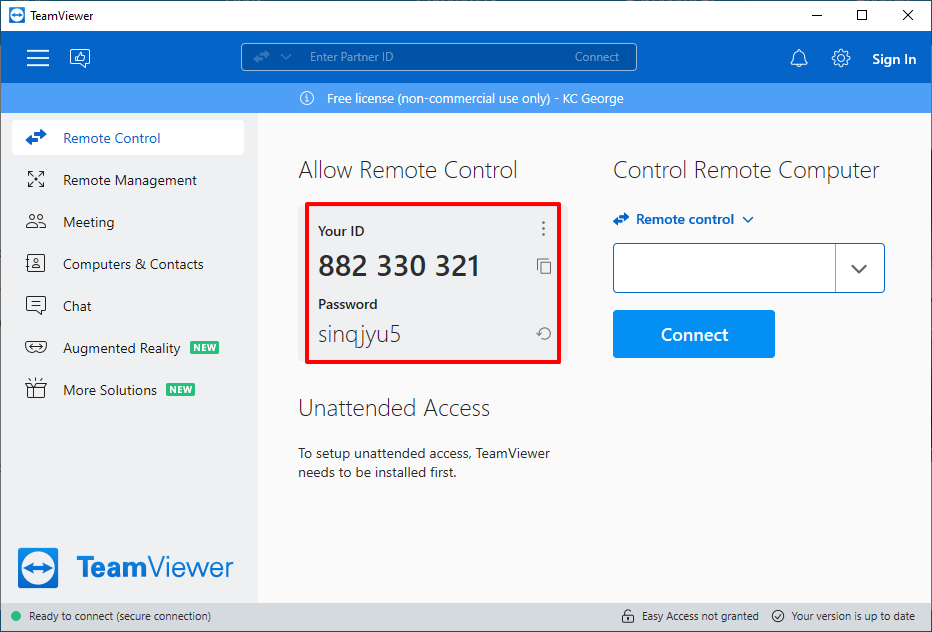
Please go to the page https://www.teamviewer.com/en-us/download/ and download TeamViewer Quick Support (by clicking on the first download link you see) and install it. During our zoom meeting, please share with me your TeamViewer ID and Password
 0
0
Please sign in to leave a comment.
Comments
5 comments