Layout formatting issue

Hello,
I'm having a problem with massive space between paragraphs despite only having one line break: when I am in the Edit mode everything is perfect, while when I go in preview the entire layout seems to double spaces in every block.
I'm on
### Begin System Info ###
-- Site Info
Site URL: https://www.careercanvas.me
Home URL: https://www.careercanvas.me
Multisite: No
-- Hosting Provider
Host: DBH: localhost, SRV: www.careercanvas.me
-- User Browser
Platform: Windows
Browser Name: Chrome
Browser Version: 104.0.0.0
User Agent String: Mozilla/5.0 (Windows NT 10.0; Wi
n64; x64) AppleWebKit/537.36 (KH
TML, like Gecko) Chrome/104.0.0.
0 Safari/537.36
-- WordPress Configuration
Version: 6.0
Language: it_IT
Permalink Structure: /%postname%/
Active Theme: OceanWP Child 1.0
Parent Theme: OceanWP 3.3.3
Show On Front: page
Page On Front: Home (#2)
Page For Posts: Unset
ABSPATH: /var/www/vhosts/careercanvas.me/httpdocs/
Remote Post: wp_remote_post() works
Table Prefix: Length: 3 Status: Acceptable
WP_DEBUG: Disabled
Memory Limit: 256M
Registered Post Stati: publish, future, draft, pending, private, trash, auto-draft, inherit, request-pending, request-confirmed, request-failed, request-completed, wc-pending, wc-processing, wc-on-hold, wc-completed, wc-cancelled, wc-refunded, wc-failed, wc-checkout-draft
-- WP Courseware Configuration
Version: 4.9.2
DB Version: 4.9.2
-- WordPress Active Plugins
Brizy: 2.4.2
Brizy Pro: 2.4.2
WooCommerce: 6.6.1
WooCommerce Payments: 4.4.0
WooCommerce PayPal Payments: 1.9.0
Woo Commmerce Addon for WP Courseware: 1.4.7
Wordfence Security: 7.5.11
WP Courseware: 4.9.2
Below is a screenshot of the issue: 1st screenshot Bizy Mode, second & third as viewer
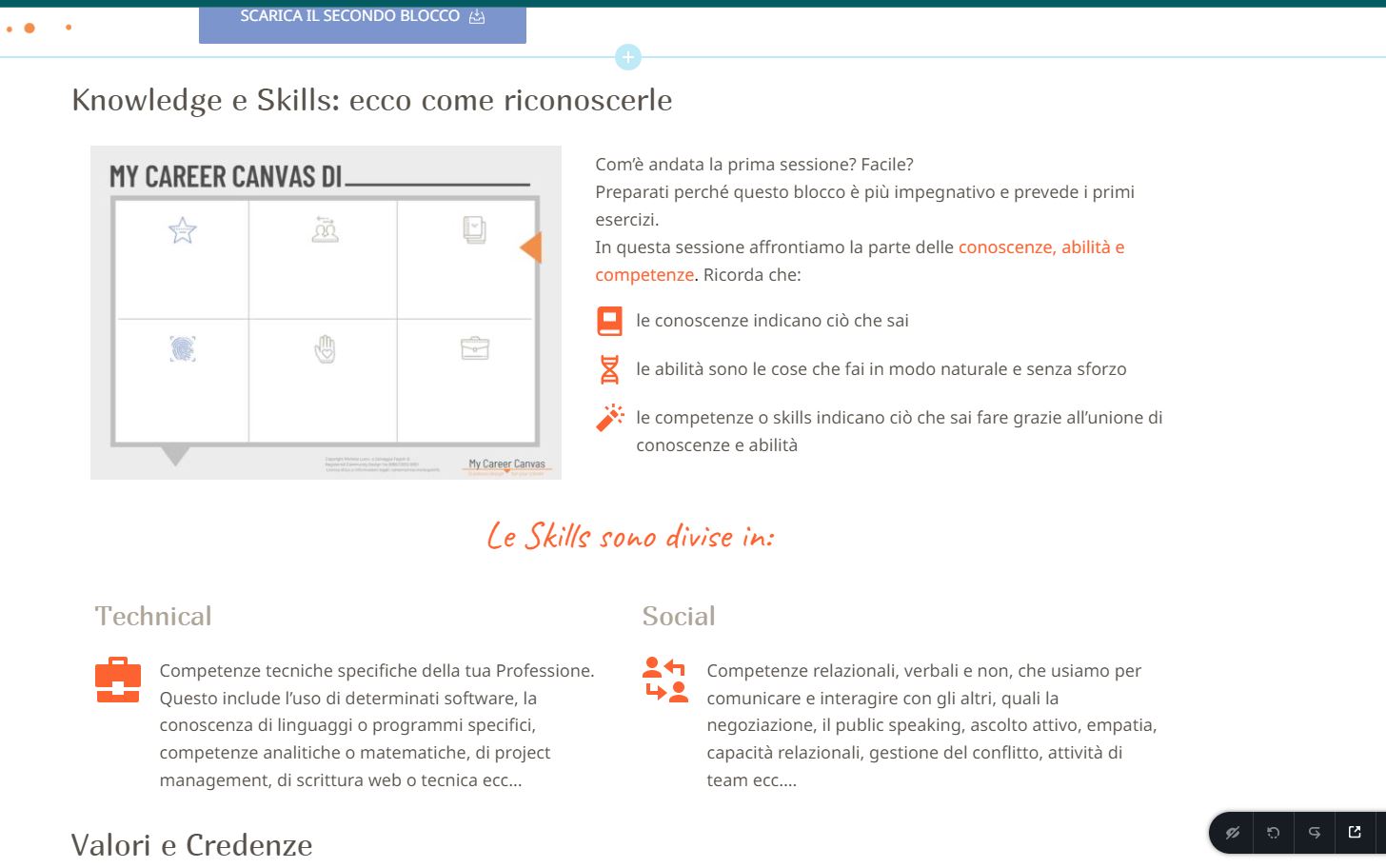
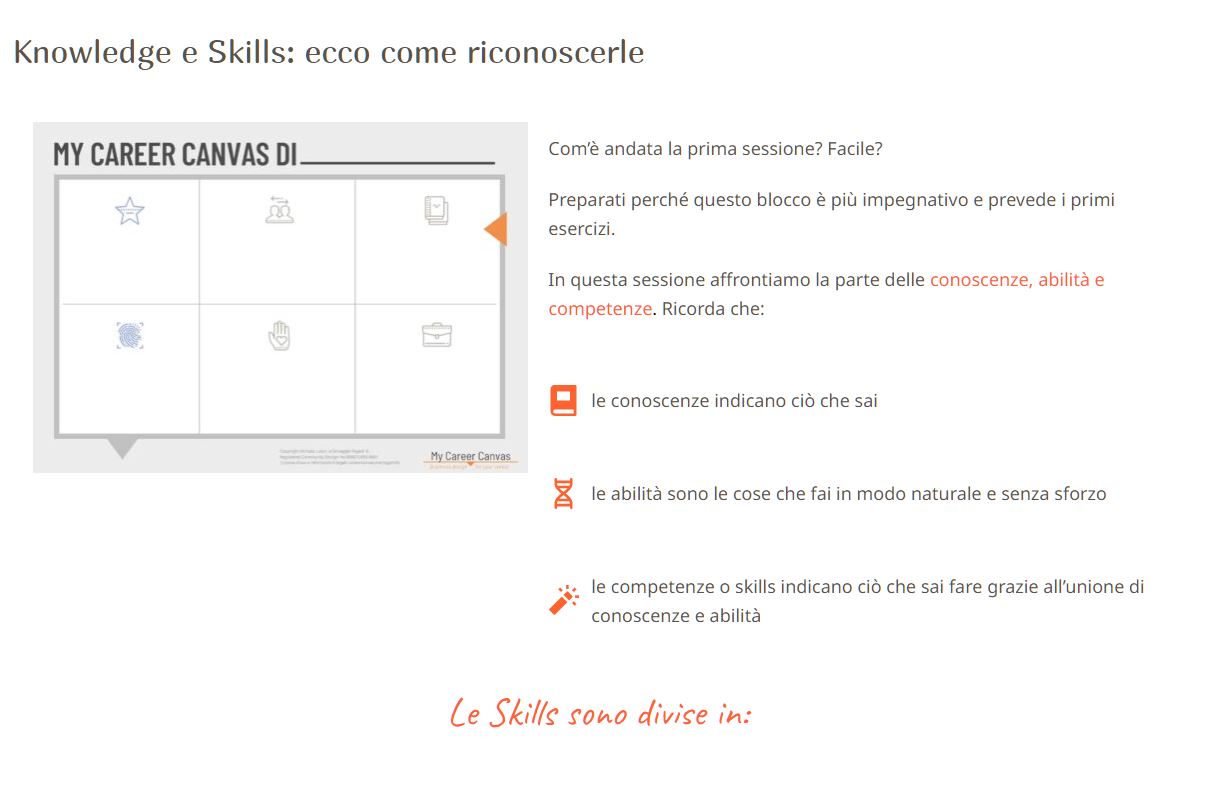
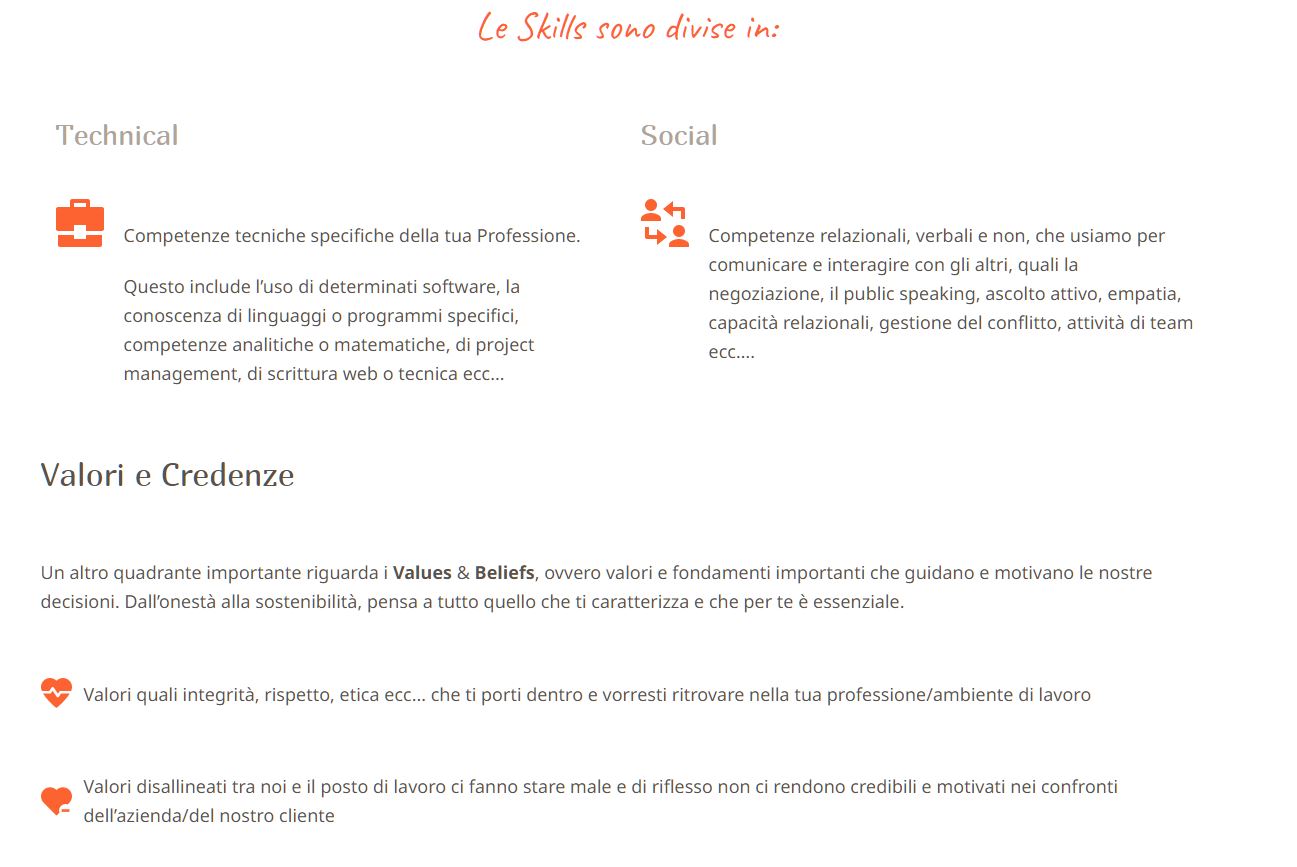
-

Hi,
Did you create a Brizy template for all posts? What element did you use for displaying the post content? Did you use the "#Post Content" tag inside the text element or the "Post Content" element? We are recommending using the "Post Content" element because it is the improved version of the dynamic tag and here is solved this problem with the large spaces between paragraphs.
In case if you are bringing content using Text element and typing #Post content, instead use the Post Content element like explained in this video https://youtu.be/cWJEetL4f-s?t=1264
Regards, Nelea.
0 -
Hello Nelea,
Nope, I didn't create a template for all posts. I create each unit course starting from scratch as a WP post and then "Edit with Brizy".
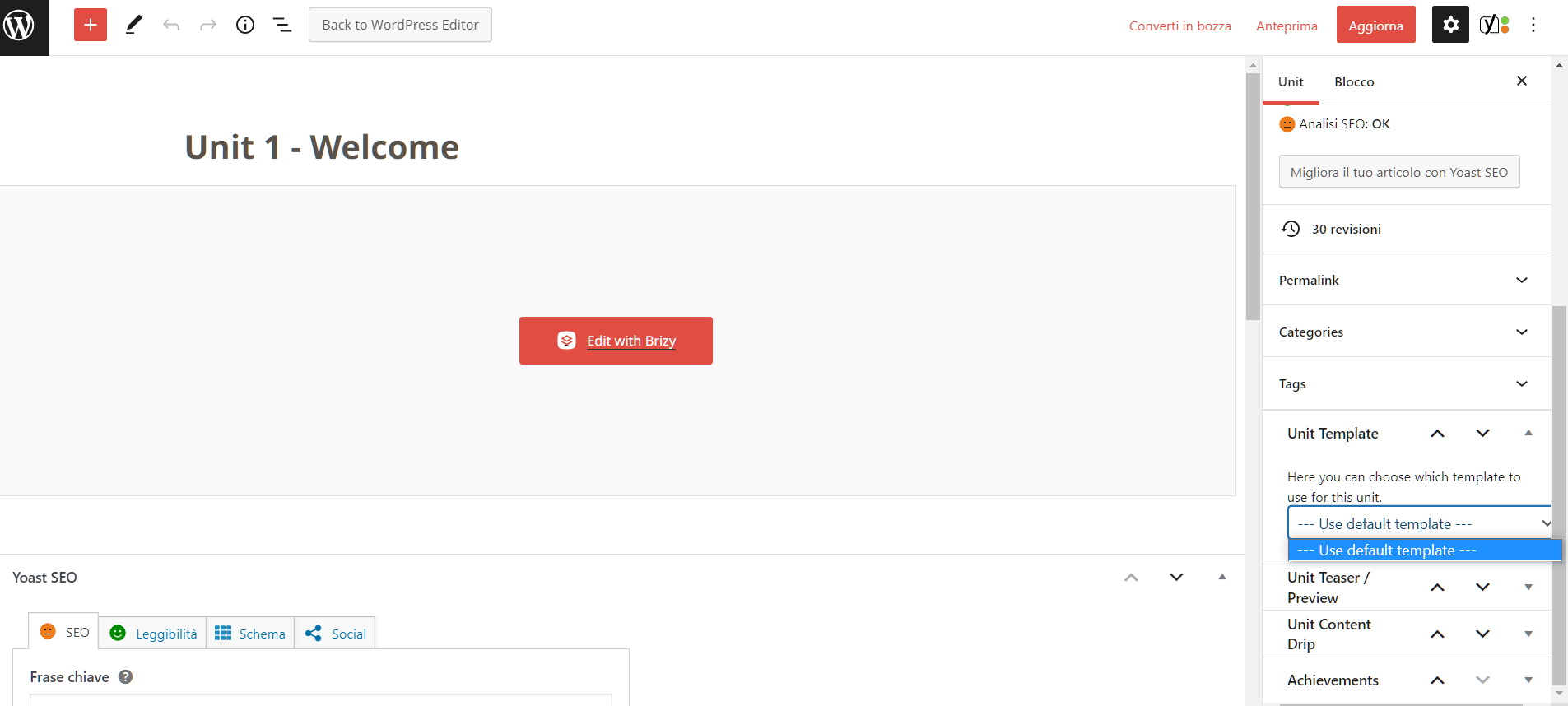
I use layout and global elements to build faster the unit. I used the template to create WooCommerce products, but it displays correctly.
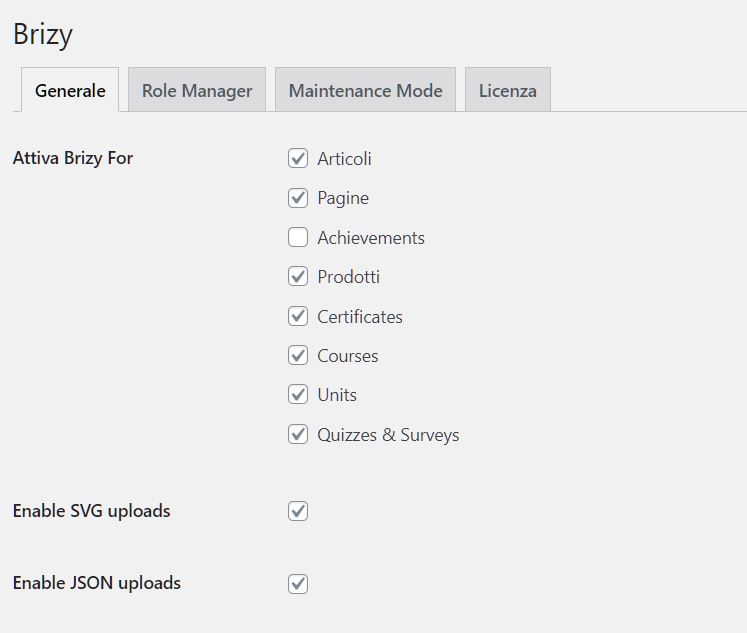
I didn't catch the post content tag or element question.
Sorry
Michela
0 -

Hi Michela,
If you follow the best practice for adding paragraphs, you should not face this issue. Add a single paragraph in a single text element and add a second para in a second text element and a third para in the third text element. If you are copying and pasting, copy paste one paragraph at a time into different text elements.
This will give you fine control to set the space between paragraphs.
0
Please sign in to leave a comment.
Comments
3 comments