Including Blog using Brizy Pro

I have tried following tutorials on how to build a Blog page to include on my site, but the links mentioned in the videos are no longer available, it seems. IS there a way to do this?
-

Hi
Please have a look at this video. https://youtu.be/cWJEetL4f-s
The video is two years old and hence could be somewhat outdated. If you have questions after watching the video, please get back to us.
0 -
I have tried that, but when I attempt to add the "Archive" element, I do not have an option to do so. What am I missing?
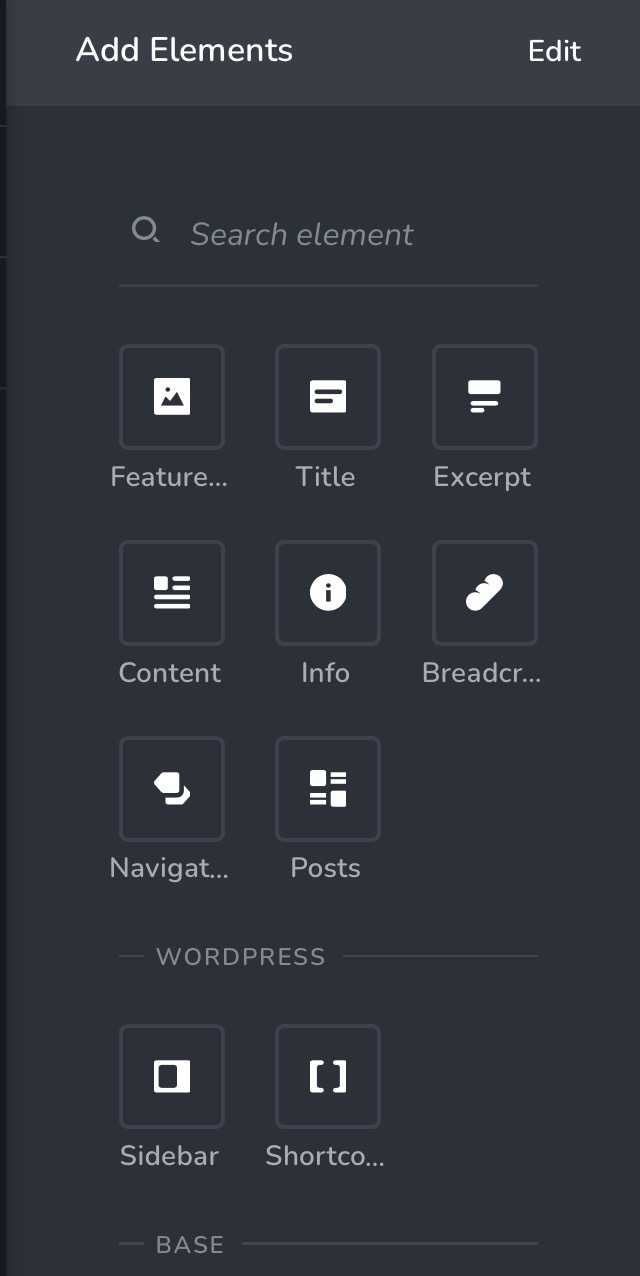 0
0 -

Hello,
The Archives element is available only in a template with the "Archive" or "Product Archive" condition: https://jmp.sh/CVTl6NL Can you please confirm you have the right condition and the Archives Element doesn't appear?
Best regards, Nelea.
0 -
Thank you for your assistance.
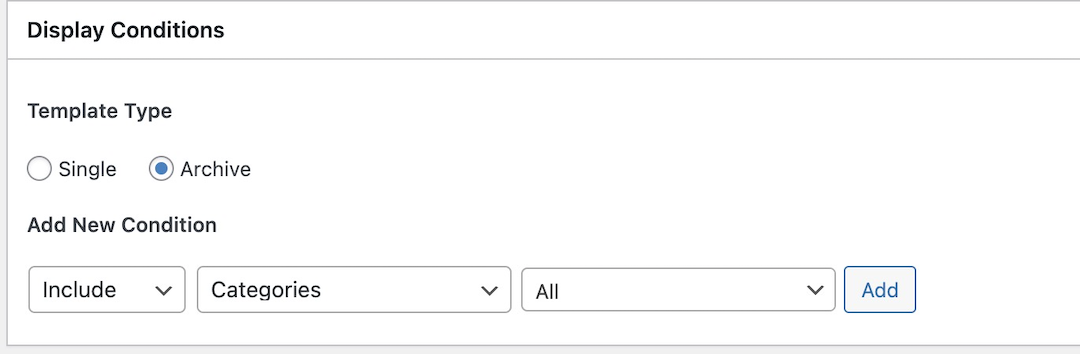
Here is what shows on my "Display Conditions"
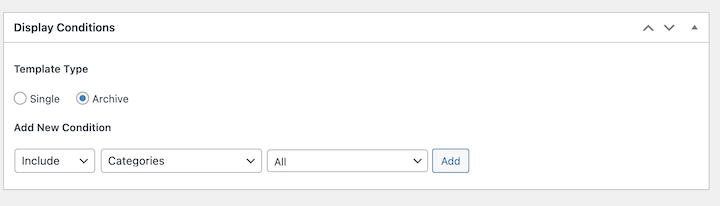
I am STILL seeing only the following options to me:
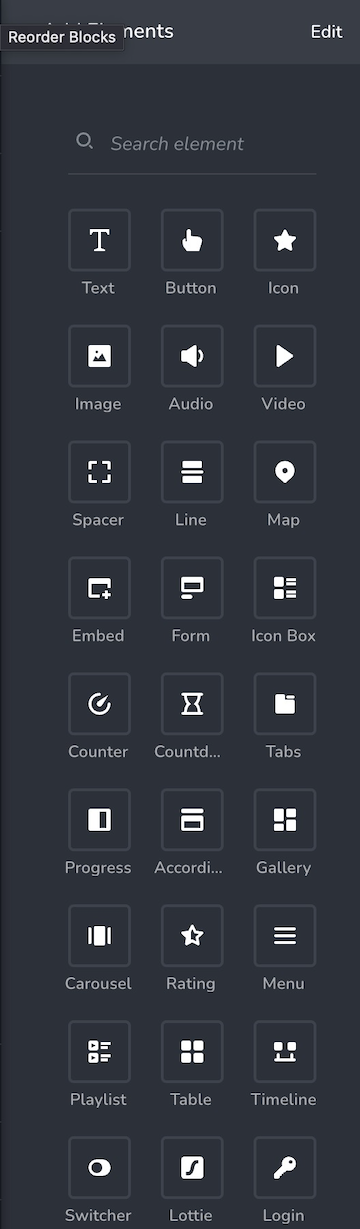
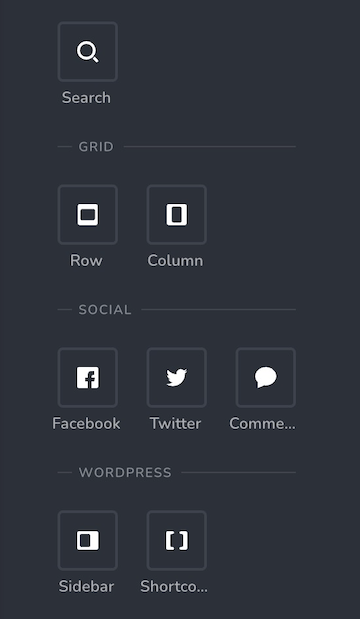
I'm sure it's something that I am forgetting to do on my end, but I must admit, I'm a bit confused!
0 -
HOLD THE PHONE!
I think I've got it, now. I'll keep you posted.
Thanks!
0 -
Nope...
When I went back in to do another template, I am back to my original options... no archive or product archive options are available to me. Everything looks exactly like my previous post. Here is what I have checked when I was creating the template:
 0
0 -
Hi,
Can you please check if you are using software systems compatible with Brizy?
- Are you using WordPress version 5.9 or above? https://jmp.sh/Oe63wQY
- Are you using PHP 7.4 or above? https://jmp.sh/2MRd96w
- Are you using a theme compatible with Brizy? These themes work well with Brizy. https://www.brizy.io/theme-partners. The Twenty Twenty One theme also works smoothly with Brizy. If you are not already using one of these, please change your theme and see if that helps.
- Do you have a plugin which conflicts with Brizy? If all of the above does not help, then disable one plugin at a time and check if you are able to see the Archive element.
0 -
- Are you using WordPress version 5.9 or above? https://jmp.sh/Oe63wQY
(YES WordPress 6.0 running) - Are you using PHP 7.4 or above? https://jmp.sh/2MRd96w
(YES) - Are you using a theme compatible with Brizy? These themes work well with Brizy. https://www.brizy.io/theme-partners. The Twenty Twenty One theme also works smoothly with Brizy. If you are not using one these, please change to any of these themes and see if that helps.
(NOW USING TWENTY TWENTY TWO) - Do you have a plugin which conflicts with Brizy? If all of the above does not help, then disable one plugin at a time and see if that helps.
I have turned off and on every plugin (with the exception of Brizy & Brizy Pro) to no avail. In fact, my site locked up for a time and I needed my host to reset the site.
I am STILL unable to access the Archives element (or any of the other elements referenced in your video). It DOES show up in the one blog template I was able to create, but I cannot duplicate this in a new template.
0 - Are you using WordPress version 5.9 or above? https://jmp.sh/Oe63wQY
-
Hi
Thanks for the detailed response to my questions. Twenty twenty two theme is designed to take advantage of the full site editing feature of WordPress. We do not recommend this theme with Brizy.
Can you please change your theme to Twenty Twenty One and see if that helps. If it does not, we will take a look at your WordPress Dashboard.
If you need help with troubleshooting, please add me as a user to your WordPress Dashboard. My email: kc.george@brizy.io. Please enable the option "Send the new user an email about their account" as in this screenshot https://jmp.sh/tSRznJX
Once you have sent me an invitation, please let me know here.
0 -
You have been added!
0 -
Hi
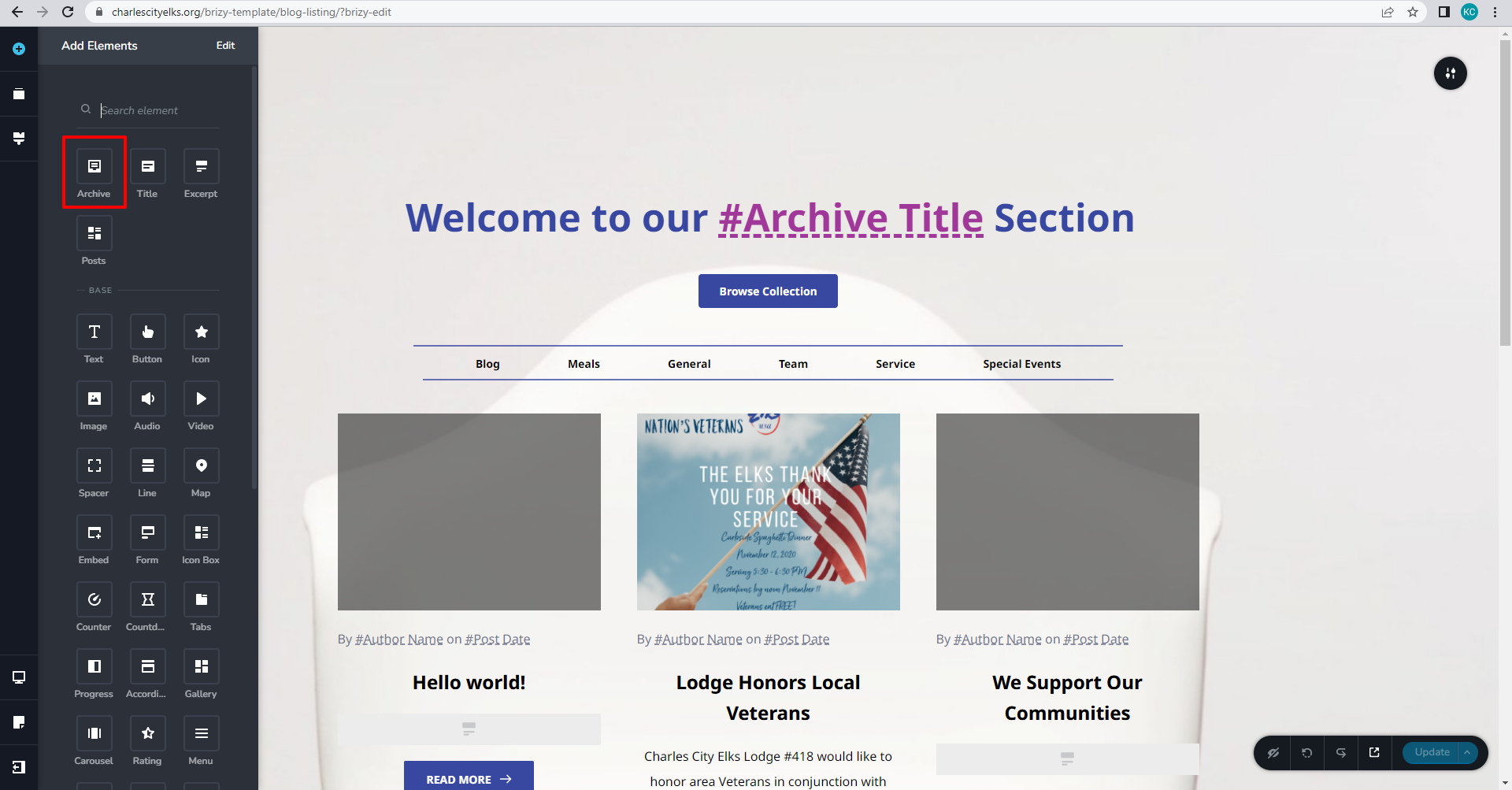
I just checked your WordPress Dashboard. The Archive element appears available. You seem to be already using the Archive element. Looks like your issue is resolved.
If you need any other help, please let us know.
 0
0 -
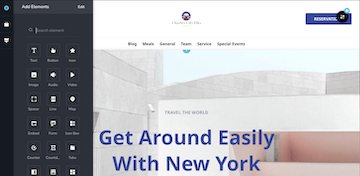
You are correct in that I DID get it to work on the "Blog Listing" template. However, I cannot get the Archive element to show up on my "Article Details" template.
 0
0 -
Hi
The archive element is available when you are developing Blog Archive (listing) templates. When you are developing single blogpost template, it is not included.
0 -
I can see that, now.
I think I was just confused from trying to follow the video instructions.
THANK YOU for your assistance!
0
Please sign in to leave a comment.
Comments
14 comments