Unable to remove global block.

There was a mistake on my footer global block. There seems to be a negative margin set to it by accident and I'm unable to access the Setting button to remove it. I have created a new footer (the first one) and that is working properly.
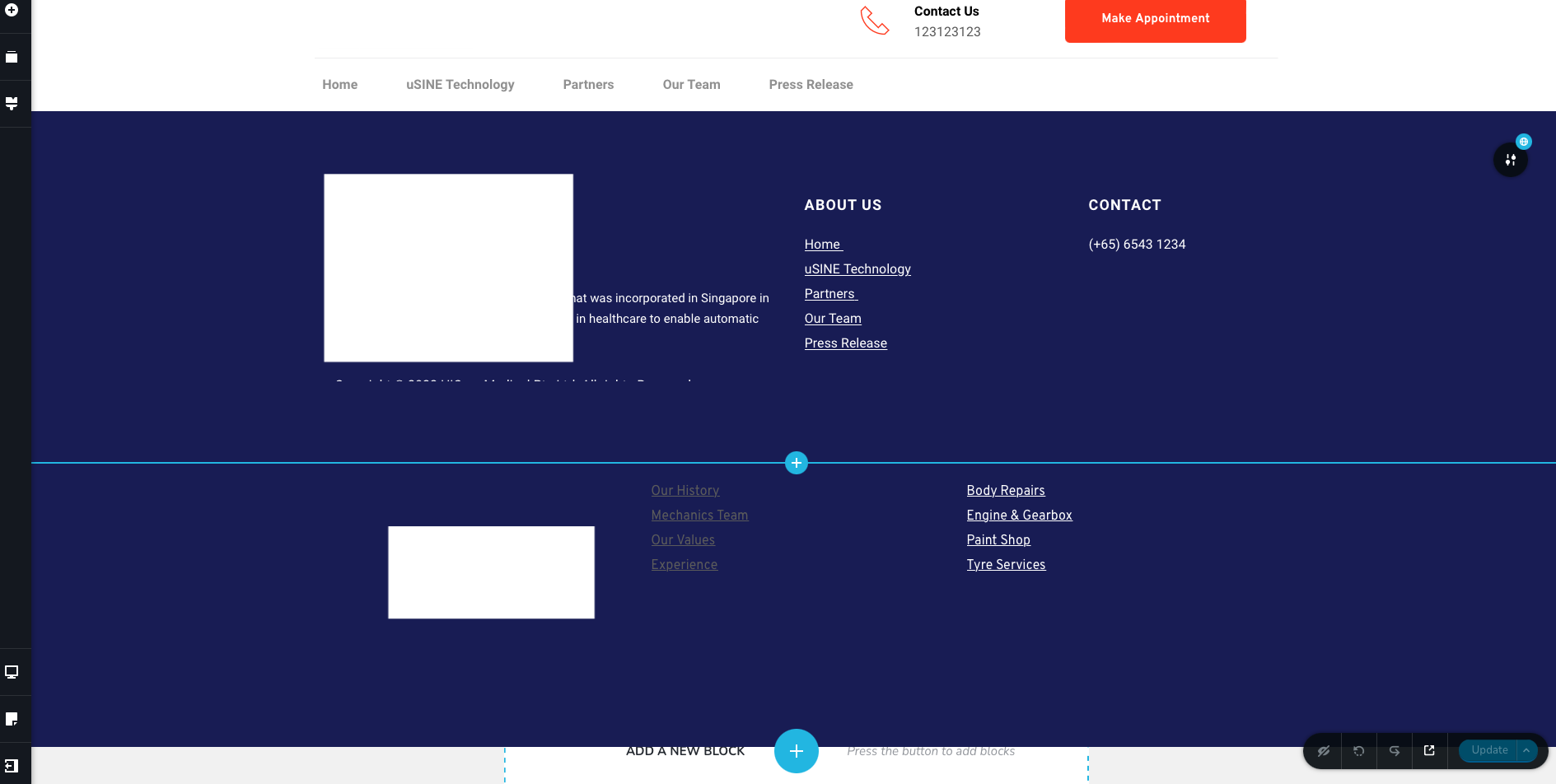
I'm only able to remove it from the Global Blocks.
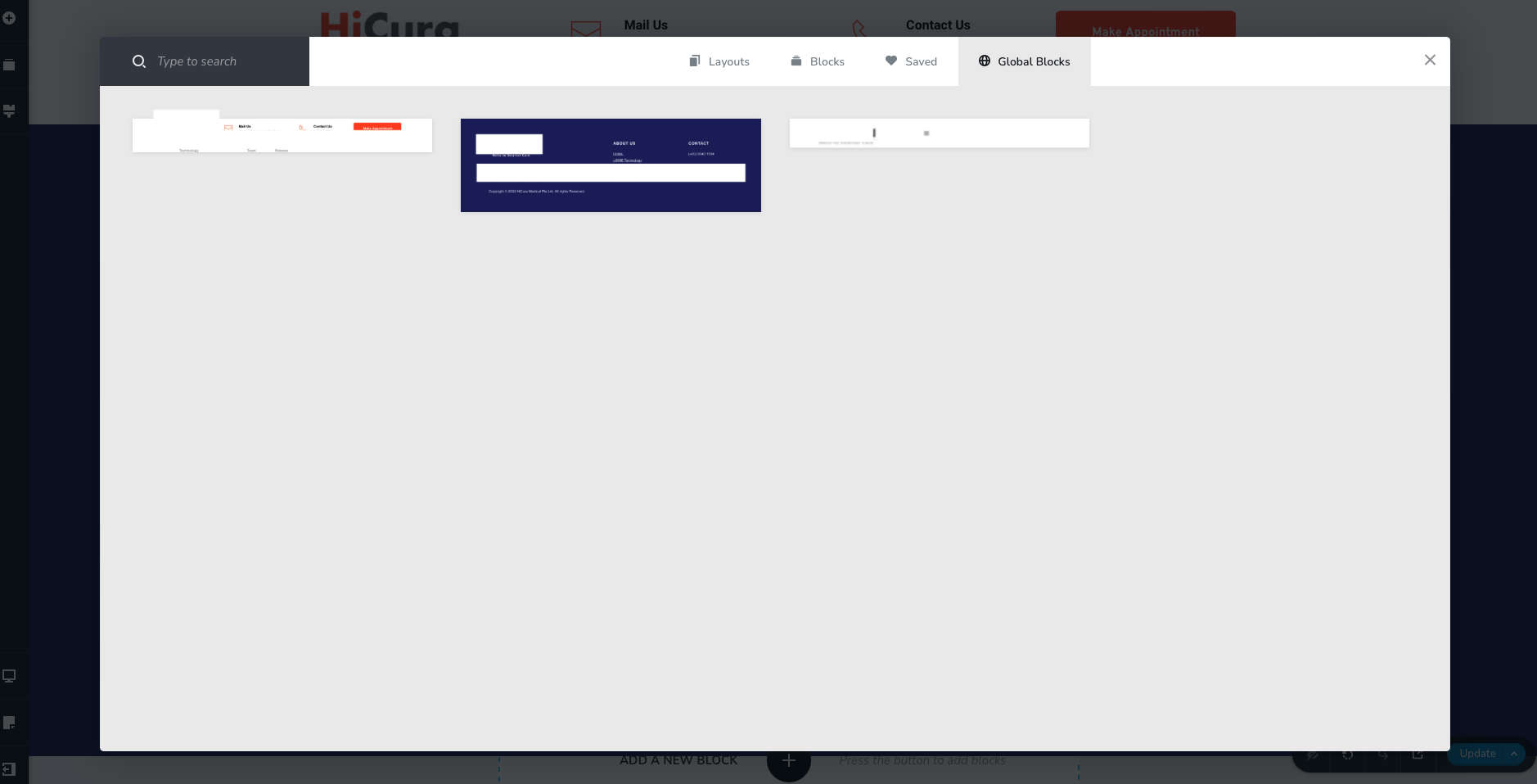
I switch to mobile mode and it still shows it as global. However, there is no option to disable it on mobile.
-

Hi Jae
Global blocks are added and removed a bit differently compared to regular blocks.
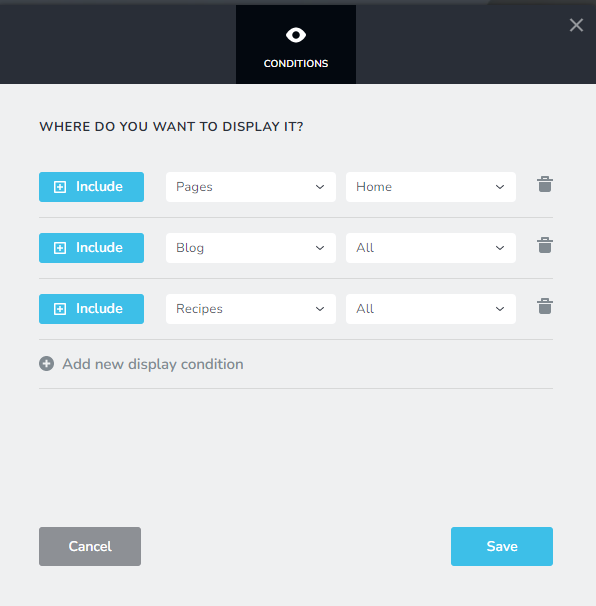
- Adding a global block Global blocks are created once and are reused in multiple pages. The Display Condition determines the pages on which the global blocks appear. To add a global block to a page, you add a Display Condition to include the specific page. To add a global block to all pages, you add the Display Condition to include it in ALL pages.
- Removing a Global Block. Since global blocks are added by adding Display Conditions, it is also removed by removing Display Conditions. To remove a global block from your entire website, you must remove all the display conditions associated with the global block. (and ensure that it has no display conditions)
0 -
Hi KC,
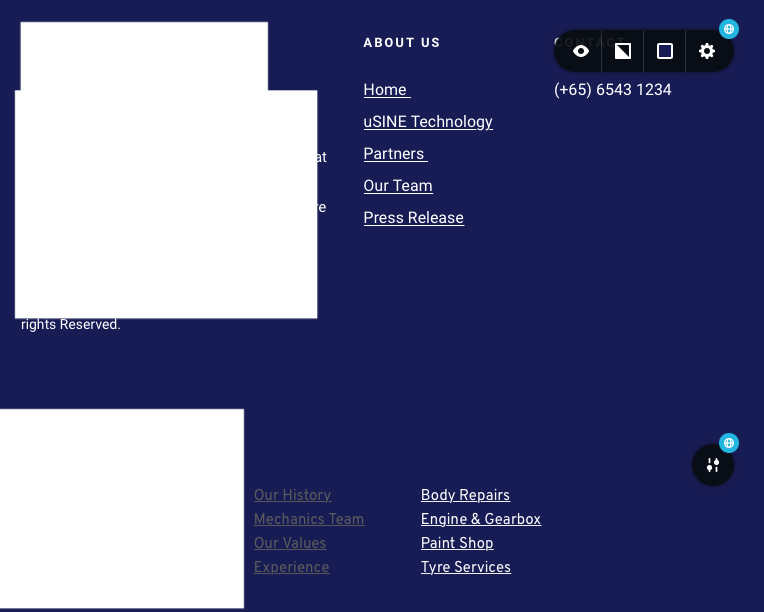
Completely agree. However, I'm unable to access this pop-up as the setting button on the section is not showing, probably due to a wrong negative margin setting. The setting button is overlapped by the above section.
If you refer to my screenshot on desktop mode, the button to click in and edit these conditions is not there.
0 -
Hi Jae,
If you do not see the block settings black dot within the screen, please follow the procedure in this video to bring it back. https://jmp.sh/dQYhURF
0 -
This solved the problem. Thanks.
0
Please sign in to leave a comment.
Comments
4 comments