Building a Blog Template Broke my site

Hello,
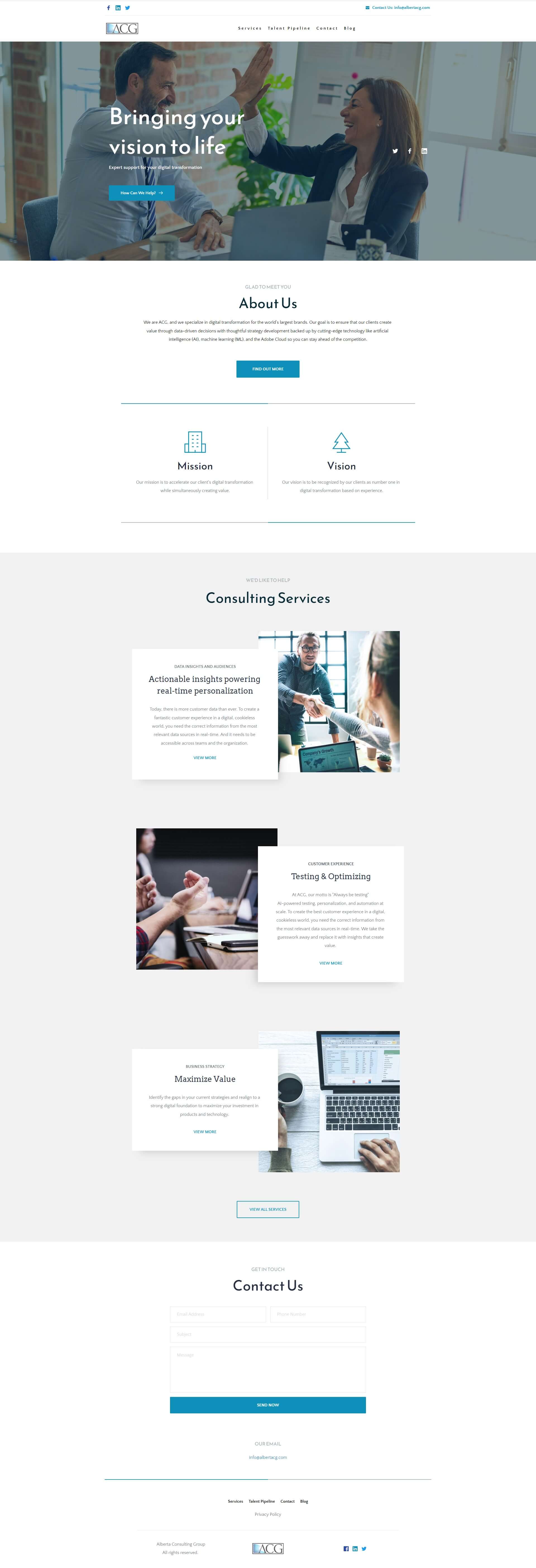
I attempted to build a blog template for my posts using Brizy pro for wordpress, and it seemed to work at first, but then the changes affected my whole site template, and I am seeing weird things as a global element, and all my styling is now messed up. I'm unsure what to do as I was only trying to apply the changes to posts, but it is now on all pages. You can see all the craziness on my live site here: https://albertacg.com/ when you scroll down.
Please let me know if there is a way to revert this change or what I can do to fix it.
Thank you
-

Hi Matthew,
I have taken a look at https://albertacg.com/. All pages look fine; I did not find anything weird. Did you fix the issue already?
 0
0 -
Hey KC,
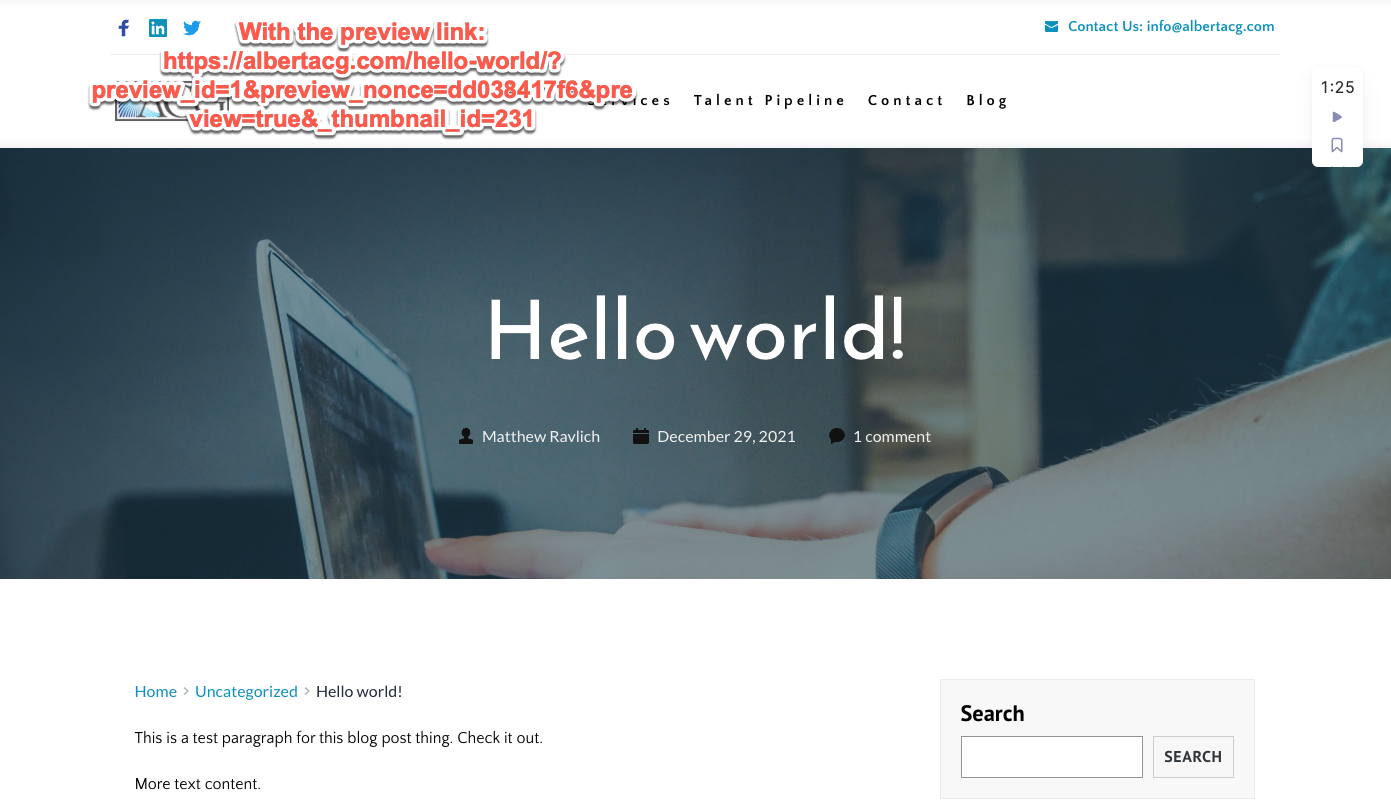
I was able to fix the issue. I had accidentally made the blog template part of the footer global element. I did however run into another issue. I created my blog template and I can see it working on the post in preview mode but when I published to production, the page shows up blank. Here is the post live URL: https://albertacg.com/hello-world/
Let me know what you think.
Thank you.
0 -
Hi Matthew,
Please check these two things
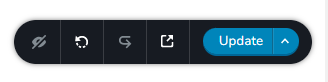
- Please check if you have published your Blogpost Template. Open the Blogpost Template and on the right hand side bottom corner, please check if you see 'Update' or 'Save Draft'? (see the first image)
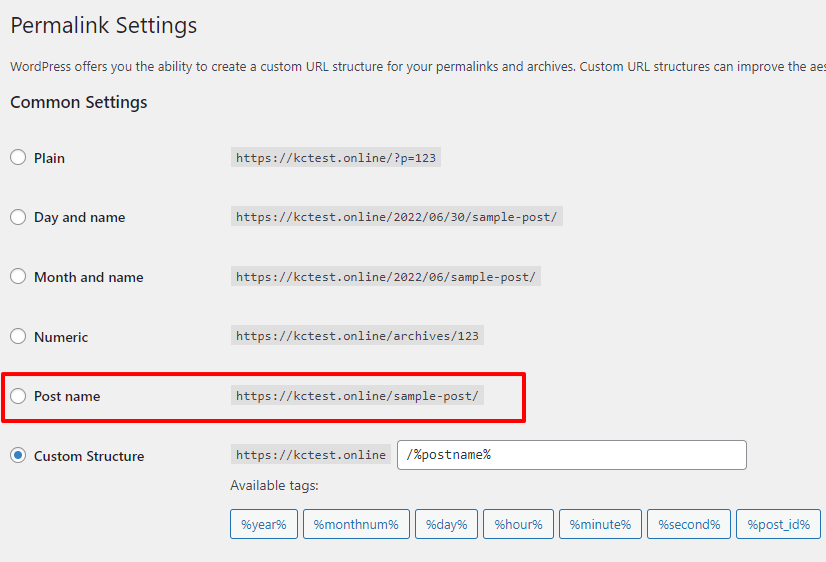
- At the WordPress Dashboard under Settings - Permalinks please check if you have selected the appropriate permalink settings. (see the second image). Most users select the Post name setting here.
0 -
Hi,
I check both the template and the settings. I have published the template to production and permalink settings are set to "Post name". I am still getting the blank page in production
 0
0 -
HI Matthew,
We are not sure if Market Bizz theme is compatible with Brizy. These themes work well with Brizy https://www.brizy.io/theme-partners Twenty Twenty One theme also works smoothly with Brizy. Can you try changing your theme to one of these and see if your blog template will work?
If this does not help, we will need to take at your WordPress Dashboard to help you further. Please let us know.
0
Please sign in to leave a comment.
Comments
5 comments