form element not sending mail

Hi brizy,
we talked about this a while back in another ticket, but since new problems arise and the old conversation is probably outdated I am opening a new conversation.
I would like to setup a application form, users can apply for job positions with and upload a cv and motivational letter.
This used to work for a while before but now the form can be filled out, a success message will be shown "message sent correctly" but the email message would never arrive.
I would like to ask you for help on this.
The site the form is displayed is: https://www.best-baueisen.com/karriere/
The site is under construction still and in order to bypass the "underconstruction plugin" you have to be logged with your brizy admin user. I did send you the credentials a couple of times for other similar issues but in case you lost them, pls inform me via email and I send them to you again.
I would like to use the "wordpress" function to send the email.
Pls let me know if I have setup the right settings and if you know what could cause the issue.
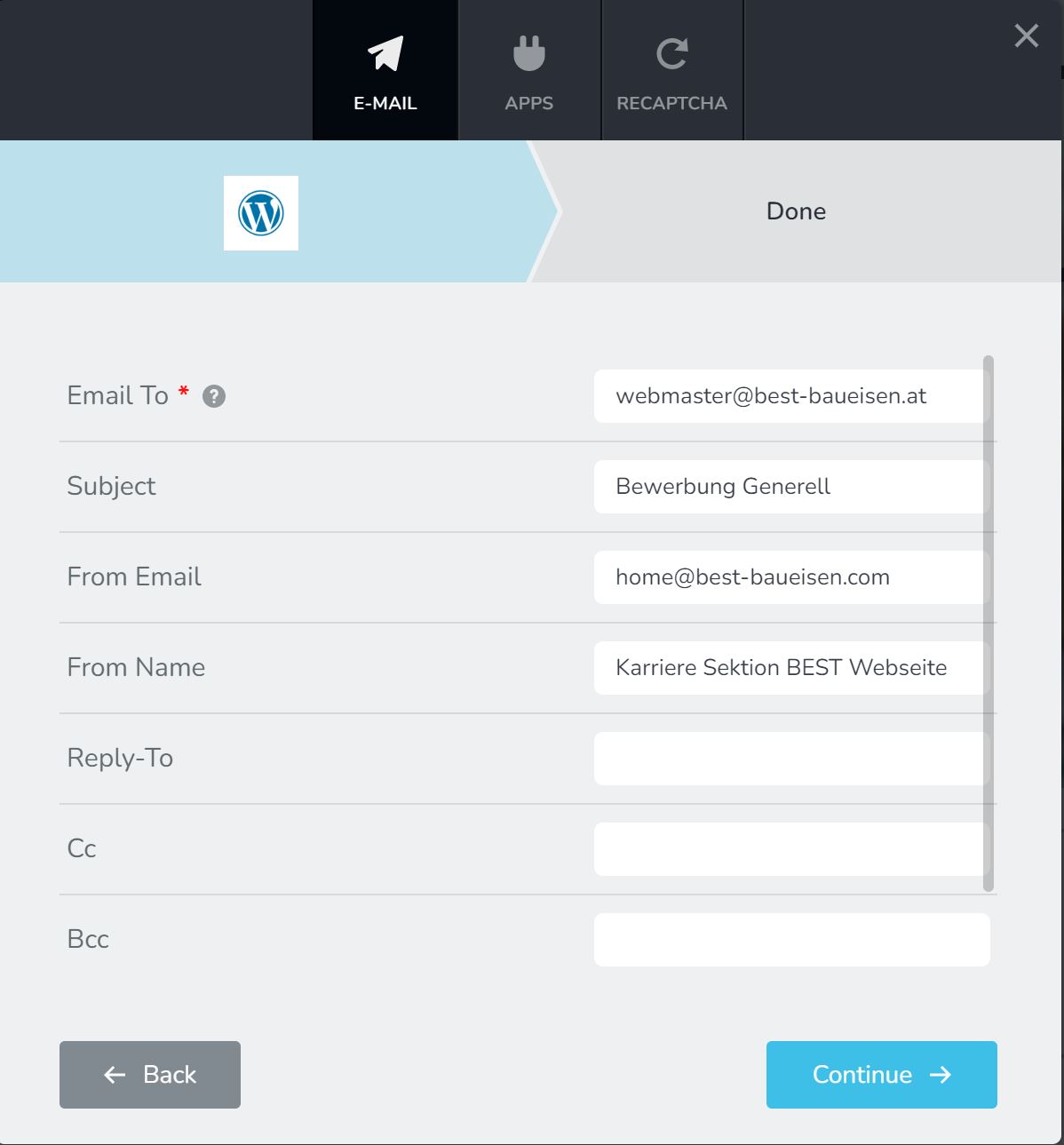
Pls let me know if you need any additional information,
best regards,
Max
-

Hi Max,
If you receive the message that "Your email was sent successfully" your should see a copy of the form data under Brizy- Leads. If you are not receiving the emails, can you try these?
- Can you please check if the emails are in the SPAM folder?
- Along with the email webmaster@best-baueisen.at, can you add a Yahoo or Gmail address with a comma in between? Then send out a test email and check the SAPM folder of your personal email as well.
- If you have access to an SMTP server from your hosting, you could also consider sending out your emails through that server. By using a SMTP server attached to a known domain, your outgoing emails are likely to come across more authentic to the Mail Servers
While we have the credentials to your server, since you have probably changed your login URL, we do not have access to your server.
0 -
Hi George,
I picked this issue up after I had to work on some other issues first in between.
Waht you write is correct, I do receife the message "Your email was sent successfully" and I can see the data under Brizy- Leads.
1) I did check my spam and could not find the emails
2)
Taking your comments and doing some more testing, here is what I found.
I am using forms to send applications in two positions, one "General" for general applications, one "Specific" for applying to a specific job offer (https://www.best-baueisen.com/karriere/kranfahrer/).
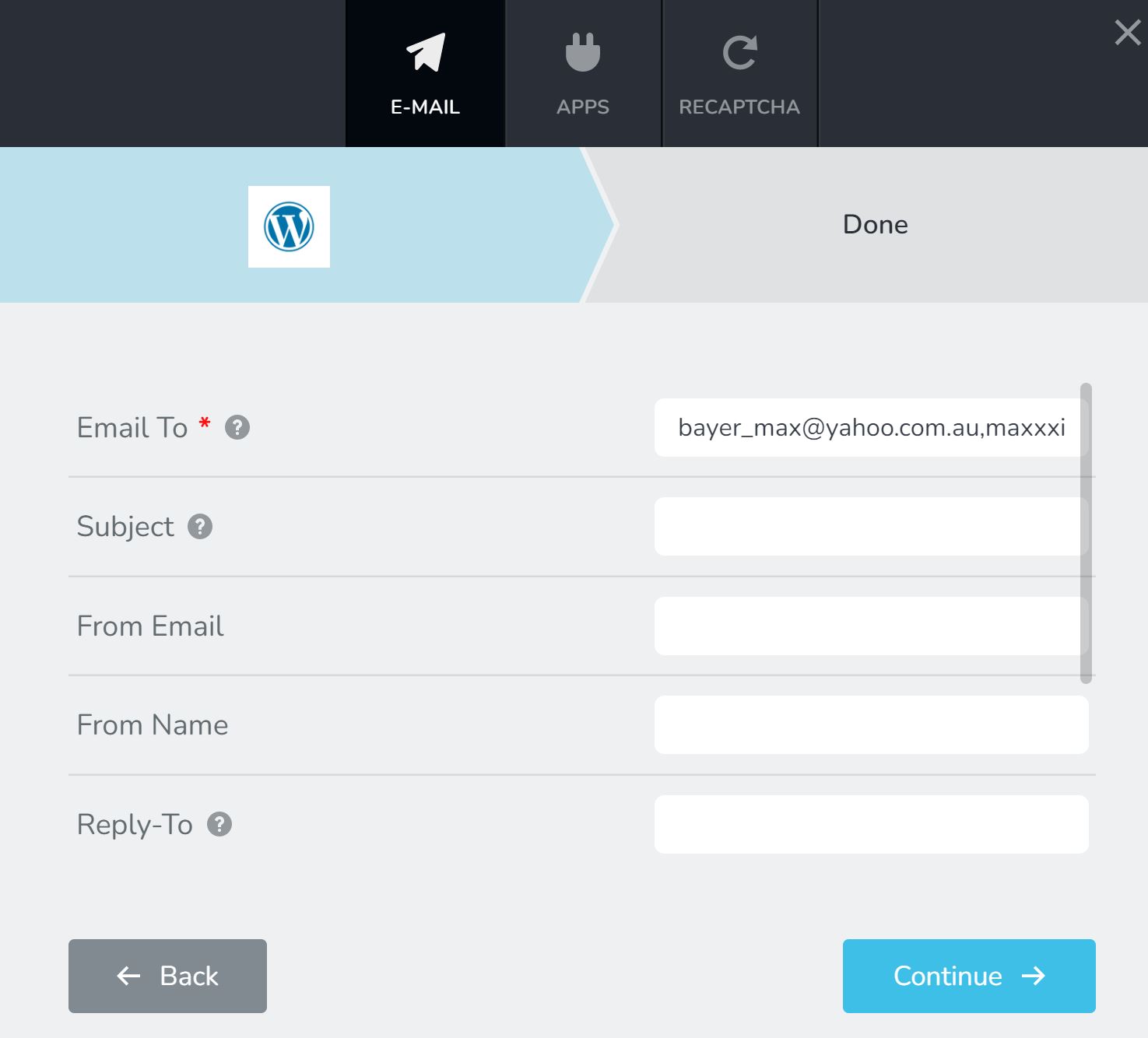
Setting A) With the Specific I used the "wordpress mailengine setting" (see Screenshot) combined with the settings shown in the screenshot. Also I used the following three E-Mail addresses separated by commas, web....@best-baueisen.at, m.......@gmail.com, b.....@yahoo.com.au.
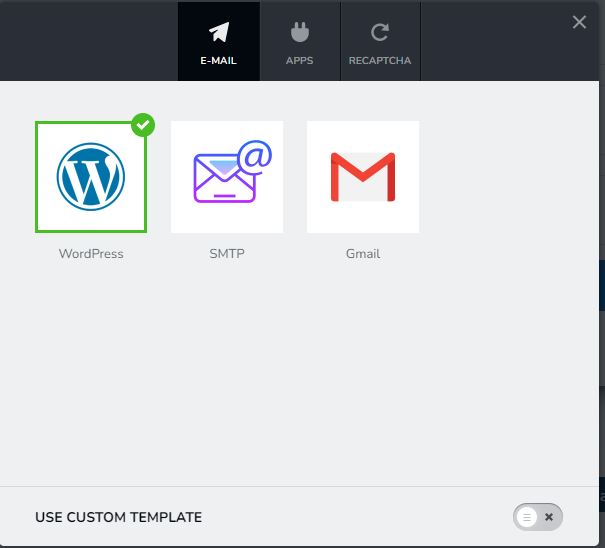
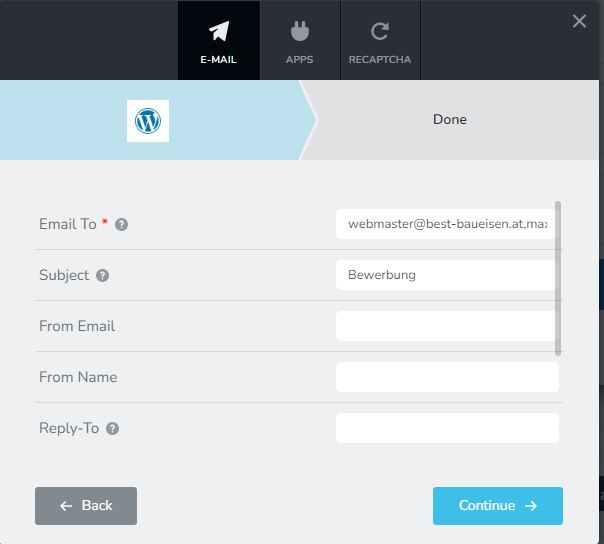
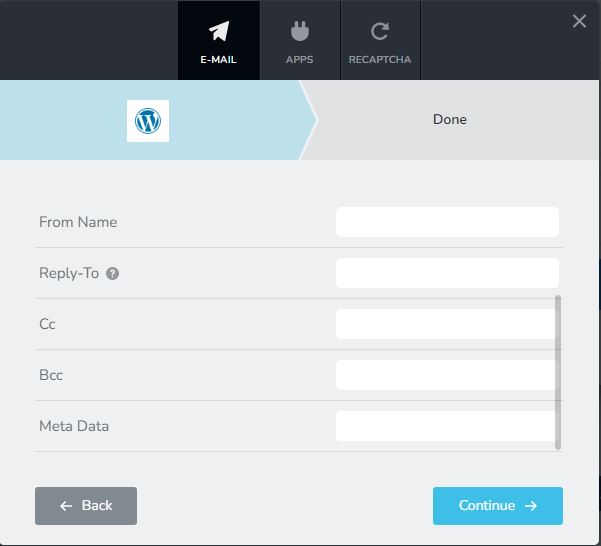
With this setting I do get a "applications sent" confirmation. The application email only arrives at the yahoo e-Mail Address. Also I do see the email under brizy-leads.
The email looks like this:
: gooooil
: juhhui@jajaj.com
-1: Kranfahrer
: https://www.best-baueisen.com/wp-content/uploads/2022/07/COVID-19-Impfzertifikat-II-Bayer-20210601-2.pdf
: https://www.best-baueisen.com/wp-content/uploads/2022/07/COVID-19-Impfzertifikat-I-Bayer-20210420-7.pdf
-------------------------So there is no Text formatting for the fieldnames, just the values of the filled out form. Also the attachments are not sent as files but only a Link leading to the file.
Setting B) With the General I used the "wordpress mailengine setting" and the "SMTP mailengine setting"(see Screenshot)
Also I used the following three E-Mail addresses separated by commas, m.......@gmail.com, b.....@yahoo.com.au.
Also I am using a text template as follows:
Hallo,<br><br>
es ist eine neue Bewerbung über die Karriere Sektion der BEST Webseite eingegangen.<br><br>
<strong>Name Bewerber:</strong> {{Applicant Name}}
<strong>E-Mail Addresse:</strong> {{E-Mail Address}}
<strong>Motivationsschreiben:</strong> {{Motivation Letter}}
<strong>Lebenslauf:</strong> {{CV}}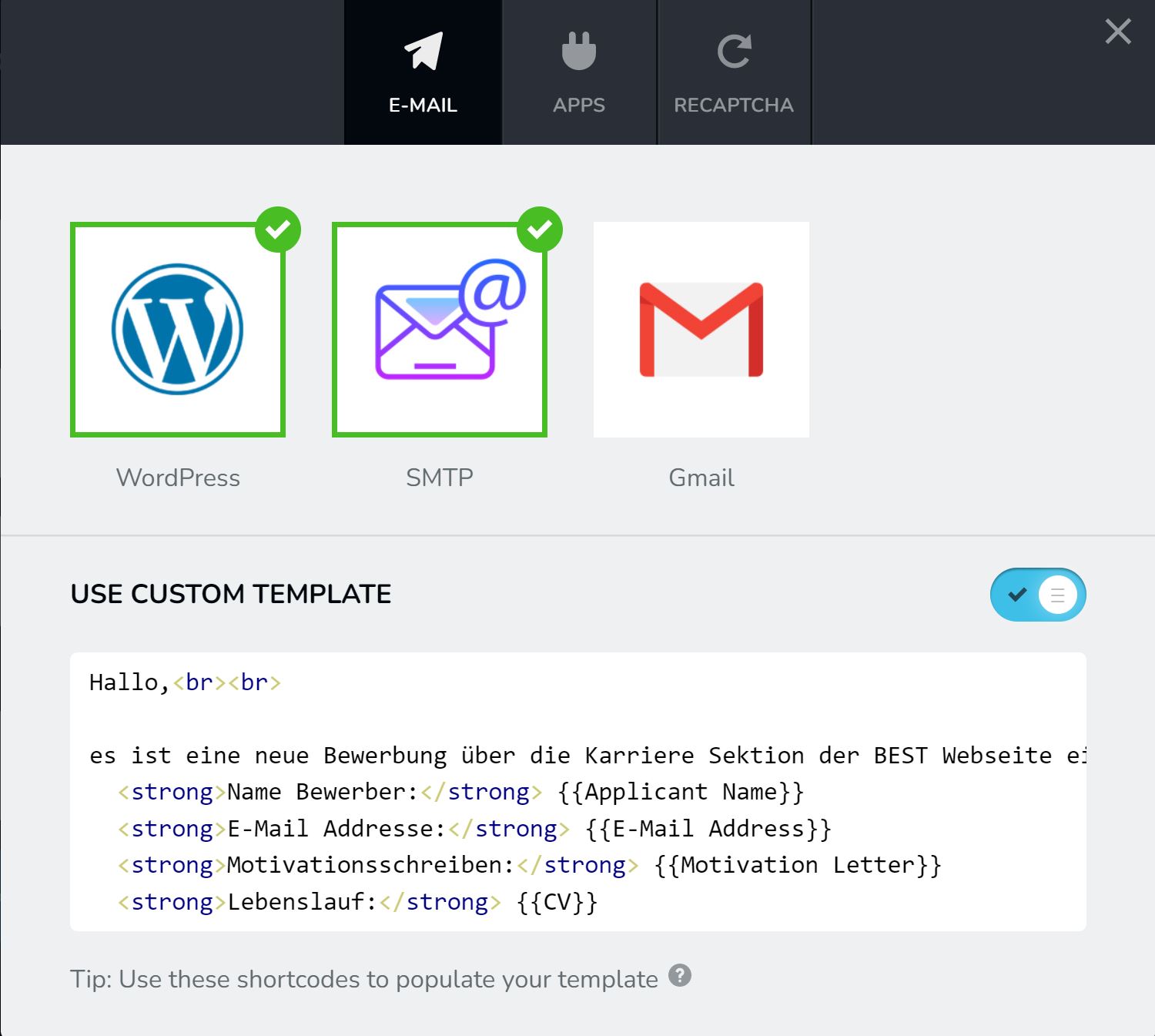
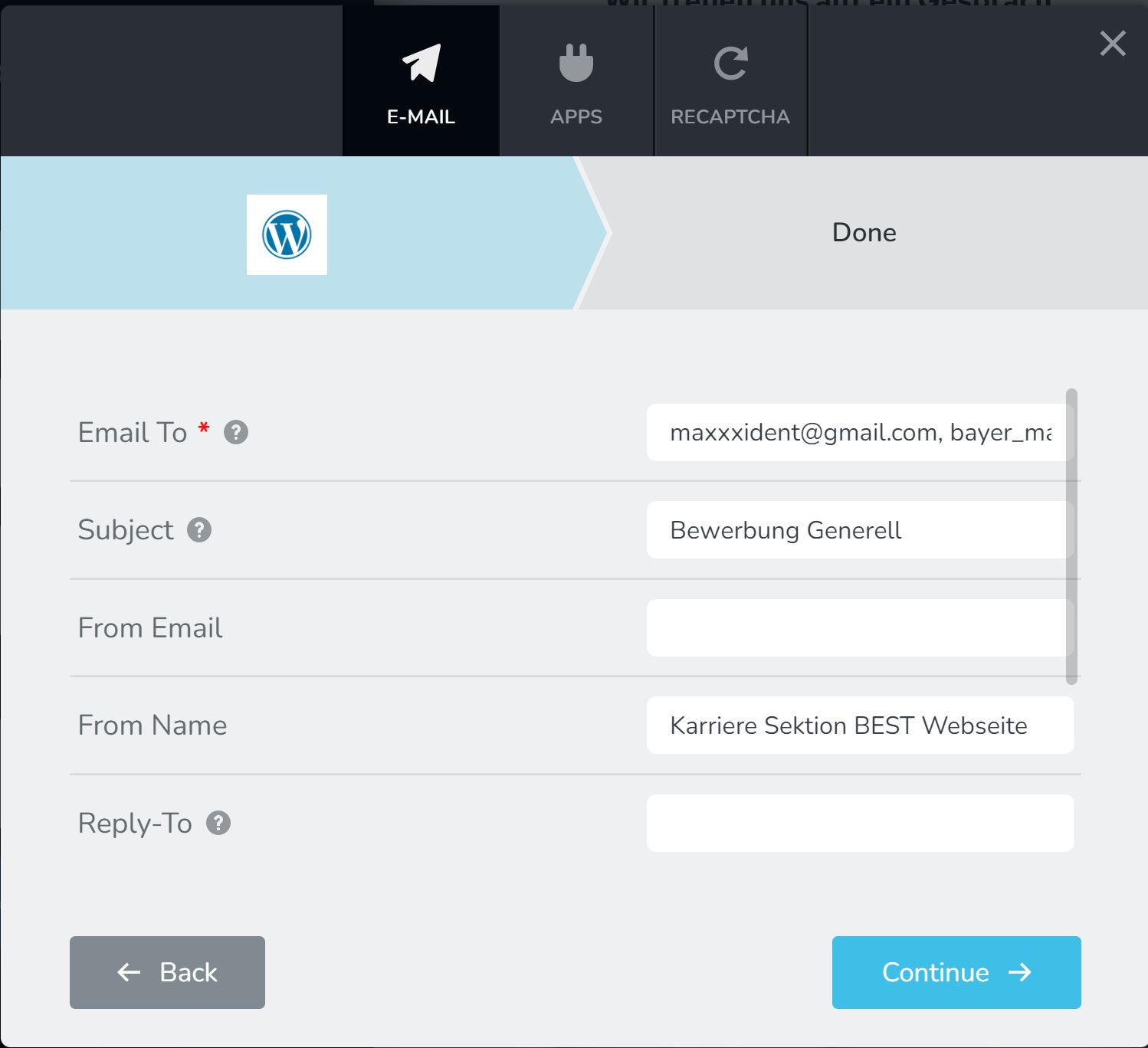
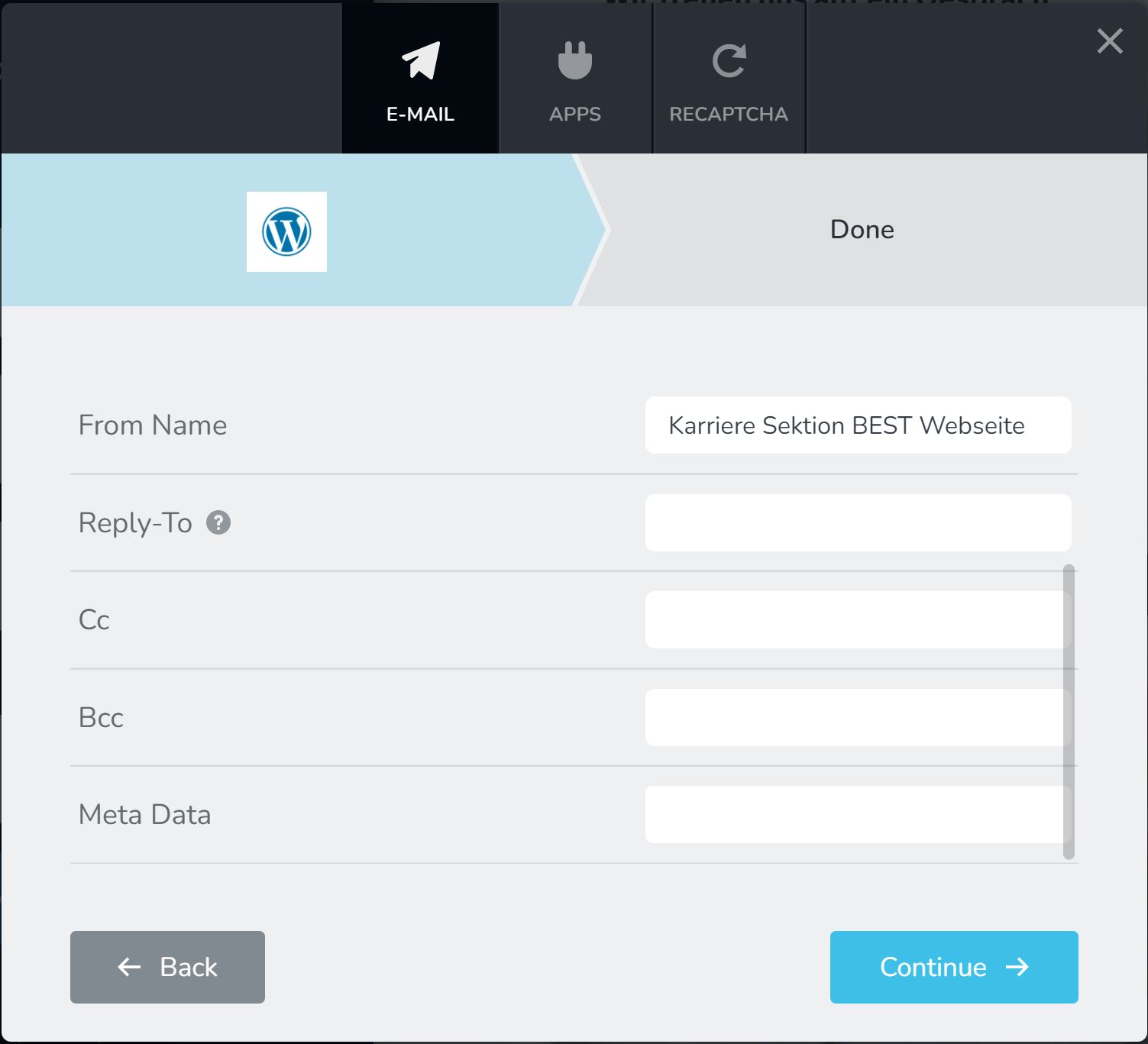
When sending the application I do get the message "application NOT sent". I suppose this refers to the somehow not functional SMTP part, because I do receive an application E-Mail again. But only for the yahoo email address, not the G-Mail.
I do again see the brizy-leads entry and I did check my spam folder for both mailboxes.
The email looks like this:
es ist eine neue Bewerbung über die Karriere Sektion der BEST Webseite eingegangen.
Name Bewerber: {{Applicant Name}}
E-Mail Addresse: {{E-Mail Address}}
Motivationsschreiben: {{Motivation Letter}}
Lebenslauf: {{CV}}
-------------------------So I do have the correct text formatting including the field names, but there are neither attached files nor links to the files.
It appears that the SMTP Part of the setting does not work andI would therefore like to remove it. This does not work. Once the Wordpress and SMTP modules are activated for the form it seems I cannot delete the SMTP module anymore.
So my questions would be:
1) How Can I delete the SMTP module from my General application form?
2) How can I achieve that on top of the text formatting also attached files will be attached to the application mail?
3) most importantly, how can I achieve that E-Mails will be sent not only to my yahoo but also to my workemail ...@best-baueisen.at or my gmail email ....@gmail.com
Please let me know if you have ideas how I could try to fix this.
I appreciate your time and efforts,
best regards,
Max
0 -
Hi Max,
Please see your questions and its answers below.
How Can I delete the SMTP module from my General application form? Brizy does not have an option to uncheck an email notification option you have already selected. To uncheck the SMTP option please follow this work around.
- Click on the right hand side top corner and select the 'Duplicate' icon to duplicate the form.
- In the duplicated form, set the WordPress email notification one more time.
- Delete the original form.
How can I achieve that on top of the text formatting also attached files will be attached to the application mail? When you attach a file, it normally gets uploaded to /wp-content/uploads folder and you get a link to the file in your email. If this is not happening, we will need to take a look.
Most importantly, how can I achieve that E-Mails will be sent not only to my yahoo but also to my work email? Some mail servers may block the form email notification suspecting it as a SPAM. If you use an SMTP server to send out your form emails, you would have a higher chance to get form email notification s in your work email address. I recommend using the WP Mail SMTP plugin to do this. Since you have Gmail account, you can send it out using Gmail SMTP server.
Since you have multiple issues, may be it is faster if I set up these things for you. If you need this help, please add me as a user to your WordPress Dashboard. My email: kc.george@brizy.io. Please enable the option "Send the new user an email about their account" as in this screenshot https://jmp.sh/tSRznJX. Please also send me further instructions on what you want me to do on which pages and if you want me to setup the WP Mail SMTP for you
If not, please let us know and we will assist you here.
0 -
Hi KC George,
thank you for your response and help, we are getting closer as it seems.
I was able to duplicate the general form and only set the wordpress option as descibed.
1) Testmails arrive at yahoo inboxes, not at gmail inboxes or our workinternal inbox. The workmail inbox is the only one that should be activated in the final setup. We found out the mails do get sent but they are treated as spam by our mailserver. Reason is seems to be the following. There is an anti-spoofing setting activated in our mailserver which prevents mails, that are sent by an email address pretending to be sending from another e-Mail address as spoof. So if the mail gets sent by the email XYZ@yahoo.com but pretends to be sending with the email webmaster@yahoo.com, our Mailserver will treat it as spoof. I can only guess, that this is the same reason why the gmail inbox does not receive our mails neither. My question here is since I did leave the "From Email" field empty in the form, is there another setting on Brizy which determins which email is used when mails are sent by brizy or a setting determitting which email address will brizy pretend to send mails from?
2) Mail fields formatting:
Our general Form uses the custom mail template:
Name Bewerber: {{Applicant Name}}
E-Mail Addresse: {{E-Mail Address}}
Motivationsschreiben: {{Motivation Letter}}
Lebenslauf: {{CV}}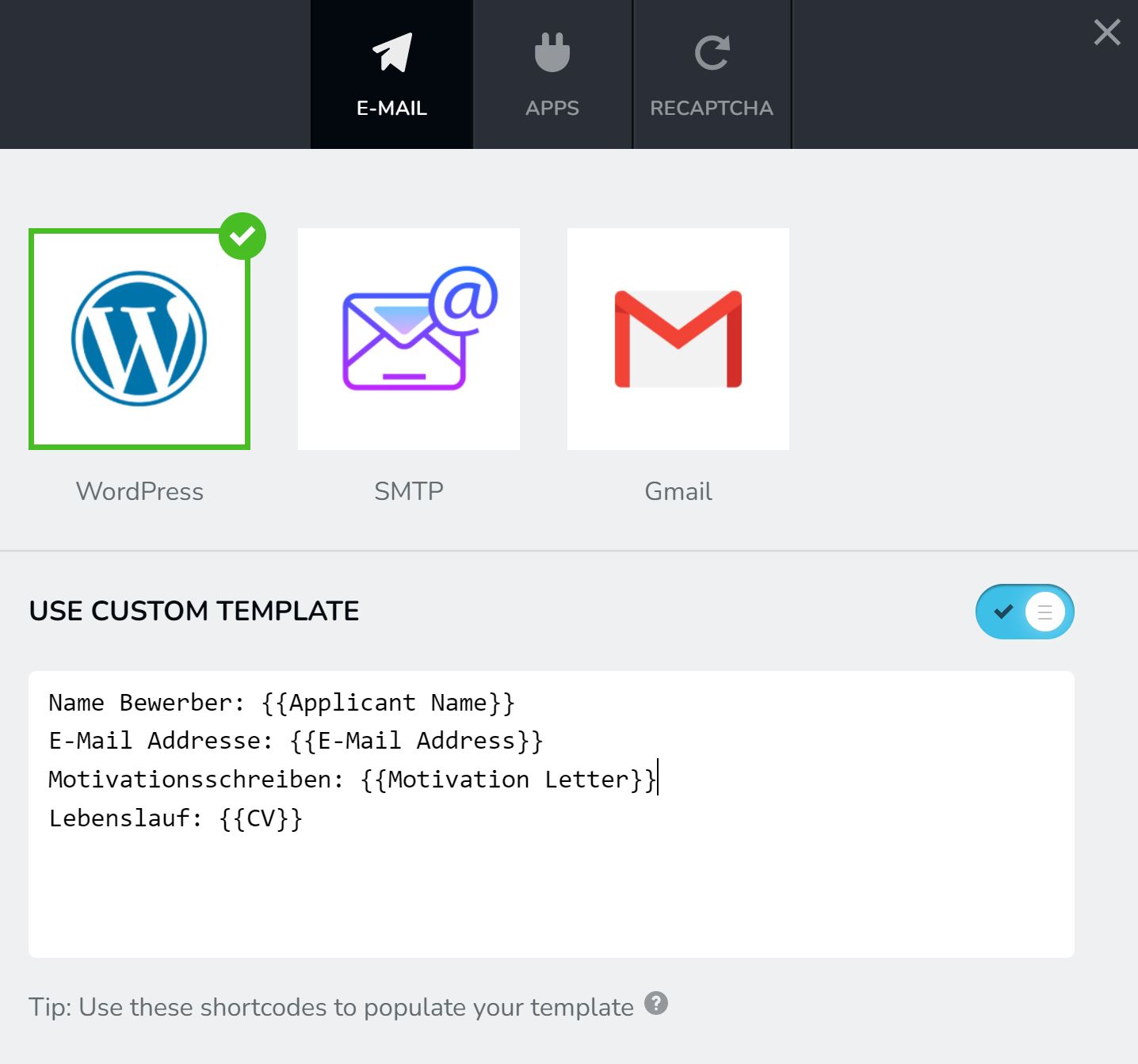
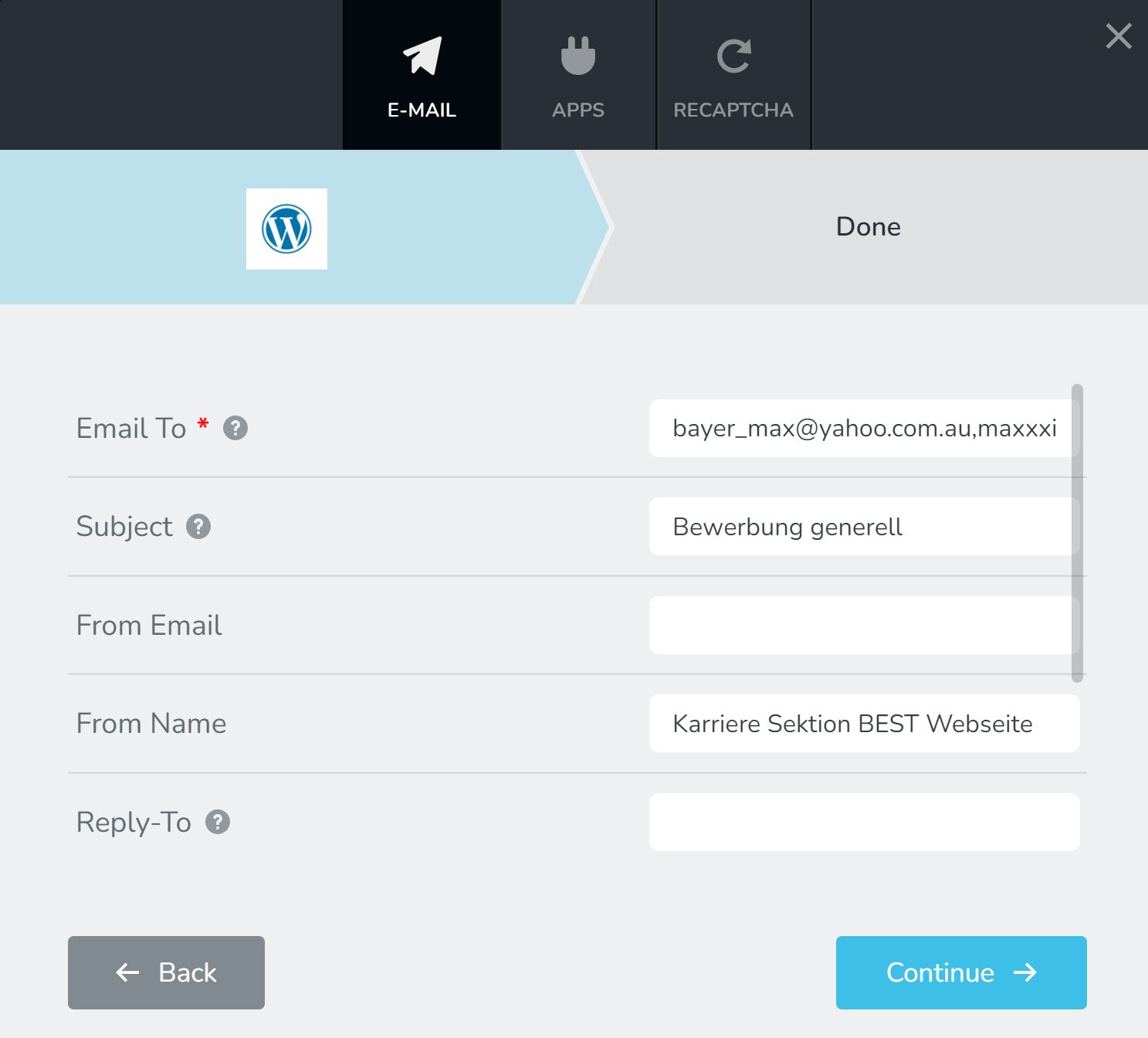
The format of the arriving mail is:
Name Bewerber: {{Applicant Name}}
E-Mail Addresse: {{E-Mail Address}}
Motivationsschreiben: {{Motivation Letter}}
Lebenslauf: {{CV}}
-------------------------So the form naming is correct, the fields do not get filled though and attached files do not get uploaded.
The Job specific form
Our general Form uses no custom mail template:
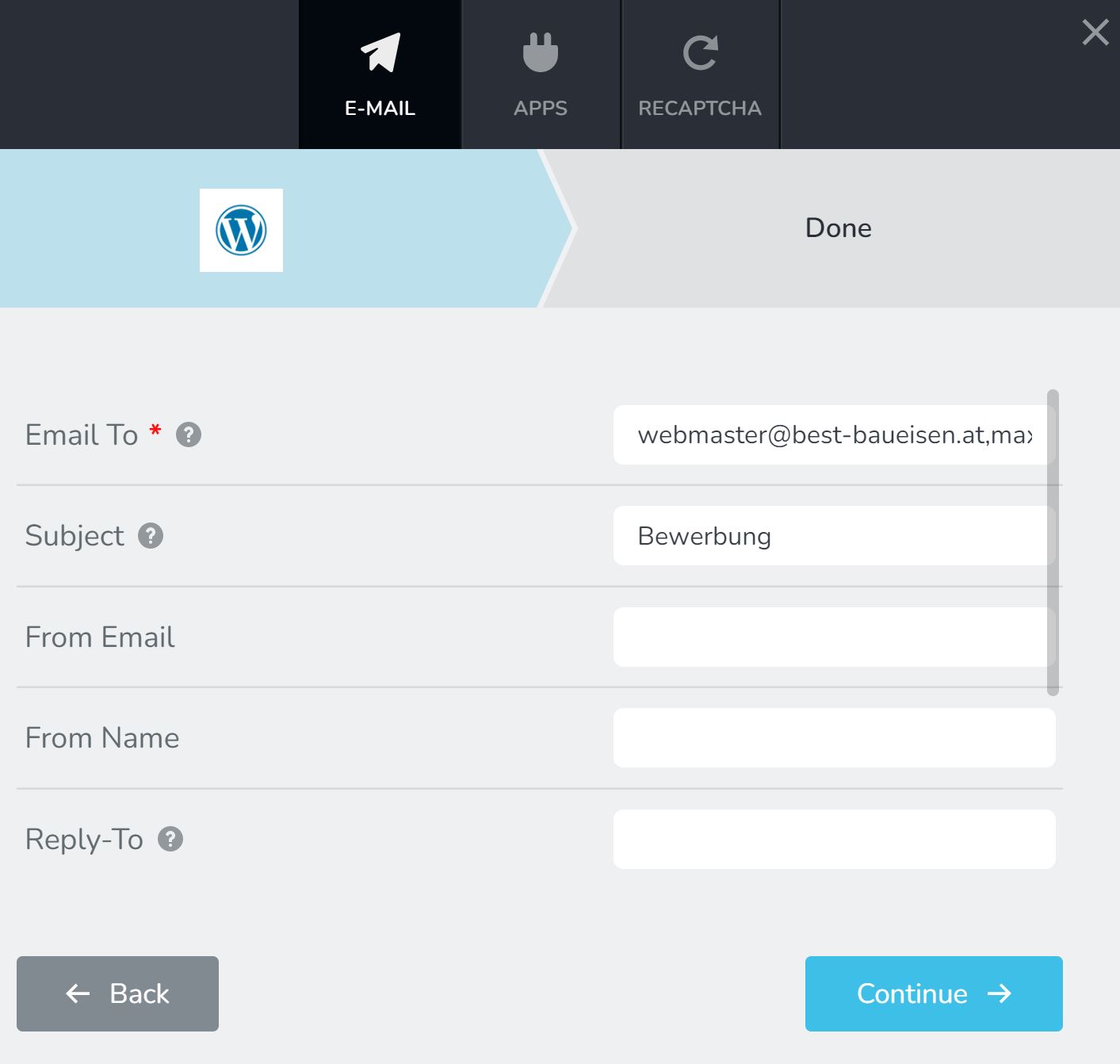
The format of the arriving mail is:
: test kranfahrer seite
: juhhui@jajaj.com
-1: Kranfahrer
: https://www.best-baueisen.com/wp-content/uploads/2022/07/5-Sourdough-Bread-Checklists-2.pdf
: https://www.best-baueisen.com/wp-content/uploads/2022/07/5-Sourdough-Bread-Checklists-3.pdf
-------------------------So the form naming is not correct, the fields do get filled though and an uploaded file link is provided.
Our General Contact form on the contact site provides the correct field names and field values. There are no file-attach options in this form.
The format of the arriving mail is:
Name: Max Bayer
Email Addresse: bayer_max@yahoo.com.au
Telefonnummer: 06648115002
Anliegen: kontakt
Nachricht schreiben: test Kontakt
-------------------------How could I get the general application form and the job specific application form to have correct field naming, field values and show uploaded files?
We can work with an external Mail plugin, but I would rather prefer to work with the wordpress option. The final setup should send emails to a workrelated email address xxx@ourworkmail.com and should also appear to send emails from a workrelated email address xxx@ourworkmail.com
I will setup an admin user account for you as requested and send you a separate email with the credentials.
Thank you for your time and support,
best regards,
Max
0 -
Hi KC George,
we did find out the email, the SMTP Wordpress plugin is sending its emails and whitelisted it on our mailserver.
Now the E-Mails arrive, this is the most important issue solved, so great!
We also switched the SMTP mailengine from the default php one to sendiblue, which is great but it also worked with the general one.
But now we remain with the issue of the form field names not being displayed in the email.
For one we deleted the text we had entered in the custom plugin field. The text below was deleted:
Name Bewerber: {{Applicant Name}}
E-Mail Addresse: {{E-Mail Address}}
Motivationsschreiben: {{Motivation Letter}}
Lebenslauf: {{CV}}This improved the situation and now the entered field values are getting sent and included in the mail, including the links to the attached documents.
But the field names are still not displayed, apart from one excemption. One fieldname is getting displayed correctly.
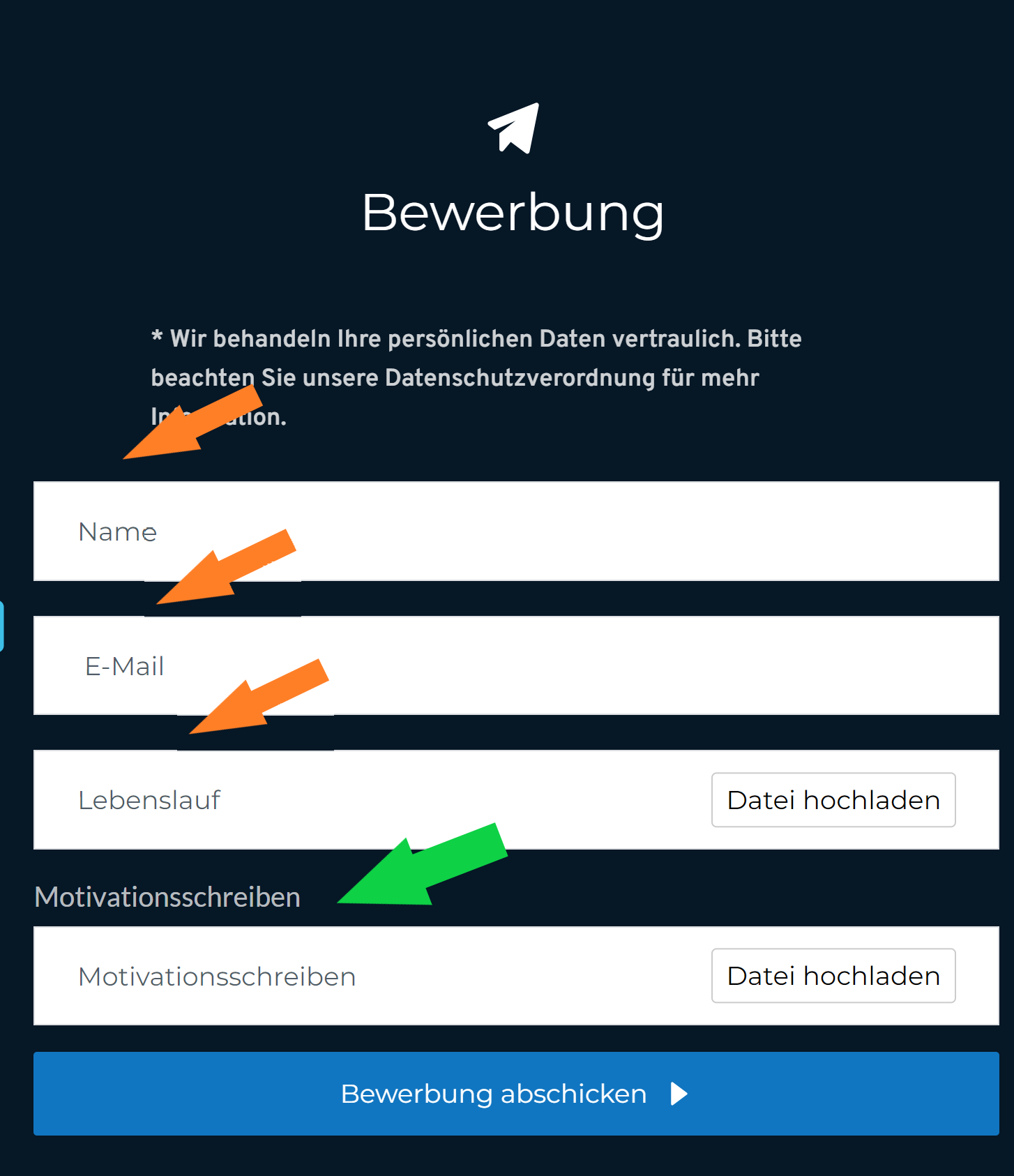
"Motivationsschreiben" is the only field that has its field name displayed propperly in the email. I guess I have to enter the Field name somewhere but do not know where. Also I would prefer to not show the entered Field name in the actual form on site as it is displayed here, since it would be the same word displayed twice.
Please let me know if you know how to fix these last issues.
Best regards and thank you for your support,
Max
0 -
Hi Max,
I have made some changes to the forms and have sent out test emails from different forms. Please check if everything works fine now.
0 -
Everything is working fine for 2 out of the 3 forms. Thank you !!
I am will try to figure out why the third form still is not sending, comparing the settings to the working forms (https://www.best-baueisen.com/kontakt/)
Out of curiosity, how did you get the form to send the form field names, while not being displayed "double" in the on site form display, exactly how it should be?
Thank you for your help,
Max
0 -
Unfortunately the form at the contact page still does not work. No idea why or what is different here to the other forms. (https://www.best-baueisen.com/kontakt/)
Do you know what might be the issue here?
Best regards and thanks.
0 -
Hi Max,
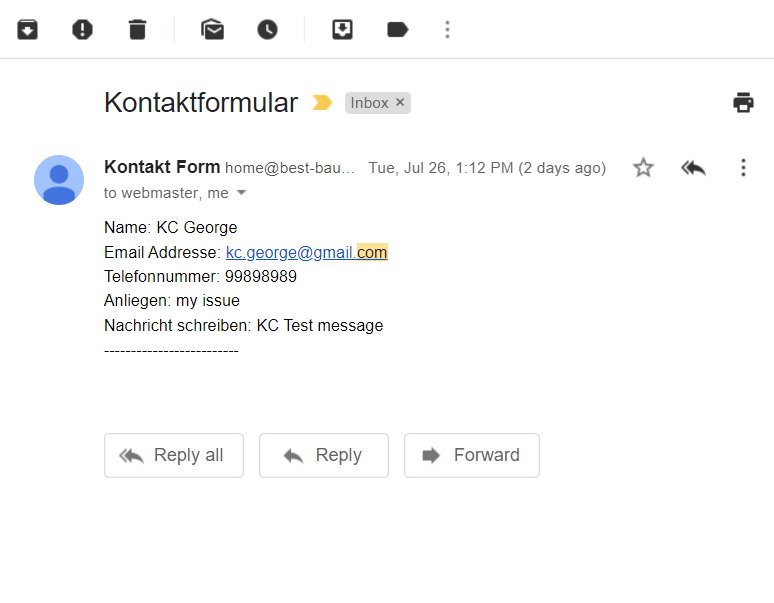
I have received test messages in my email from the Contact Form. Are you sure you are not receiving the Contact form emails?
 0
0 -
Hi George,
unfortunately, we are not receiving those mails and cannot even find them at our mailserver. This is very strange. Our IT system administrator who also is in charge of our mailserver asked me to be able to contact you and ask you some questions. I shared your gmail.com email address with him.#
Hope this is all right,
best regards,
Max
0 -
It works all good,
we had .com instead of .at in the E-Mail settings of the form by mistake. Uff : )
Thanks so much for your help.
Best regards,
Max
0
Please sign in to leave a comment.
Comments
11 comments