Recaptcha is not working. ERROR for site owner: Invalid site key

I followed the steps on the tutorial, and the recaptcha is not working. I don't know what else to do. I even cleared the cache, but nothing happens....


-
Did you have to delete the recatcha and then install it again?
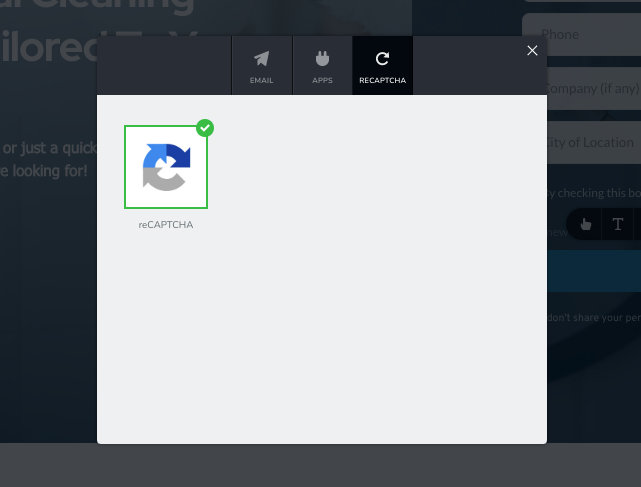
I updated it, but it still shows the same error. The difference is that it shows that the captcha is installed. What should I do?
 0
0 -

Hi,
Thank you for contacting us.
The issue with Recaptcha was solved in the latest updated version. Can you confirm if you are using the latest versions of Brizy Free 2.4.5 and Brizy Pro 2.4.6? If not could you please update it?
Best regards, Nelea.
0 -
Yes. Brizy 2.4.6 and brizy pro 2.4.7.
Do you know if I have to delete the form and make it again?
0 -
Hi,
Yes, please delete and add the form again. Then clear the browser cache and check again. This error has already been fixed and everything should work fine. Let us know if all is working fine.
Bets regards, Nelea.
0 -
Unfortunately it hasn't worked yet. I deleted the form, and created a new one, and the issues persists.
0 -

Hi Jorge,
Thank you for keeping in touch.
This is something we need to inspect from your WP Admin page. Please add us as an Admin user to your WordPress Dashboard and send the following details to: communitysupport@brizy.io
Community Post link: https://support.brizy.io/hc/en-us/community/posts/6883865845009
WordPress Admin URL:
Username:
Password:Please make a full backup of your site as a precaution.
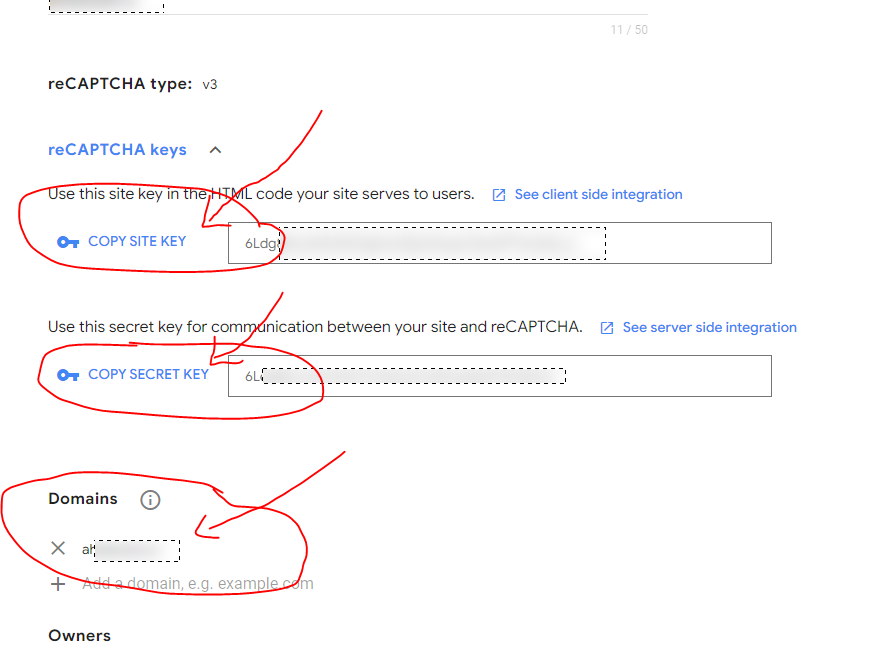
Also, please provide us the Site Key and the Secret Key including your domain name so we can reproduce the issue.
Best regards,
Ariel H.0
Please sign in to leave a comment.
Comments
36 comments