Forms do not send e-mails

Hi Brizy Team,
we got an problem with sending forms from an website build with brizy pro.
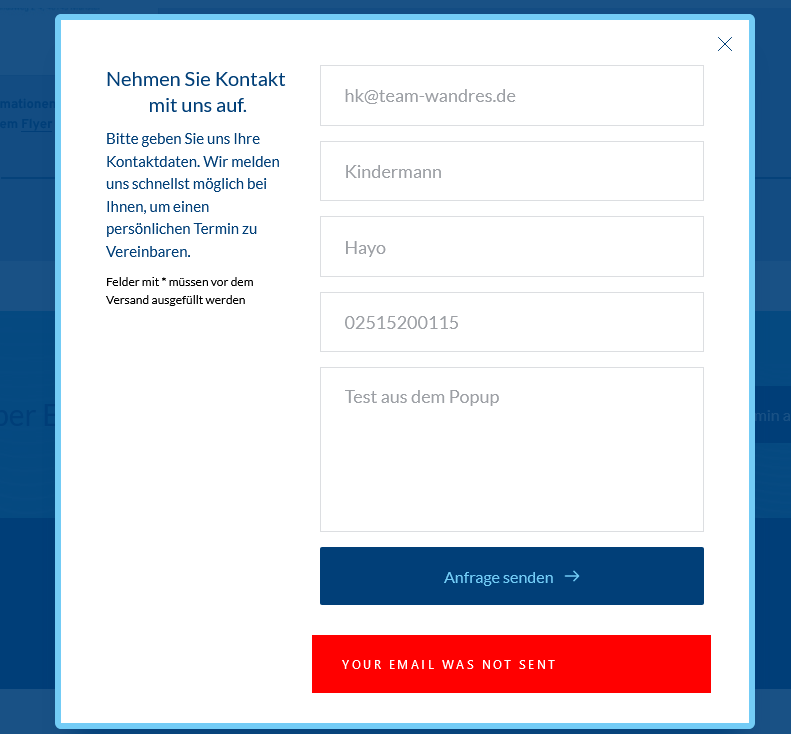
We tryed to use a form in an popup but it alwas says "form not send".
We tryed the same form with the same parameters as an part of an page and there it works perfekt.
Is there a known problem with using forms in popus at the moment?
Yours,
Hayo
-

Hi Rolf,
Thank you for contacting us.
I have added a form in the pop-up element and everything is working well, please see this video. Could you confirm that you are using the latest versions of Brizy Free and Pro 2.4.1 ? Could you please temporarily deactivate all external plugins (except Brizy Free and Pro) and check this issue again?
What integration r did you use? Could you please send us some screenshots? Could you please send us the URL link of the page where we can check this problem? Also, could you try to connect the form with another email?
Best regards, Nelea.
0 -
Hi Nelea,
yes we are running the latest version of the Brizy Free and Pro, as you can see in the screenshot.
Our form is workin well as it is part of a page but won't be send as it is integrated as an popup.
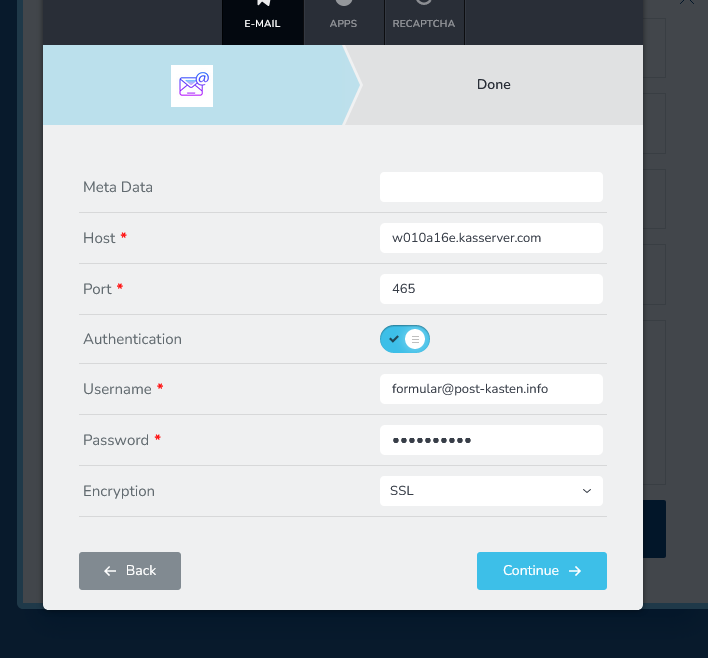
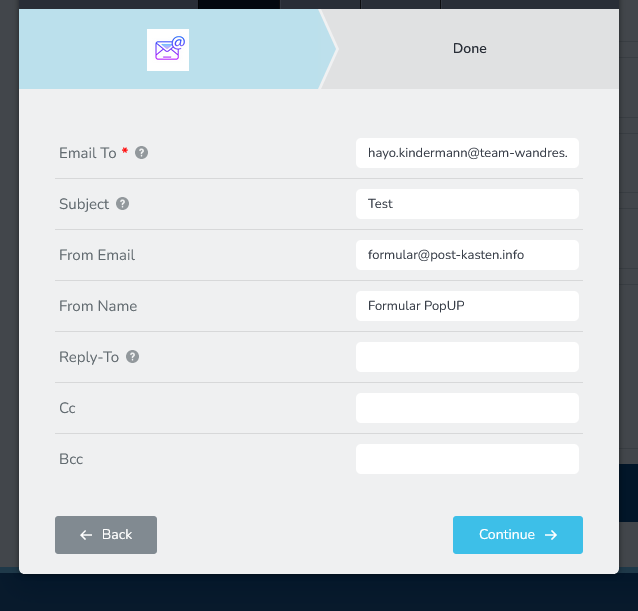
Both forms are integrated with the same smtp parameters in the setup.
And it also doesn't work when we try to do it via WordPress's PHP delivery.
We are running no integrations in the website. The url to the website actualy is: http://entwicklung.wirbelsaeulenspezialzentrum.de/aktuelles/ because it is under construction. You'll reach the PopUp by using the button "Termin anfragen" near the bottom of the page. So both forms are on the same page for testing now.
If needed we can create an admin account for closer checkup :)
Best regards, Hayo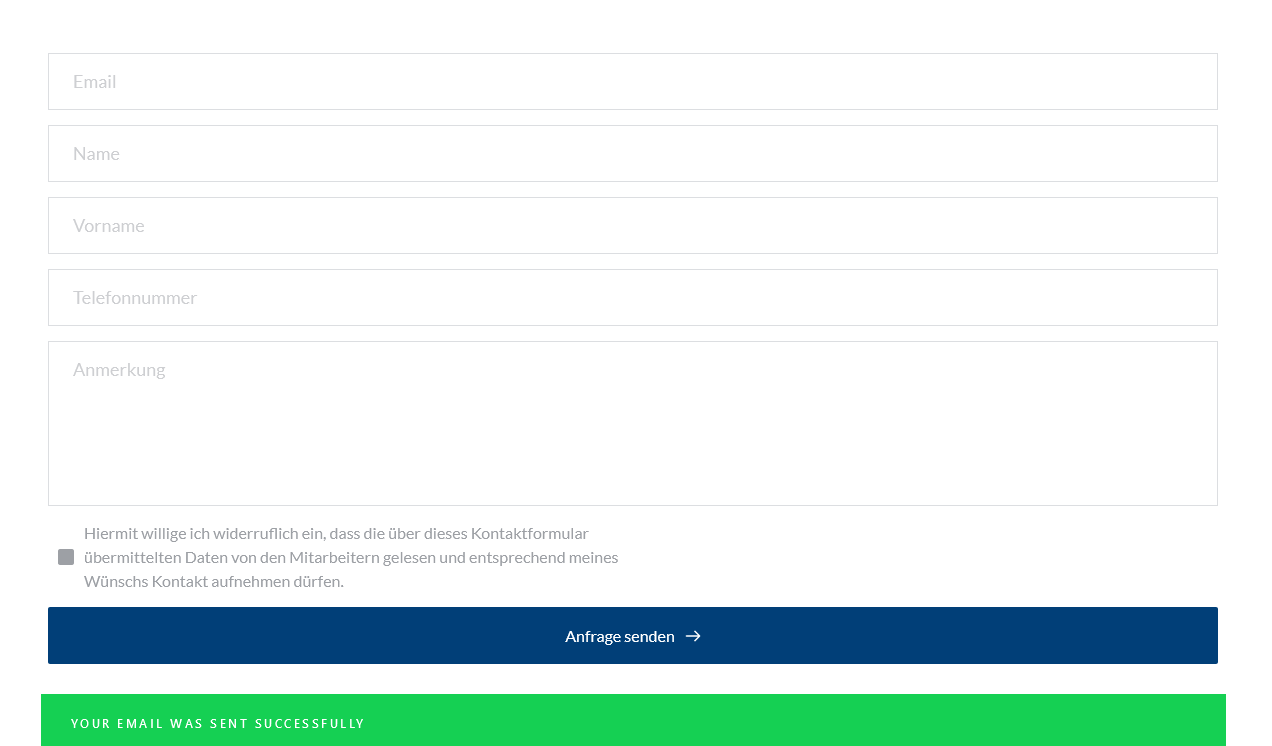
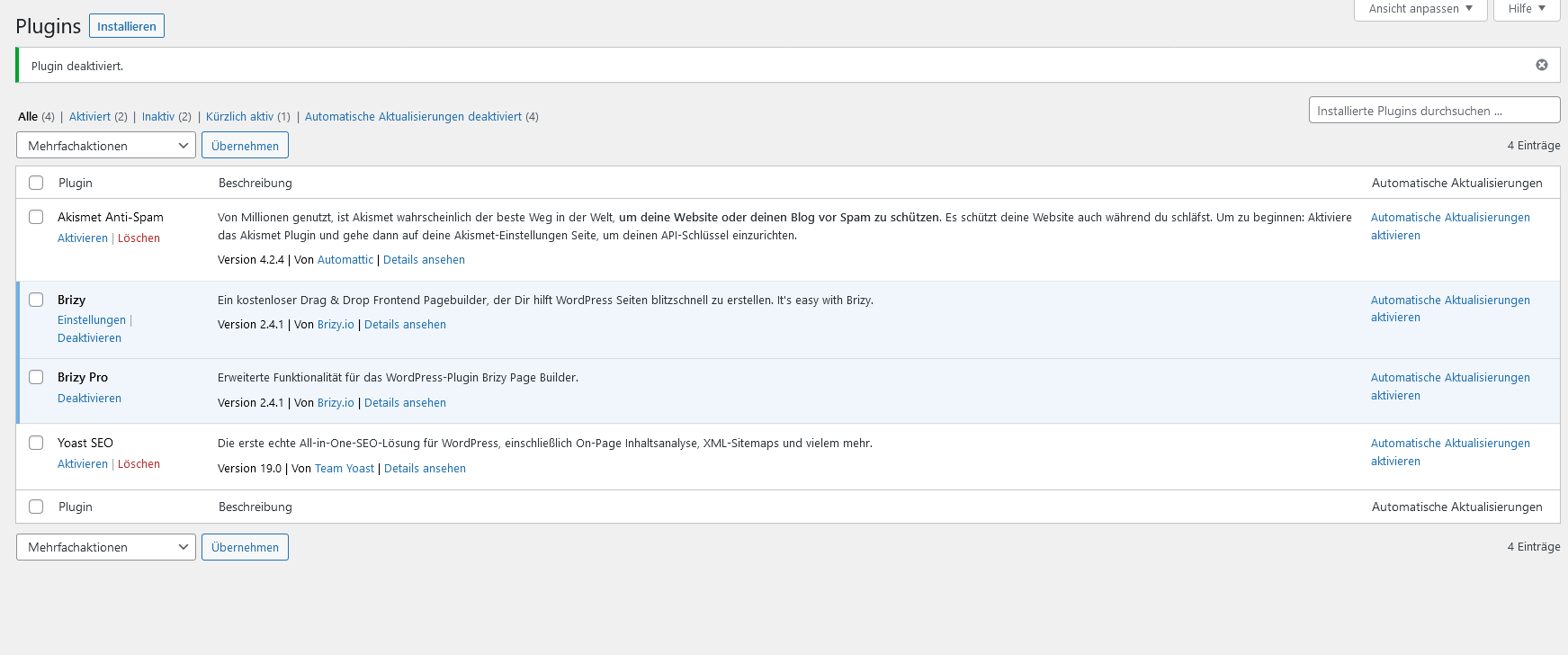 0
0 -

Hi Rolf,
I have just tested a form in a popup. I am able to receive Email Notification from the form. Using forms in a Popup seems working fine.
If you need help with troubleshooting, please add me as a user to your WordPress Dashboard. My email: kc.george@brizy.io. Please enable the option "Send the new user an email about their account" as in this screenshot https://jmp.sh/tSRznJX
Once you have sent me an invitation, please let me know here.
0 -
Hi KC.George,
I have send you an invitation as an admin to our website.
If you need smtp password let me know :)
0 -
Hi Rolf,
Looks like I have not received an invitation to access http://entwicklung.wirbelsaeulenspezialzentrum.de/ I wonder if your website's SMTP service is working well.
Can you send me the login details to my email:kc.george@brizy.io?
0 -
Hi Rolf,
I have installed an SMTP plugin and have added your SMTP server details to the plugin. When you use the WordPress option in your Brizy Form for sending out the form data, the emails will now go through the newly setup SMTP plugin.
I have received the test emails in my Gmail Inbox. Please check if you have received the same test emails. Please remember to check the SPAM folder as well.
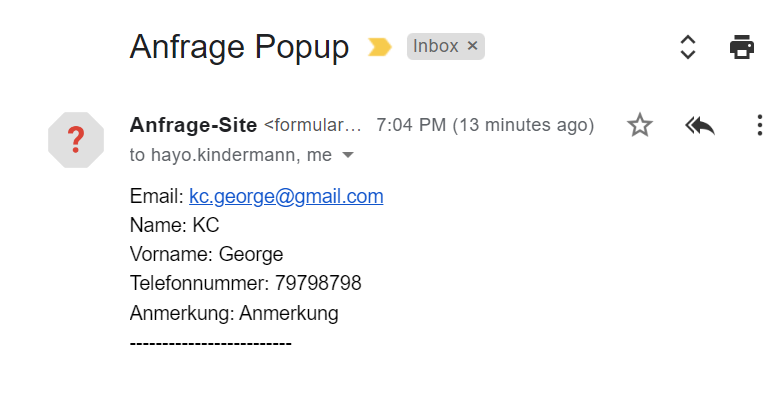 0
0 -
Hi KC George,
yes i received the test emails too. But with the native SMTP Tool in brizy it won't work, is'nt it so?
Is this a bug in brizy wich will get fixed in a later version? Or is it a problem with our installation or server?We'll check the php send problem on the server too :)
At last i've got a last question. You installed a second plugin WPForms in the website. Do we need this plugin? Is this part of the fixing or can we delete this plugin?best regards,
Hayo
0 -
Hi Rolf,
WordPress usually sends out its emails using PHP Mail. In your account, looks like this default method of sending out emails through PHP Mail is not working. (Remember I did not receive the invitation you sent me) Your website needs a default method for sending out different emails. The SMTP plugin I have installed replaces the default PHP Mail option. If you remove this plugin, no email will go out from your website; hence please do not delete it.
I have used the WordPress option in Brizy forms. This option will send out emails through the default WordPress option for sending out emails. In your case, the forms will send out emails through the SMTP plugin.
0 -
Hi KC George,
I'm very sorry but I have a problem with the popUp Form again. We had to ad some new fields to the form to make it valid to german rights and we had to change the url of the page.
It is now http://wirbelsaeulenzentrum-nrw.de/But after doing the changes the popUp won't send mail again. The test email from the plugin WP mail smtp is send and received properly and the popup form is using WordPress option but now it won't work again.
I'm realy sorry but maybe you can help again?All passwords are still the same, so you have full admin access.
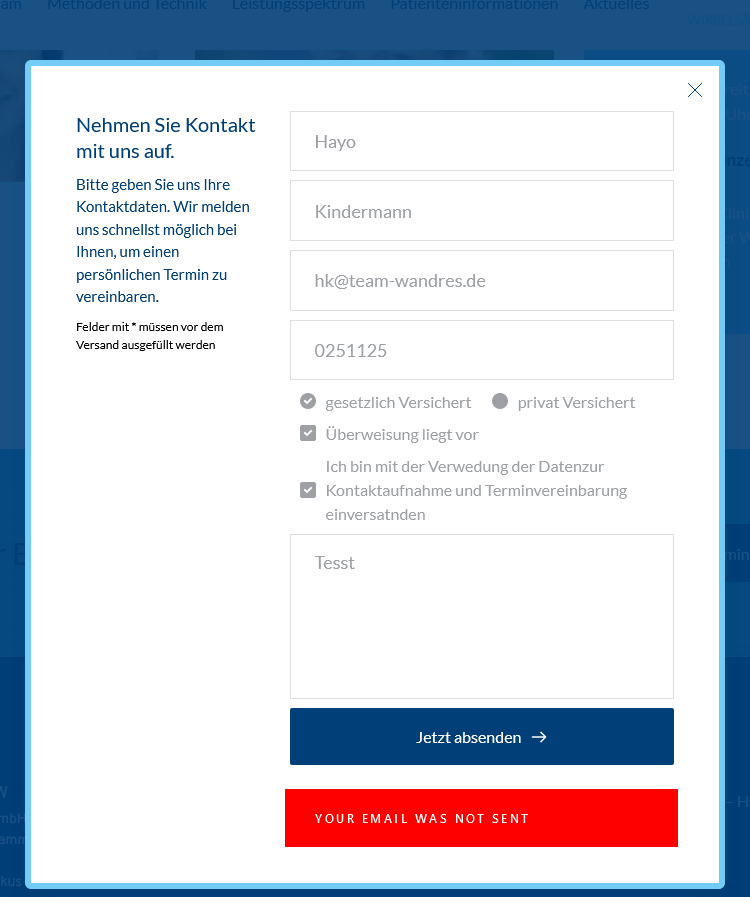 0
0 -
Hi Rolf,
The WordPress Email Notification settings were blank. I have filled it up now. Please test and let us know if it is working well.
0 -
Hi KC George,
now its working but wich Email Notifications do you mean? Were do I find them?
Can you send an screenshot or a capture so I can help myself in further projects :)Thanks for your patience
Hayo
0 -
Hi Hayo,
This is what I mean by Email Notification. https://jmp.sh/MFc2weU
0 -
Hi KC George,
thats somehow strange, I filled it all up the same way you do. I'll try it with an other Form later.
Maybe I forgot to save propperly?!?.EDIT: I've found the mistake I made all the time. I've tought that the entrys I've made in the PopUp section will be used in the Site as well. But I now can see that I have to fill in all informations in the site again, when I've chosen a PopUp as a linked Item.
Ok that makes sence, so you can use the same PopUp on diffrent pages with different settings.
But thankyou again for your patience and the help.Best regards,
Hayo
0
Please sign in to leave a comment.
Comments
13 comments