Brizy Cloud Constantly Asking To Update/Refresh Page

Hello,
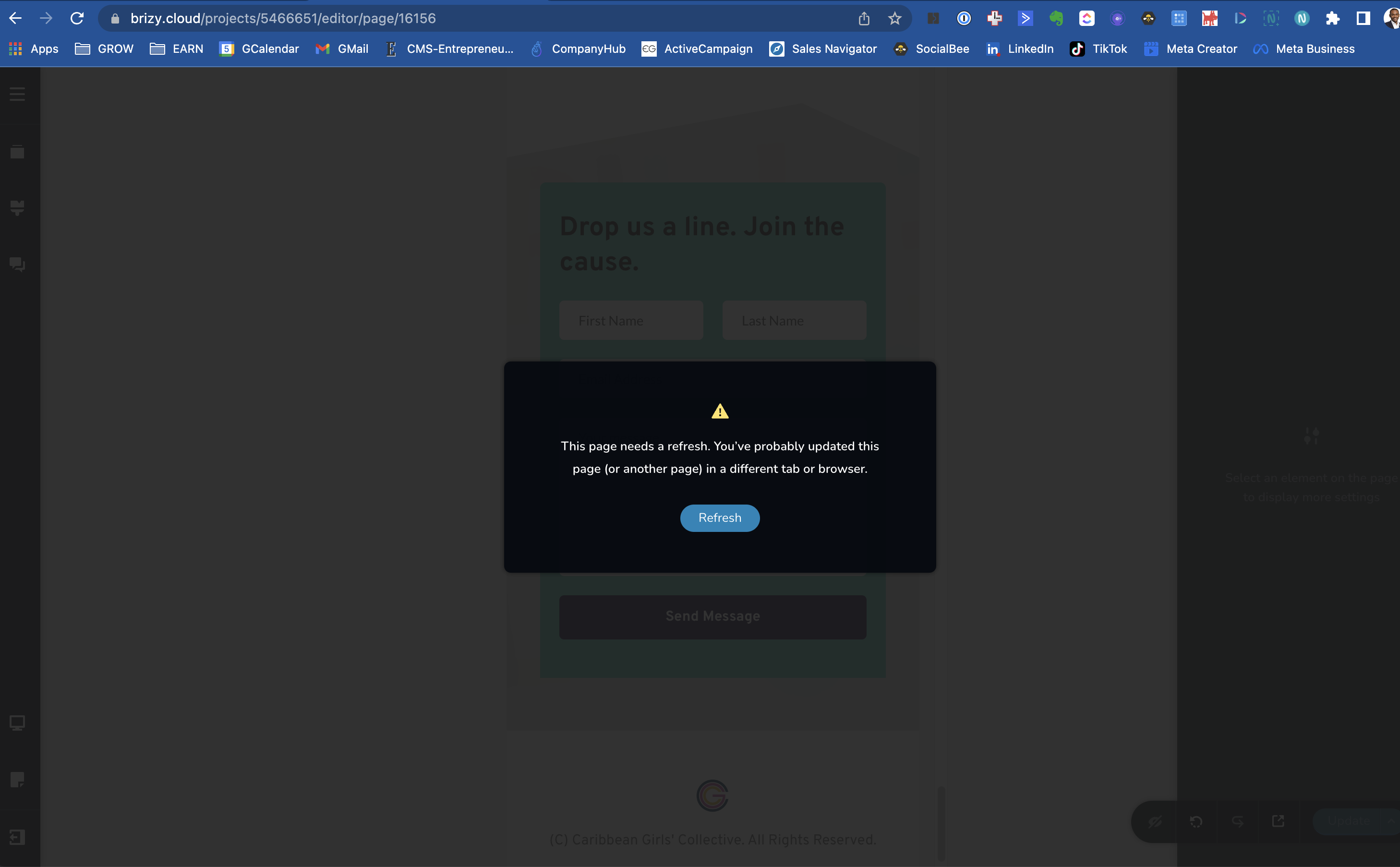
We've noticed that Brizy Cloud is constantly showing the warning in the attached image even though no other pages or tabs are opened.
This is happening after every time the "Update" button is pressed and is only resolved by manually refreshing the browser after each update.
Is this a known problem or is something causing this?
How can it be resolved to avoid losing time with constant page refreshing?
-

Hi
This does not come across like a widespread Brizy Cloud issue. In my Brizy Cloud projects, I do not face this issue.
Can you invite me to your project as a Team Member so that I can take a look at this problem? My email: kc.george@brizy.io. Please assign me "Manager" role.
Once you have send me an invitation, please let me know here.
0 -
Thanks KC George - invitation sent.
Looking forward to your feedback.
0 -
Hi
I have looked at your project. I could not reproduce the issue. Please see this video. https://jmp.sh/wYrSgfo
This could be due to a local issue. Please try these
- Please try accessing Brizy Cloud from an alternate browser and check if you have the same issue.
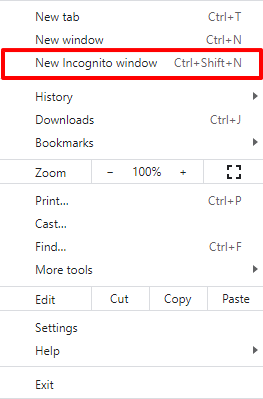
- Try accessing Brizy Cloud from an Incognito (private) window of your browser.
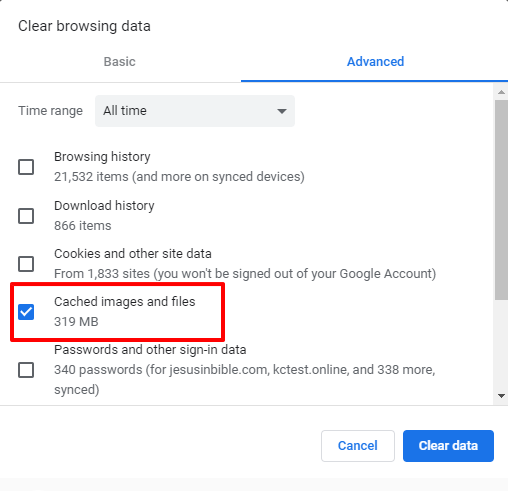
If you do not get the same error, please clear cached images and files in your browser and check again.
 0
0 -
Ok, thanks. In another Chrome window, the error seems to be gone. Will try clearing the cache on the original browser.
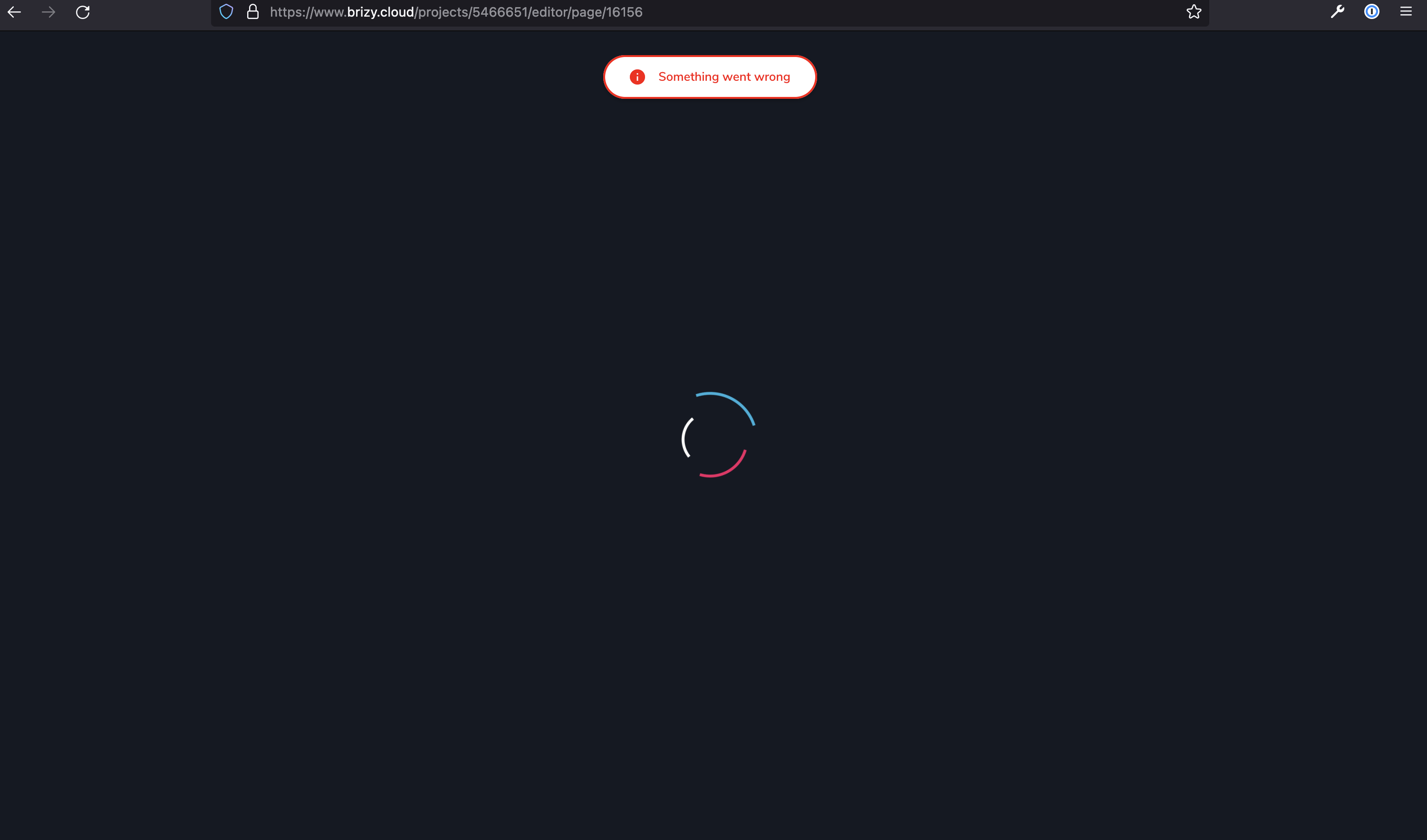
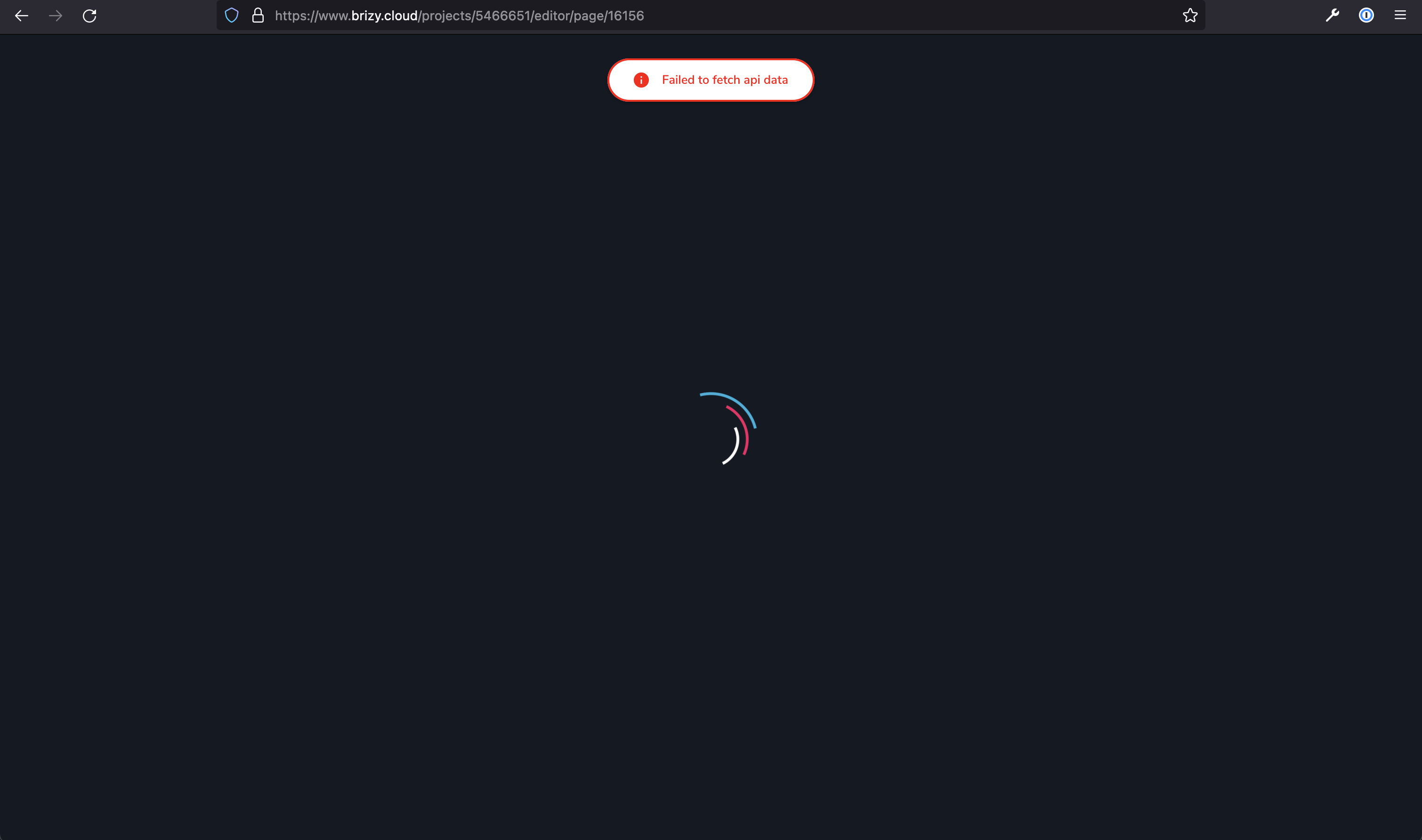
However, in Firefox Developer, the project fails to load entirely. Should Brizy Cloud work in Firefox Developer?
 0
0 -
Hi
Brizy Cloud seems to works well with the regular Firefox. With the Firefox developer, it seems to have some issues.
0 -
Hi KC,
Apologies for the slow reply.
Noted about problems with Firefox Developer.
We still haven't been able to overcome this error on Google Chrome in the past month, even after clearing the cache (image and files) and cookies for brizy.cloud.
Page updates don't complete (infinite load) in the builder although they are pushed live and we have to refresh the builder window to stop it.
Last year, the sites on our account were migrated onto a paid plan. We only noticed this issue after that.
Could there may another problem on the Brizy side causing this issue?
Thanks and looking forward to your feedback.
0 -
Hi
We have had some problems with Brizy Cloud in the last 12 hours; no one could save changes they make to their projects. This issue has been fixed and now projects can be saved. Did you experience this issue just in the past 24 hours?
0 -

Hi,
just to add to this thread, we have been getting the same issue all of today. With the message as above where it states 'this page needs a refresh'. (We are in NZ so all your evening)
0 -
Thanks KC - I believe these current observations were in the past 24 hours. It seems to be working again now and we will continue to monitor.
We'll also avoid Firefox Developer until that becomes compatible with Brizy Cloud.
Thanks.
0 -
Hi Adam,
Do you still have this issue or is it resolved?
0
Please sign in to leave a comment.
Comments
10 comments